
Add to Chrome

Free, no account, no ads

English Français

Customize the Chrome new tab page

Your sites tidied into folders, your essentials one click away, instant search. Everything stays on your computer.

Add to Chrome

Free, no account, no ads

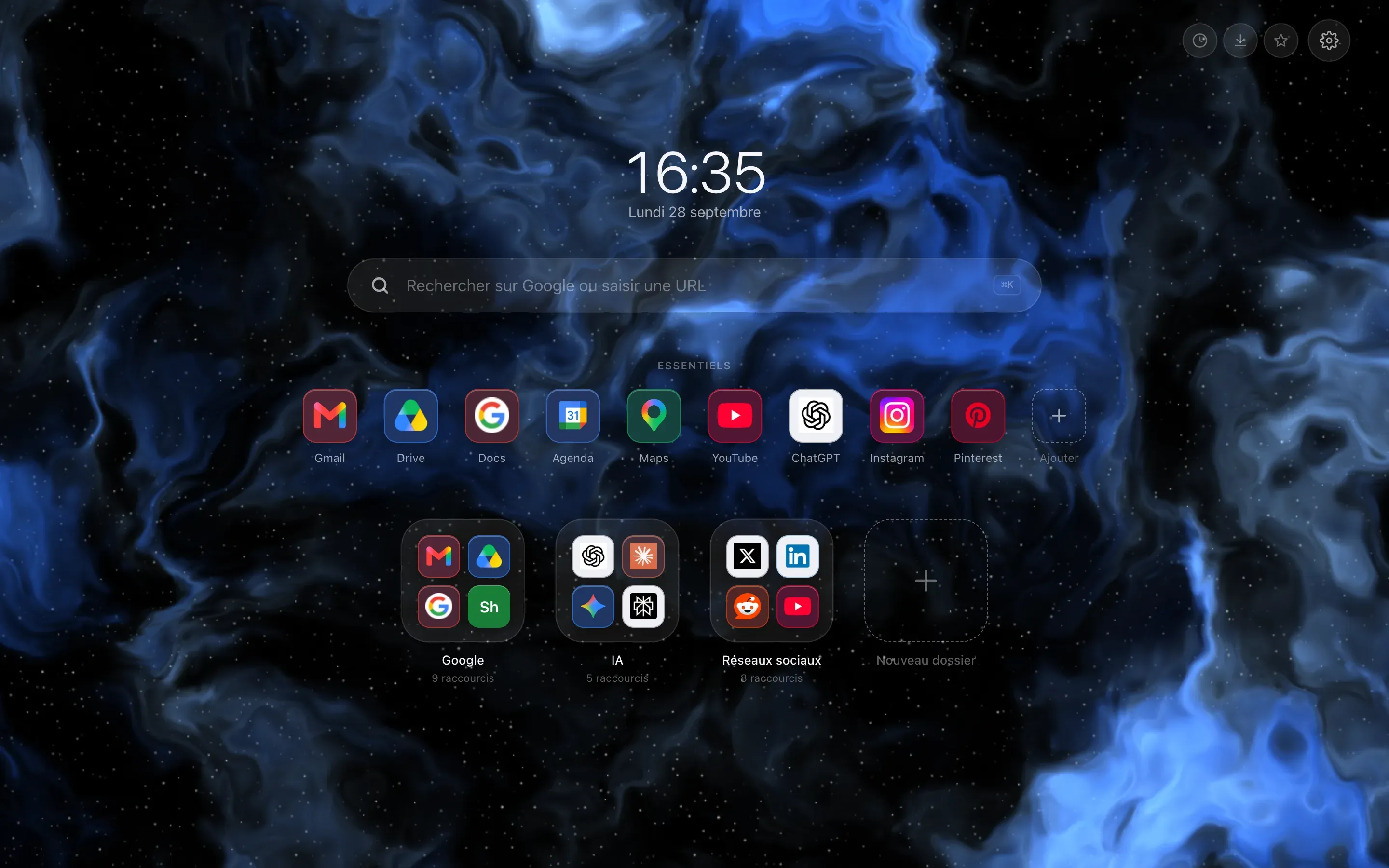
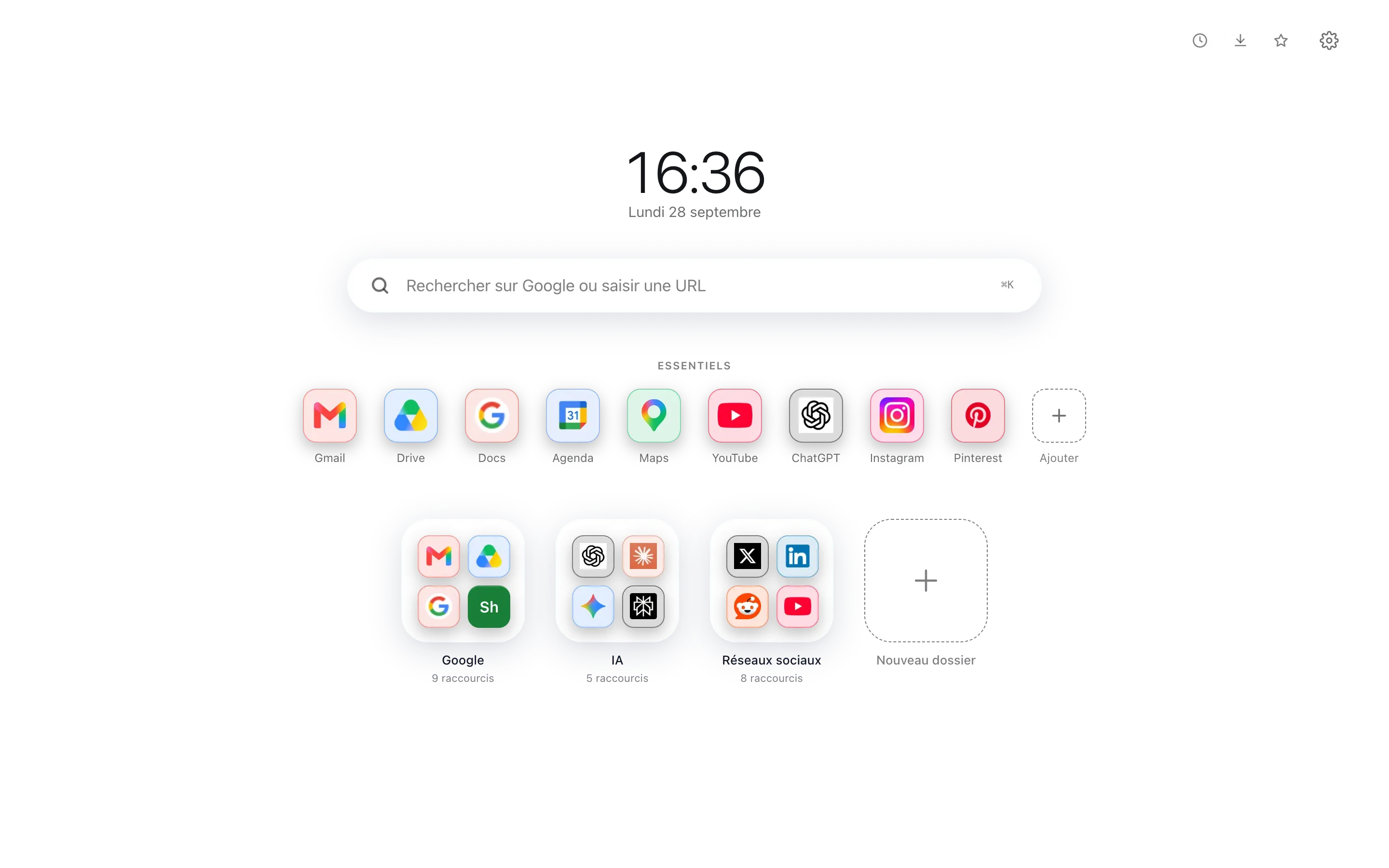
The Chrome new tab page replaced by Hoome: clock and date in the middle, a search bar, a row of pinned shortcuts, then six folder tiles on a blue gradient background.
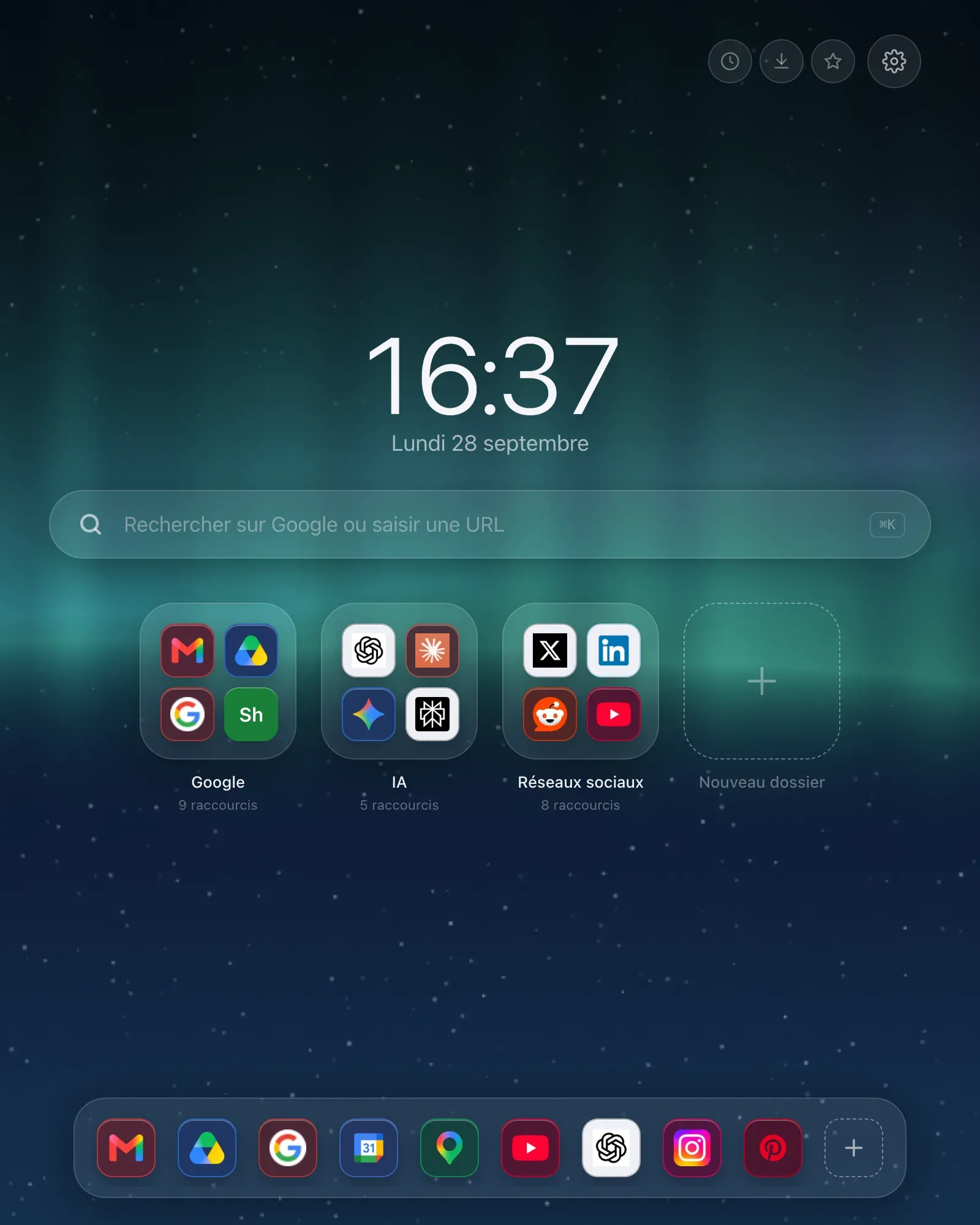
The Hoome new tab page on a narrow screen: clock, search, essentials and folders stacked in one column.

Installing Hoome takes five seconds

No sign up, no card, and nothing to set up before you can use it.

  1. Add the extension

    One click from the Chrome Web Store. Hoome asks for no worrying permission at install time: access to your bookmarks is requested only on the day you ask to import them.

  2. Open a new tab

    Your page is already there, with a few shortcuts to start from. You can bring your bookmarks over by ticking only the folders you care about.

  3. Build your dashboard

    Drag one icon onto another to make a folder, pin your essentials, pick a background. Everything is saved as you go, on your computer.

What Hoome adds to your new tab

Six features, set up in seconds, and nothing that asks you for an account.

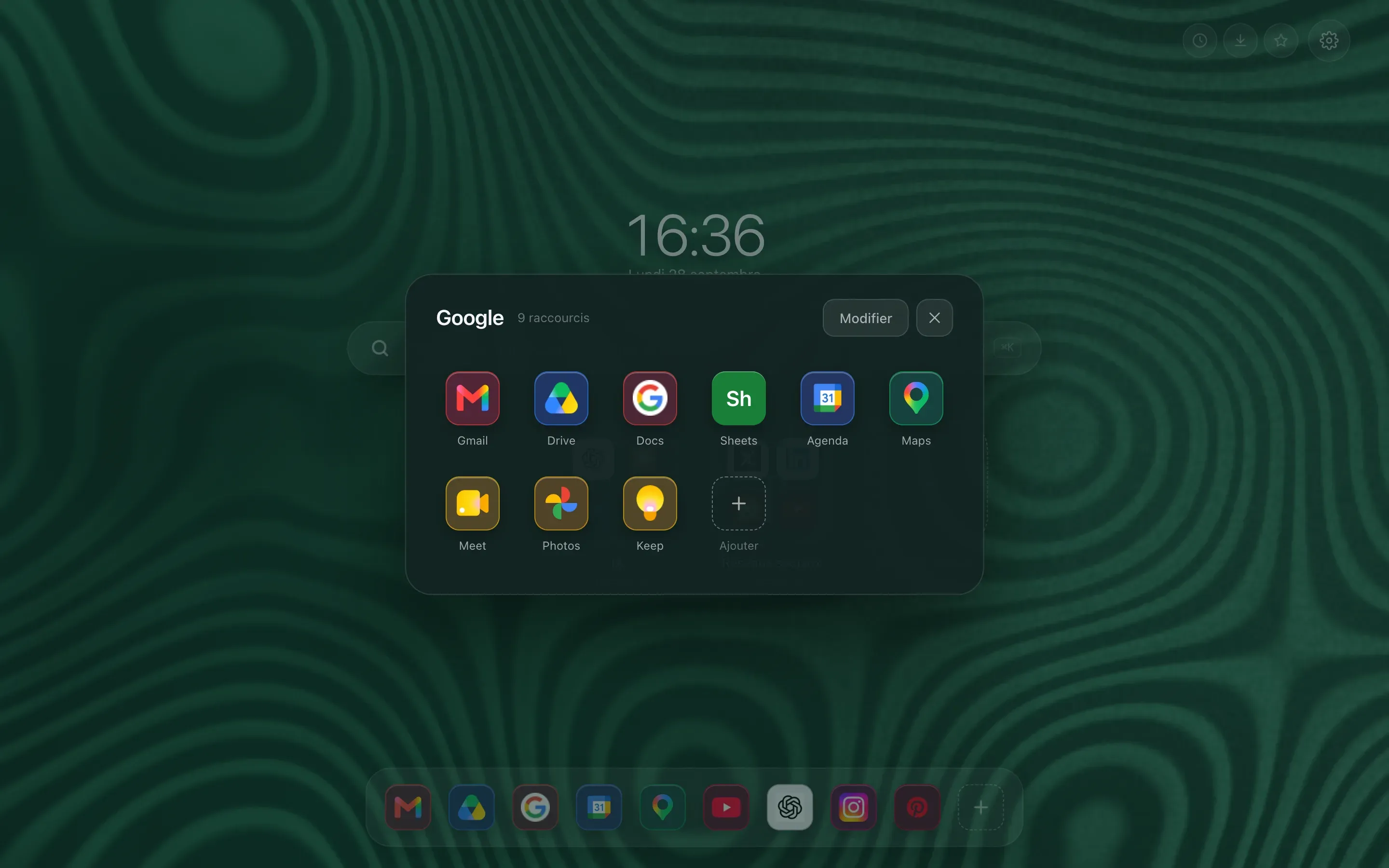
A folder zoomed open above the page: the full grid of its shortcuts, with the folder name and the rest of the page dimmed behind.

Folders, the way a phone does them

A preview tile shows 4 or 9 icons. One click and it zooms open on the full grid. Work tools on one side, reading on the other, and the page stays short.

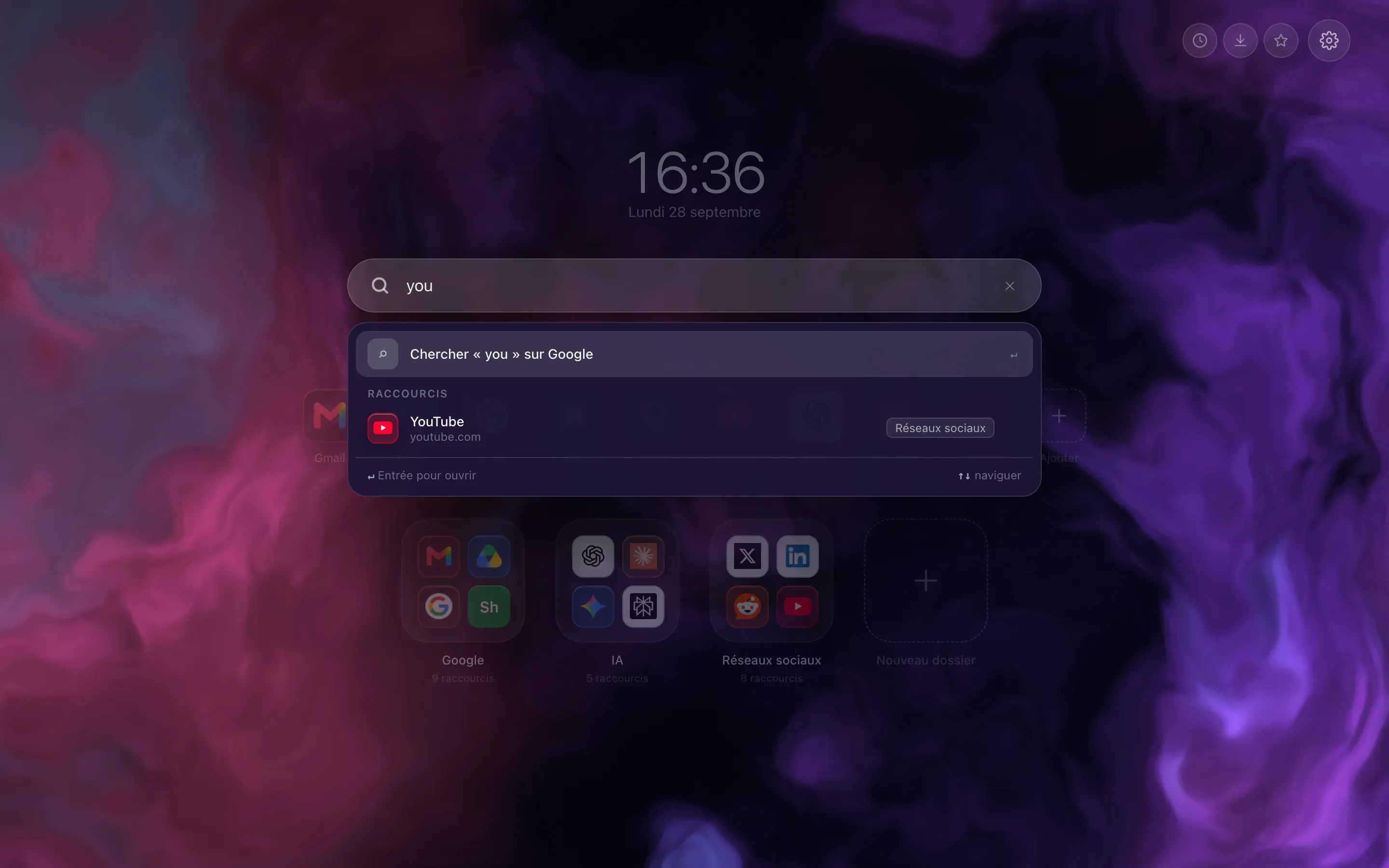
Instant search: a few letters typed in the bar, and the list of matching shortcuts appears under it, ahead of the search engine suggestions.

Type three letters, the site is there

The bar filters your shortcuts as you type, and switches to Google, DuckDuckGo or Bing when what you want is not filed with you. Enter opens the first result, Shift and Enter force a web search.

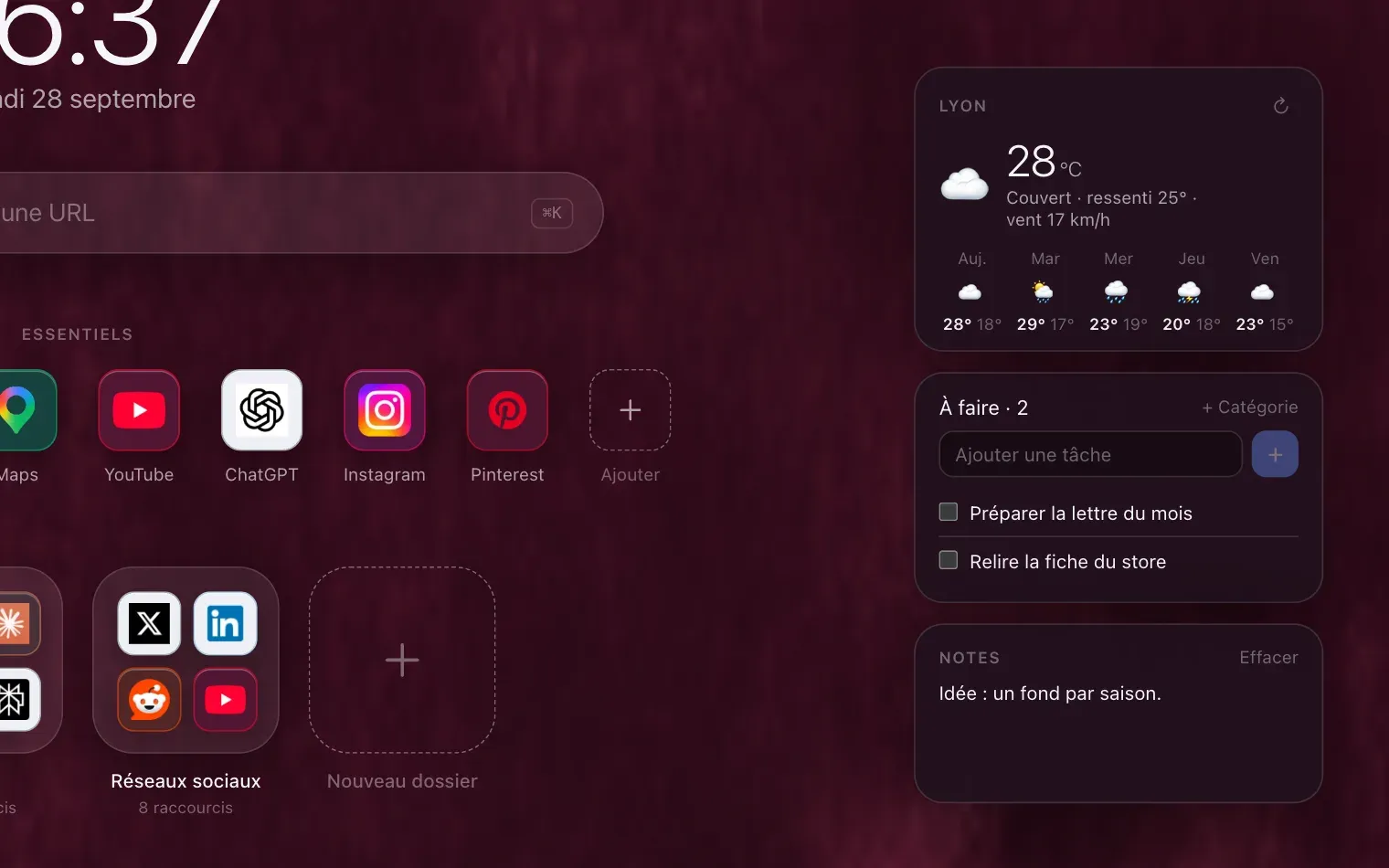
Close up on the three widgets: the five day forecast for the chosen town, a task list and a quick note.

The weather, your tasks, your notes

Three widgets, off by default, that you switch on one at a time. The five day forecast asks for no account and no key, only the name of your town. Tasks and notes stay on your computer.

  • Instant search

    Start typing: your shortcuts filter down. Enter opens the first result, or sends you to Google, DuckDuckGo or Bing.

  • Pinned essentials

    A fixed row for the sites you open every day. It never moves.

  • Optional widgets

    Weather with no account and no key, tasks, notes. Three layouts to choose from.

  • Bookmark import

    You tick the browser folders to bring over, the rest is ignored.

  • Icons your way

    The site icon, coloured initials or your own image. Three sizes, three styles.

  • Backups

    Ten automatic snapshots, plus JSON export and import whenever you want.

Your data stays on your computer

No account for the free version, no analytics, no ads. Your shortcuts, folders and notes are saved in the browser local storage and never leave it, not even with Premium. Strict privacy mode even switches off the icon and weather requests.

  • Ten automatic snapshots

    A tidying mistake is undone in two clicks.

  • JSON export and import

    A file you keep, carry over, or delete.

  • No advertising

    Nothing is sold, nothing is measured.

Choose your background and theme

Twelve backgrounds included, or your own picture. Click a swatch to change the preview.

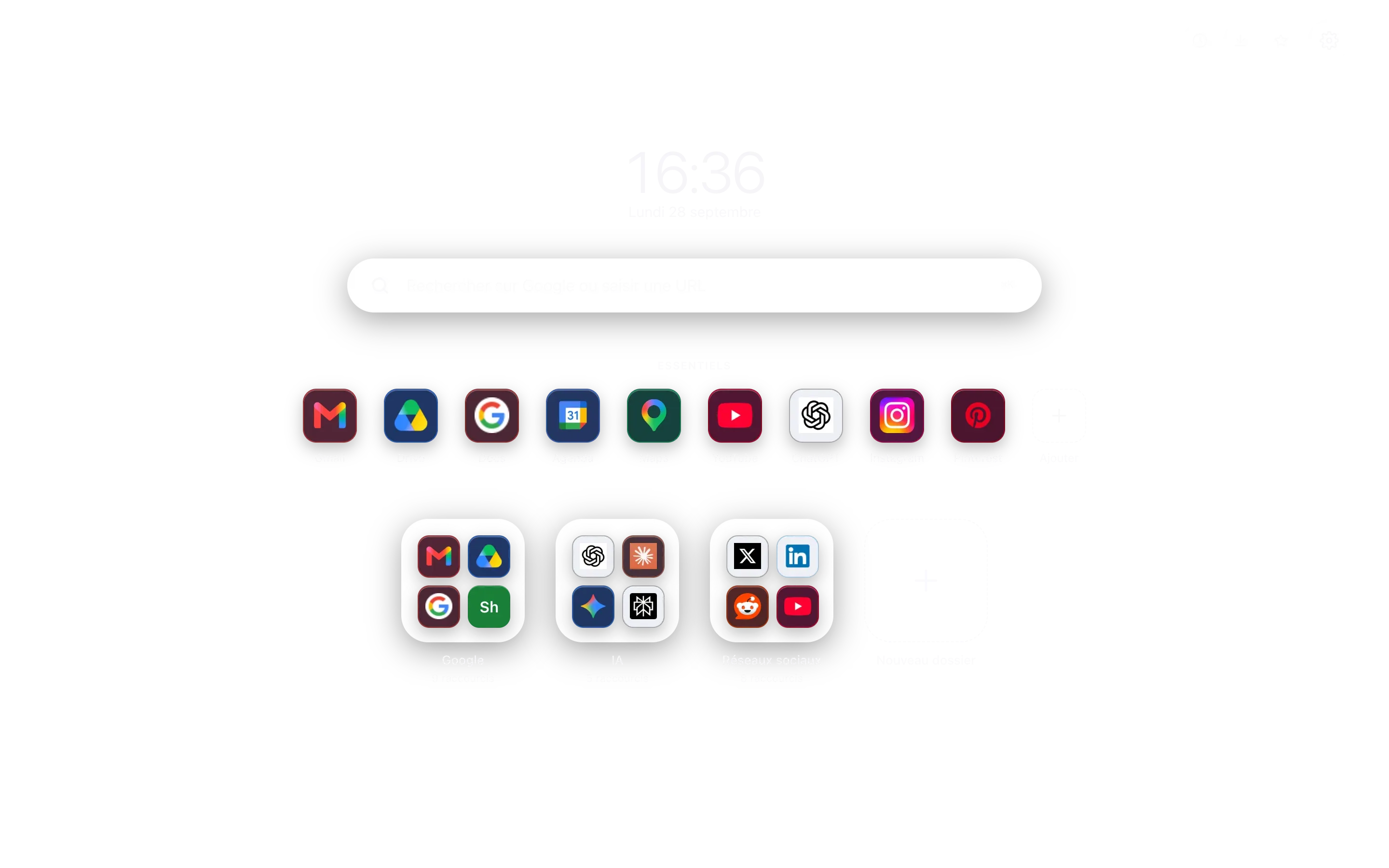
The Hoome home page without its background, laid over the chosen gradient.
The Hoome home page in light theme, without its background, laid over the pale dawn gradient.
Background · Blue Plum Night Lagoon Ember Dawn

Pricing

Free for good, Premium to go further

Hoome is free, with no time limit and no advertising. Premium lifts the limits for people who file a lot, across several machines, and want the page exactly their way.

Subscription length

Free

Everything you need to tidy your new tab page and use it every day.

€0 forever

Add to Chrome

No account, no card.

  • 100 shortcuts
  • 5 folders
  • Your own background images
  • Clock font and language

14 days free

Premium

Everything the free version does, without its limits, and synced between your browsers.

€1.99 per month

No commitment, cancelled in two clicks.

€11.99 per year

Under €1 a month, six months free.

€24.99 once

Launch price, it will rise to €29.99. A single payment, no renewal.

Try Premium

Sign in with Google, then fourteen free days on the yearly plan. Card required, cancel in two clicks.

  • Unlimited shortcuts
  • Unlimited folders
  • Your own background images, no limit
  • Clock font and language of your choice

Nothing is ever deleted: past a limit, the extra items stay where they are, simply read only.

Your next tab can be a tidy one

Five seconds to install, no sign up, and everything exports if you change your mind.

Add to Chrome