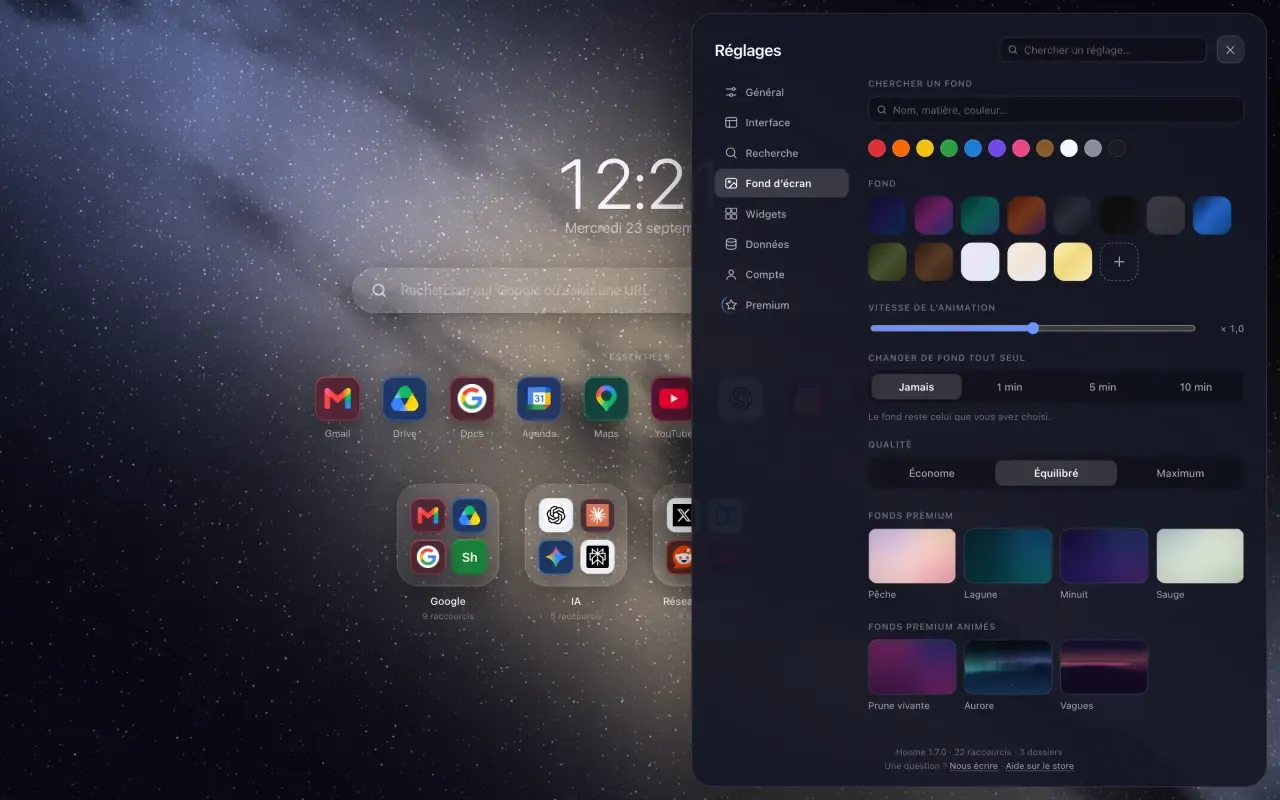
You change the Google Chrome background in a few clicks, from the new tab page. This guide gives the method built into the browser, the trap to avoid when an extension already owns that page, then the backgrounds of Hoome, family by family.
Change the Google Chrome background from the browser settings
- Open a new tab.
- Click Customize Chrome, at the bottom right.
- Pick a background from the Google collections, or upload a picture of your own.
That background only counts for the Chrome new tab page.
If an extension already owns your new tab, do not go that way. You would be dressing up a page you no longer see, and Chrome may take the chance to ask “Did you mean to change this page?”: its “Change it back” button disables the extension. Your shortcuts and folders are untouched: open
chrome://extensionsand switch the extension back on. The background of an extension is changed in its own settings, never in those of Chrome.
Backgrounds that move, with Hoome
Hoome replaces the new tab page and brings its own backgrounds: thirteen free gradients, and more than one hundred and thirty backgrounds drawn by code, many of them animated. Nebulae, ocean, liquid metal, animal coats, marble or landscapes: they are computed on your own machine, with no video to download.
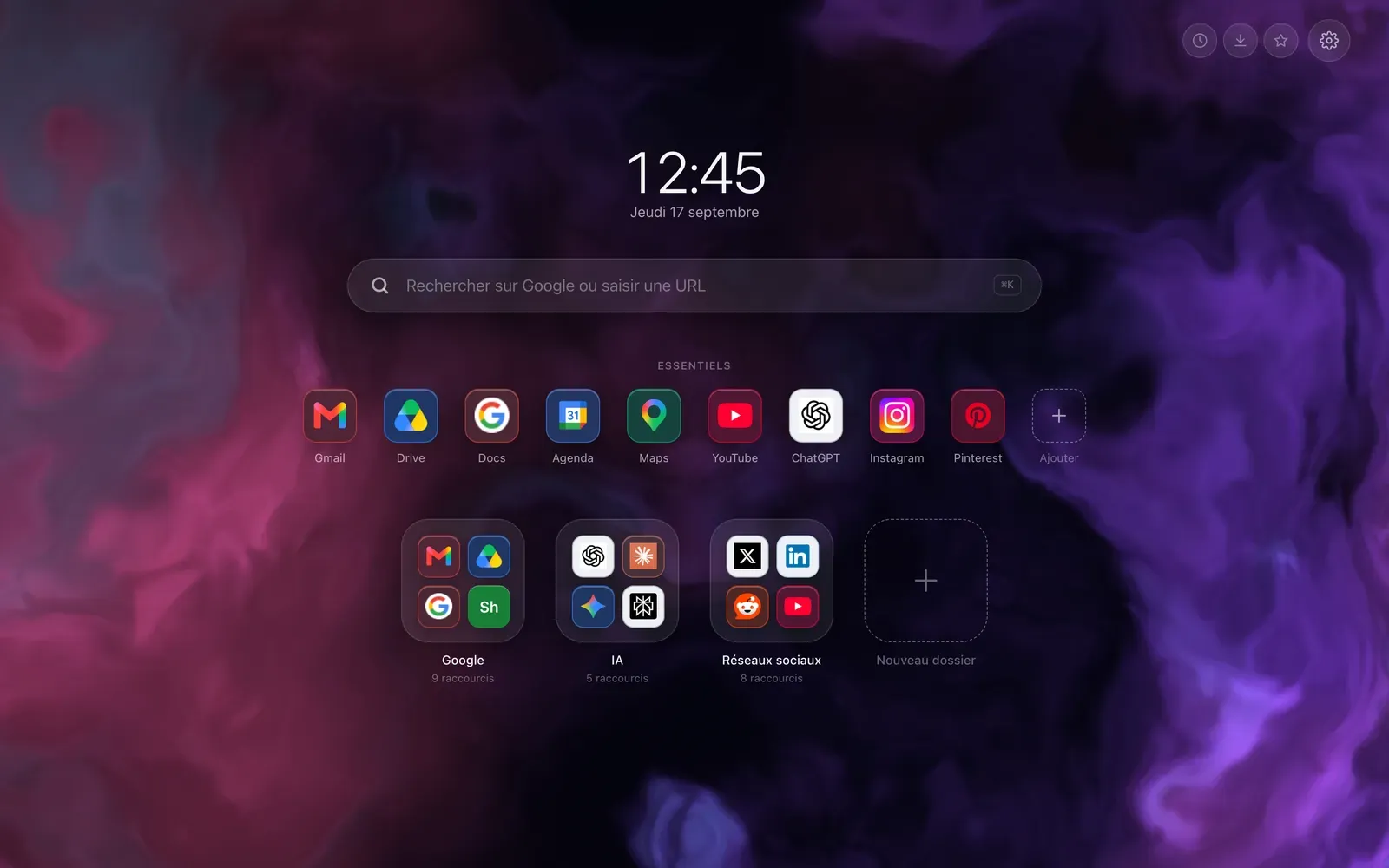
The animation pauses when the tab is hidden, and stays still if your system asks for reduced motion. Its speed is yours to set, from Still to Fast.
Fourteen families of backgrounds
The more than one hundred and thirty drawn backgrounds are sorted into fourteen families:
- Minimalist: mesh gradients, soft and still, and a plum that breathes,
- Nebulae: clouds of gas and dust, from sapphire to ruby,
- Galaxies: spirals, Andromeda, a pulsar,
- Gravity: black holes, a quasar, hyperspace,
- Space: an aurora, the Milky Way, constellations, planets, shooting stars, all animated,
- Ocean: waves, the sea in clear waters, in broad daylight or at night under the moon,
- Chrome: black chrome, silver, gold, a liquid metal that ripples slowly,
- Animal coats: leopard, tiger, zebra, fox, drawn hair by hair,
- Minerals: Carrara marble, malachite, golden onyx, slate,
- Paper and ink: washi, floating ink, wash drawing,
- Textiles: linen, jute, denim, velvet,
- Landscapes: dunes, ridges, mist, at different hours of the day,
- Sport: a swimming pool, a pitch, a clay court, hardwood, ice, a running track,
- Techno: beams of light, smoke and a neon grid, in a dark room.
Most of them move, about twenty stay still, like a real slab of marble or a sheet of paper.
Finding the right one
In Settings, the Background section, backgrounds are sorted by family. Type a word, “marble” or “ocean”, or touch a colour swatch: only the backgrounds that match stay on screen.
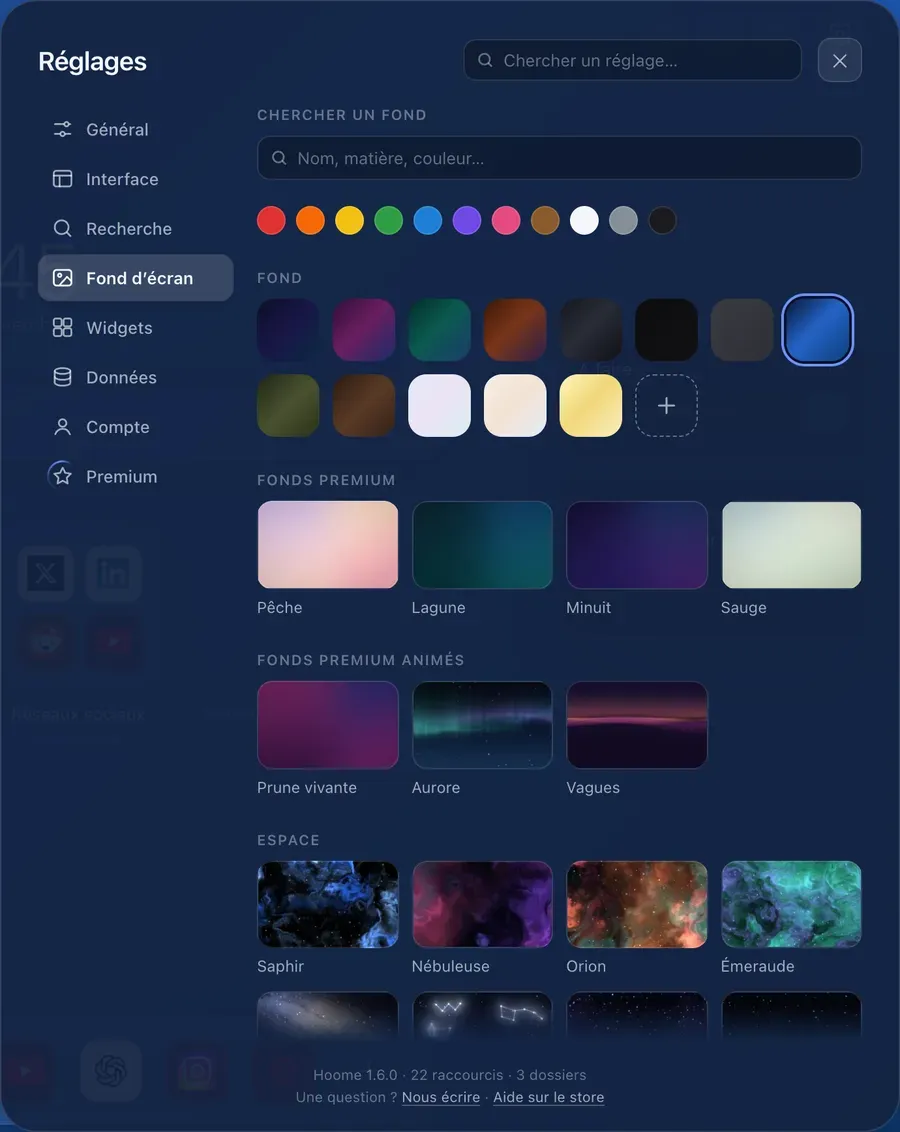
The drawn backgrounds are part of Premium. Every Monday, two of them, animated, are free for everyone for the week. With Premium, you can also put up a picture of your own.
Light or dark
A light background calls for a light theme: when you pick one, Hoome matches the theme to it, so that the time and the names stay readable.
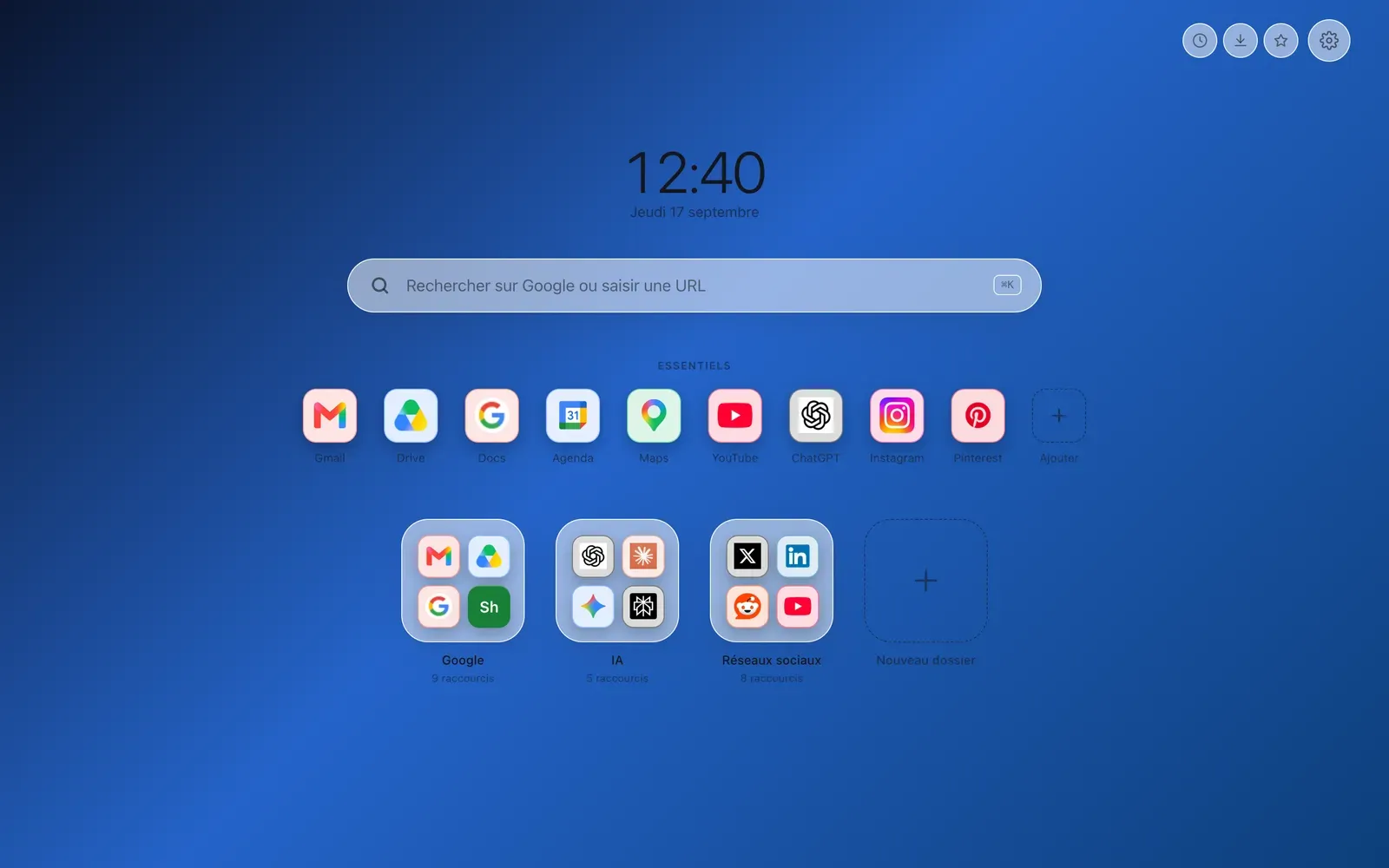
To change background at any moment, open the settings, the cog at the top right, then Background.