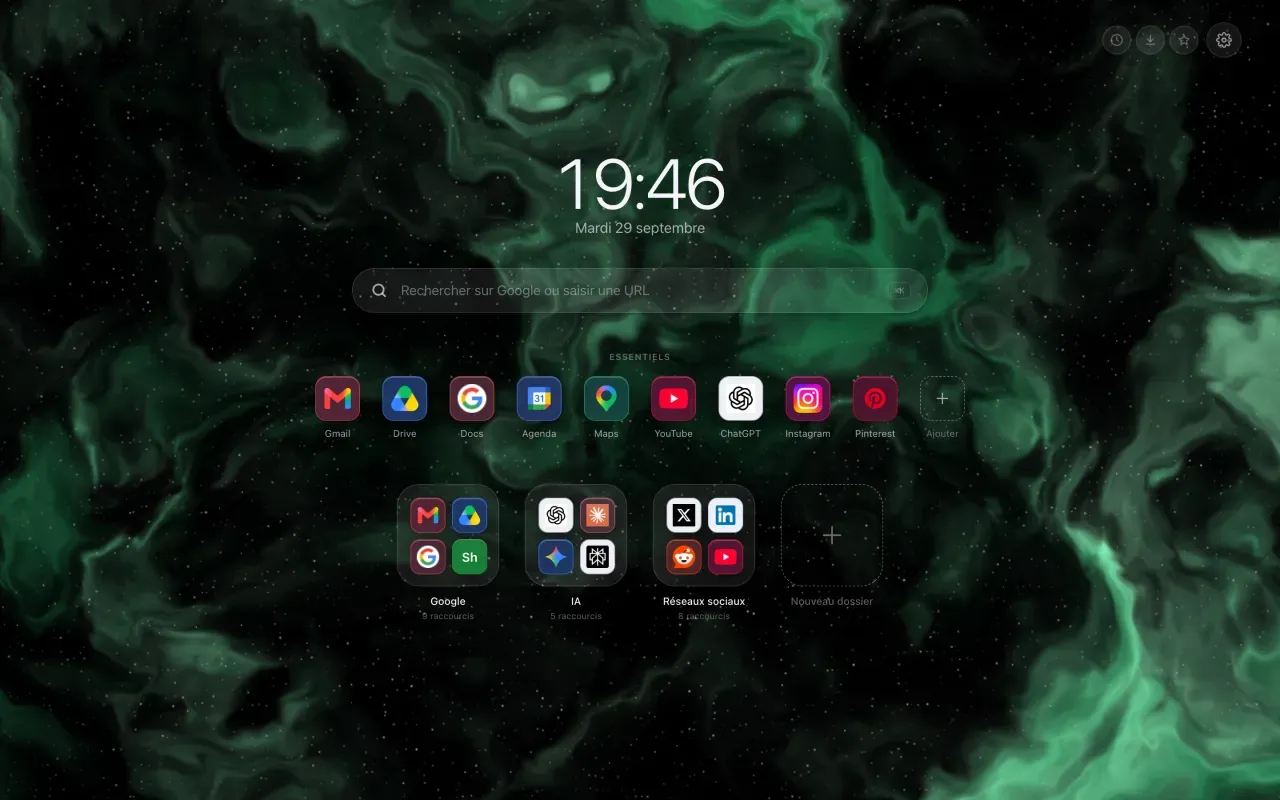
You install a new tab extension, and a grey bar appears at the bottom of the page, with the name of the extension and a “Customize Chrome” button. It does not come from the extension. It comes from Chrome, and two clicks remove it.
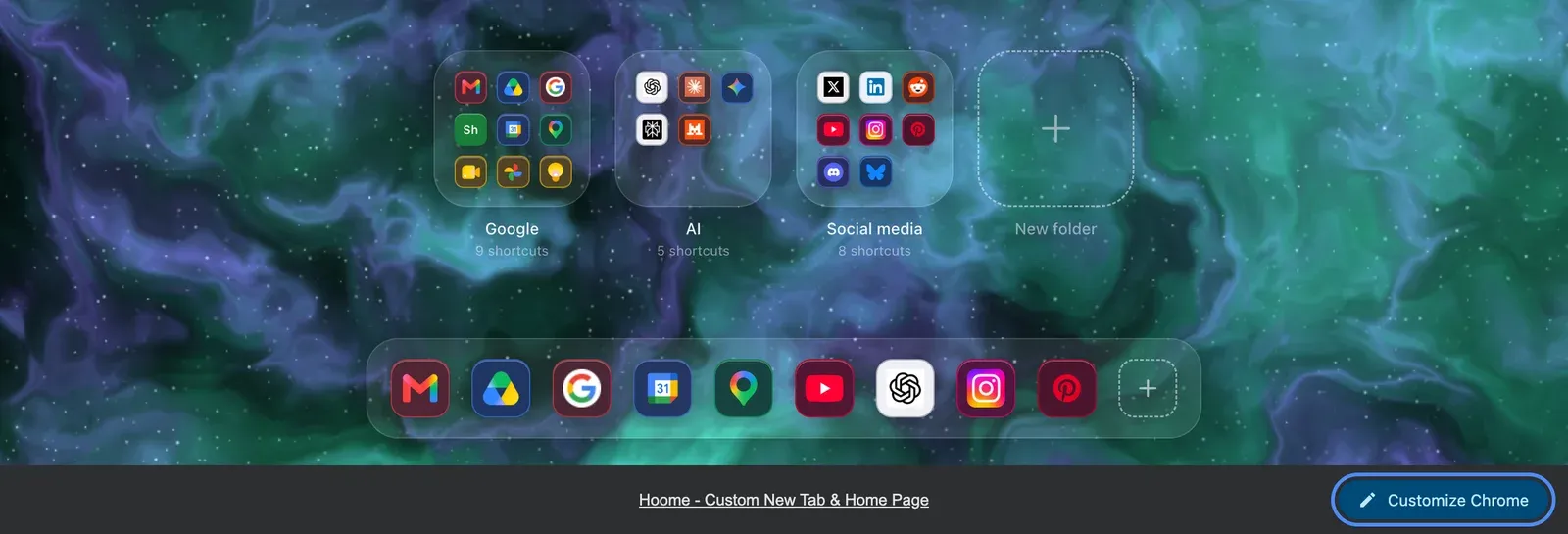
Two clicks, and it is gone
On your new tab page, click Customize Chrome, on the right of the bar. The panel that opens at the side belongs to Chrome, not to the extension. Scroll down to the Footer section, and turn off the Show footer on New Tab page switch.
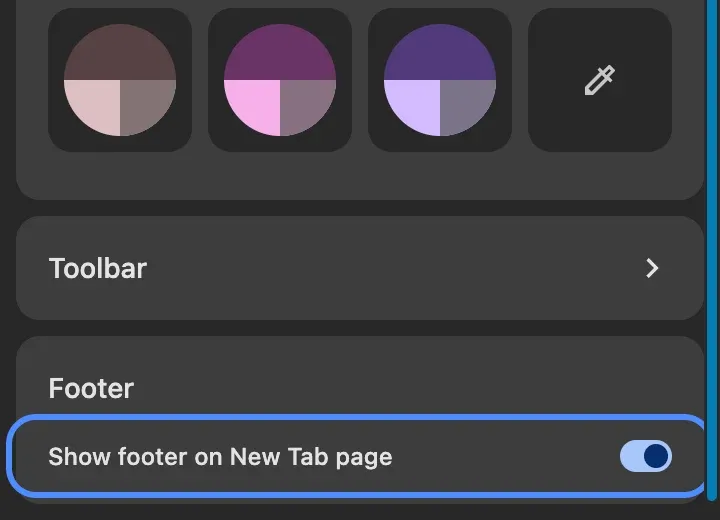
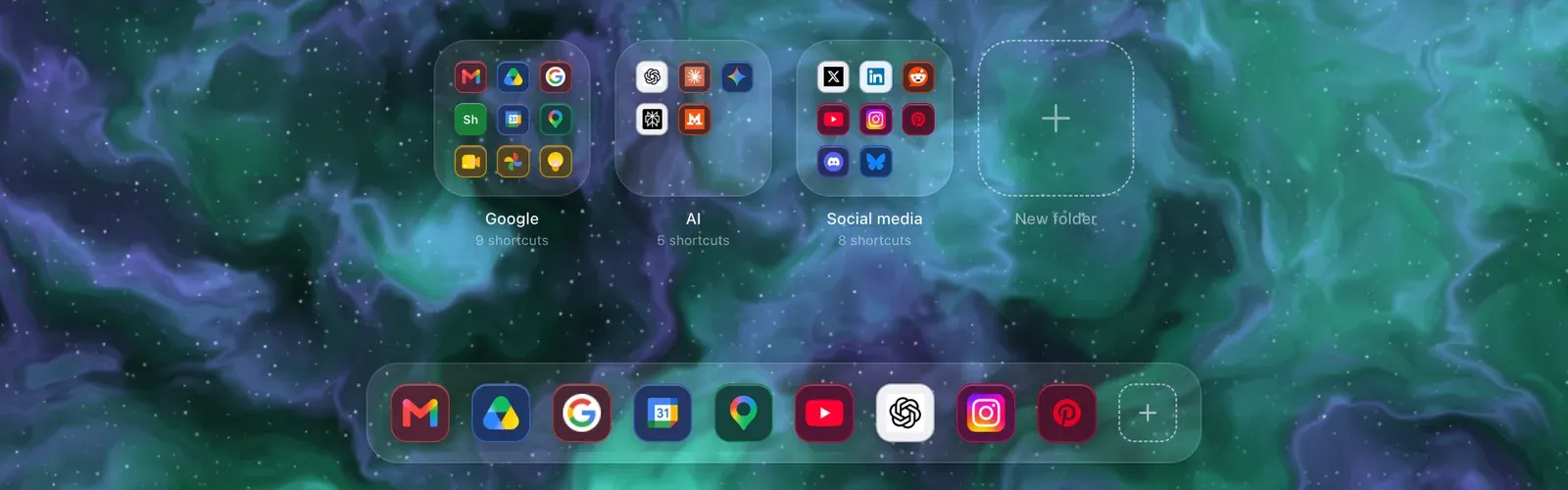
That is all. The bar disappears at once, on every tab, and it does not come back. Right-clicking the bar also offers to hide it.
Where the bar comes from
Chrome has been adding it since version 138, under every new tab page provided by an extension. It is a transparency measure: Chrome wants you to know which extension replaced that page, and it wants to leave you a way back to its own settings.
The intention is sound, the result is confusing: the bar carries the name of the extension, so many people assume the extension is showing it, and go looking for the switch in the extension’s own settings.
Why no extension can remove it
The bar is drawn by the browser, above the page, outside the document the extension controls. No line of code, no permission, no API can touch it. That is deliberate, and it is rather healthy: an extension able to erase what the browser says about it would hold a power nobody should hand out.
If an extension promises to make it disappear, it is promising something it cannot deliver. We simply show you the way, in Hoome’s settings.
What about Firefox?
The question does not arise: Firefox puts no such bar under an extension’s new tab page.
Once the bar is gone, the page runs all the way to the bottom of the screen, and the background with it. That is when the choice of background really counts: changing the Chrome background becomes the setting that changes the most on the page you open fifty times a day.