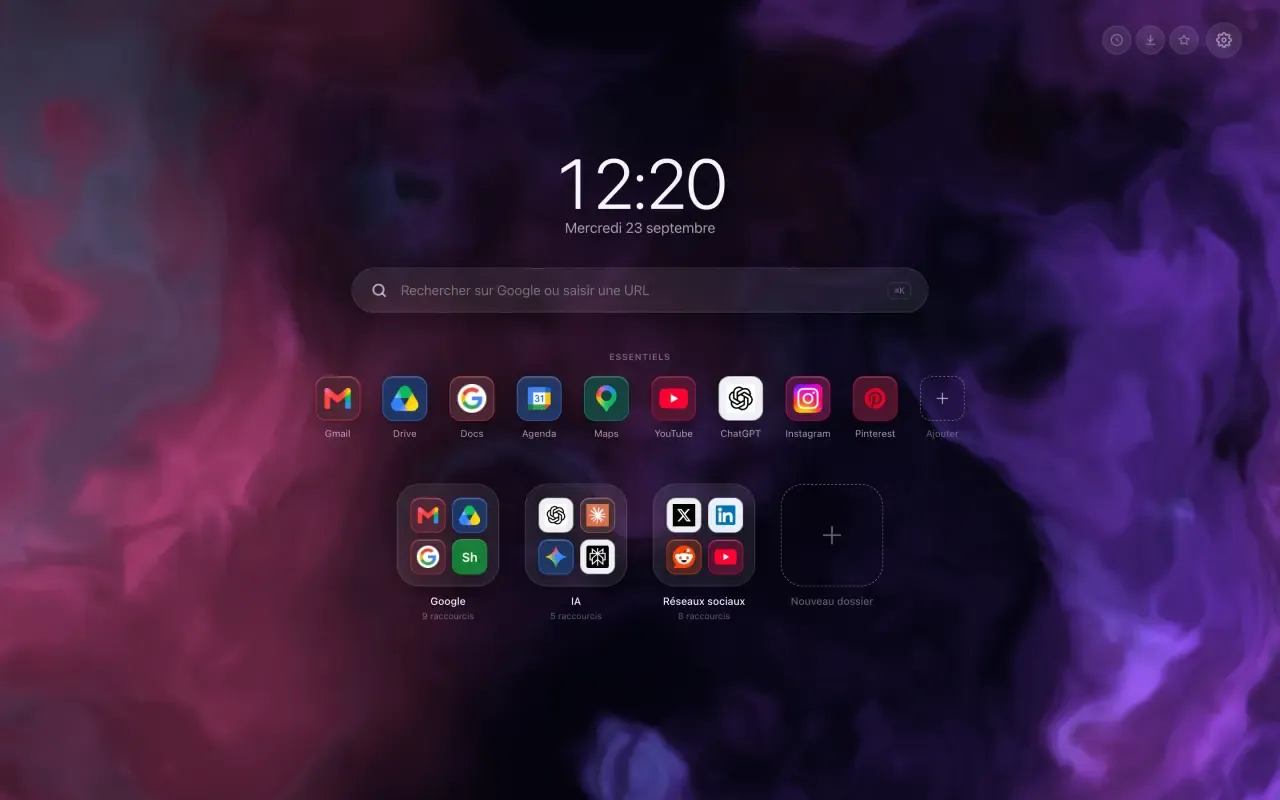
A Chrome new tab extension replaces the page you open dozens of times a day. Chrome puts a search bar there, plus a handful of thumbnails it picks for you. That is very little, for a page seen that often.
What a new tab extension puts there instead
Hoome replaces that page with yours: your sites tidied into folders, the way apps sit on a phone, a row of Essentials for the ones you open every morning, and a bar that searches your own shortcuts before it searches the web.
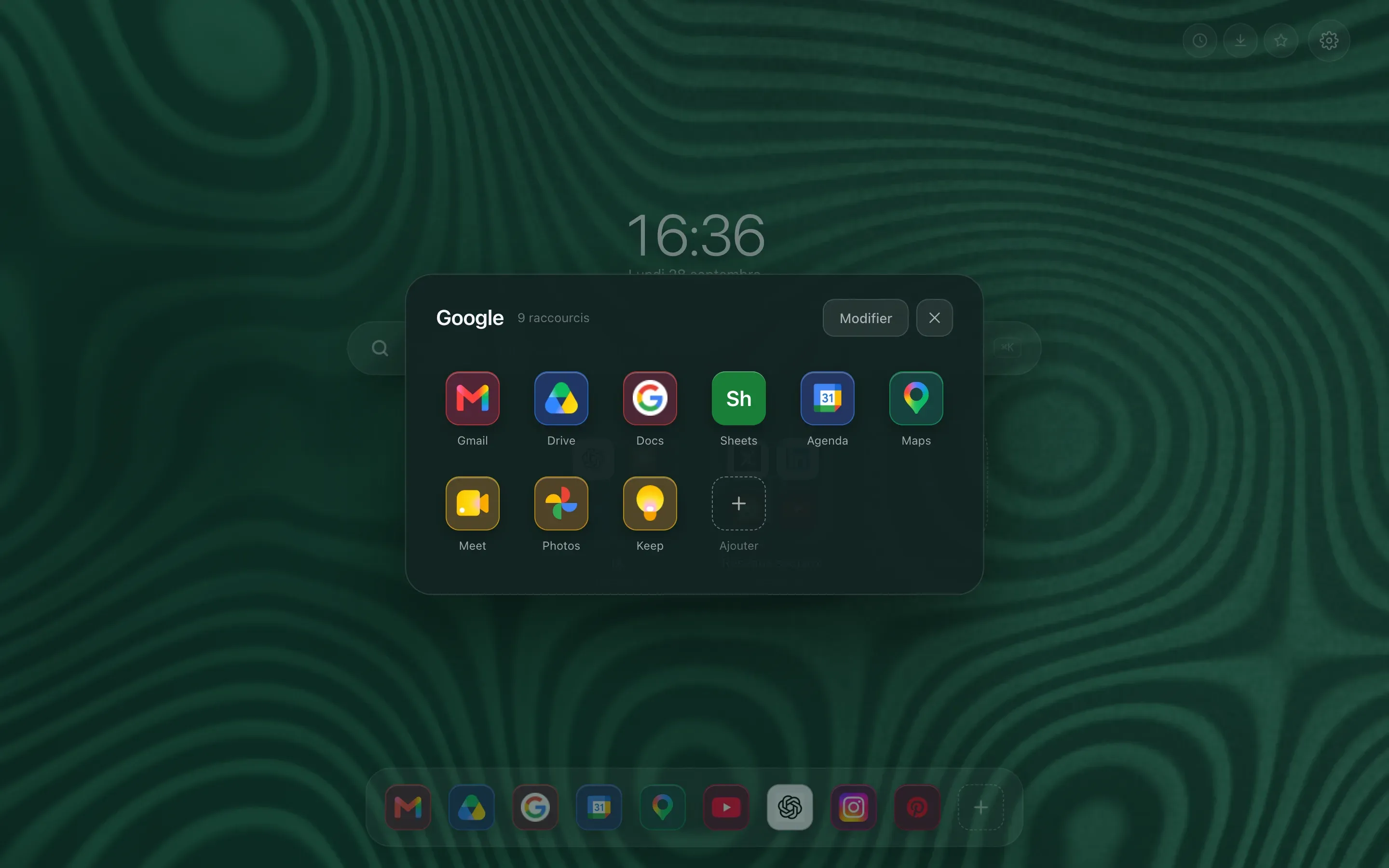
A folder opens on top of the page, shows everything it holds, and closes with one click. Fifty shortcuts fit on a single screen, with no list to scroll.
The rest is up to you: a background, a light or dark theme, the weather, a to-do list, a notepad. Nothing is switched on by default, because a home page crowded with widgets nobody asked for is exactly what we were trying to avoid.
Who is behind it
My name is Pierre, and I am a freelance full-stack developer. I have been building websites for several years, along with tools that make people more productive by helping them get organised. Hoome is the first extension I have released.
No ads, no mandatory account. Your shortcuts, your folders and your notes stay on your computer, and the free version never sends them to our servers.
What you will read here
Short articles, two or three minutes, one every two or three days. Each one answers a precise question: tidying your bookmarks, changing the Chrome wallpaper, putting a clock on your home page, finding a site by typing three letters. With screenshots, because a home page is easier to show than to describe.
If a question keeps coming back, it will become an article. Write to us: every message is read.