You use an extension on your computer, you look for it on your phone, and the Chrome Web Store offers you an “Add to Desktop” button. The short answer: Chrome installs no extensions at all, on Android or on iPhone. That was true when it first came to phones, it is still true in October 2026, and no hidden setting changes it.
The long answer is more useful: depending on what you want to do, block ads, get your passwords, put YouTube in dark mode, there are solutions on a phone. And a few traps, which promise more than they deliver.
Why mobile Chrome accepts no extensions
On Android, Chrome has never opened the door to extensions, and Google has never announced that it would. The usual reasons are well known: a phone has less memory and battery than a computer, and every extension is one more door into what you do. There is no option, no experimental flag and no trick that turns them on in the Chrome from the Play Store.
On iPhone and iPad, the question does not even arise in the same way. Chrome there runs on Apple’s engine, the one behind Safari, with Google’s interface on top. Chrome extensions do not run on that engine, and Chrome for iPhone offers none.
One setting often misleads people: Desktop site, in Chrome’s menu on a phone. It asks websites for their computer layout, nothing more. Extensions stay out of reach.
What the “Add to Desktop” button does
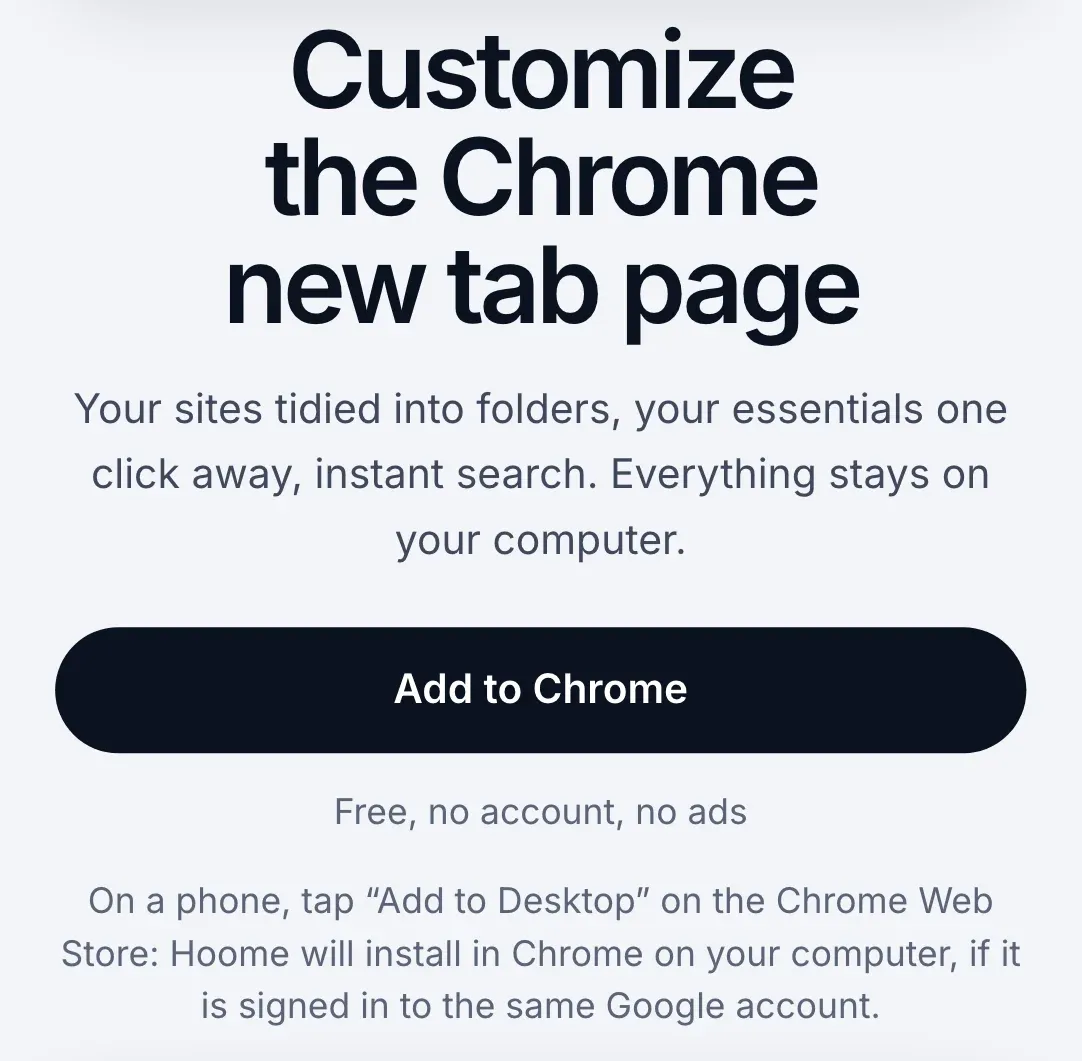
On a phone, an extension’s page on the Chrome Web Store does not offer “Add to Chrome” but Add to Desktop. That button installs nothing on the phone: it installs the extension in Chrome on your computer, if it is signed in to the same Google account. Handy when you discover an extension while reading on the train: it will be waiting for you on the computer.
On Android: what works
Firefox for Android. It is the only major mobile browser that opens a real catalogue of extensions. Since late 2023, Mozilla has welcomed hundreds of phone-ready extensions there, including well-known desktop names: uBlock Origin, Privacy Badger, Dark Reader, SponsorBlock. They install from Firefox’s menu, under Extensions, or from Mozilla’s add-ons site. Not every desktop extension is there: one only appears if its author has made it compatible.
Samsung Internet. The browser on Samsung phones has its own add-ons, installed from the Galaxy Store: mostly content blockers and a few tools. They are not Chrome extensions, and the choice depends on the device and the country.
Microsoft Edge, in testing. Kiwi Browser was the Android browser that ran Chrome extensions. It stopped in early 2025, and its code went into the test version of Edge for Android, Edge Canary: there, you install an extension by its ID, from the developer options. It is a trial version, for the curious, not for a phone you depend on.
Browsers that promise the whole Chrome Web Store. A few little-known browsers claim to run any Chrome extension on Android. Before installing one, ask yourself three questions: who publishes it, when was it last updated, and would you trust it with your passwords? A browser sees everything you do, and so does an extension. Many tutorials still recommend Kiwi: they are out of date.
On iPhone and iPad: what works
Safari. It has its own extensions, distributed as apps on the App Store and then turned on in Safari’s settings, under Extensions. Many big names exist in a Safari version: password managers, ad blockers, dark themes. They are not the same files as on Chrome, but often the same services.
Orion. This iPhone and iPad browser, published by Kagi, accepts some Chrome and Firefox extensions. Support is still partial: an extension may install and only half work.
Chrome for iPhone accepts none.
Often, you do not need an extension
On a phone, much of what extensions do goes through an app, or through a setting that Chrome or the phone already has.
- Passwords. Bitwarden, Proton Pass and the other managers exist as apps. Once chosen in the phone’s settings, under autofill, the app fills in your logins in Chrome as in other apps. No extension needed.
- Translation. Chrome translates a page by itself on a phone: menu, then Translate.
- Ads. Chrome already blocks the most intrusive ads, not the others. To go further without changing browser, Android accepts a Private DNS, in the phone’s network settings: a filtering DNS service there blocks a large share of ads, in every app. Otherwise, Firefox with uBlock Origin does the job.
- Reading. Chrome on Android can show an article in a simplified view, without the page’s clutter, in its accessibility settings.
And the new tab page?
Extensions that replace the new tab page, like Hoome, which is ours, are computer extensions. On a phone, Chrome keeps its own new tab page, with its shortcuts and suggested articles.
Hoome installs in Chrome, Firefox, Edge and Brave on a computer, and your page follows you from one computer to another through your browser’s sync. On a phone, the “Add to Desktop” button keeps it for the computer. If you are looking for other extensions to install there, our selection of the best Chrome extensions in 2026 sorts them by use.
Traps to avoid
- A “Chrome with extensions” downloaded outside the Play Store. An installation file from an unknown site can contain anything, and a modified browser sees all your passwords. Never.
- An app posing as an extension. The Play Store and the App Store have their imitations: an app does not become a Chrome extension because it carries the name.
- Old tutorials. Mobile extensions changed a lot in 2024 and 2025. A guide that recommends Kiwi Browser predates its shutdown.
The questions people ask
Will extensions ever come to Chrome for Android? Google has announced nothing for phones. If that changes, it will be big news, and extension makers will be the first to talk about it.
What about a Chromebook? A Chromebook runs desktop Chrome: every extension on the Chrome Web Store installs there, Hoome included.
Do my extensions sync to my phone? No. Chrome sync carries your extensions from one computer to another, not to the phone, which could not run them. Your bookmarks, passwords and history do follow.
What about an Android tablet? It is the same Chrome as on the phone: no extensions. Firefox for Android installs there with its catalogue.
In short
| Device | Browser | Extensions |
|---|---|---|
| Android phone or tablet | Chrome | None |
| Android phone or tablet | Firefox | A selection of its catalogue |
| Samsung phone | Samsung Internet | Its own add-ons, from the Galaxy Store |
| Android phone or tablet | Edge Canary | In testing, by ID |
| iPhone, iPad | Chrome | None |
| iPhone, iPad | Safari | Safari extensions from the App Store |
| iPhone, iPad | Orion | Some of Chrome’s and Firefox’s |
| Computer, Chromebook | Chrome | Everything on the Chrome Web Store |
On a phone, it is better to choose your browser for its extensions than to try to force Chrome. And for everything else, the computer remains where extensions show what they can really do.