Themes for your browser
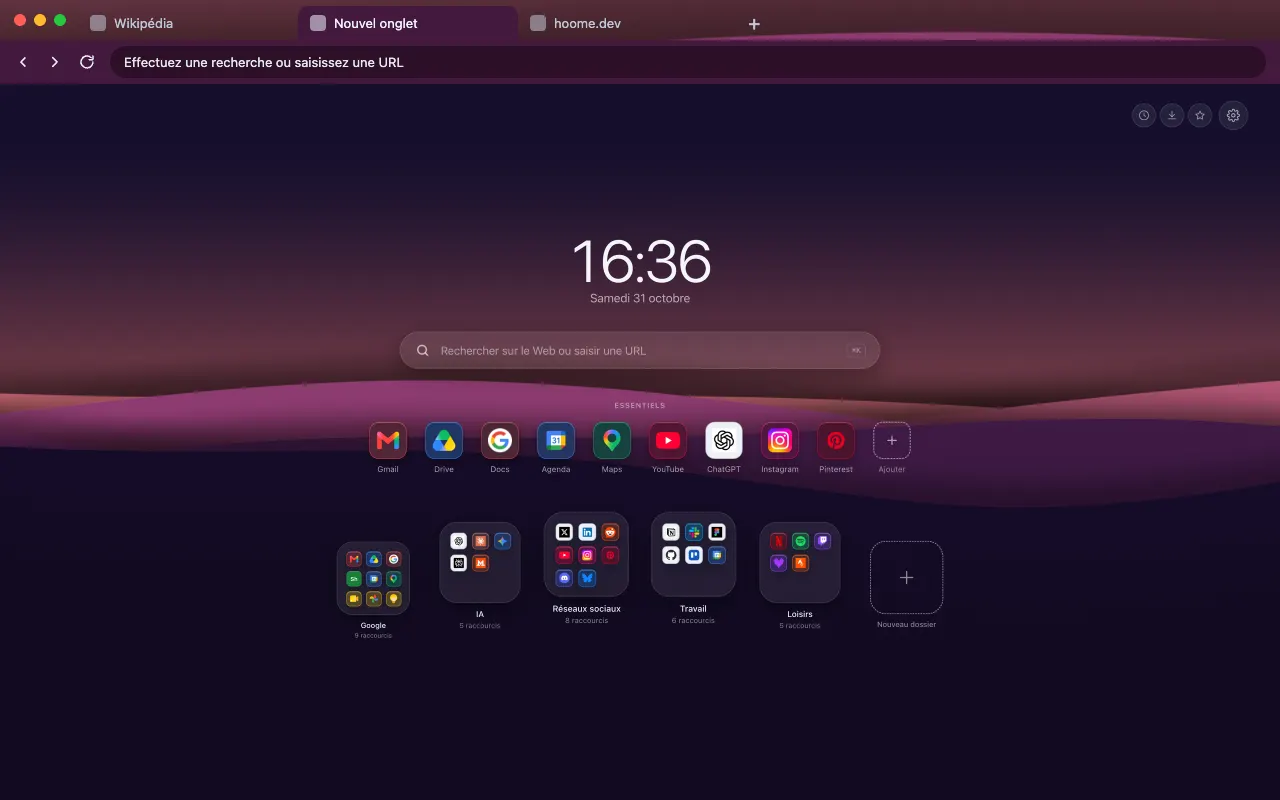
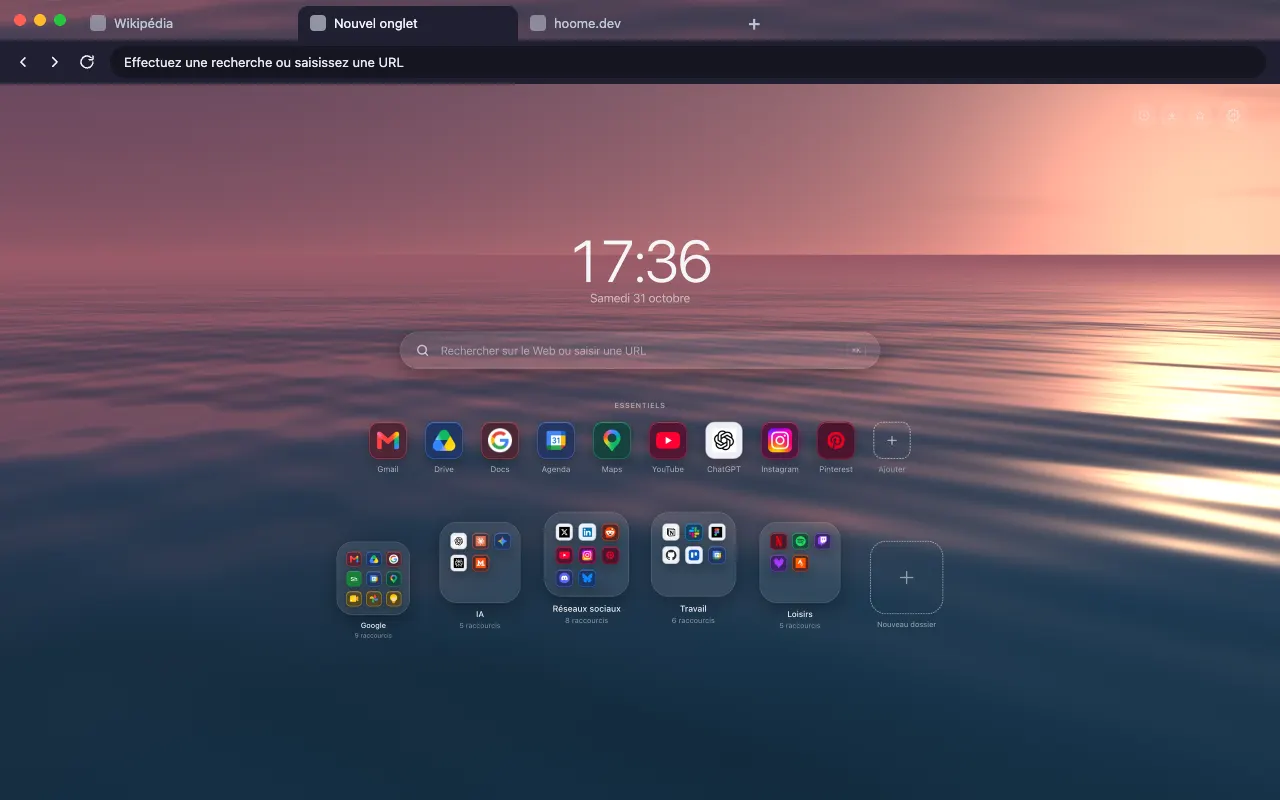
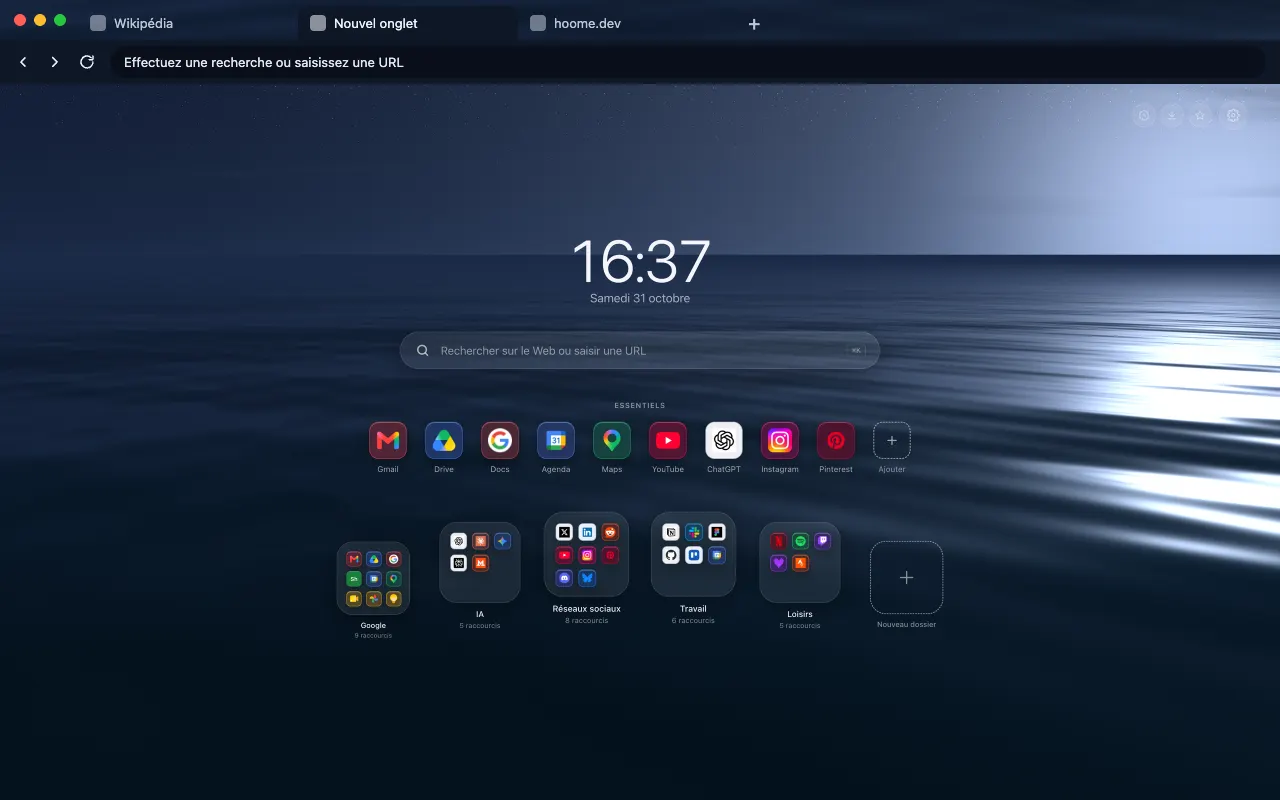
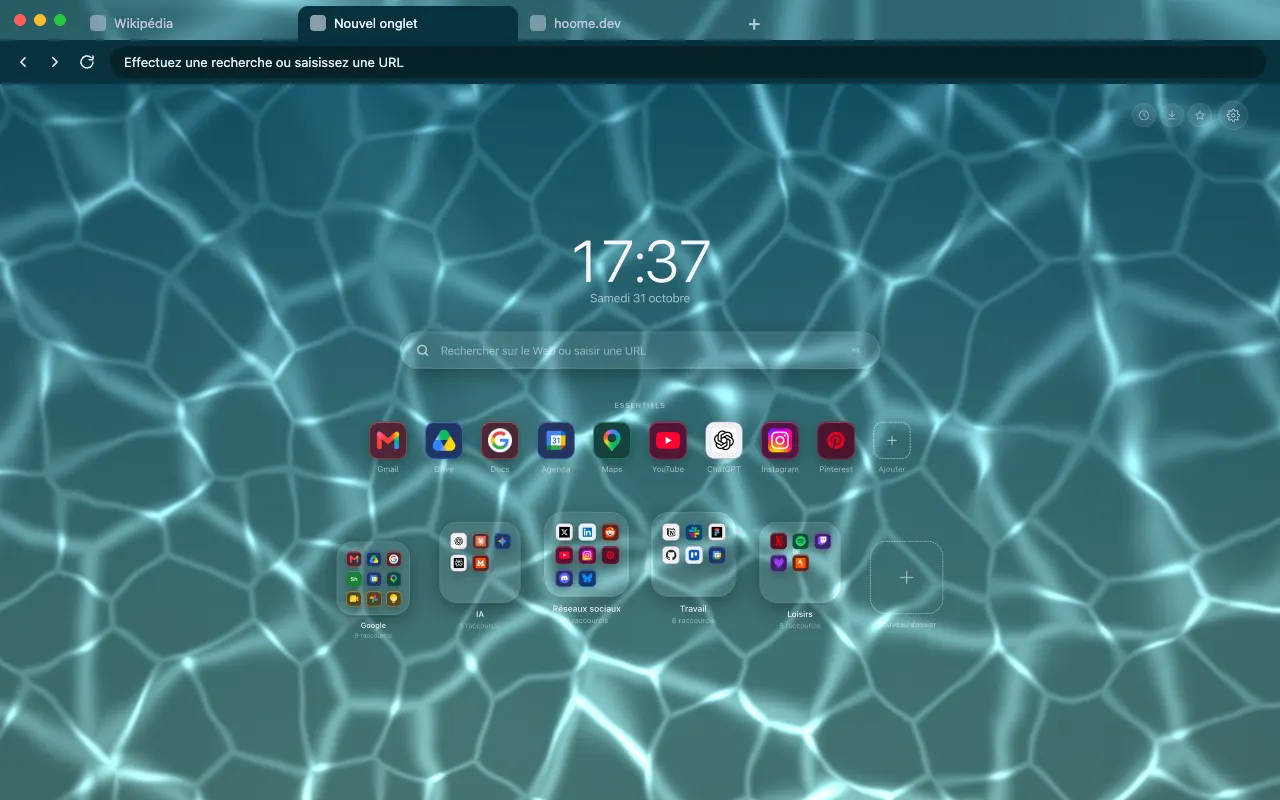
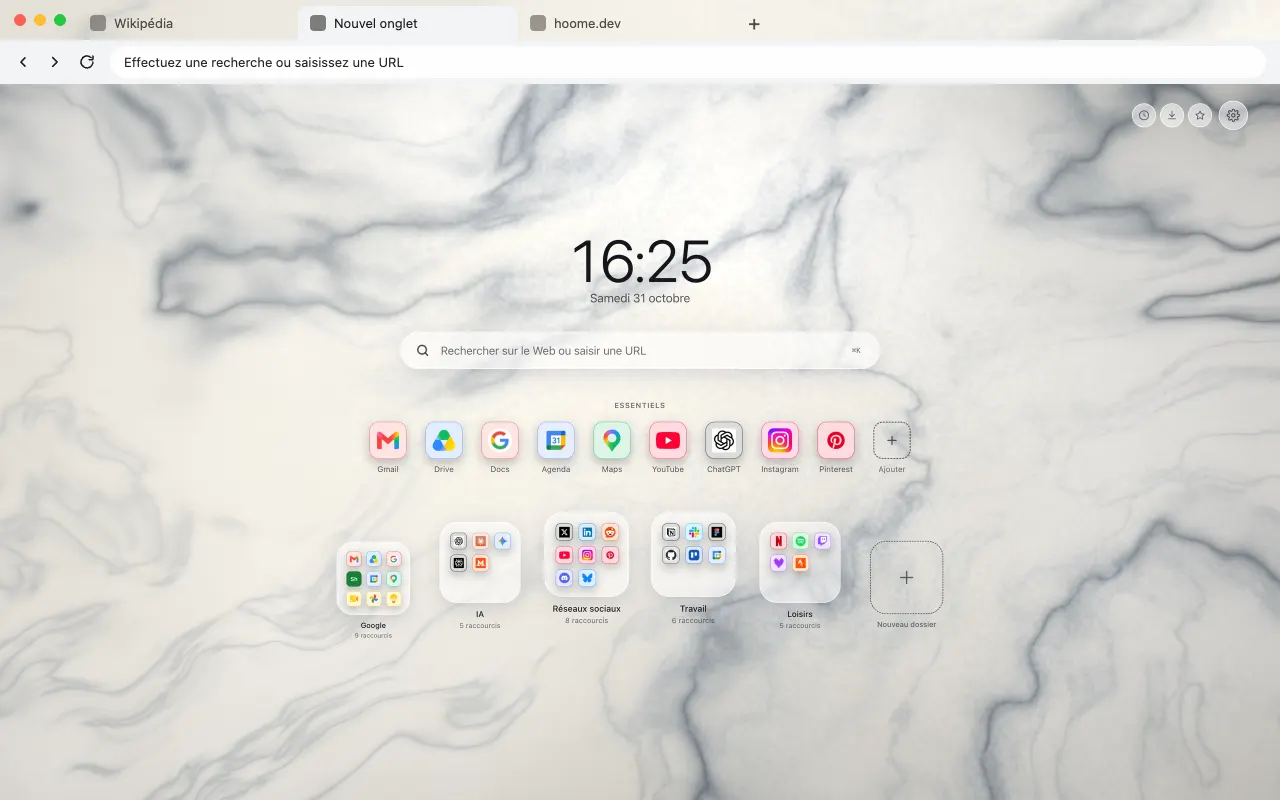
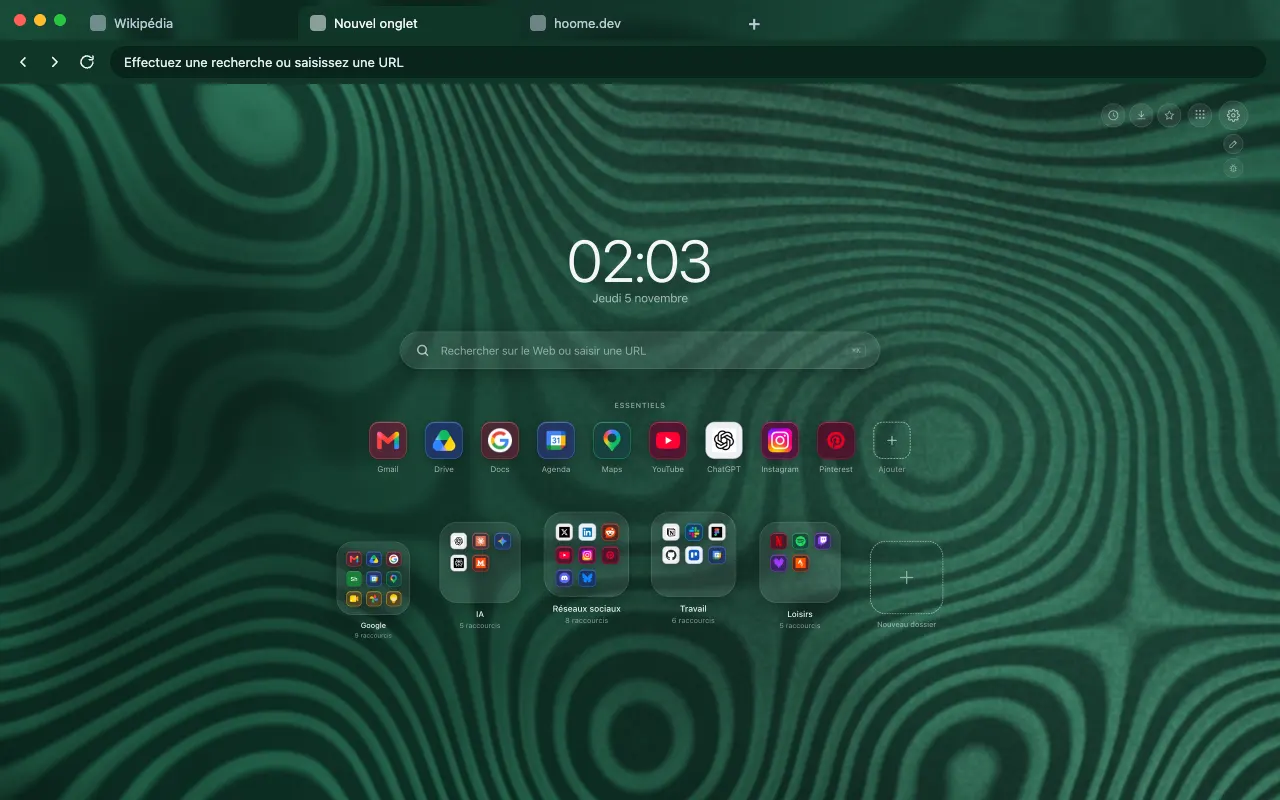
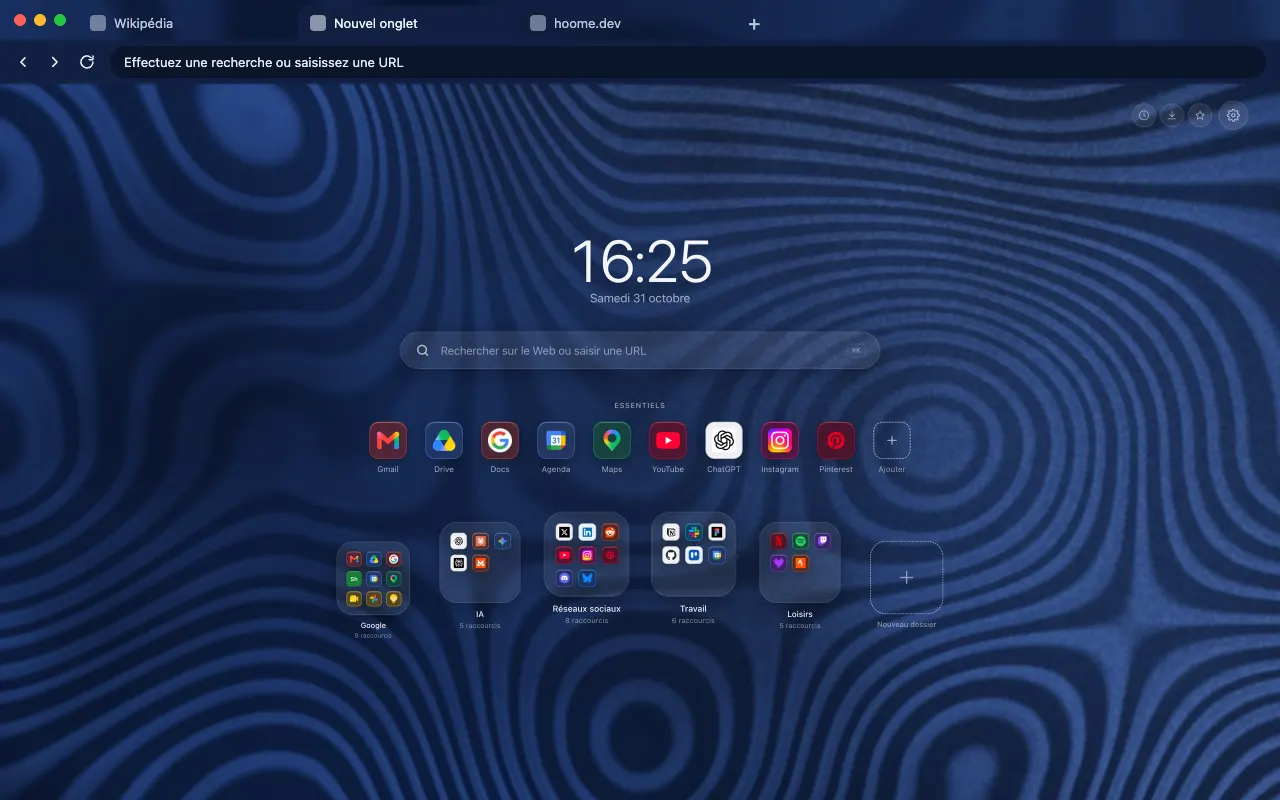
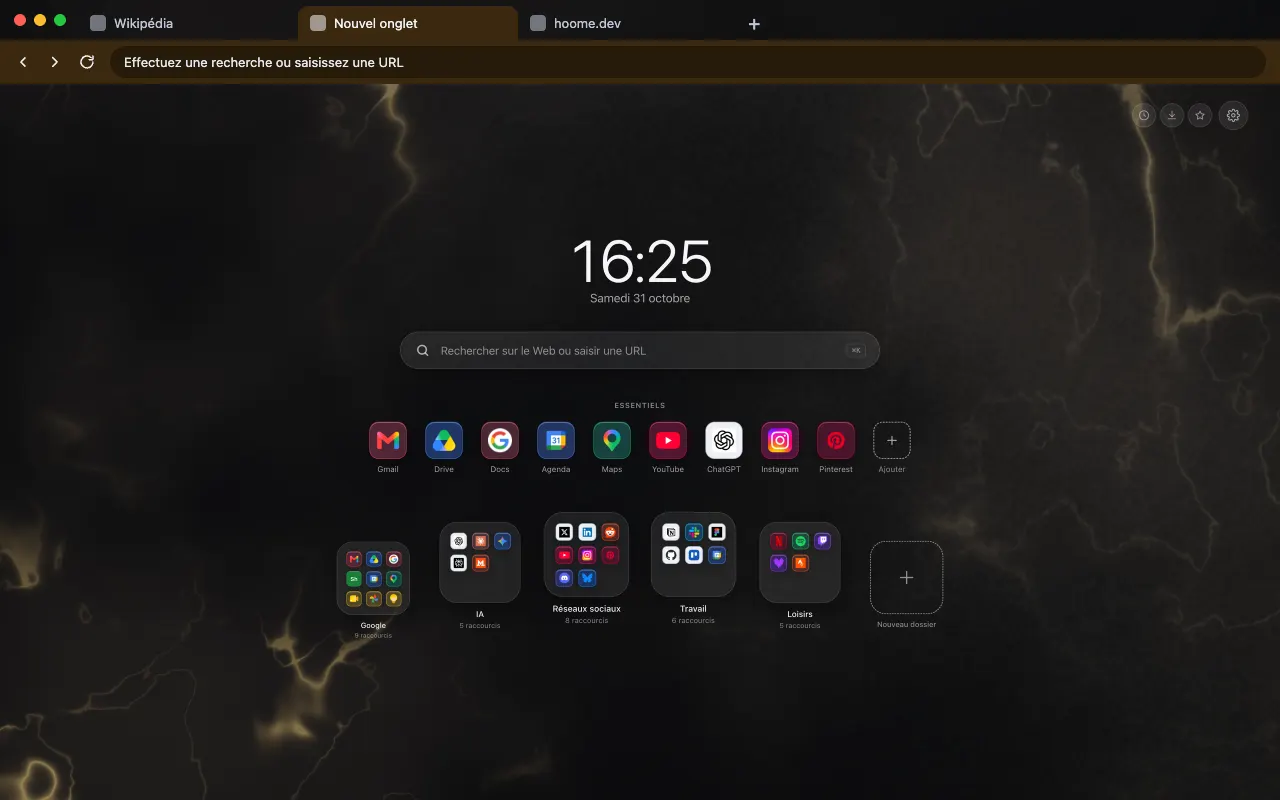
Hoome’s backgrounds are becoming free browser themes one by one: 6 are published so far, all on Firefox. Each background has its own page, grouped by family just like in the extension’s settings.
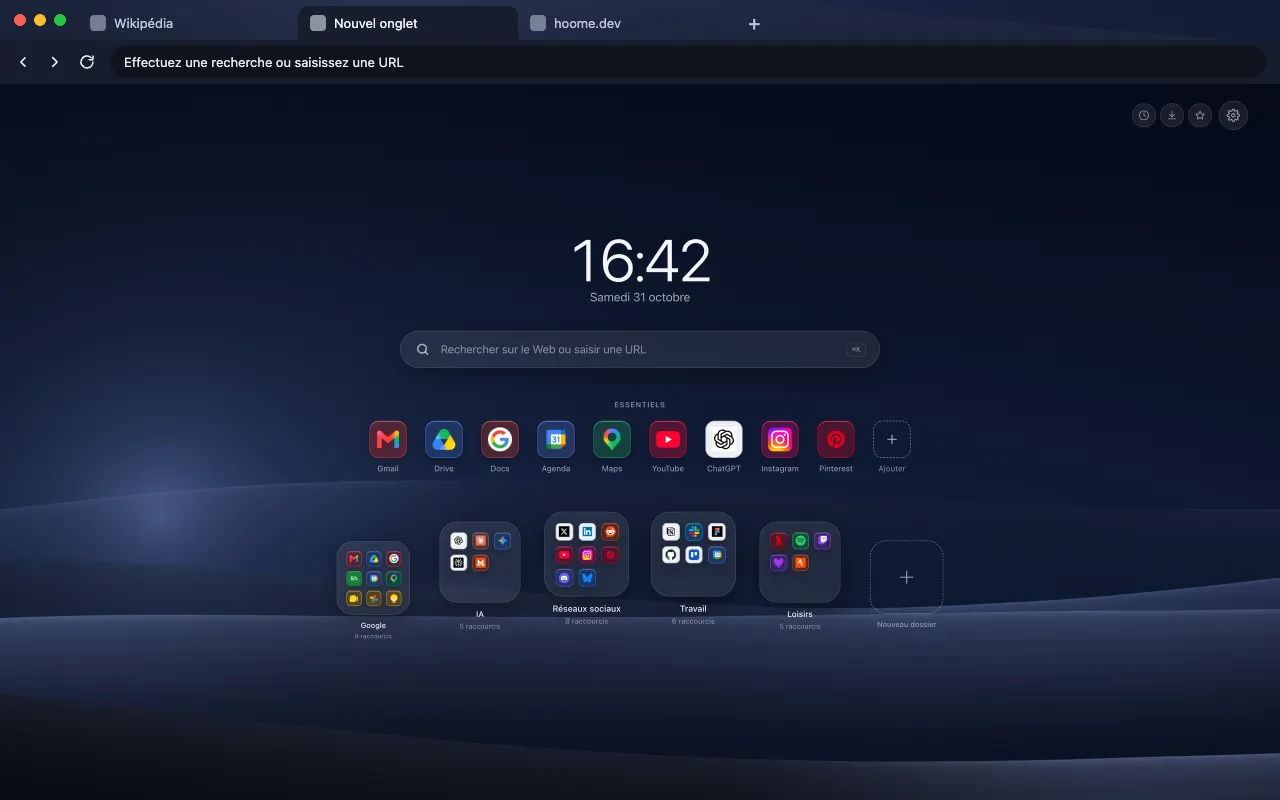
A theme styles the browser frame, tabs and address bar, with an image or an animated pattern on Firefox.
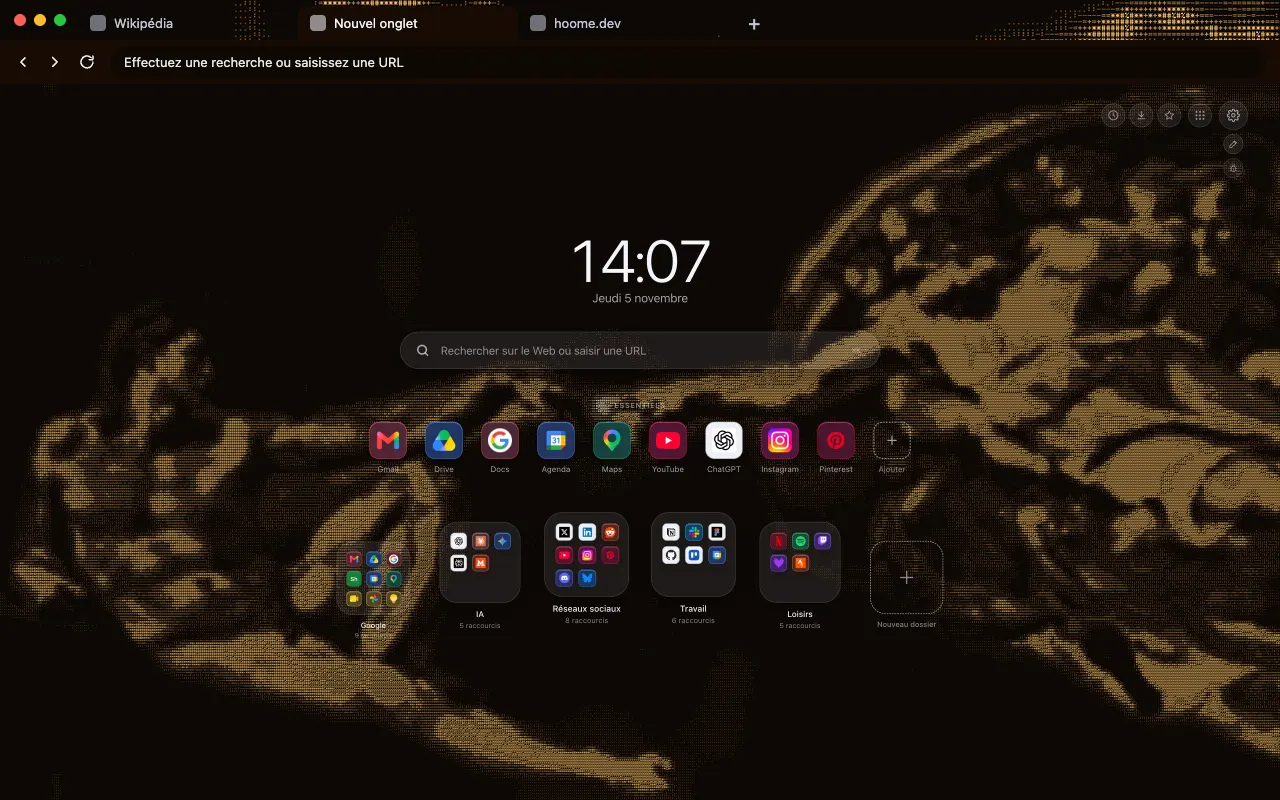
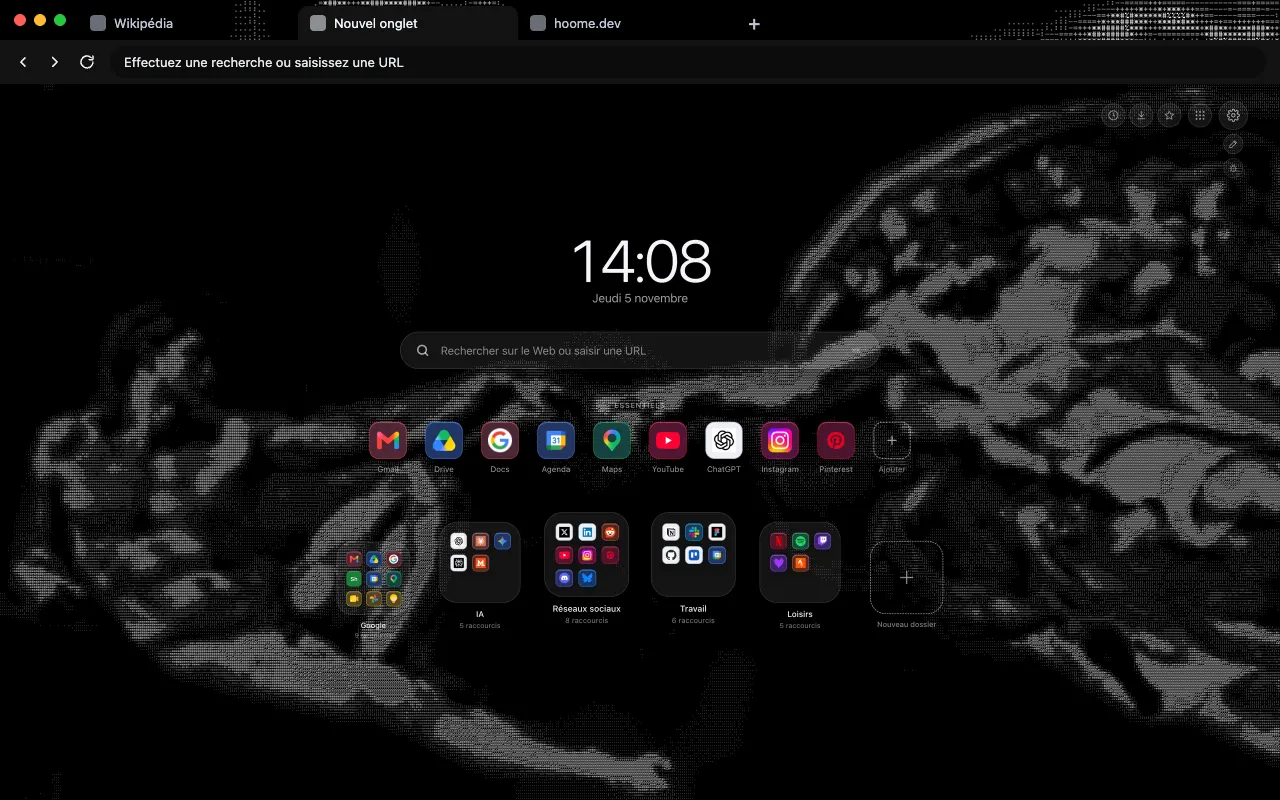
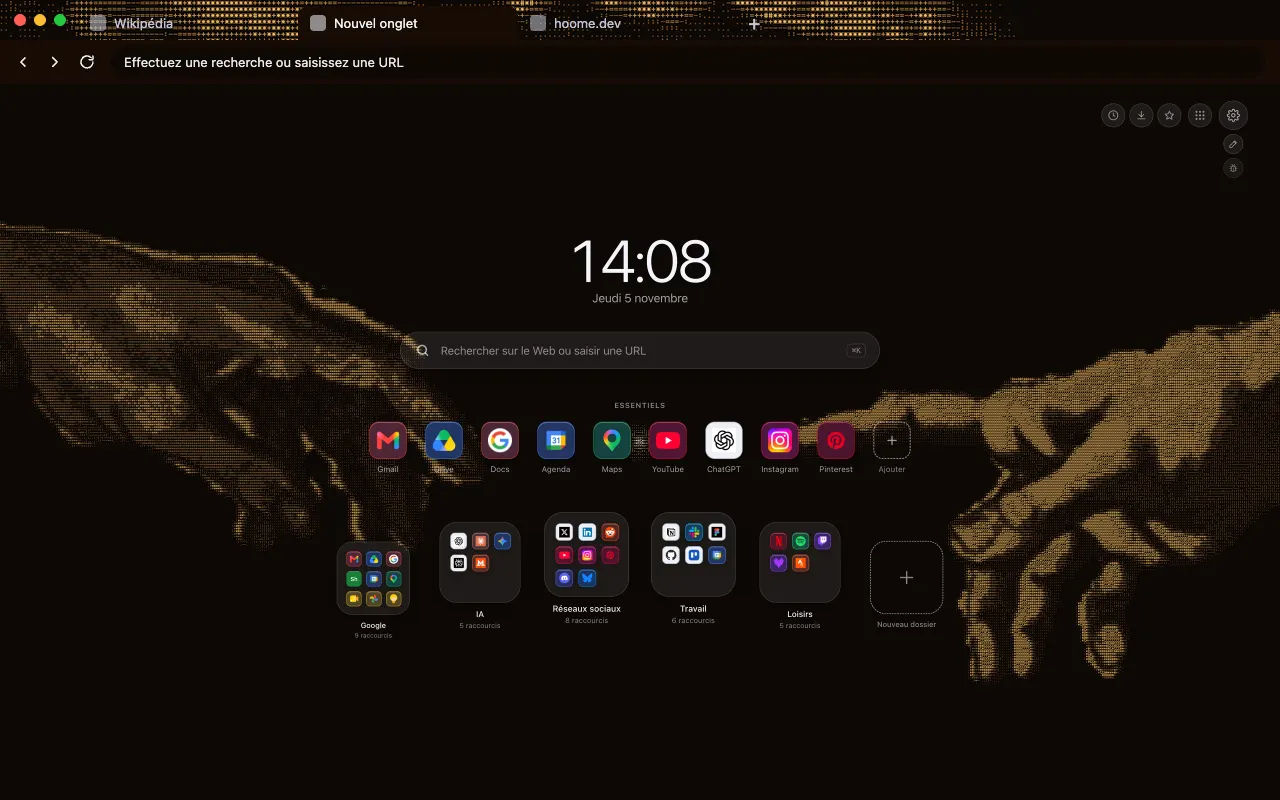
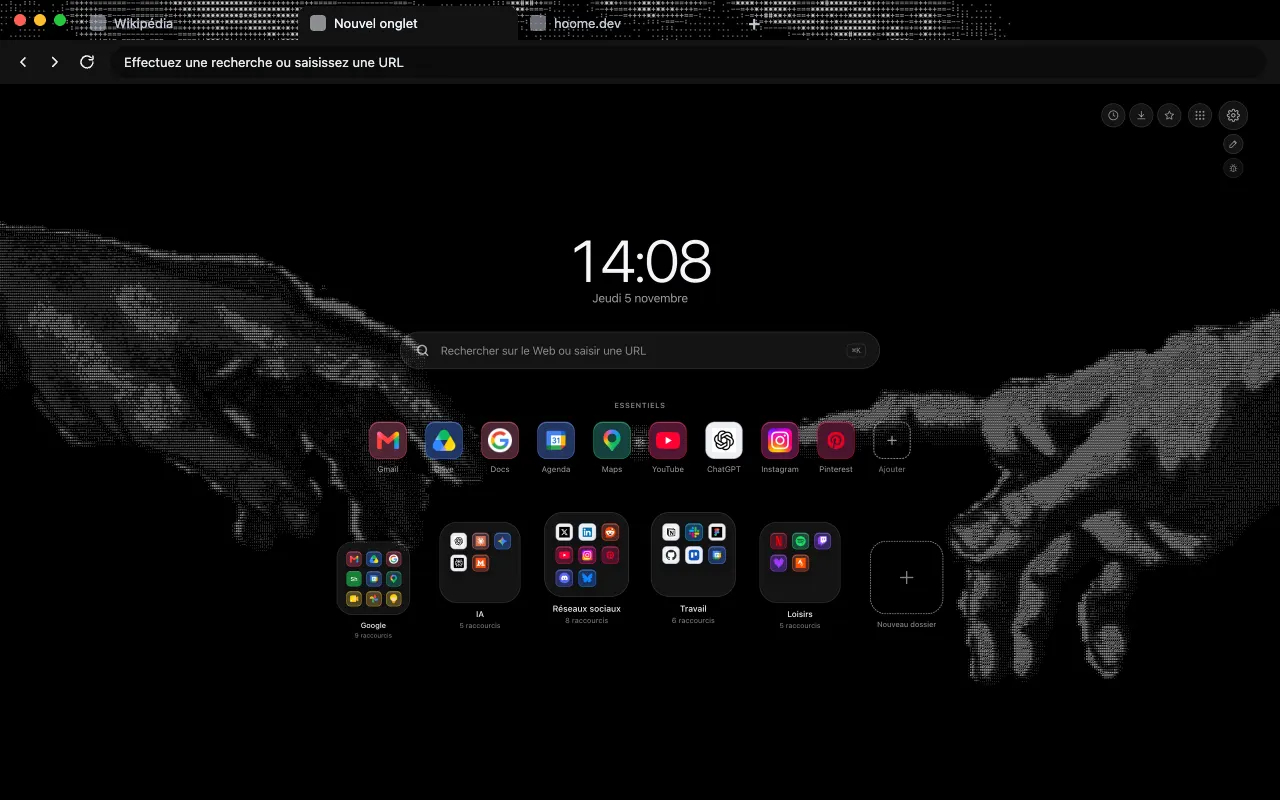
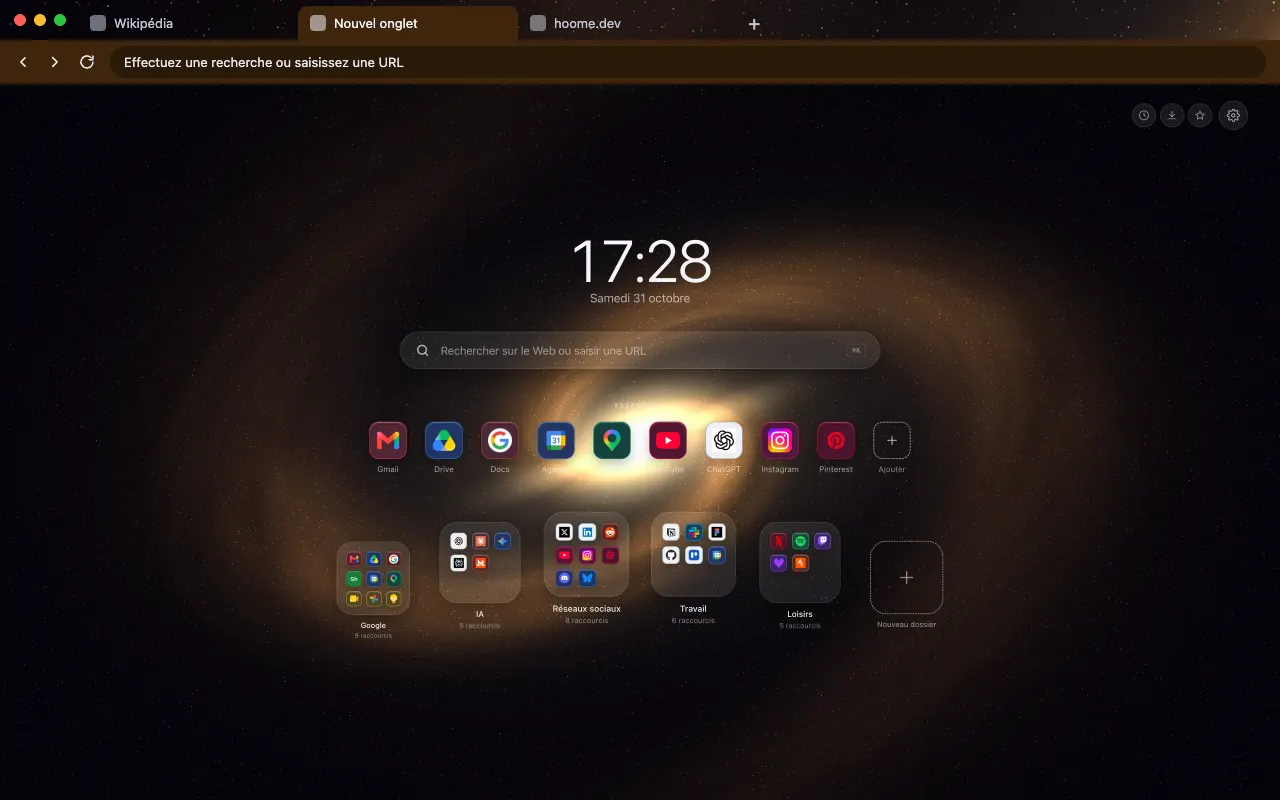
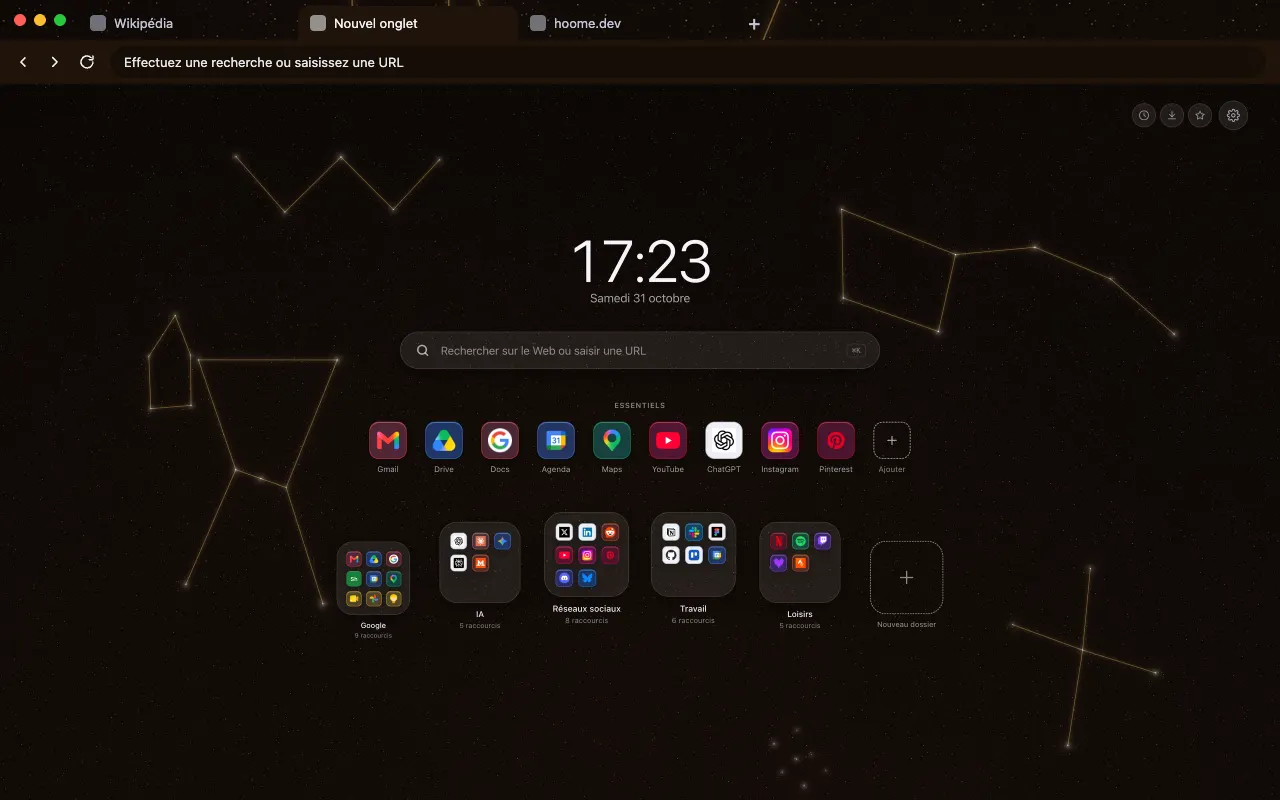
- ASCII 4 backgrounds Michelangelo’s Creation of Adam redrawn in text characters, in amber or ash tones. See the themes
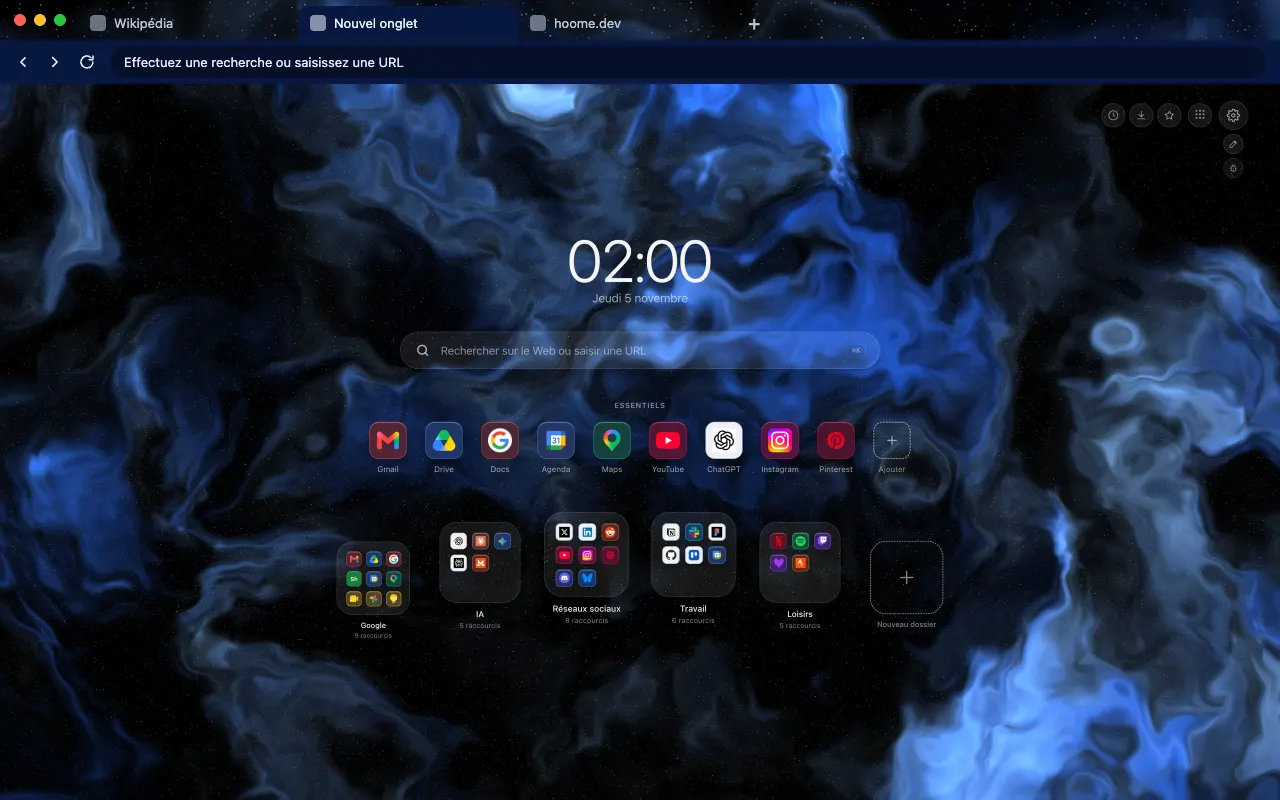
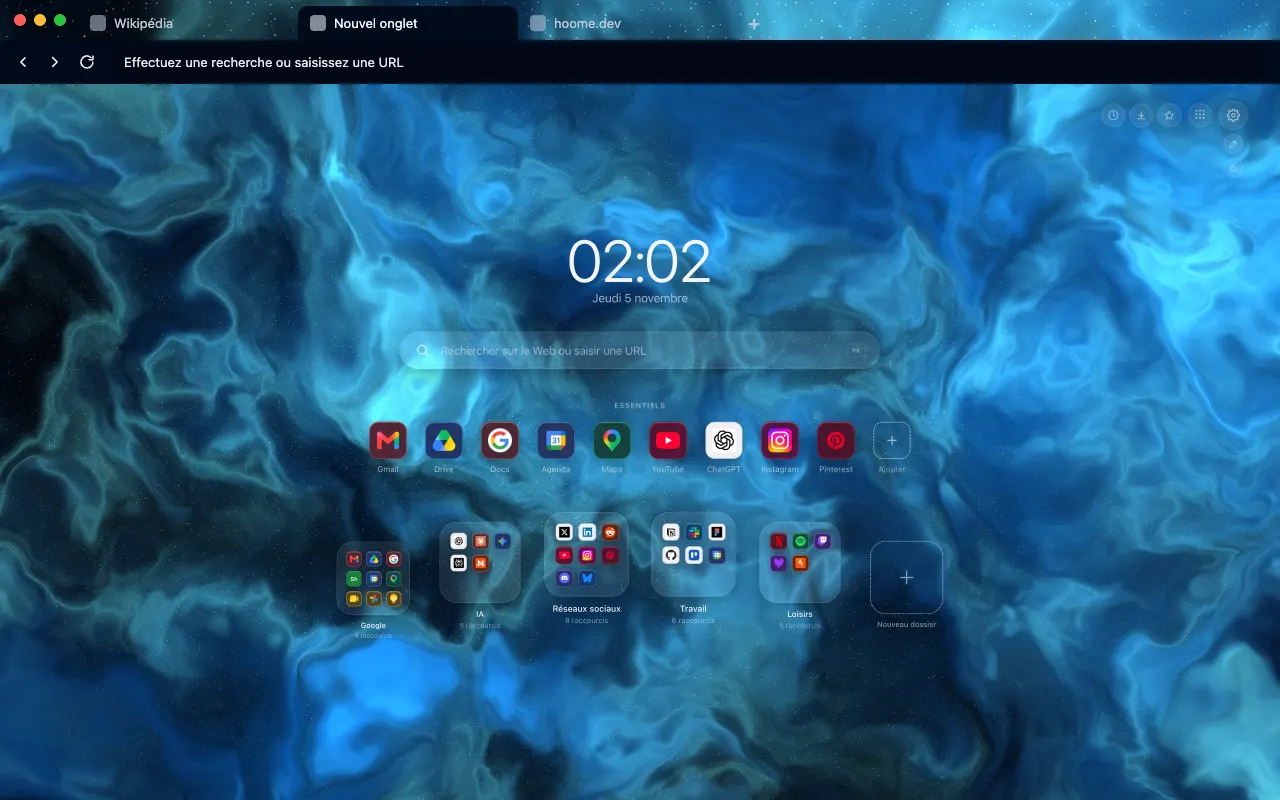
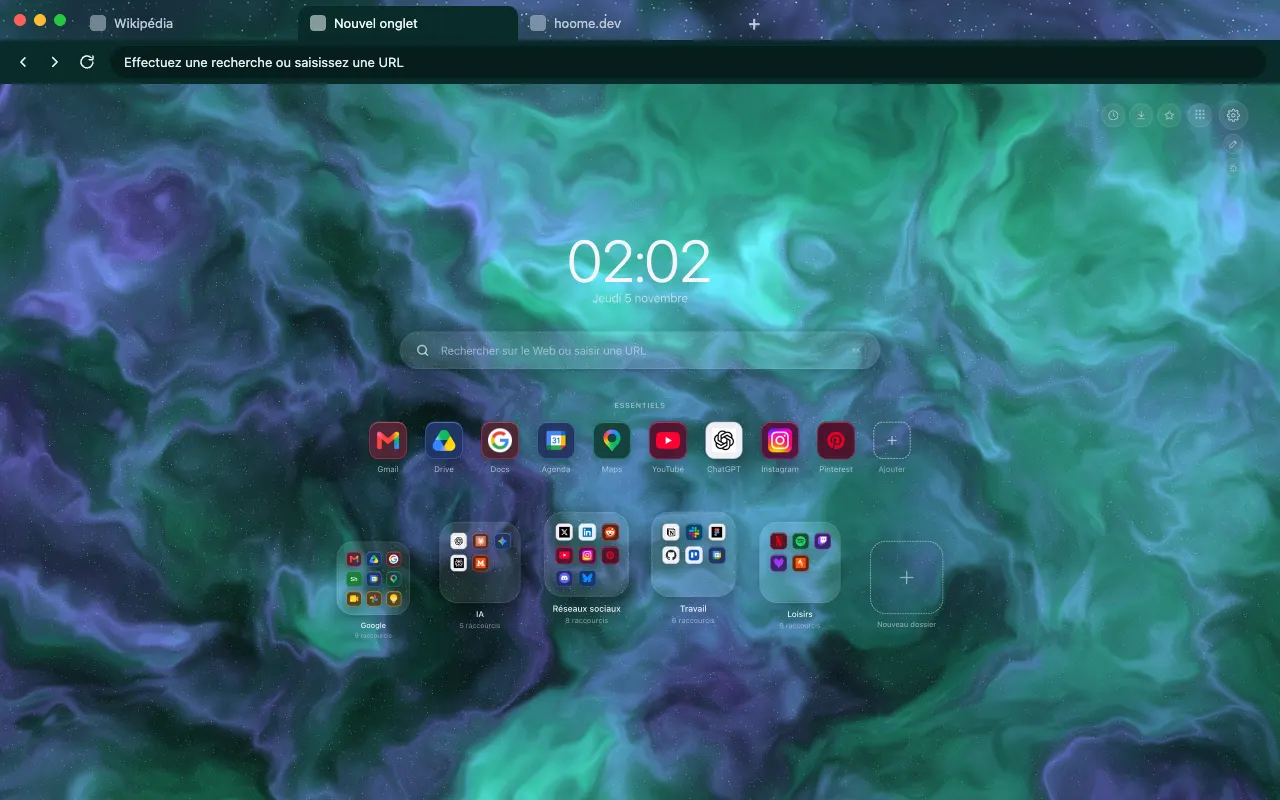
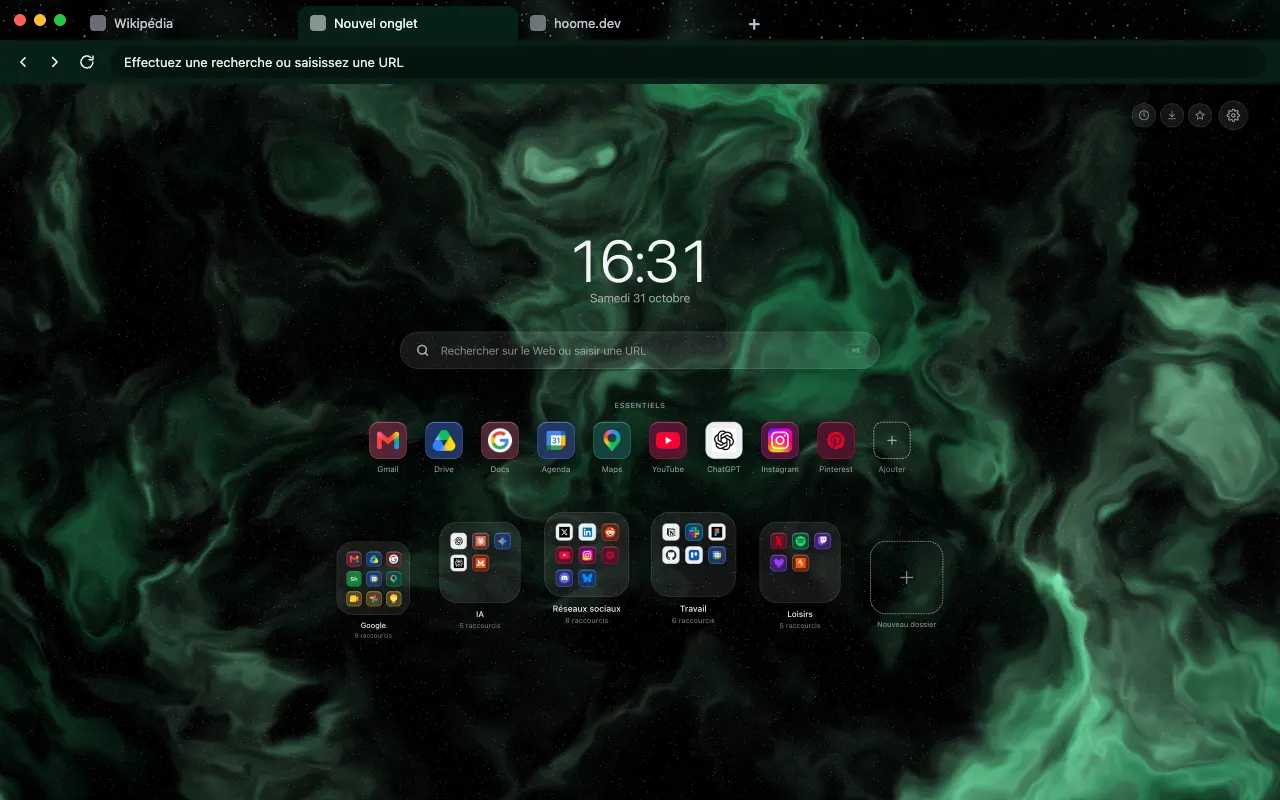
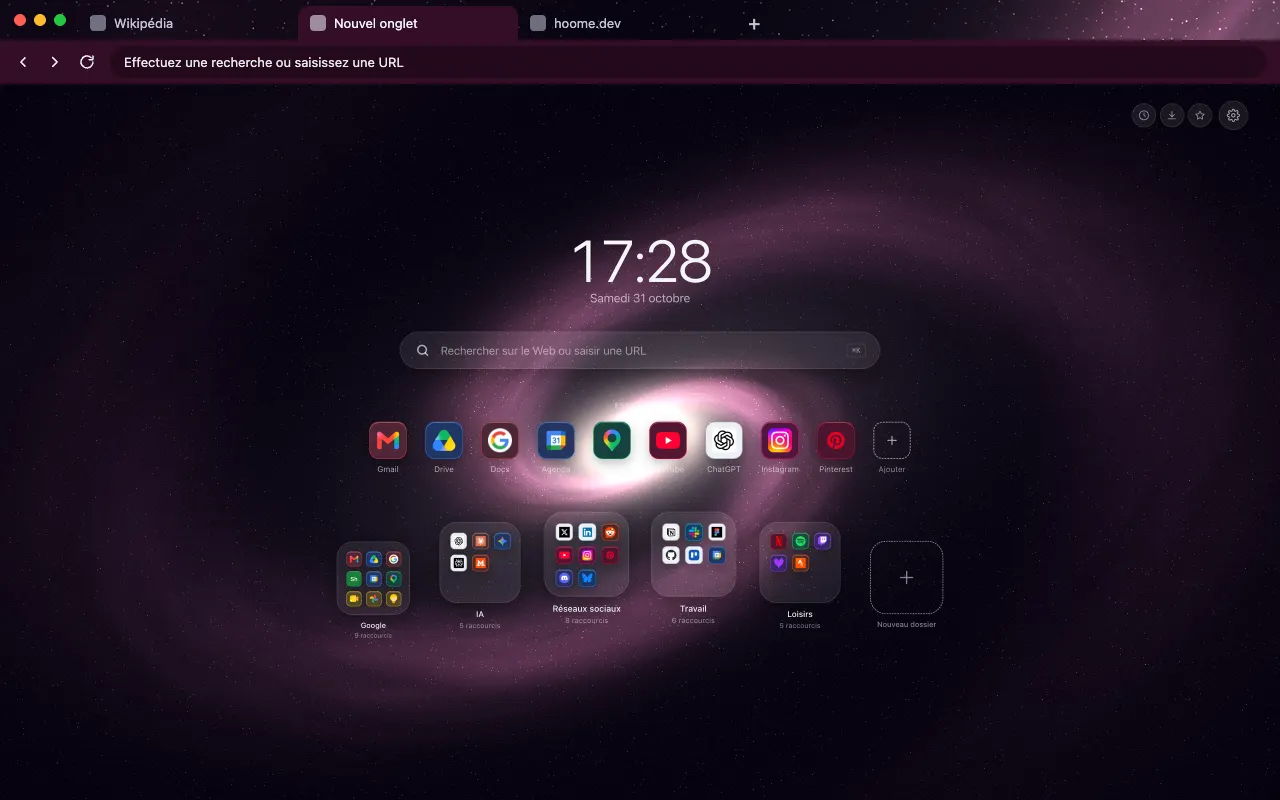
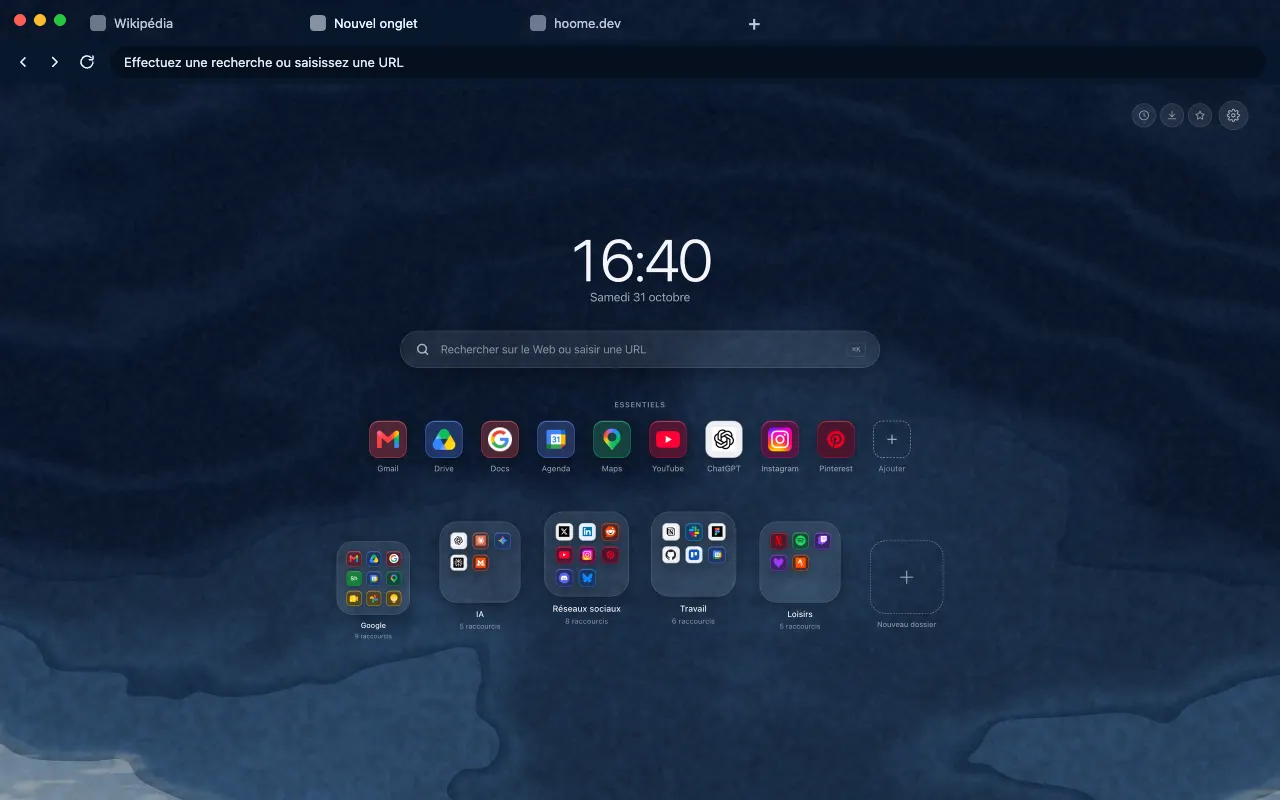
- Nebulae 15 backgrounds Fifteen clouds of gas and dust, each in the colour of a gemstone, drifting behind your shortcuts slowly enough to fade from notice. See the themes
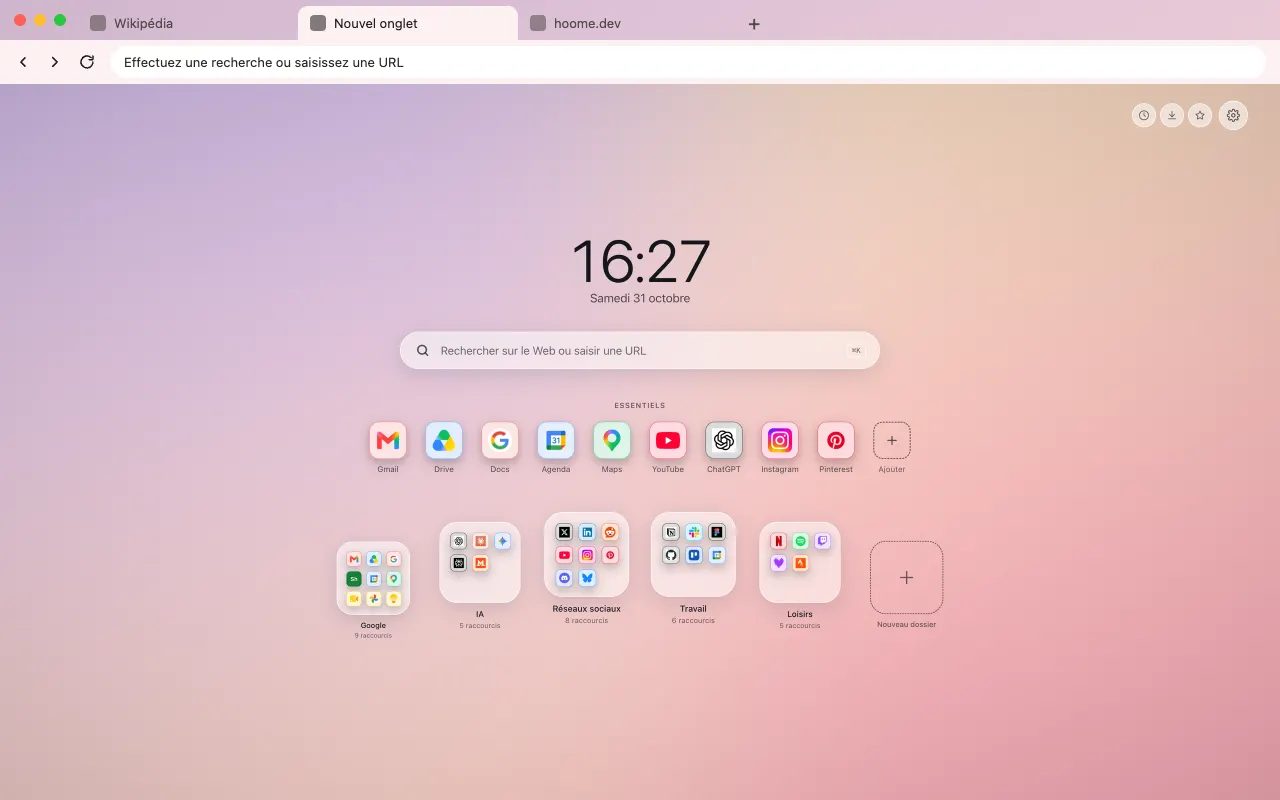
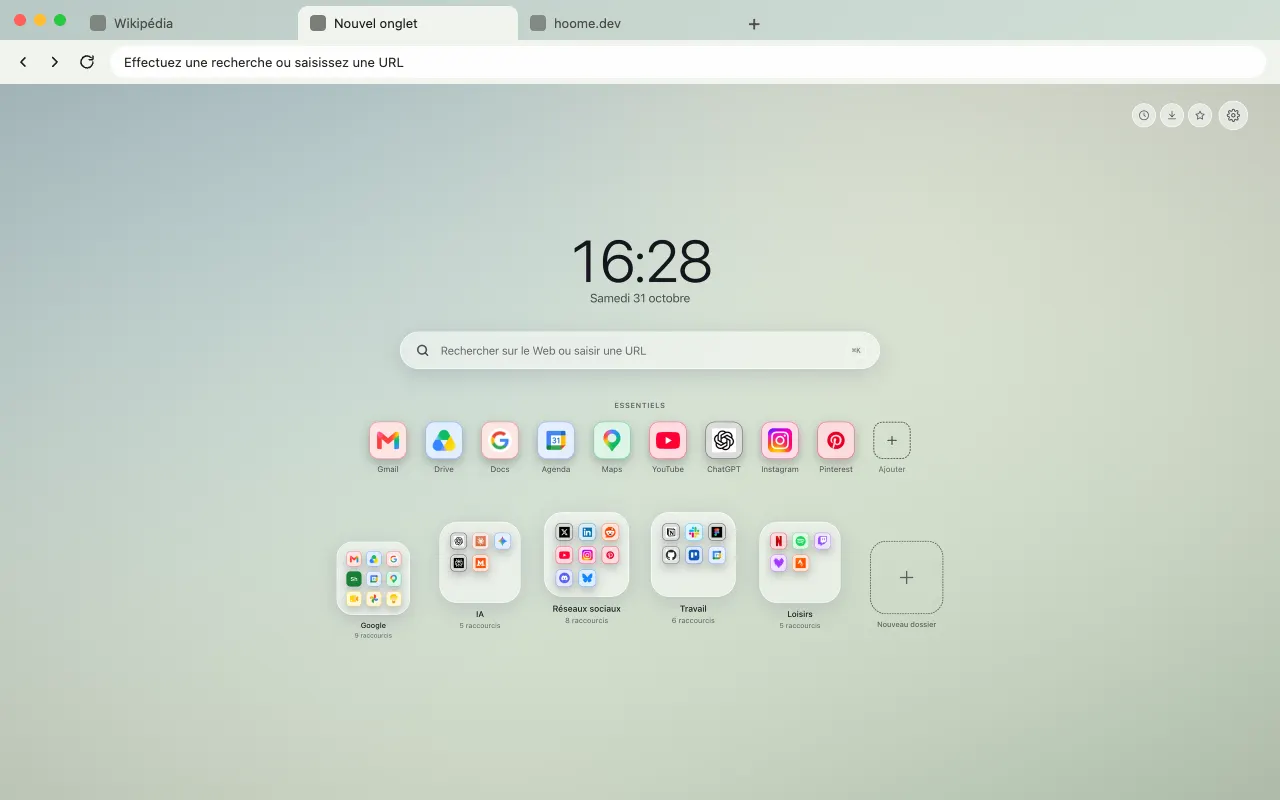
- Minimalist 6 backgrounds Soft gradients and calm colors, for a page that stays out of the way. See the themes
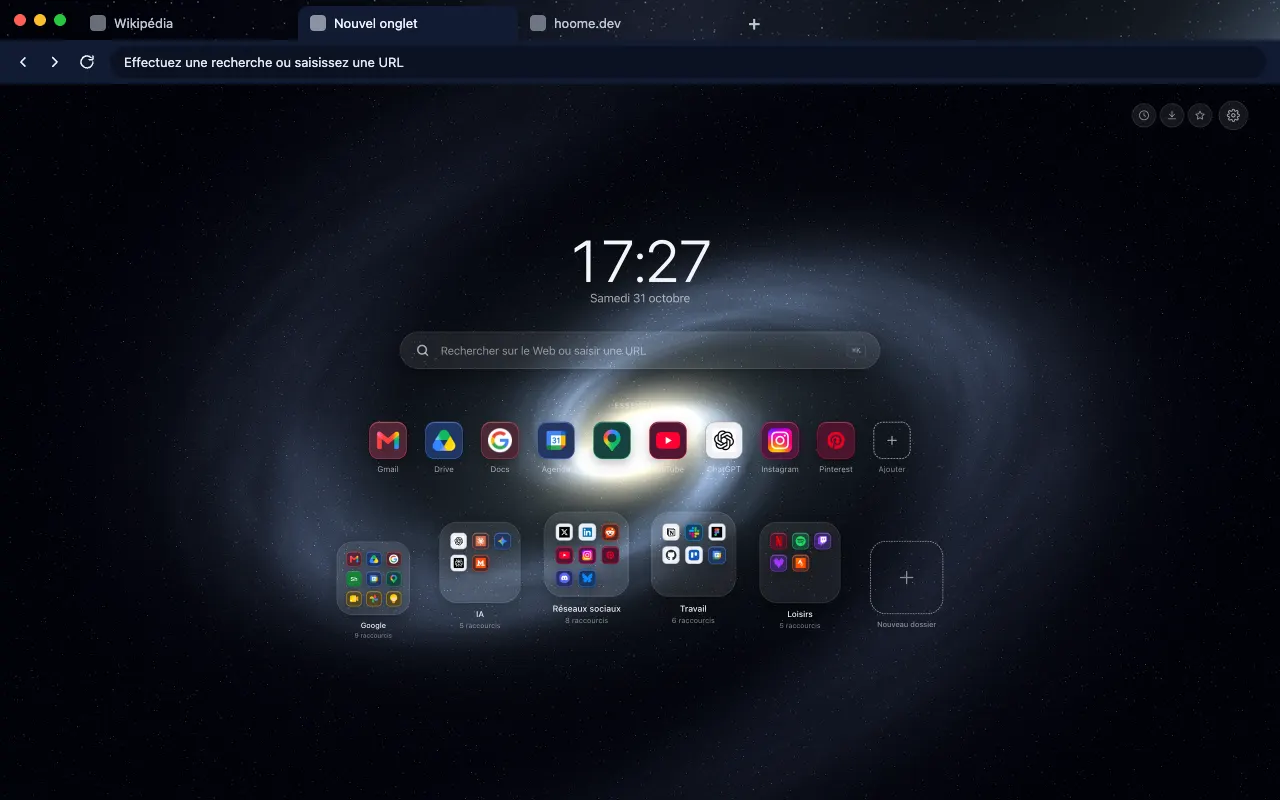
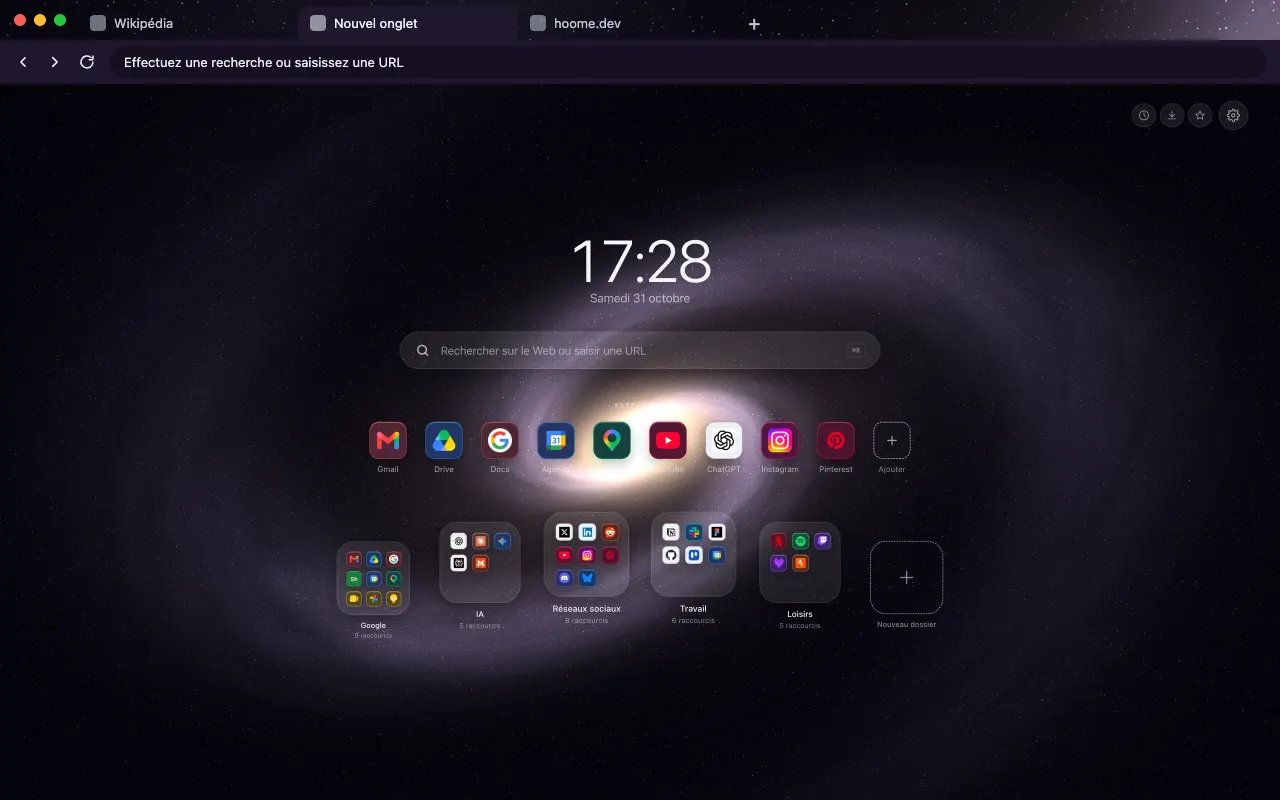
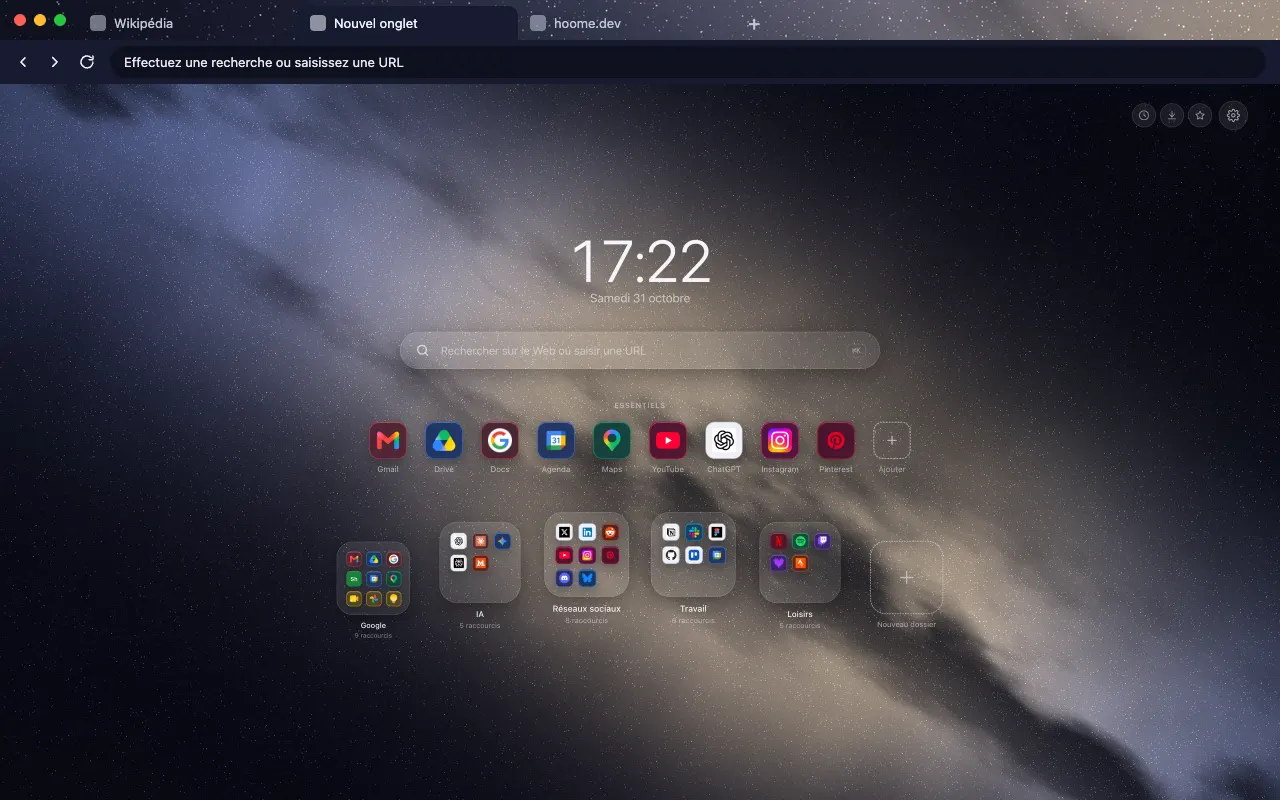
- Galaxies 12 backgrounds Spirals, barred galaxies and the remains of stars, seen from very far away. See the themes
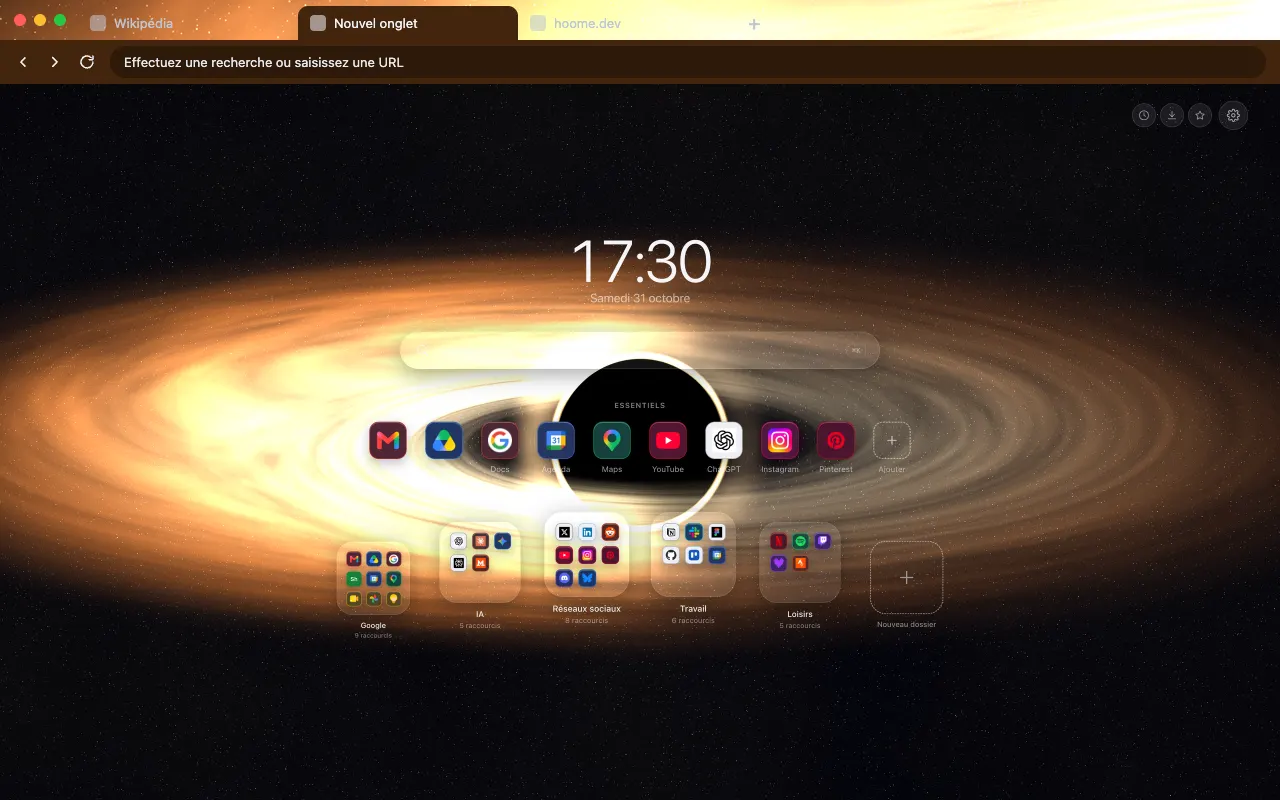
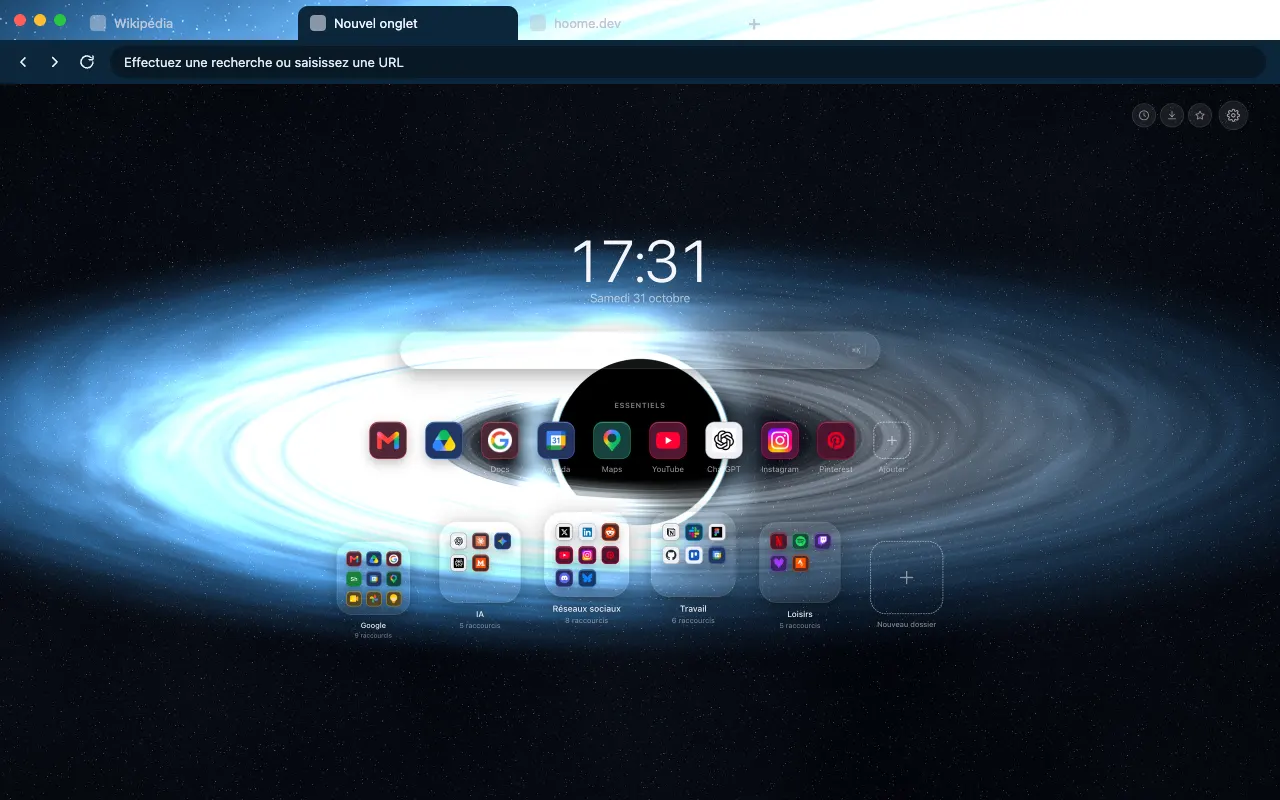
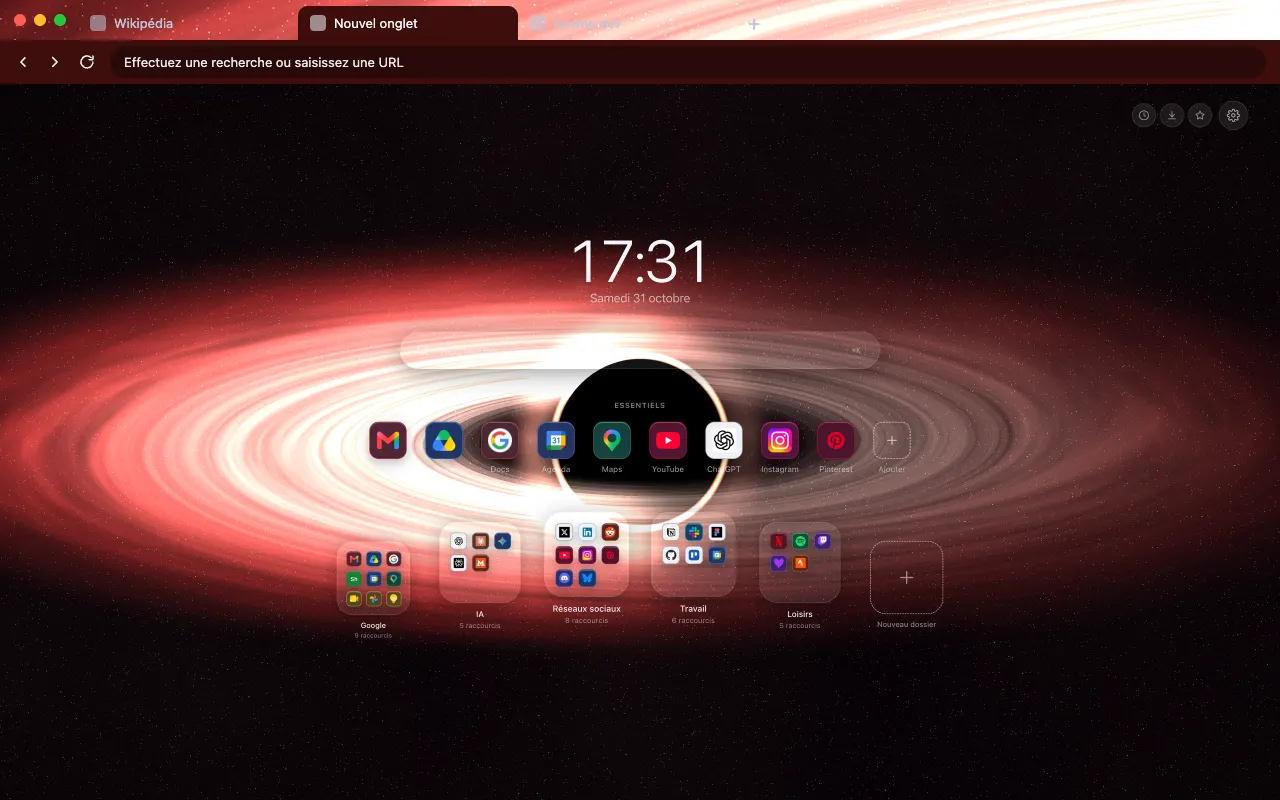
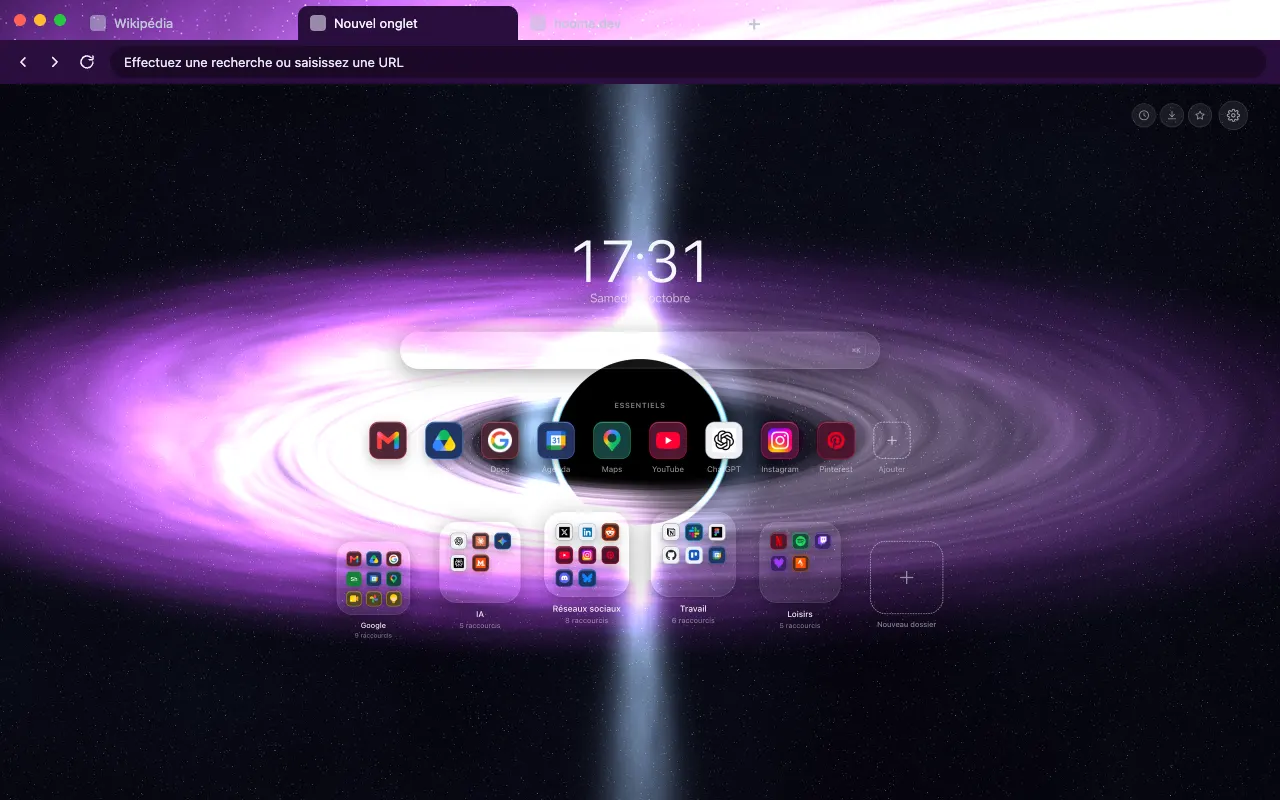
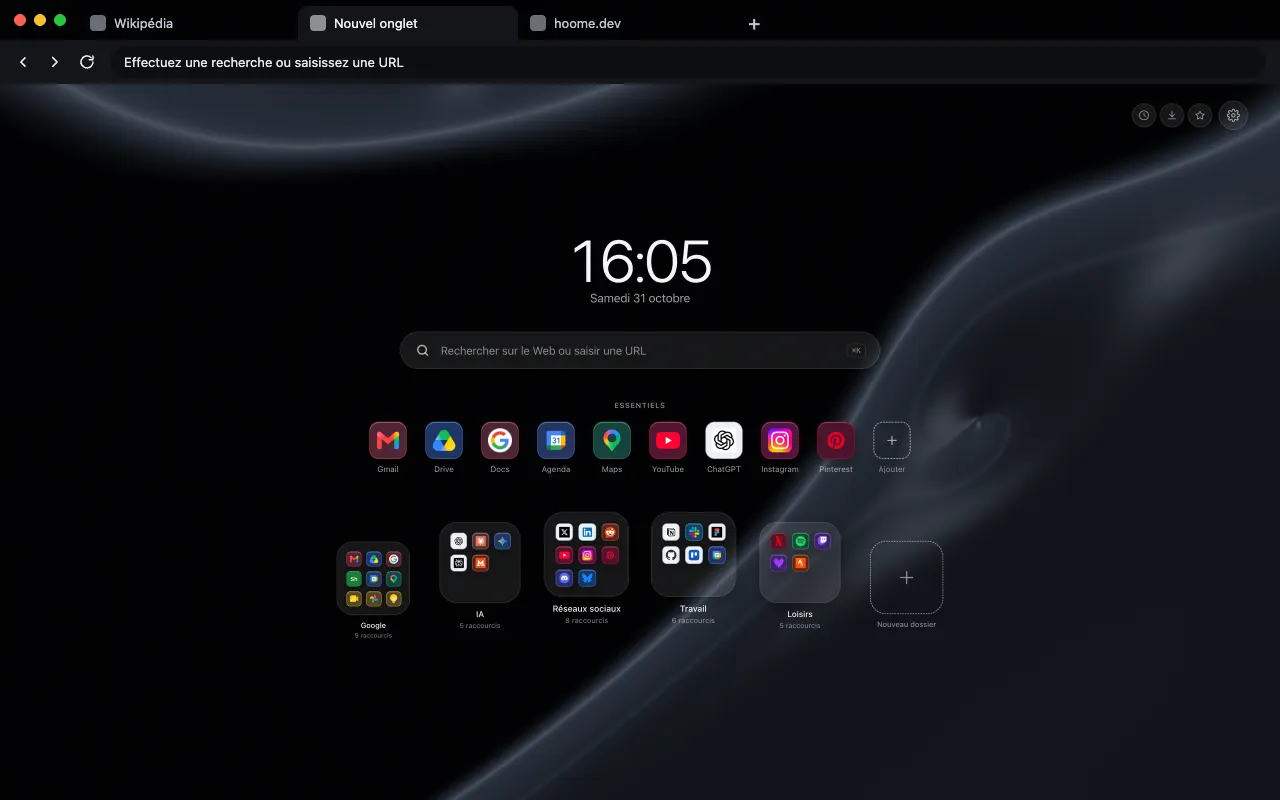
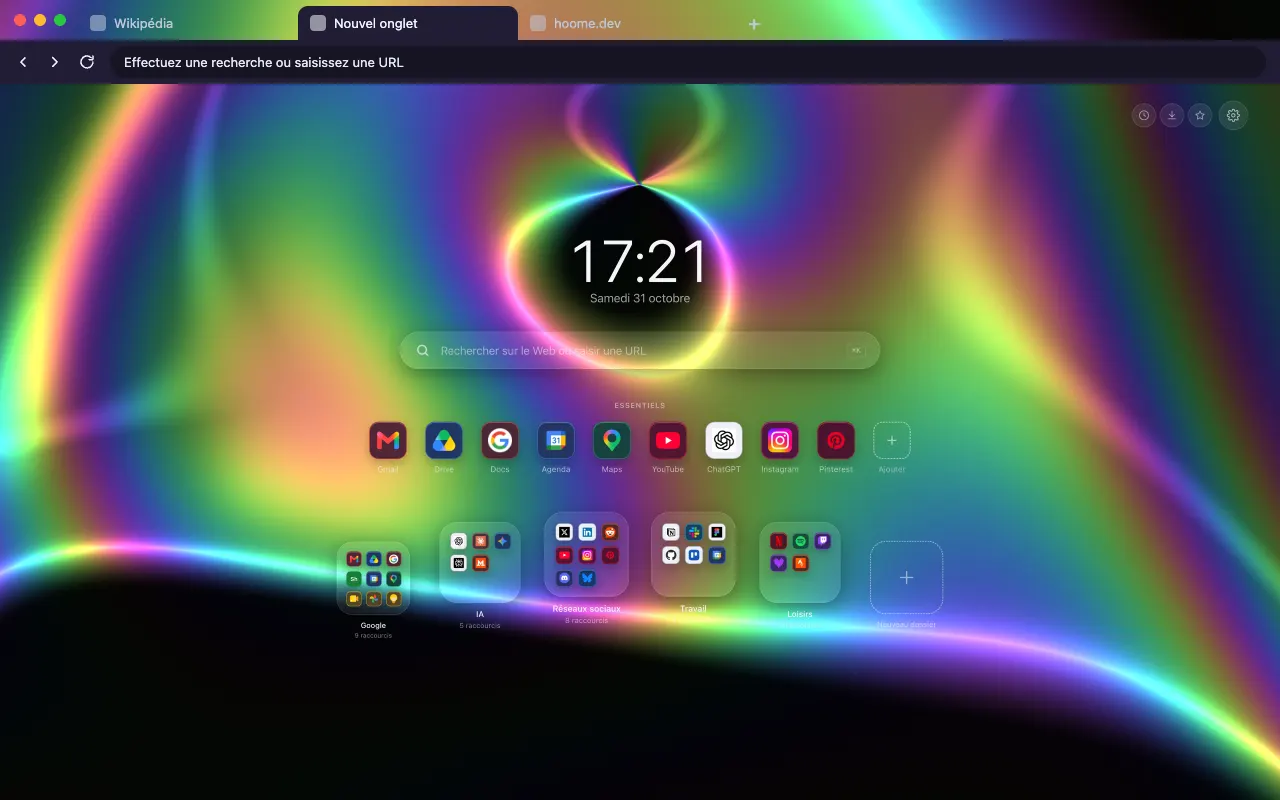
- Gravity 10 backgrounds Black holes, quasars and bent light: gravity made visible. See the themes
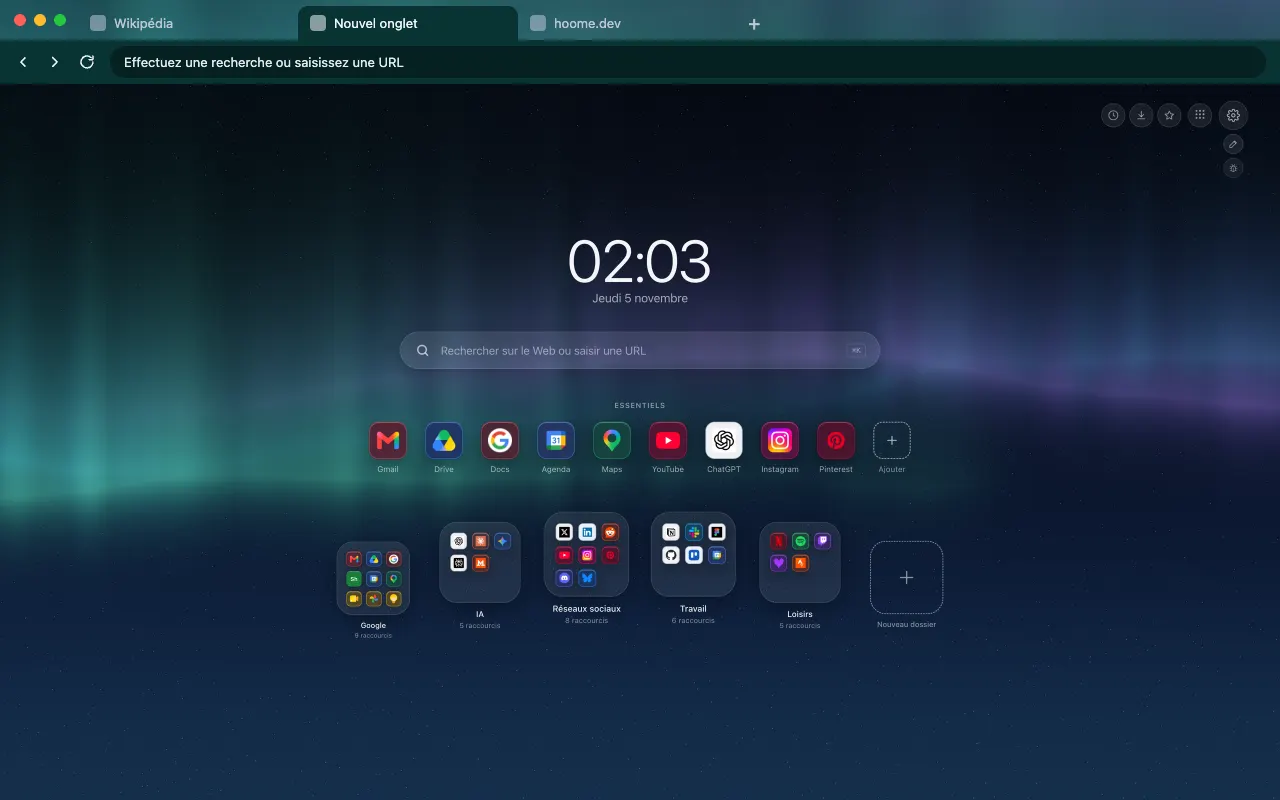
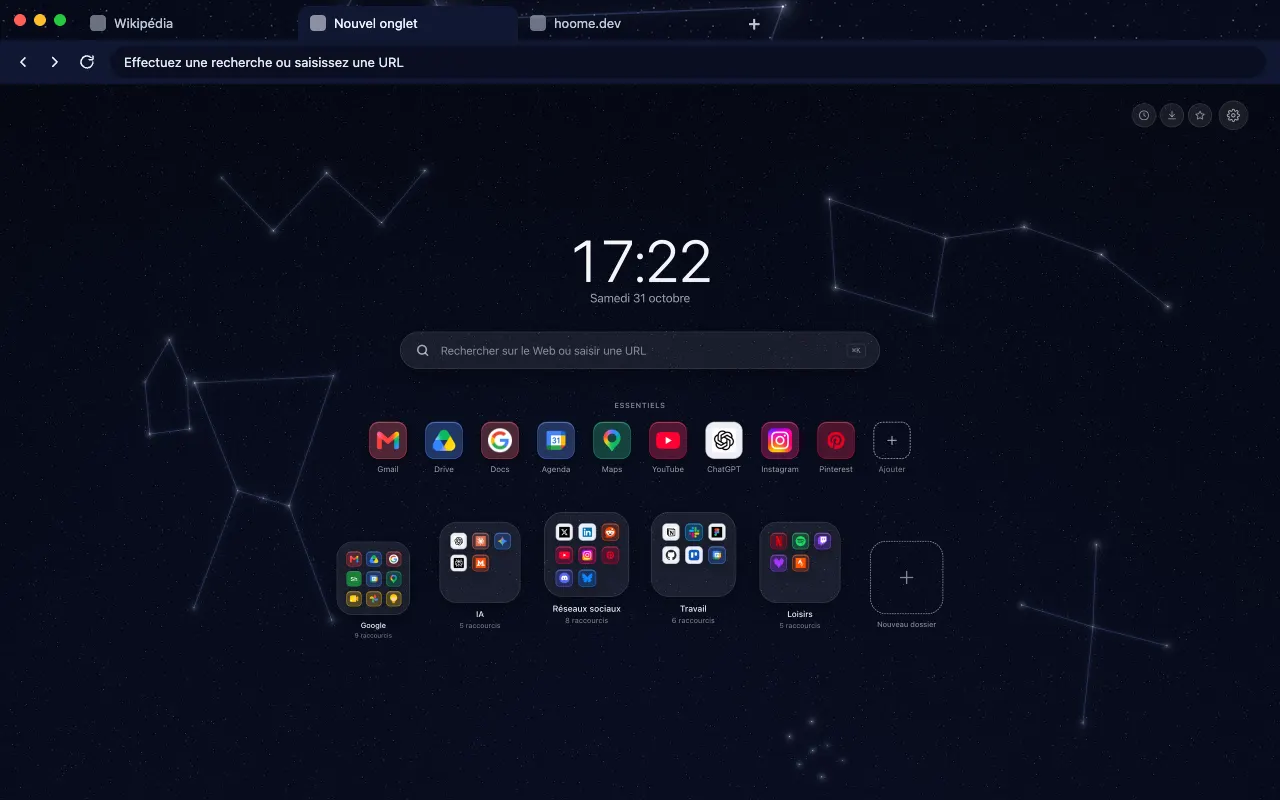
- Space 27 backgrounds Starry skies, planets, comets and auroras, from Earth to distant star systems. See the themes
- Ocean 6 backgrounds Swells, lagoons and the sea at night, in slow motion. See the themes
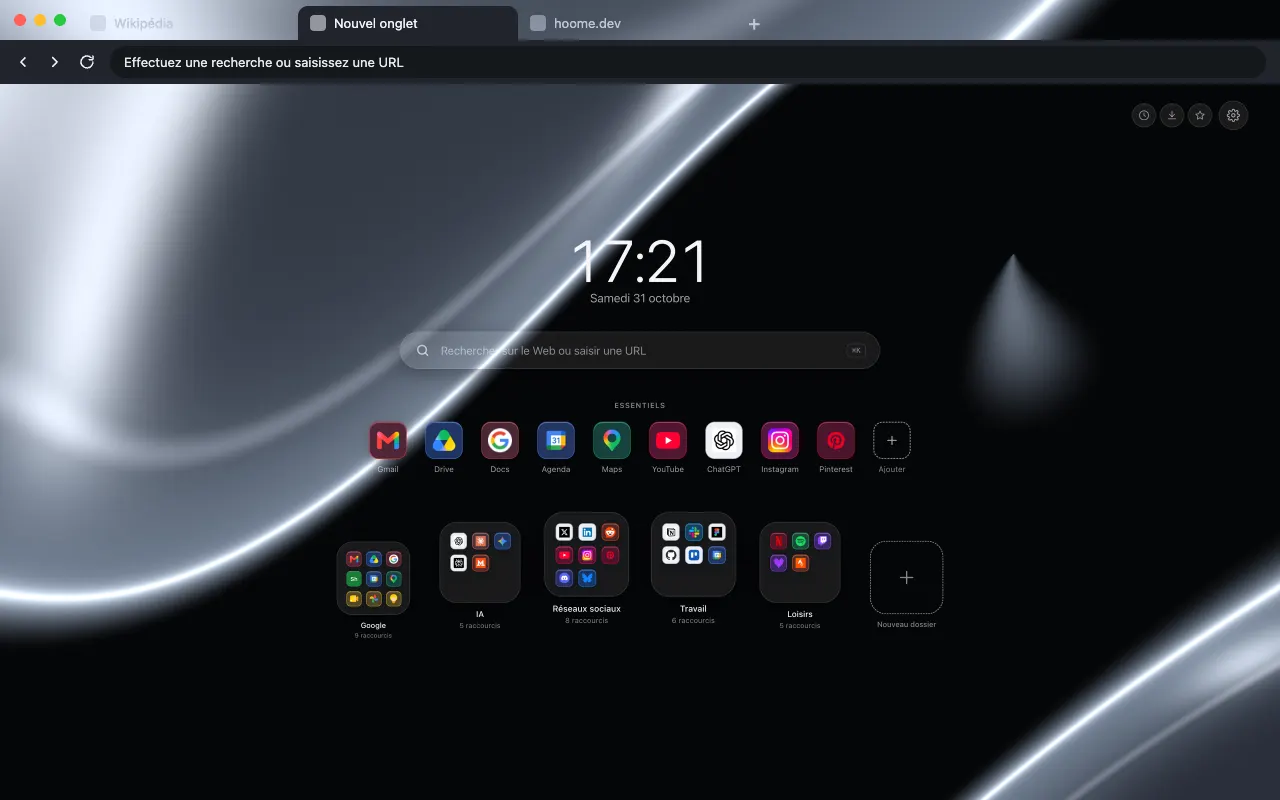
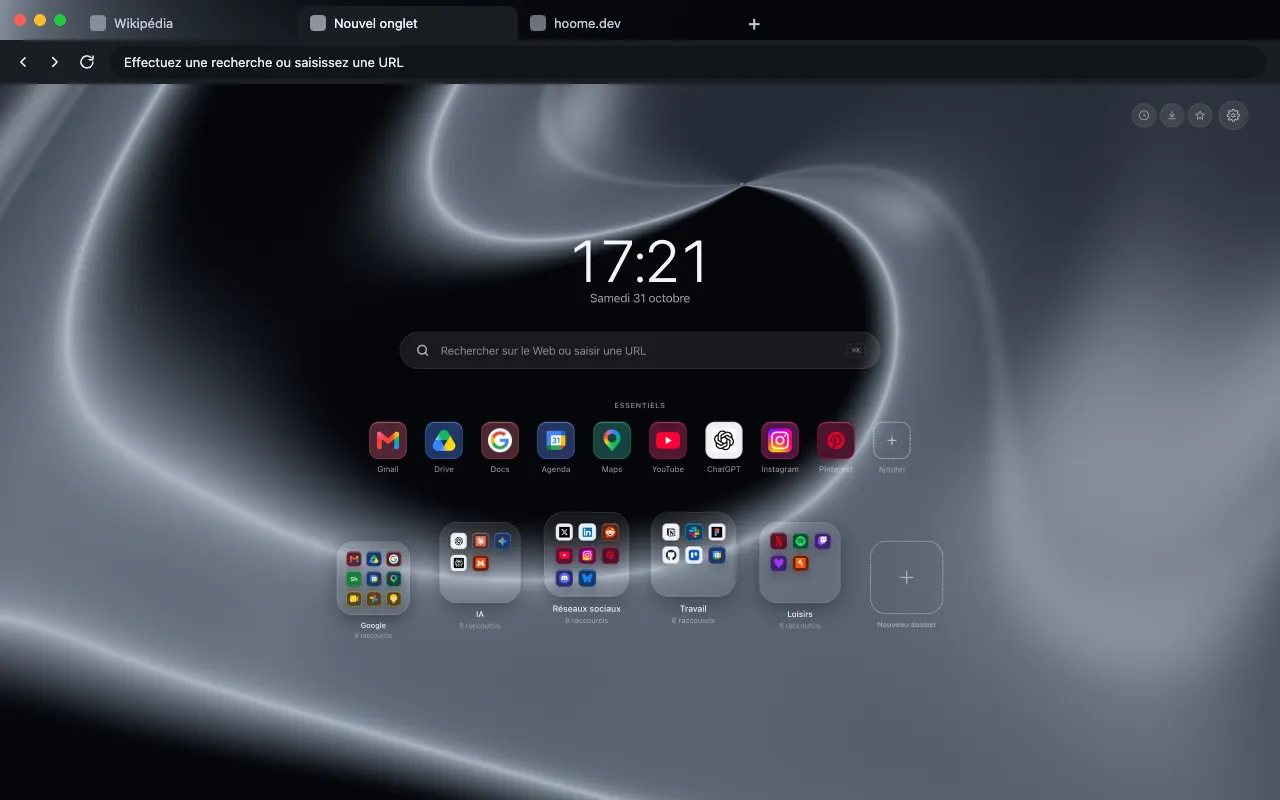
- Chrome 5 backgrounds Liquid metal in black, silver or gold, with mirror reflections. See the themes
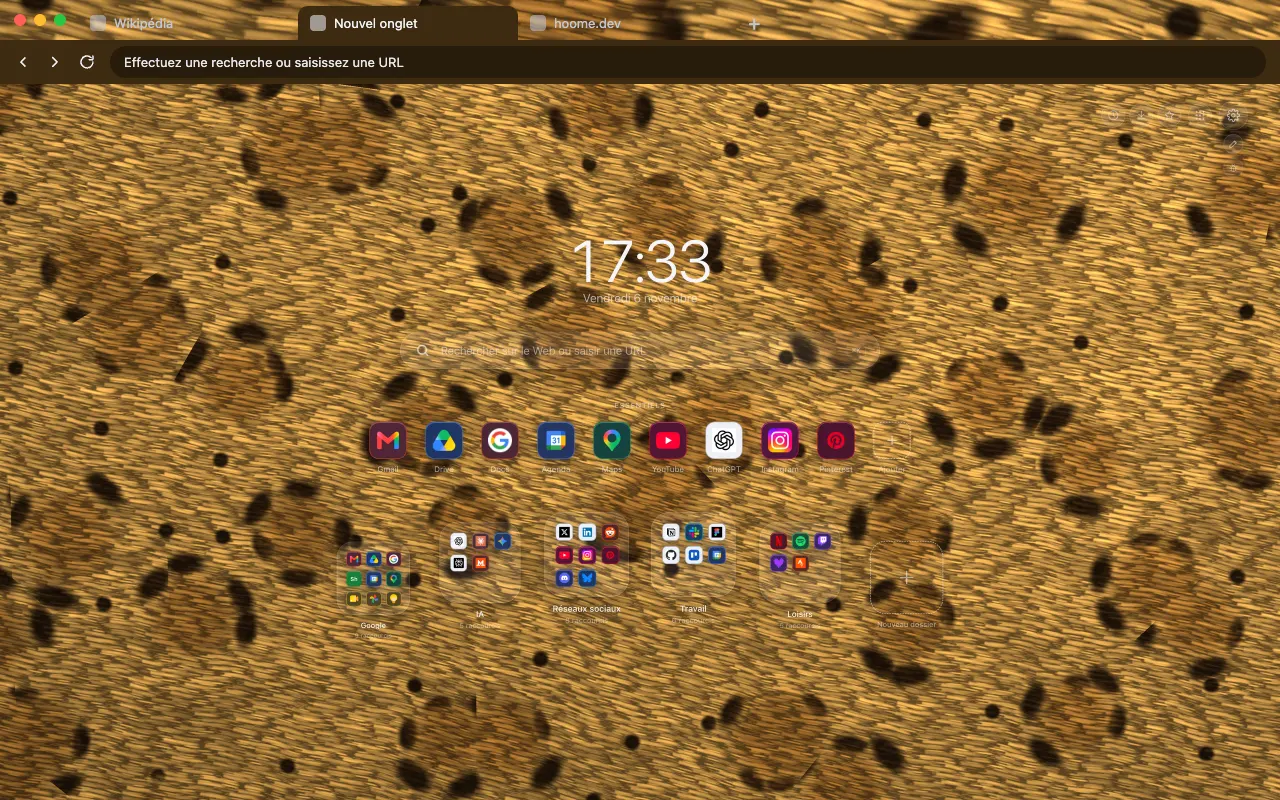
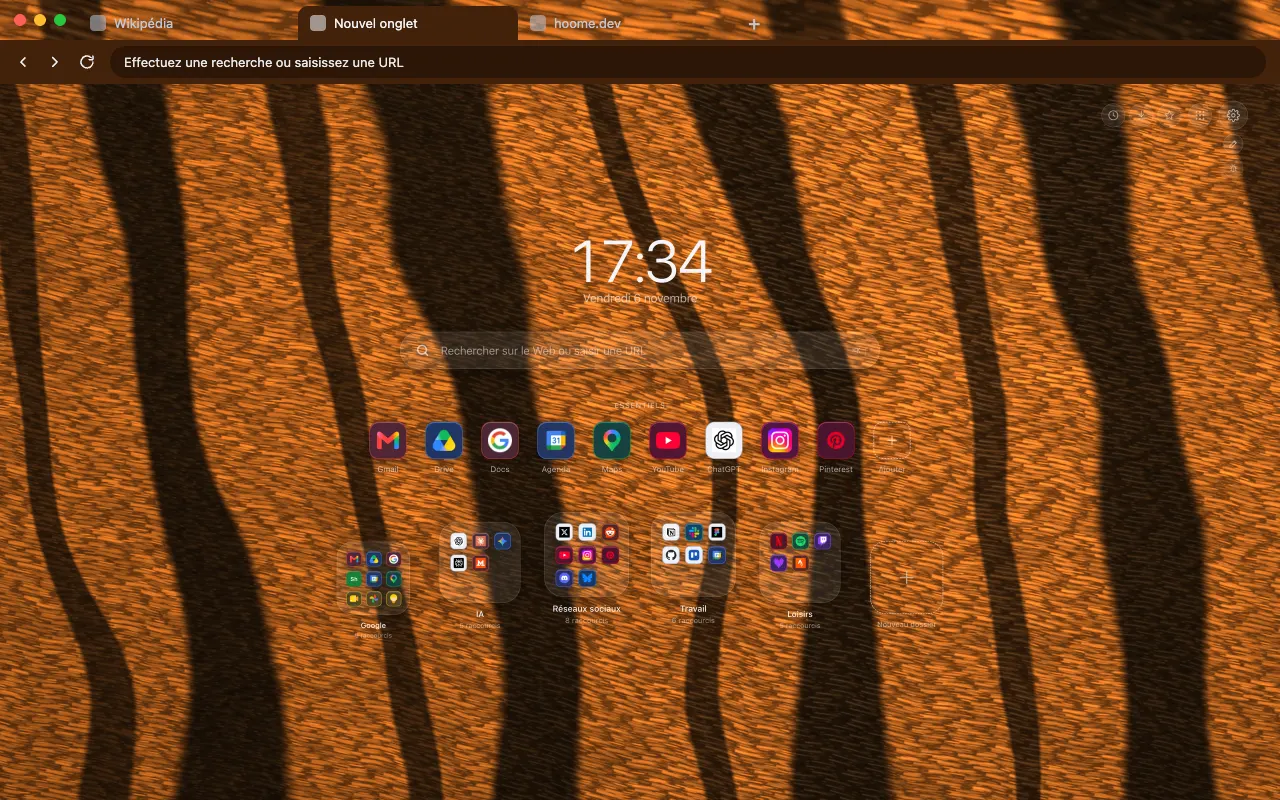
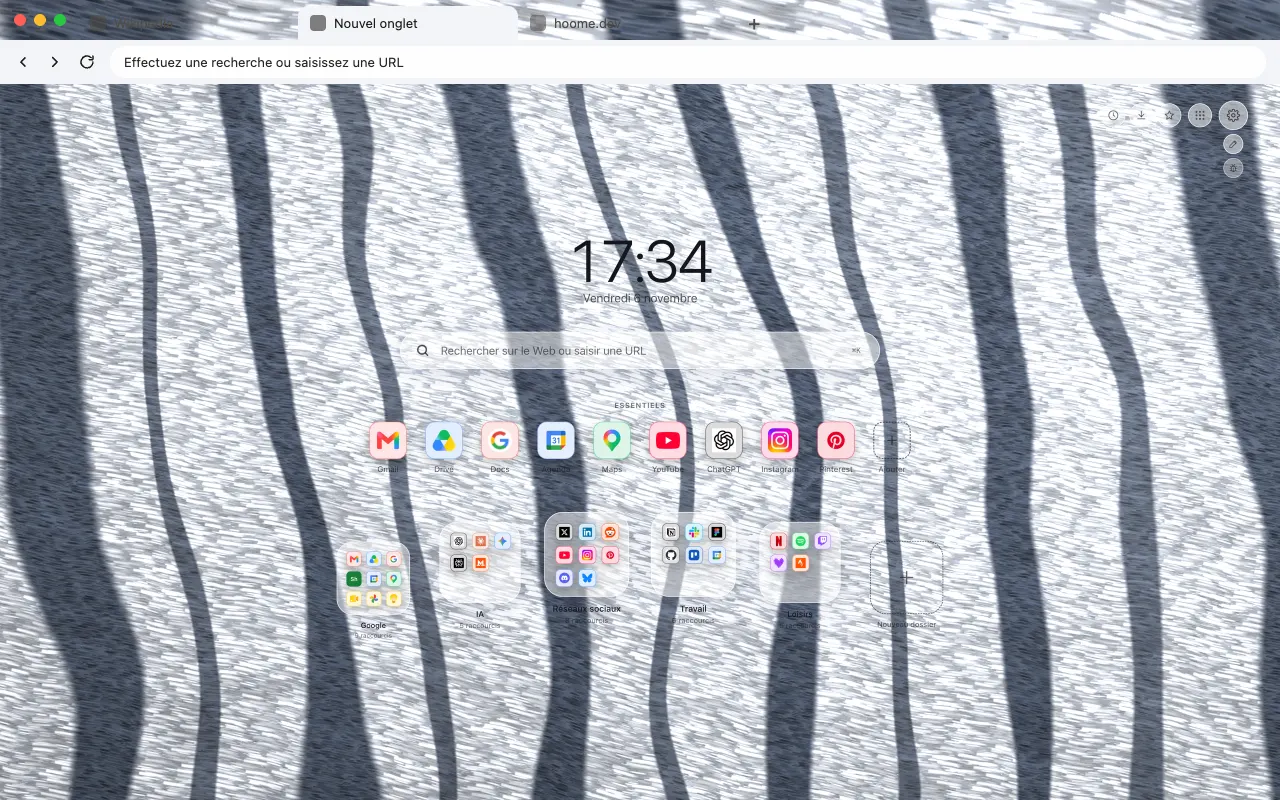
- Animal coats 12 backgrounds The coats of big cats and northern animals, hair by hair. See the themes
- Minerals 9 backgrounds Marble, malachite, onyx and slate: stone and its veins. See the themes
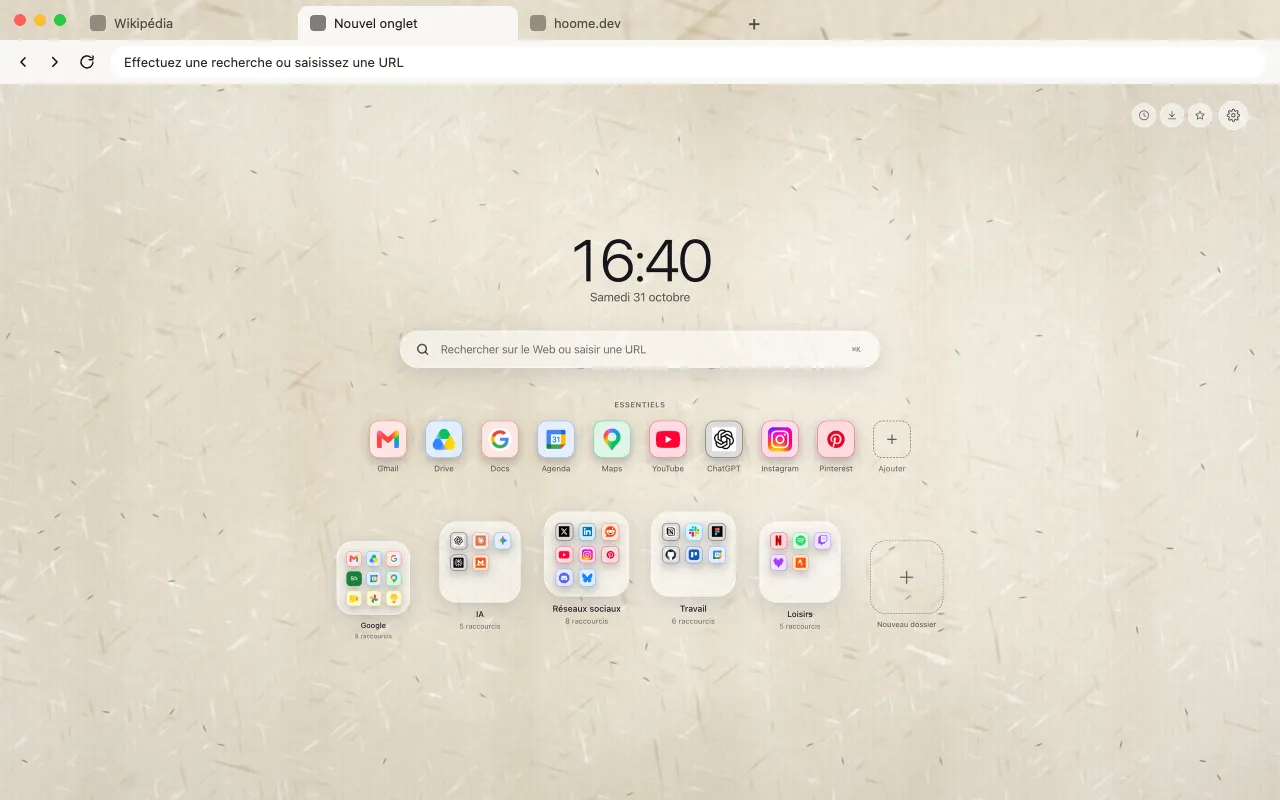
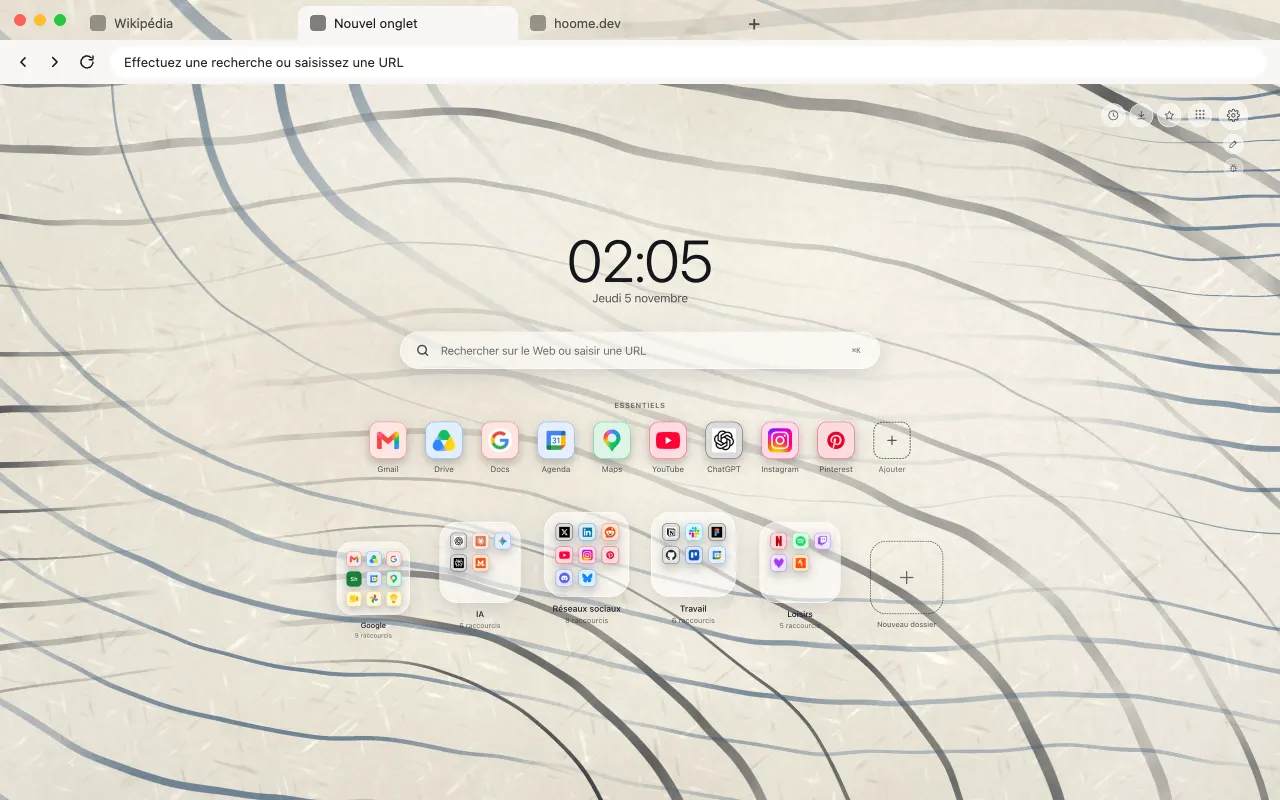
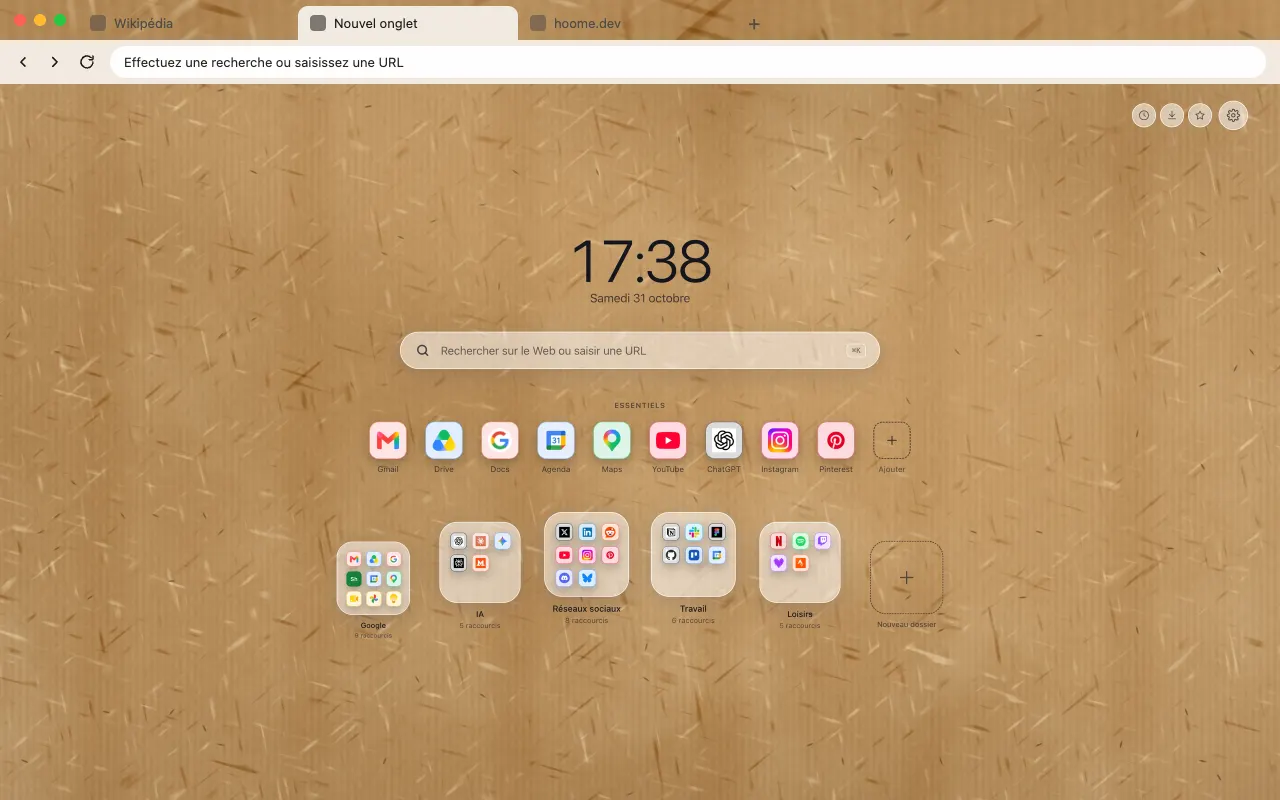
- Paper and ink 8 backgrounds Japanese, kraft and laid papers, and ink floating on water. See the themes
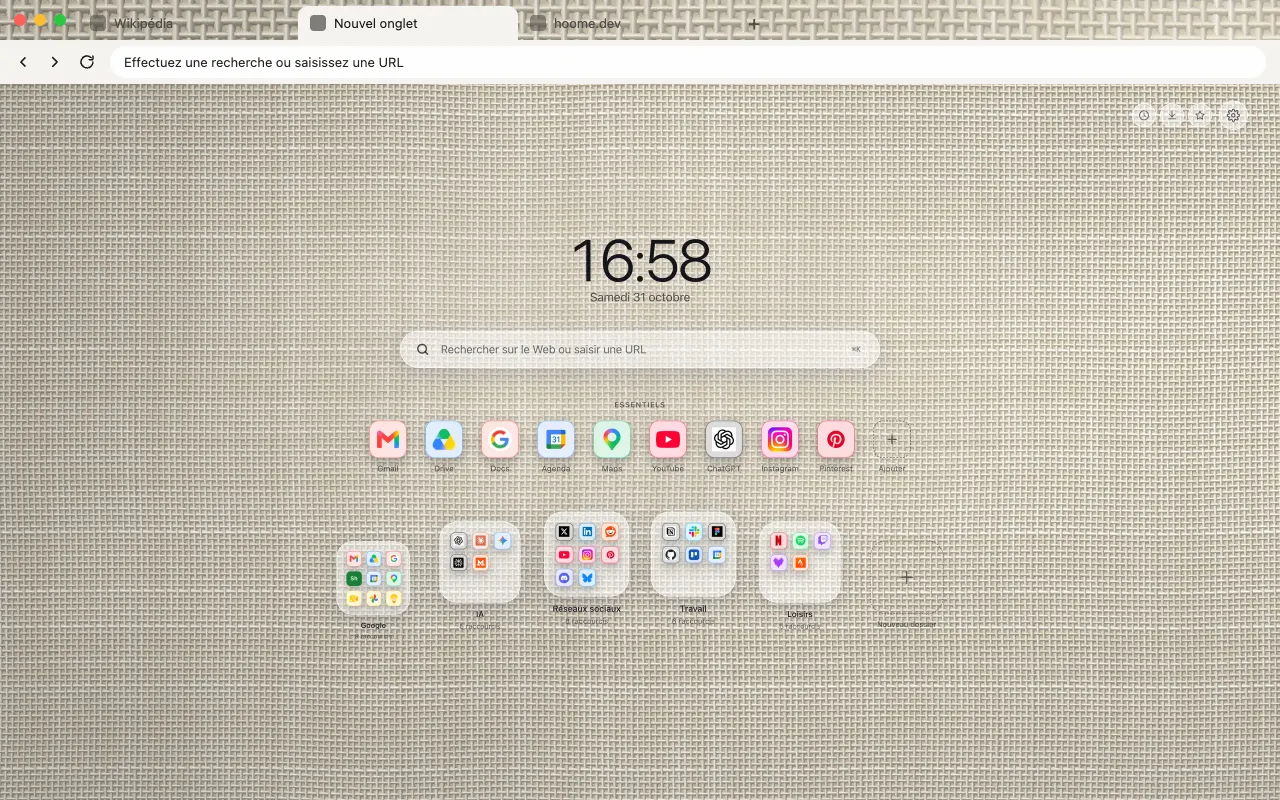
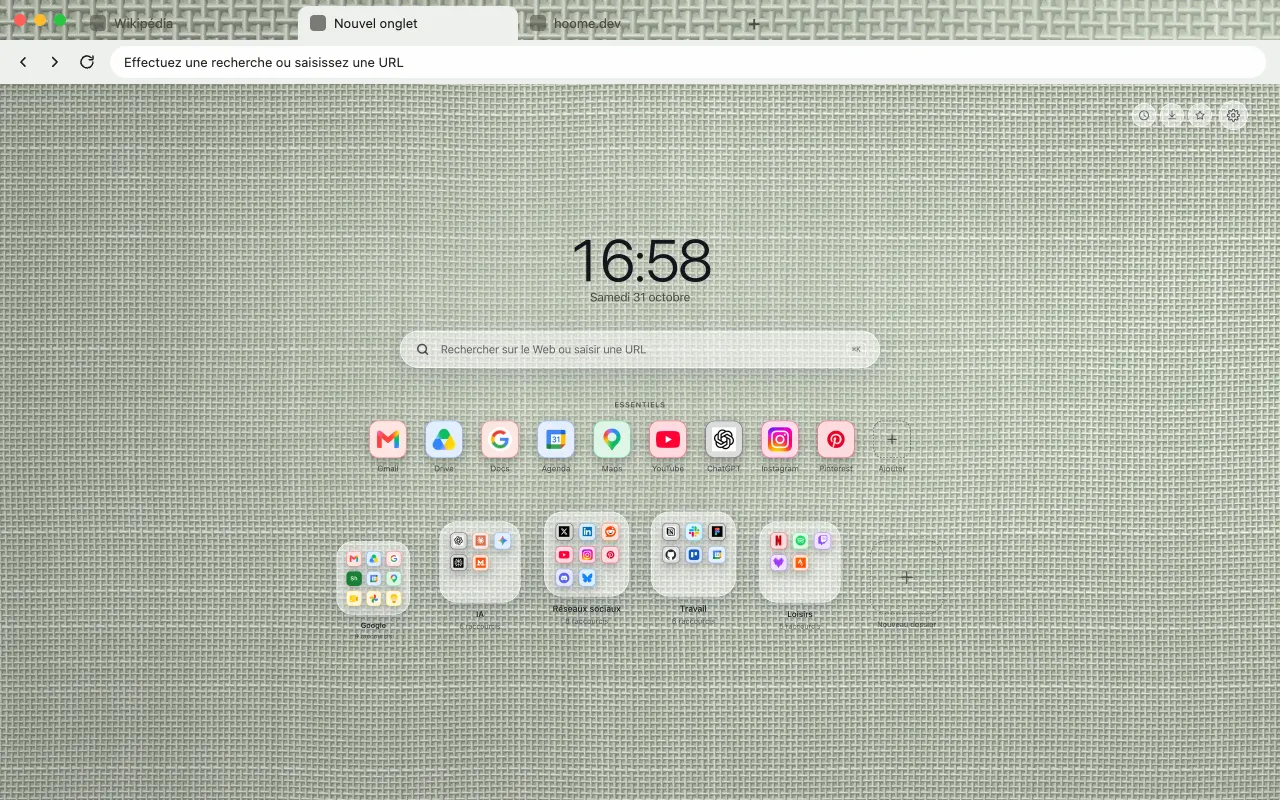
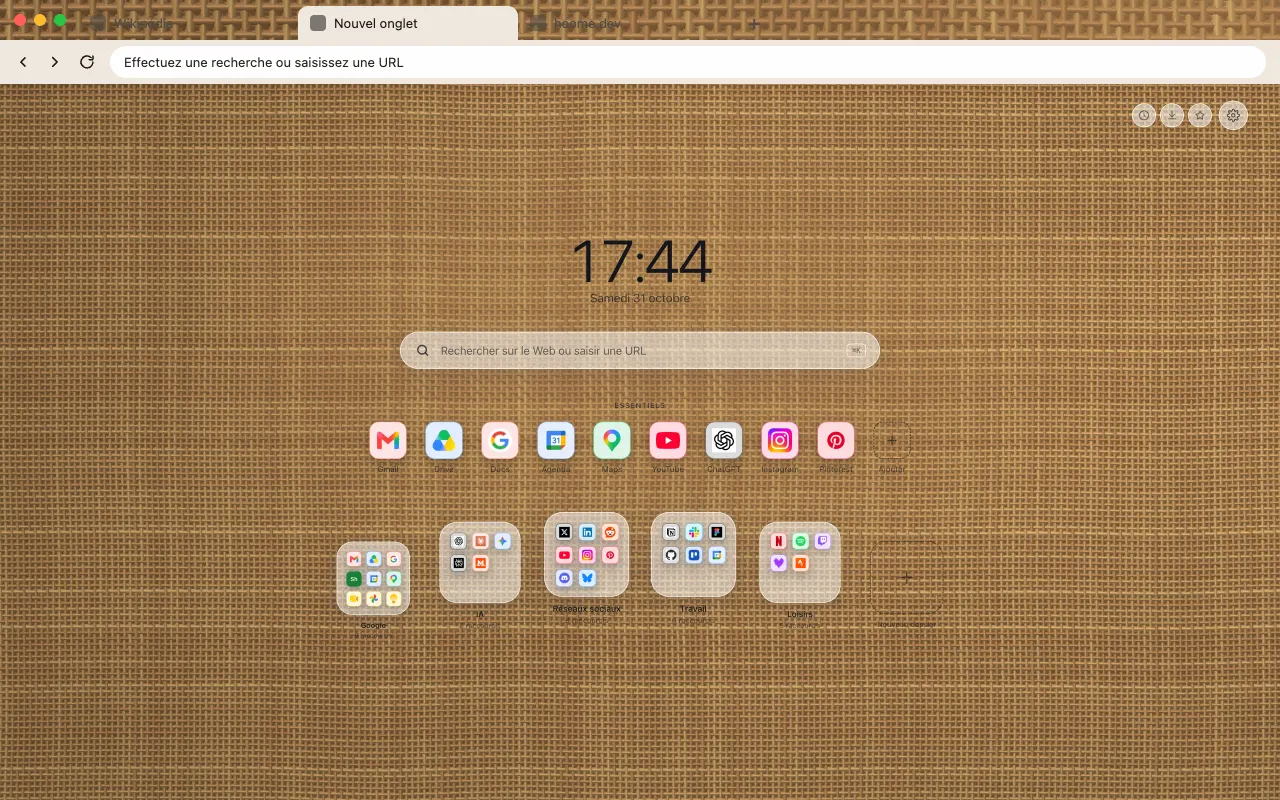
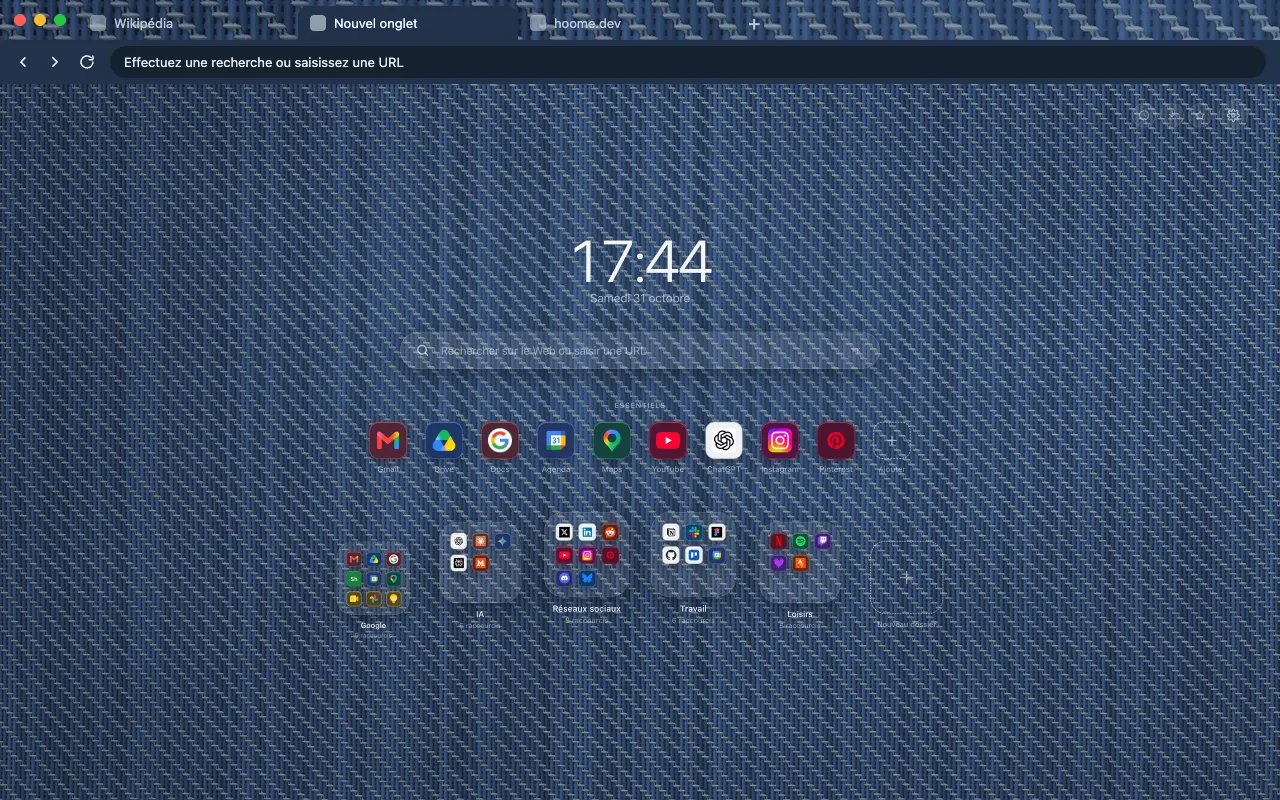
- Textiles 8 backgrounds Linen, burlap, denim and velvet: the weave of fabrics up close. See the themes
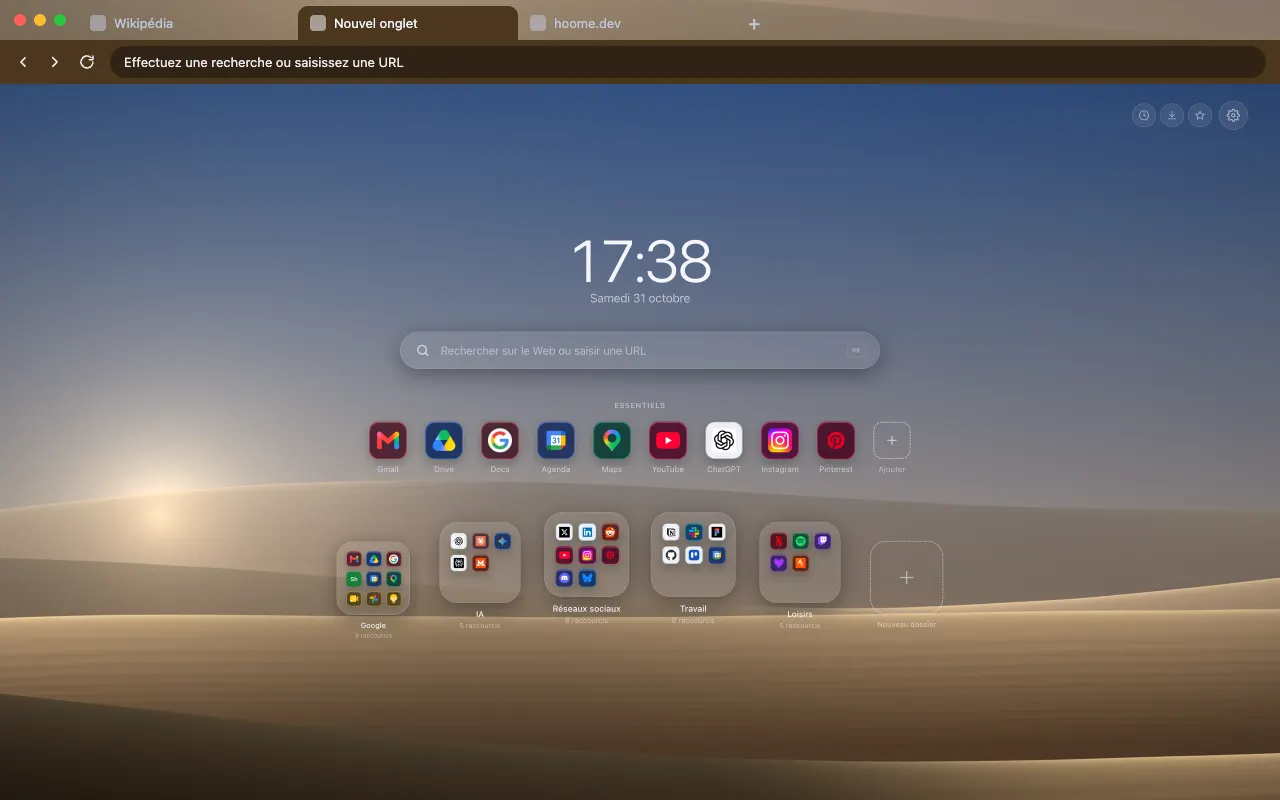
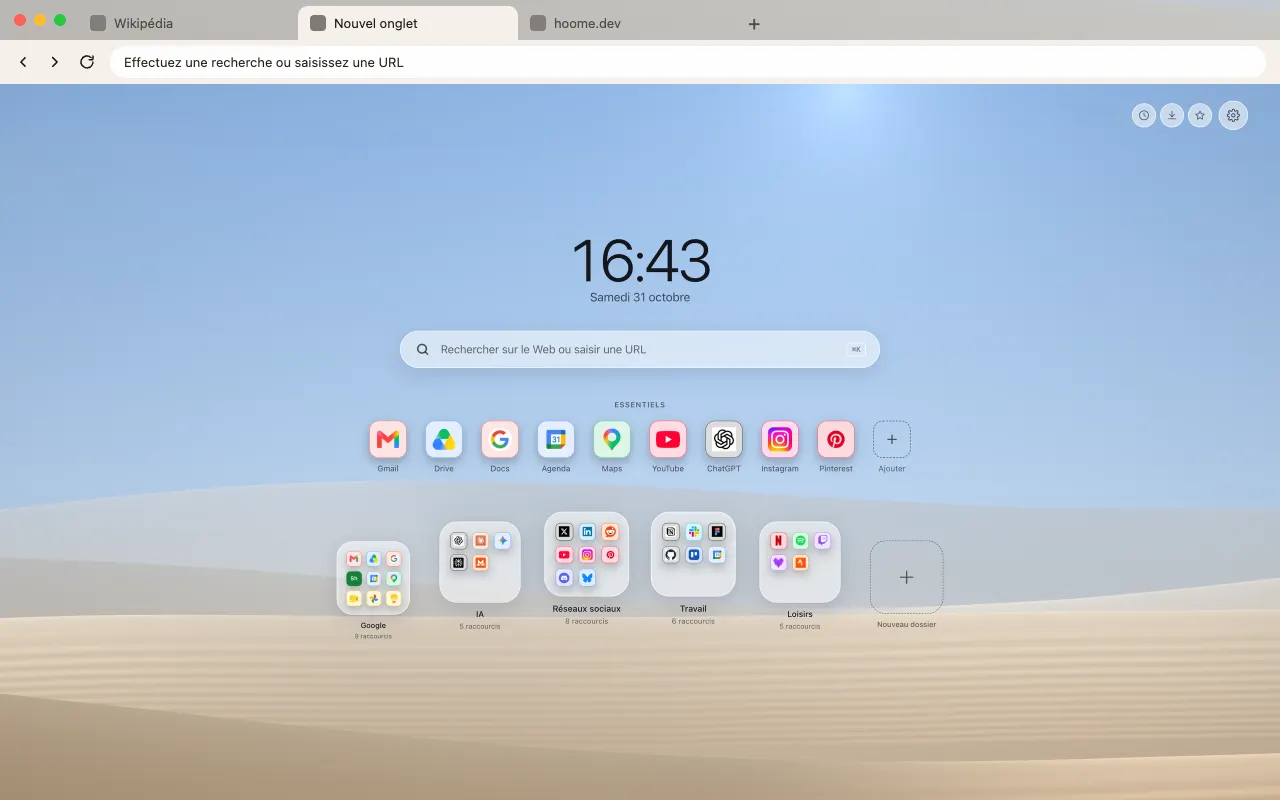
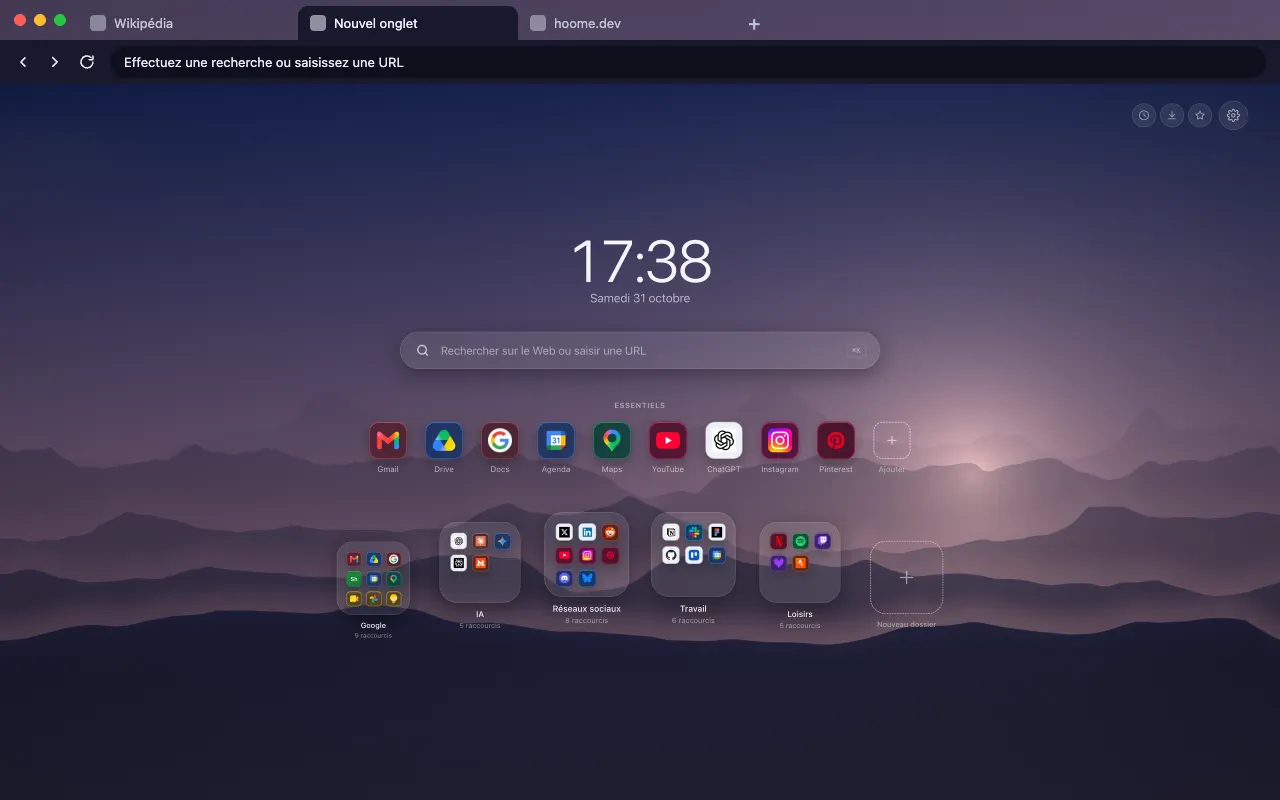
- Landscapes 8 backgrounds Dunes, ridges and mist, landscapes in layered silhouettes. See the themes
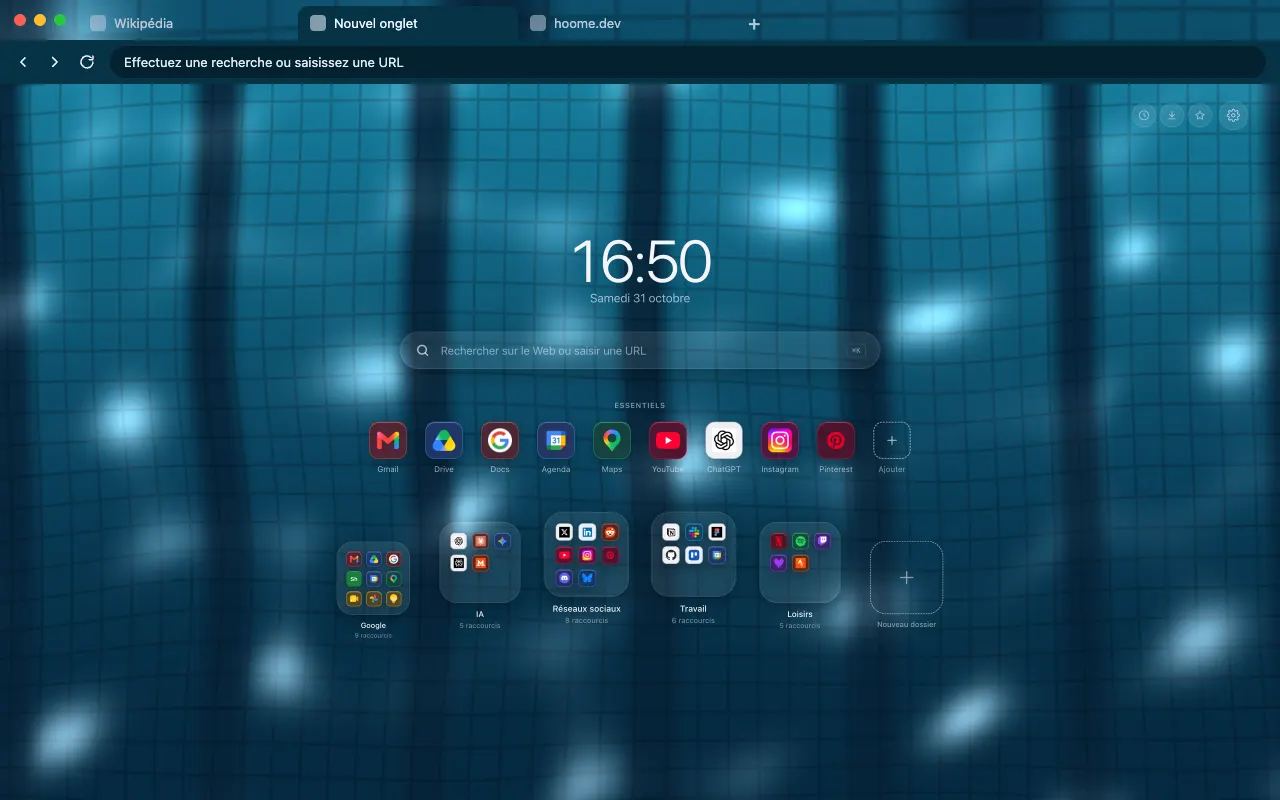
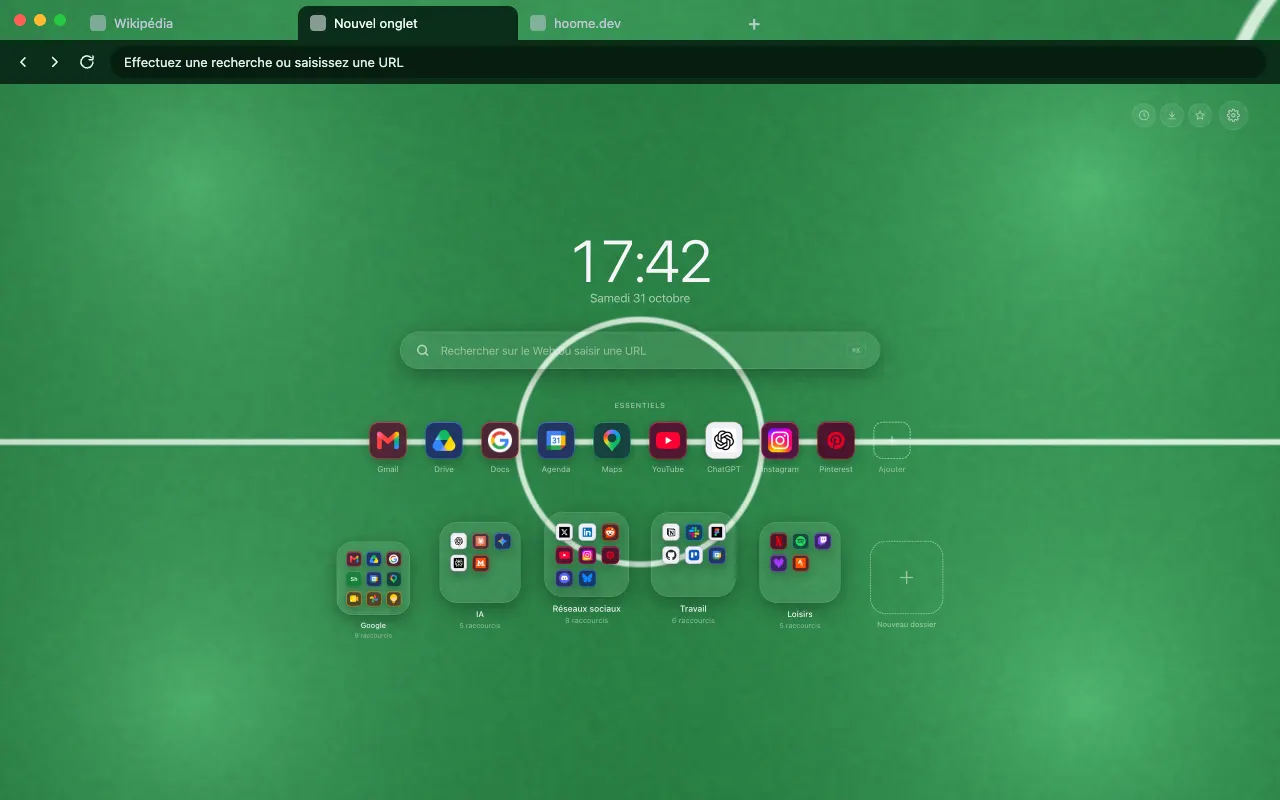
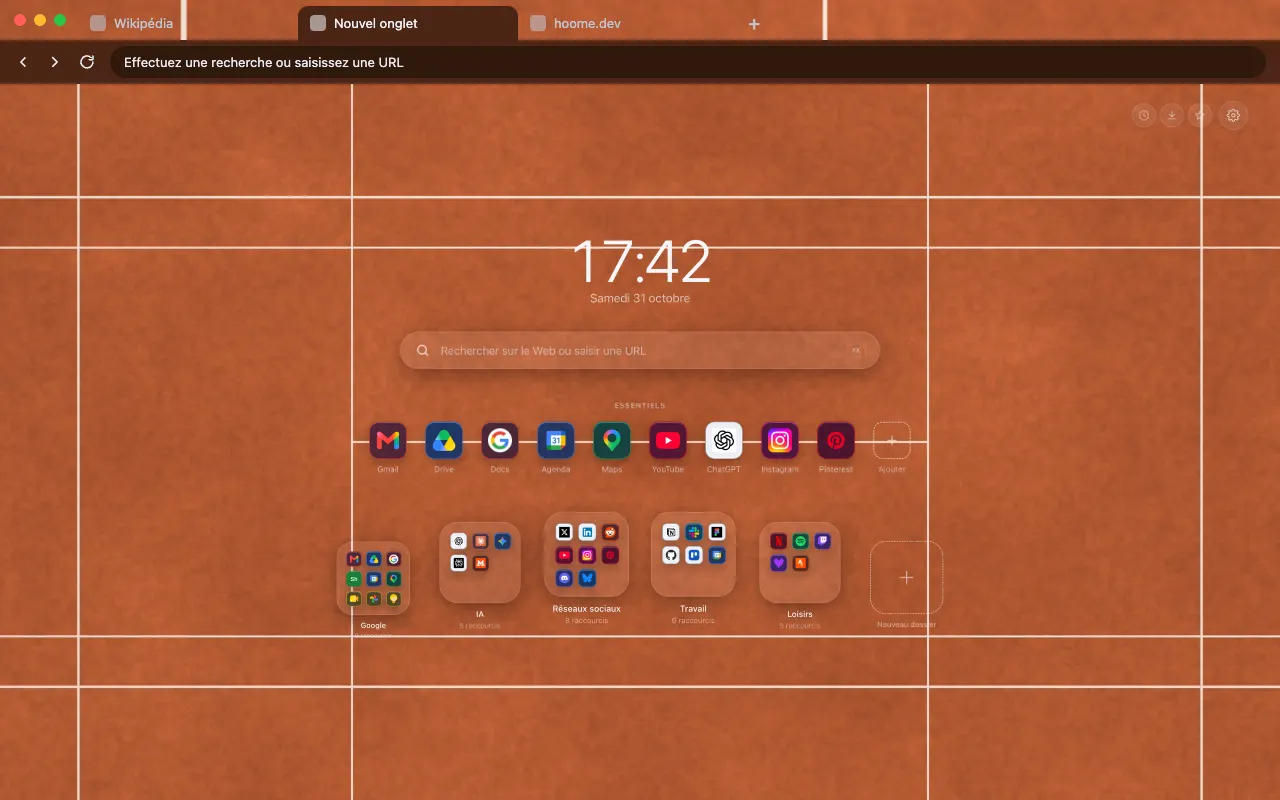
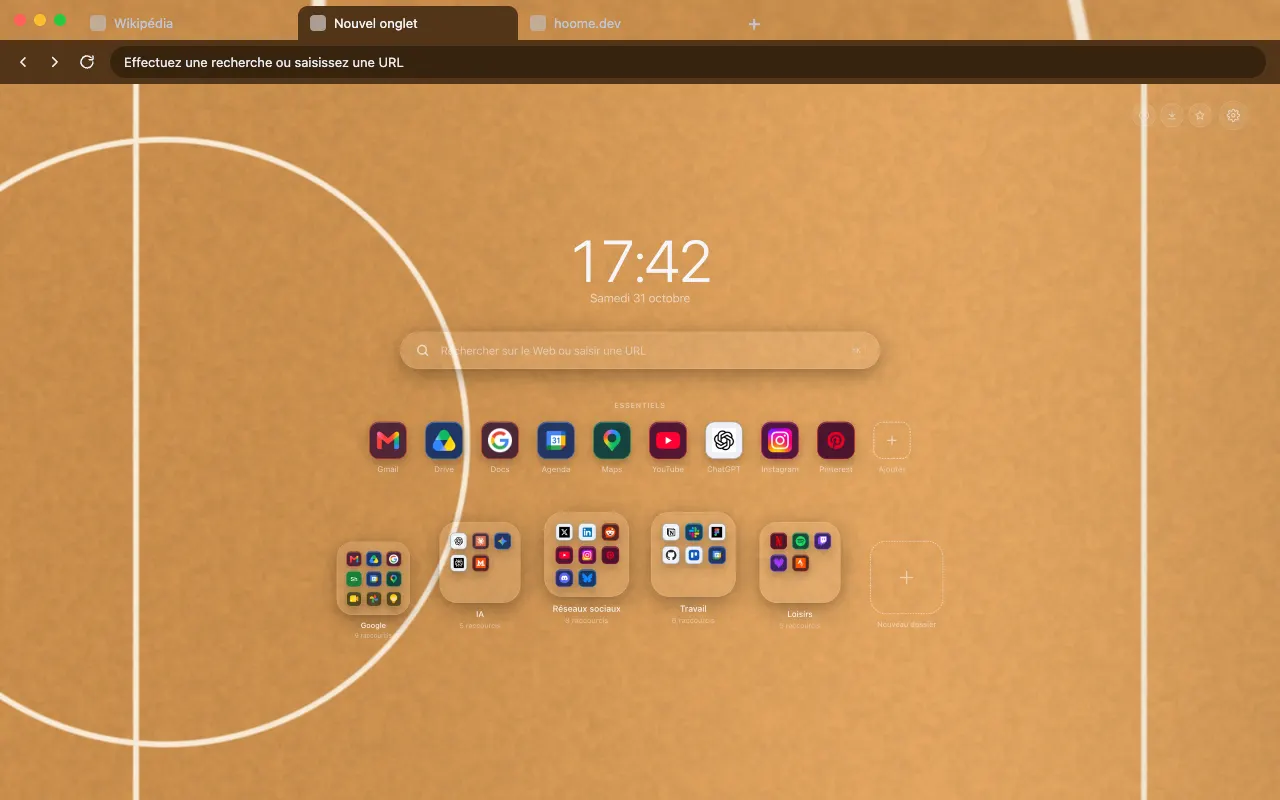
- Sport 7 backgrounds The pool, the pitch, the clay and the hardwood, seen from above. See the themes
- Techno 3 backgrounds Lasers, smoke and neon grids, a night at the club. See the themes
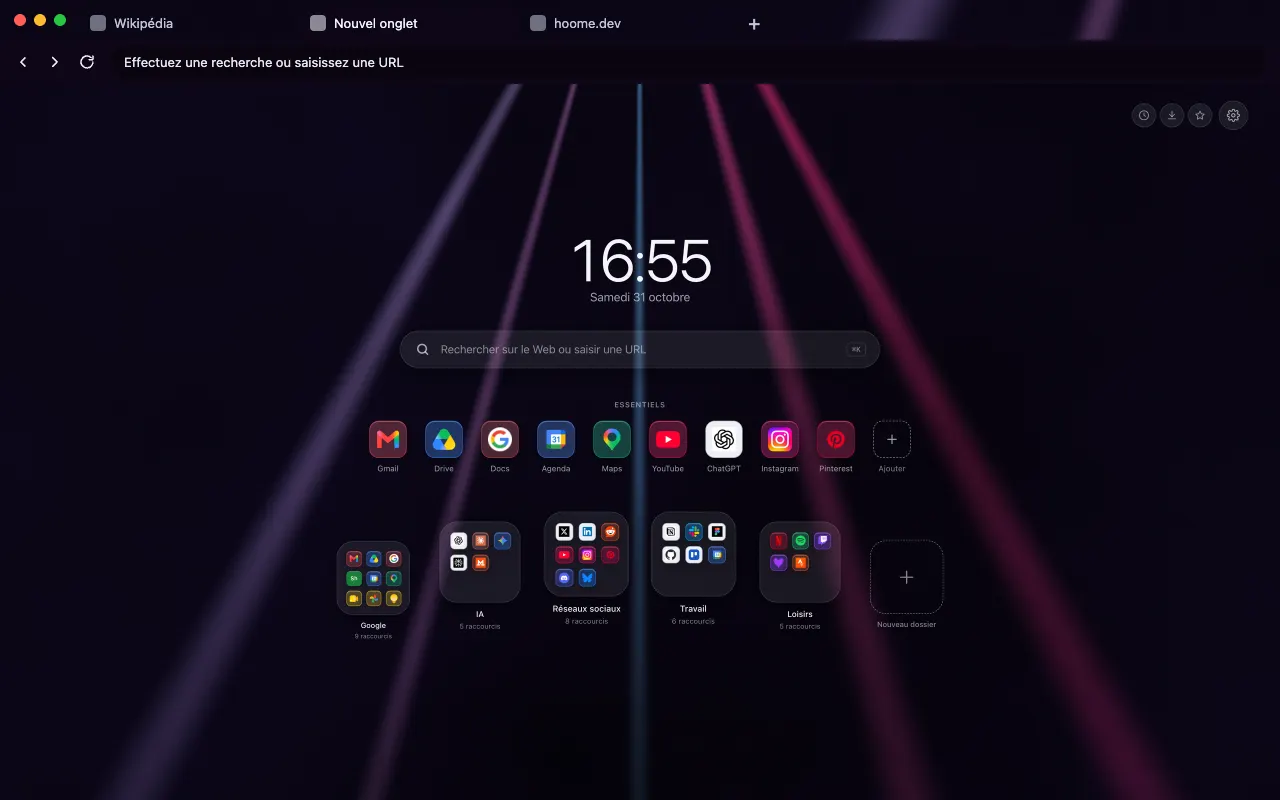
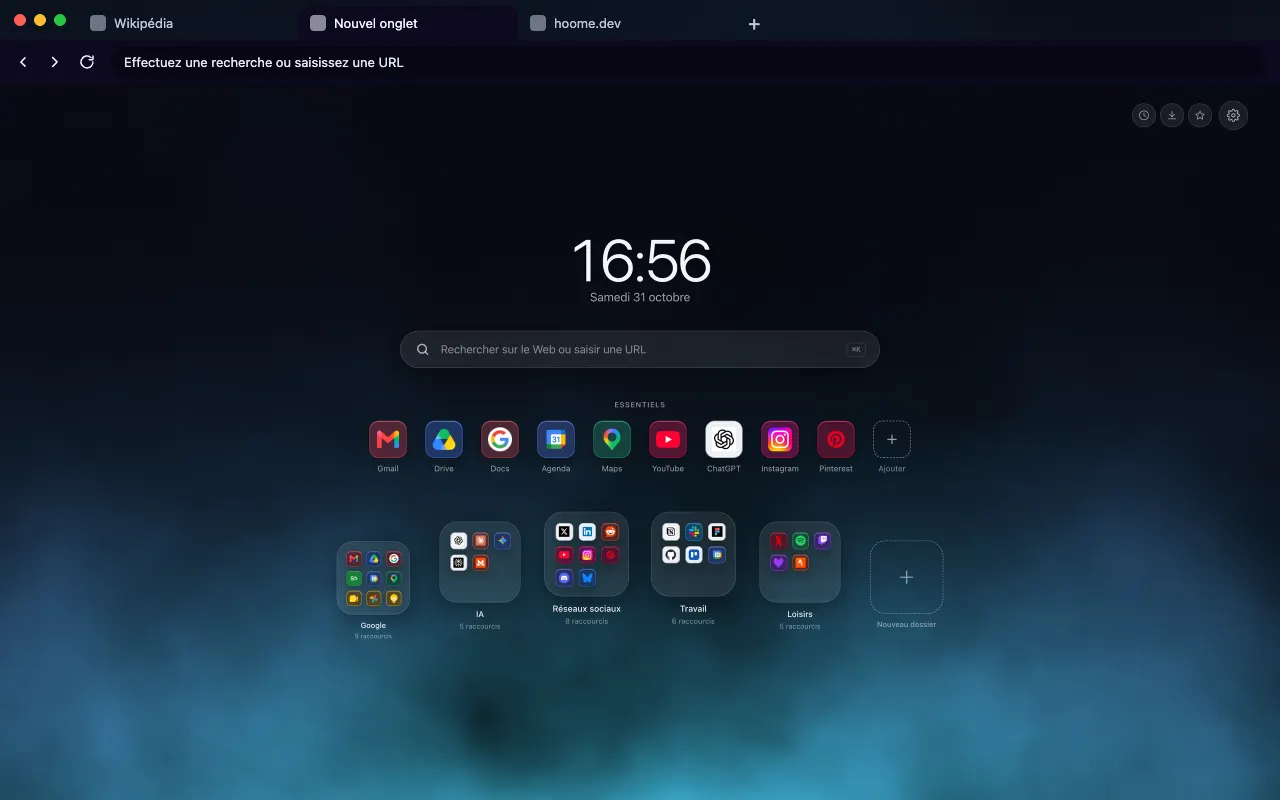
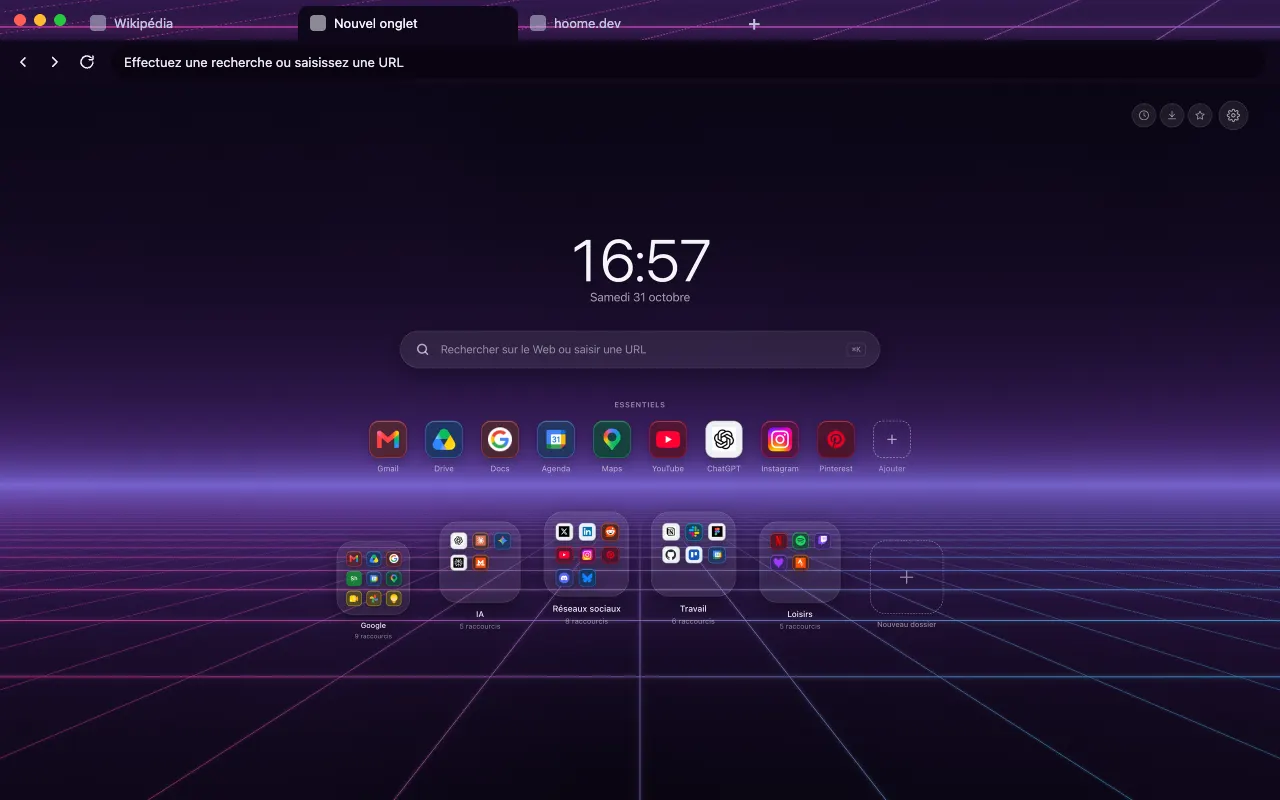
Your next tab can be a tidy one
No sign up, no card, and your sites finally where they belong.
-
 For ChromeChrome Web Store
-
 For FirefoxFirefox Add-ons
-
 For EdgeEdge Add-ons
-
 For BraveChrome Web Store
Brave installs Hoome from the Chrome Web Store.
On a phone, tap “Add to Desktop” on the Chrome Web Store: Hoome will install in Chrome on your computer, if it is signed in to the same Google account.