Minimalist wallpapers
Soft gradients and calm colors, for a page that stays out of the way.
-
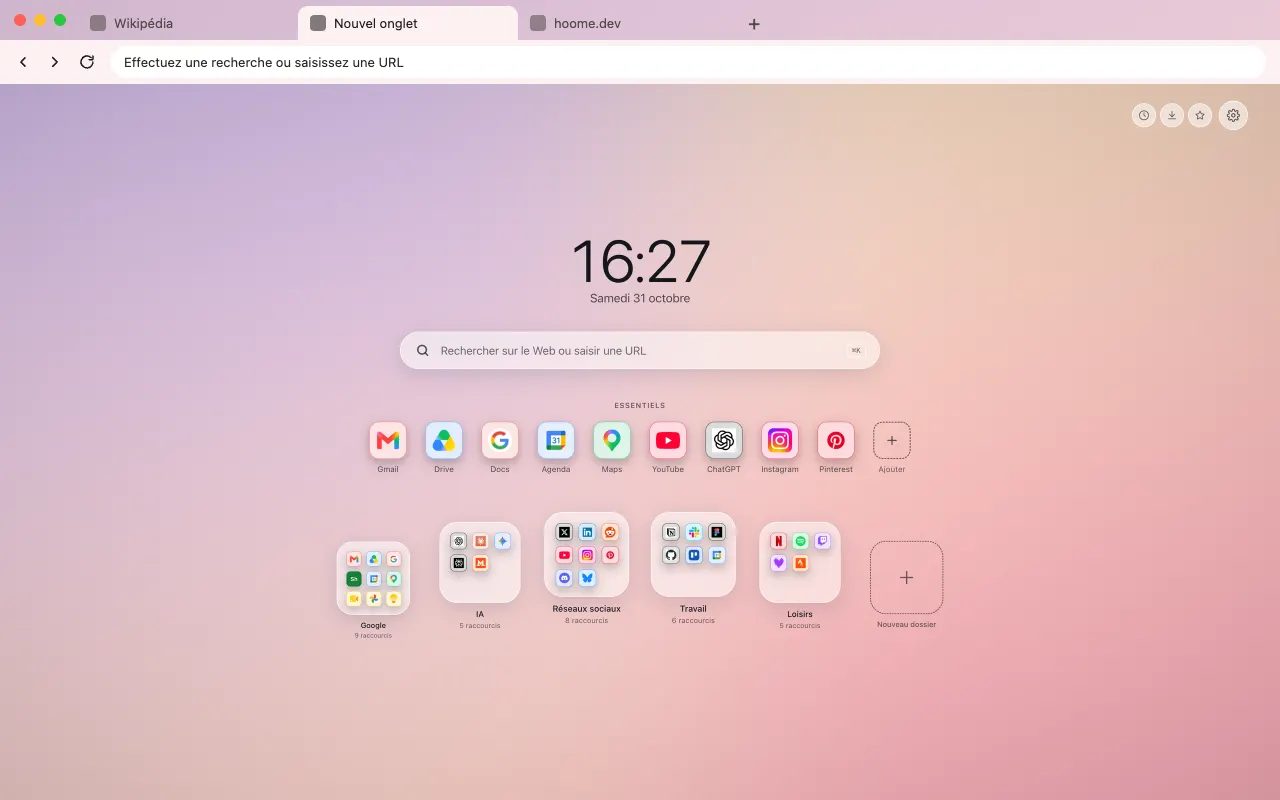 Peach Gradient A soft, luminous peach gradient for your browser frame. The same background fills your new tab with Hoome.
-
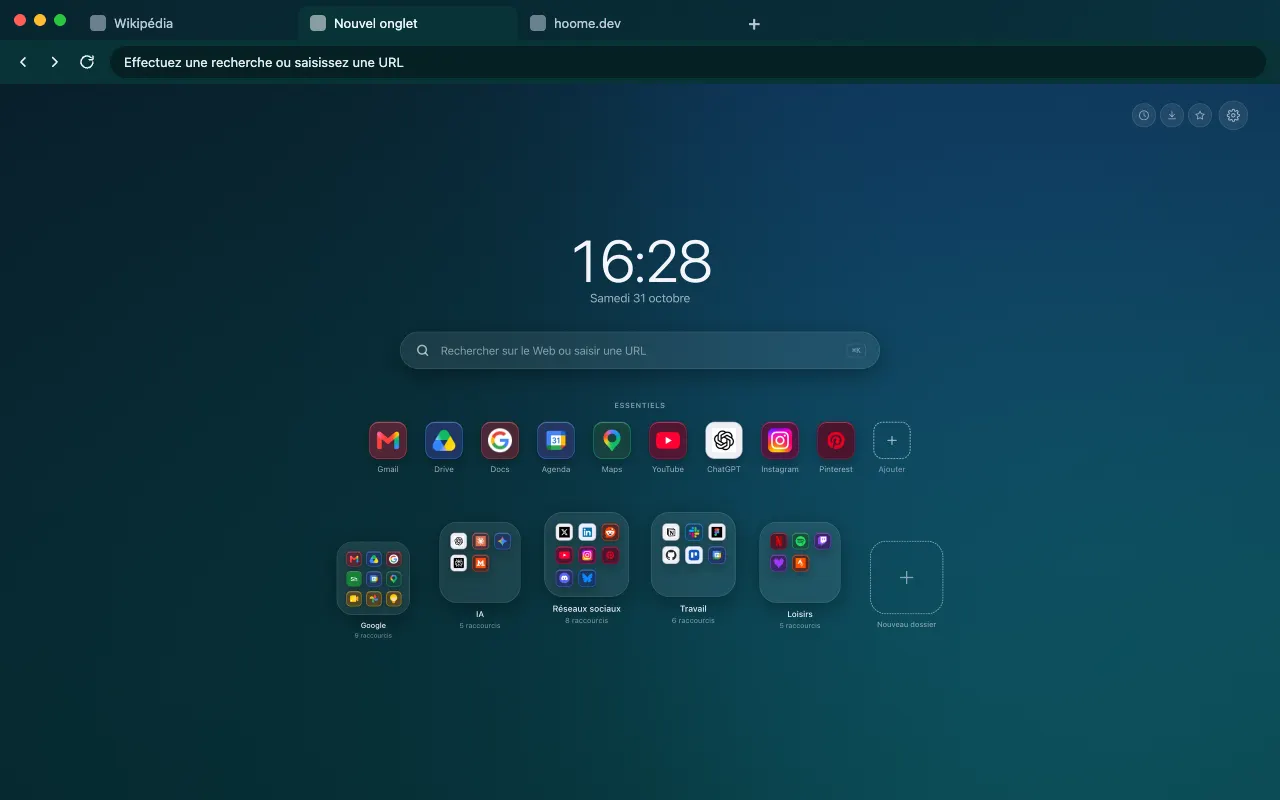 Lagoon Gradient A teal lagoon gradient at dusk for your browser frame. Full size on your new tab with Hoome.
-
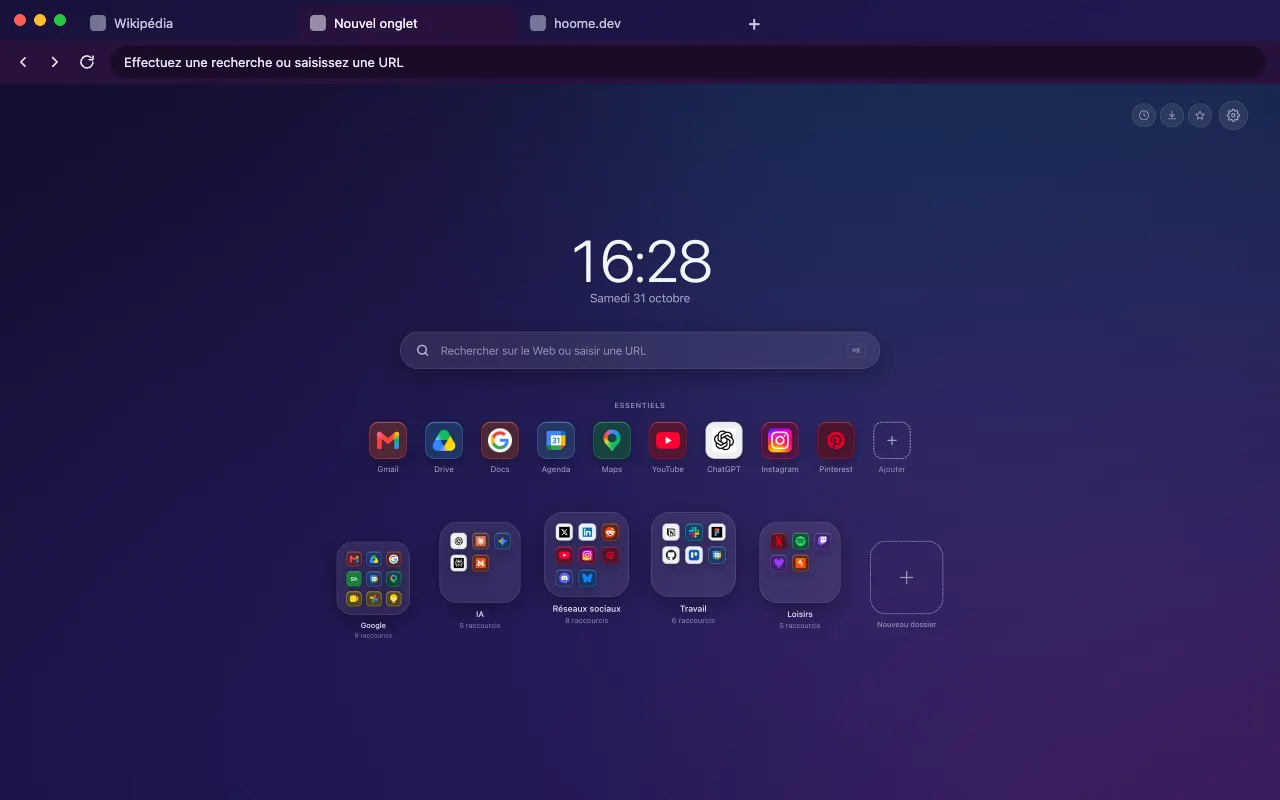 Midnight Gradient A deep, calm midnight blue gradient for your browser frame. The full background is in Hoome.
-
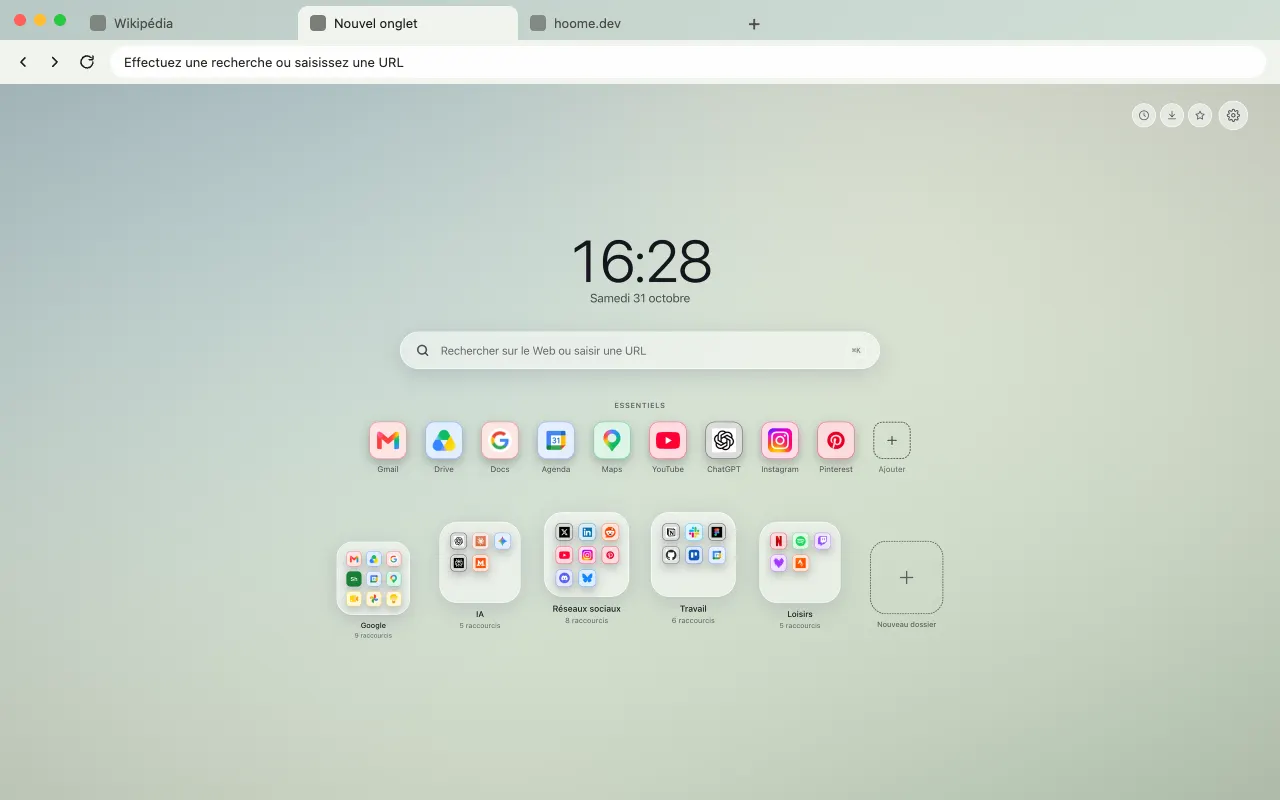 Sage Gradient A light, soothing sage green gradient for your browser frame. The same background fills your new tab with Hoome.
-
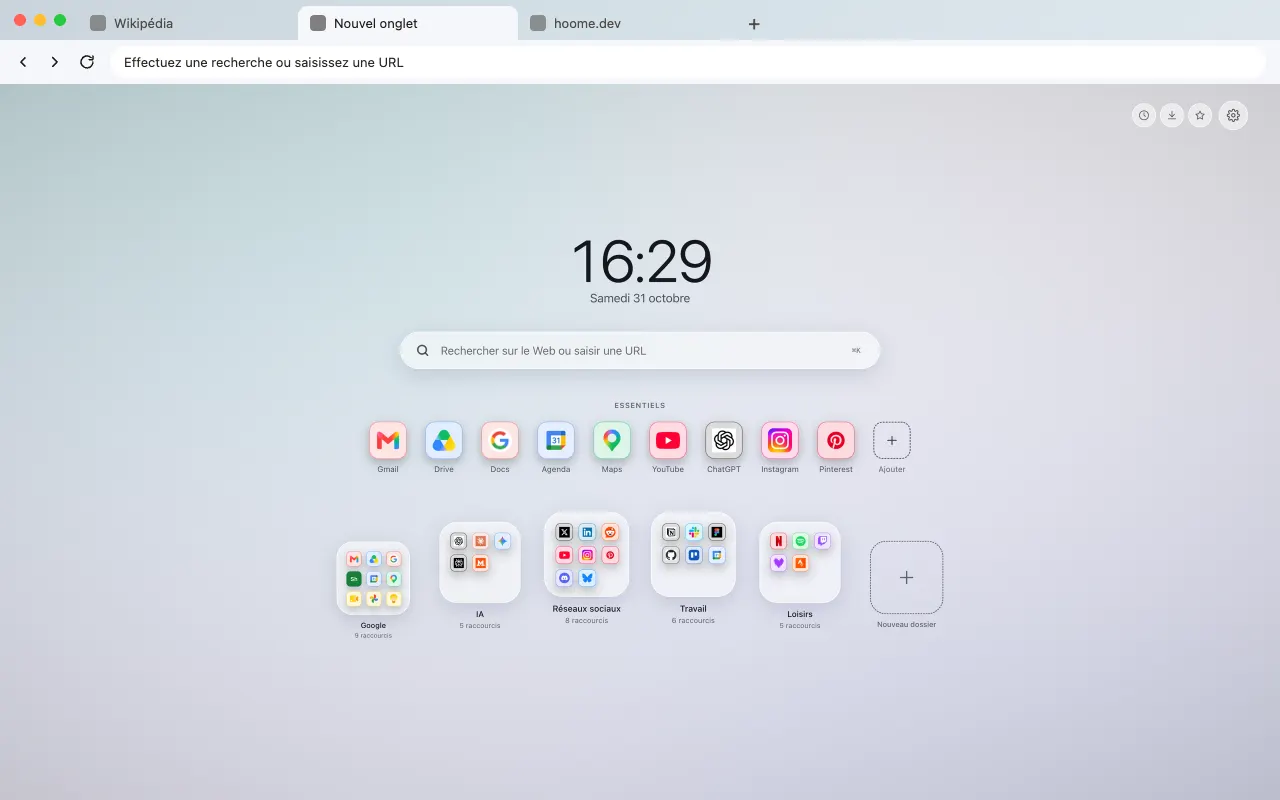 Pearl Gradient Pastel mother-of-pearl shimmer with a hint of lavender for your browser frame. Full size on your new tab with Hoome.
-
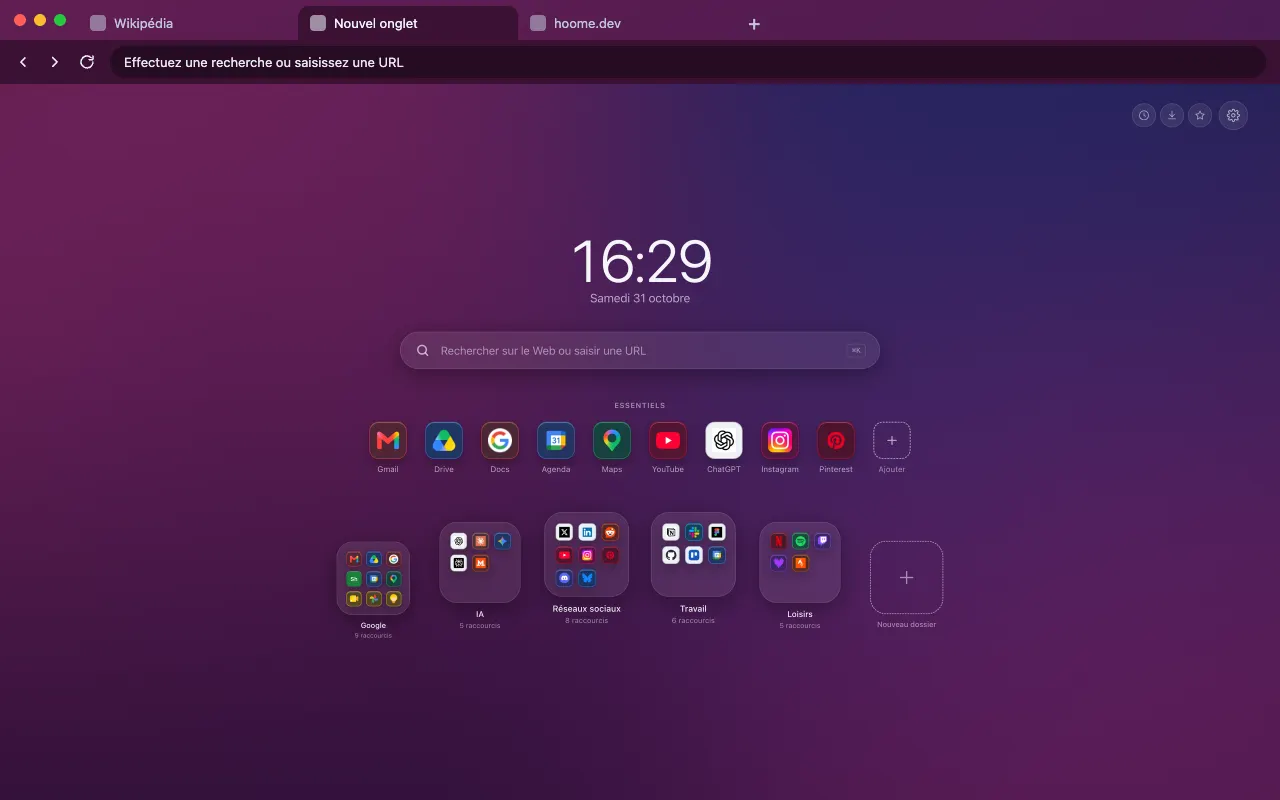 Living Plum A plum gradient that slowly ripples for your browser frame. The animated background lives in Hoome.
About this family
To find them in Hoome, open the settings, go to Background, then the Minimalist folder. One click applies a background, and the interface picks up its color.
Even better with Hoome
Every theme in this family is free and dresses your browser. To get these backgrounds on your new tab page, with your shortcuts, folders and widgets, add the Hoome extension.
Your next tab can be a tidy one
No sign up, no card, and your sites finally where they belong.
-
 For ChromeChrome Web Store
-
 For FirefoxFirefox Add-ons
-
 For EdgeEdge Add-ons
-
 For BraveChrome Web Store
Brave installs Hoome from the Chrome Web Store.
On a phone, tap “Add to Desktop” on the Chrome Web Store: Hoome will install in Chrome on your computer, if it is signed in to the same Google account.