Minerals wallpapers
Marble, malachite, onyx and slate: stone and its veins.
-
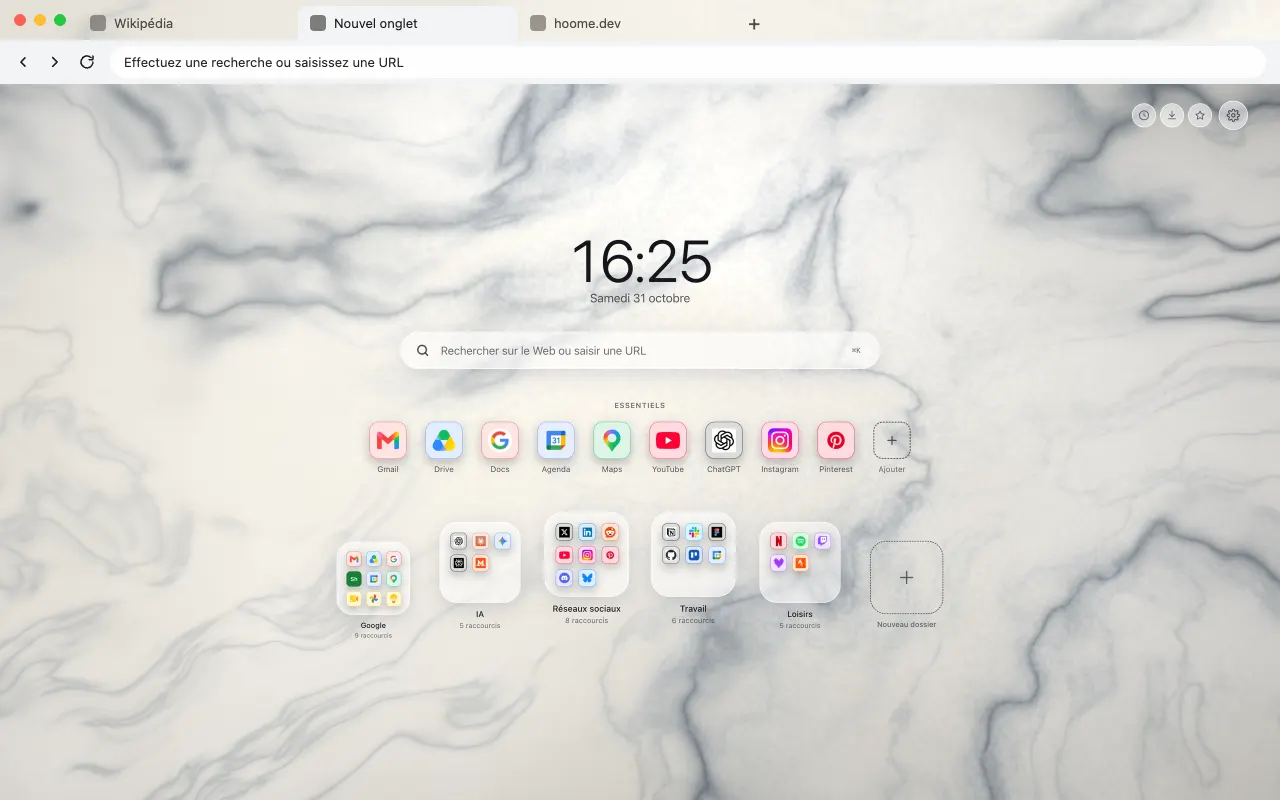 Carrara Marble White marble veined with gray for your browser frame. The same background fills your new tab with Hoome.
-
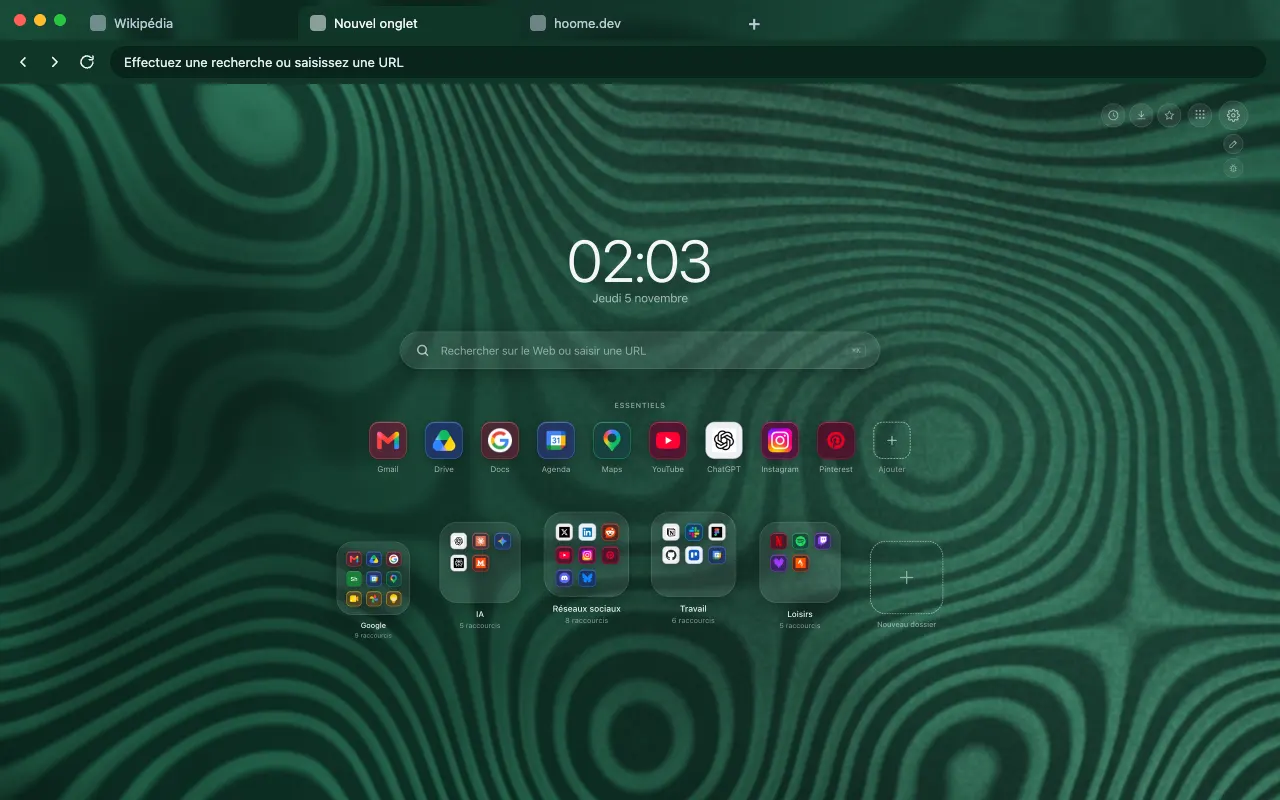 Malachite The concentric green bands of malachite for your browser frame. The background comes alive on your new tab with Hoome.
-
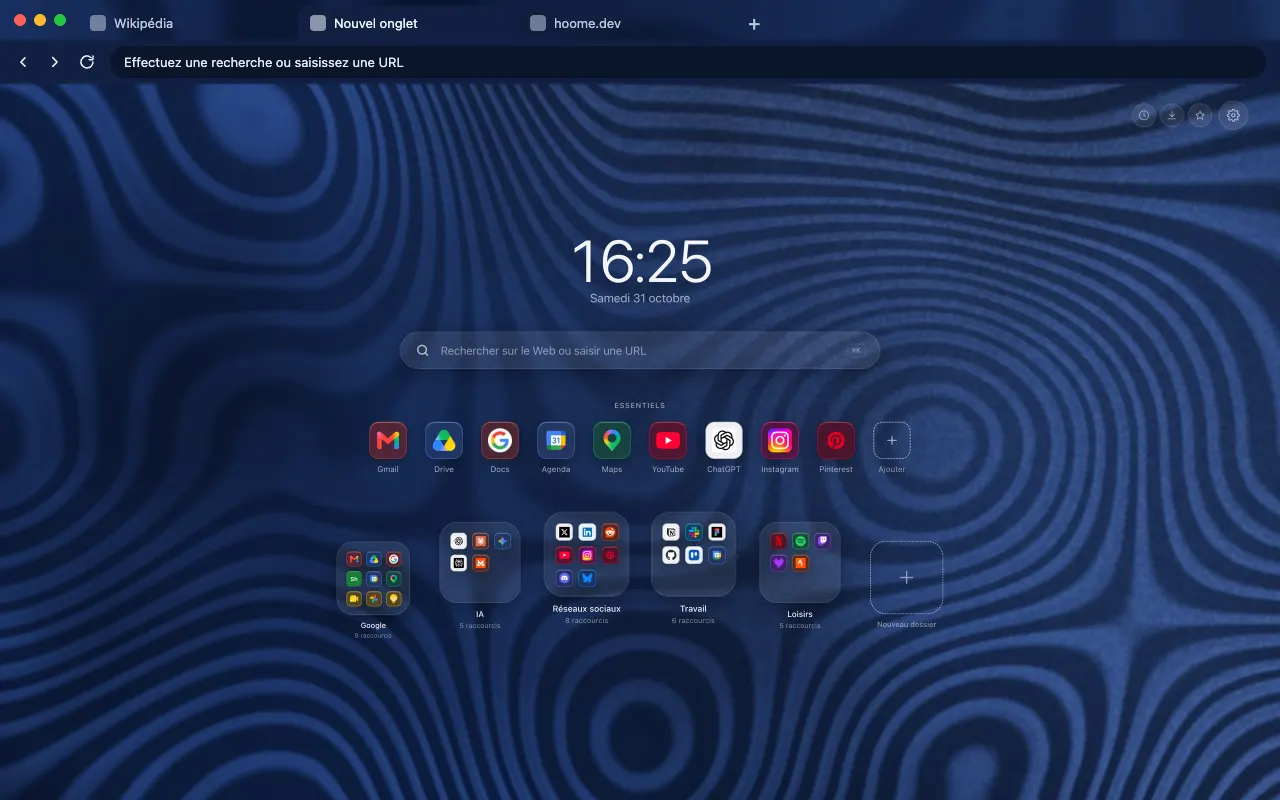 Azurite Azure blue stone veined with malachite for your browser frame. The animated background lives in Hoome.
-
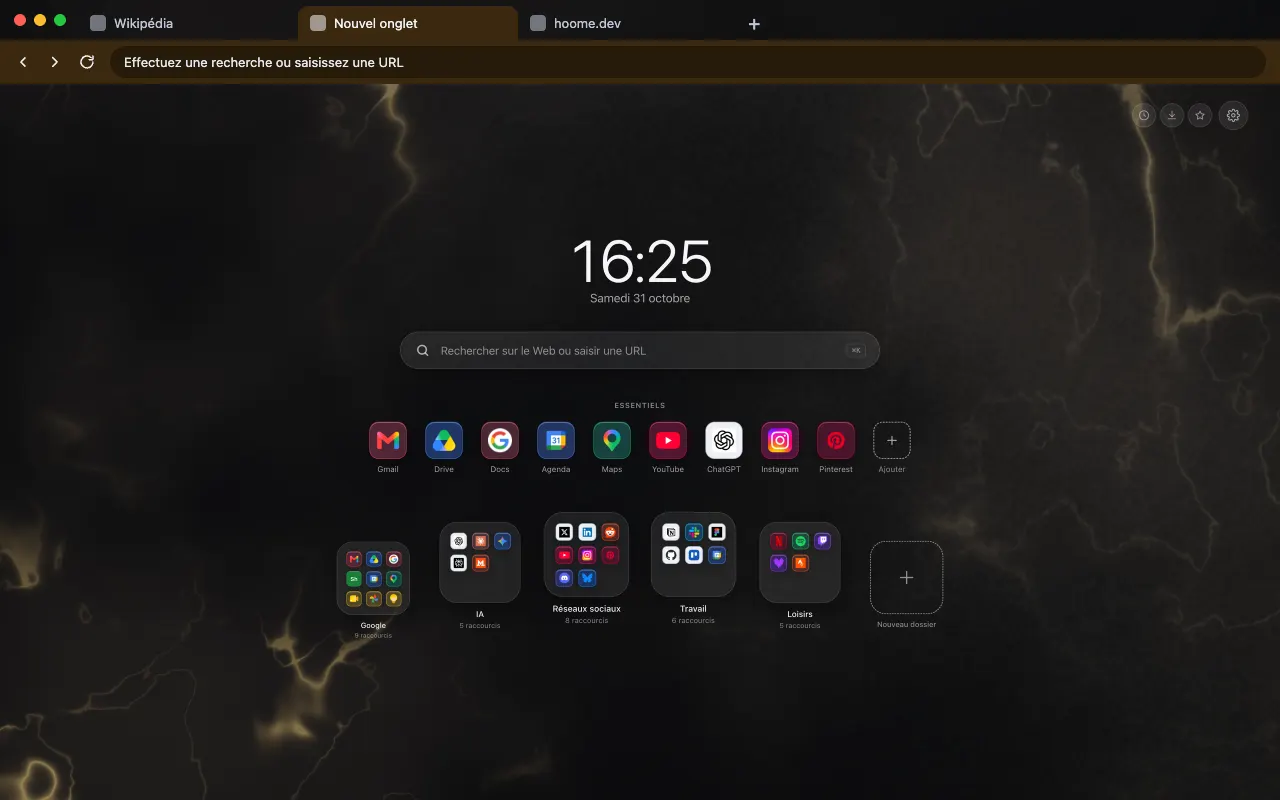 Golden Onyx Dark onyx crossed with golden veins for your browser frame. In motion on your new tab with Hoome.
-
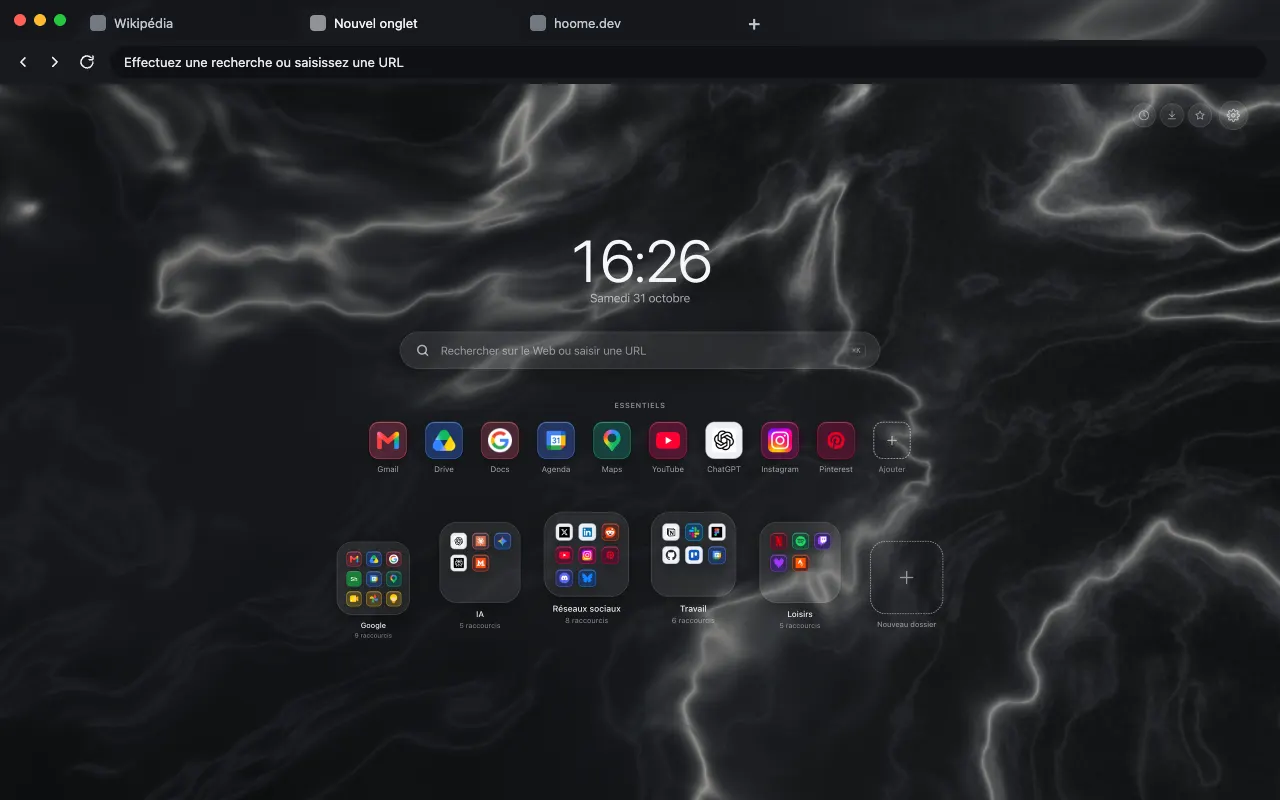 Black Marquina Marble Black marble with fine white veins for your browser frame. The same background moves in Hoome.
-
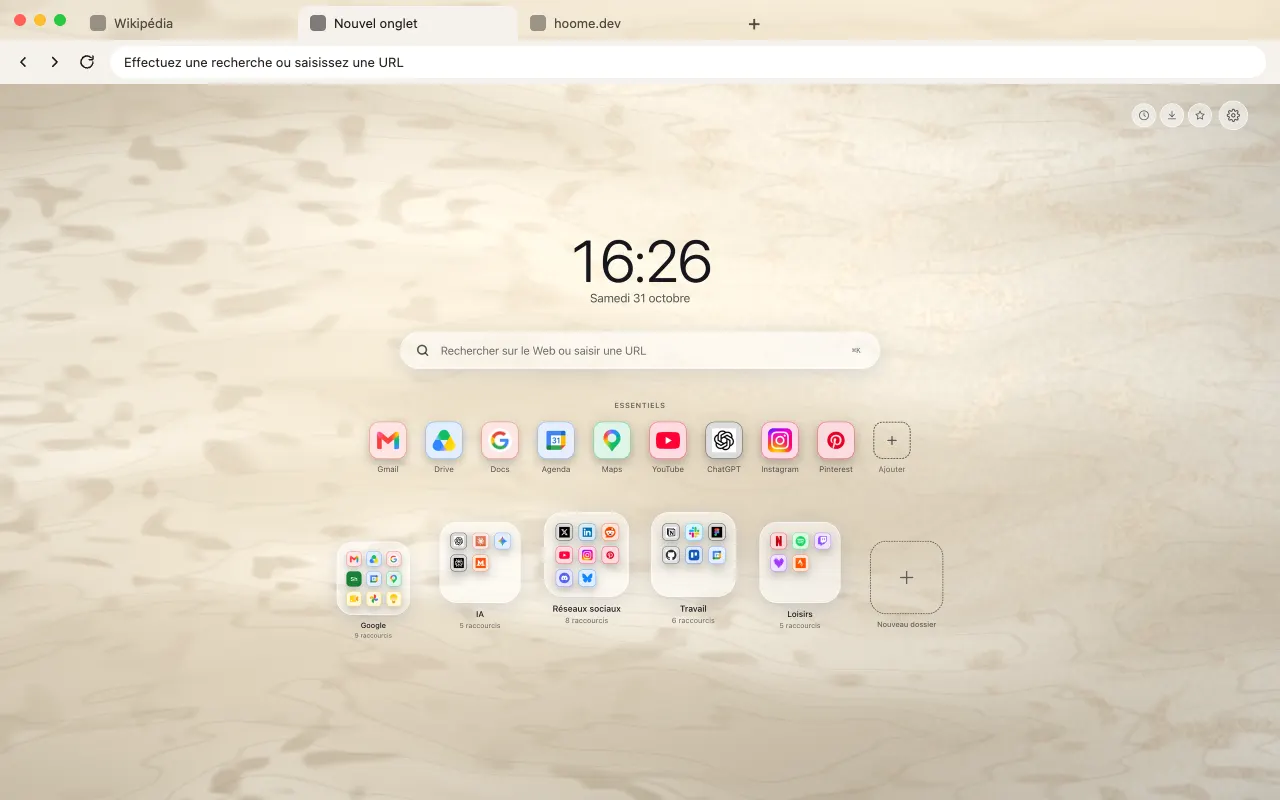 Travertine Beige stone with gentle layers for your browser frame. The full background is in Hoome.
-
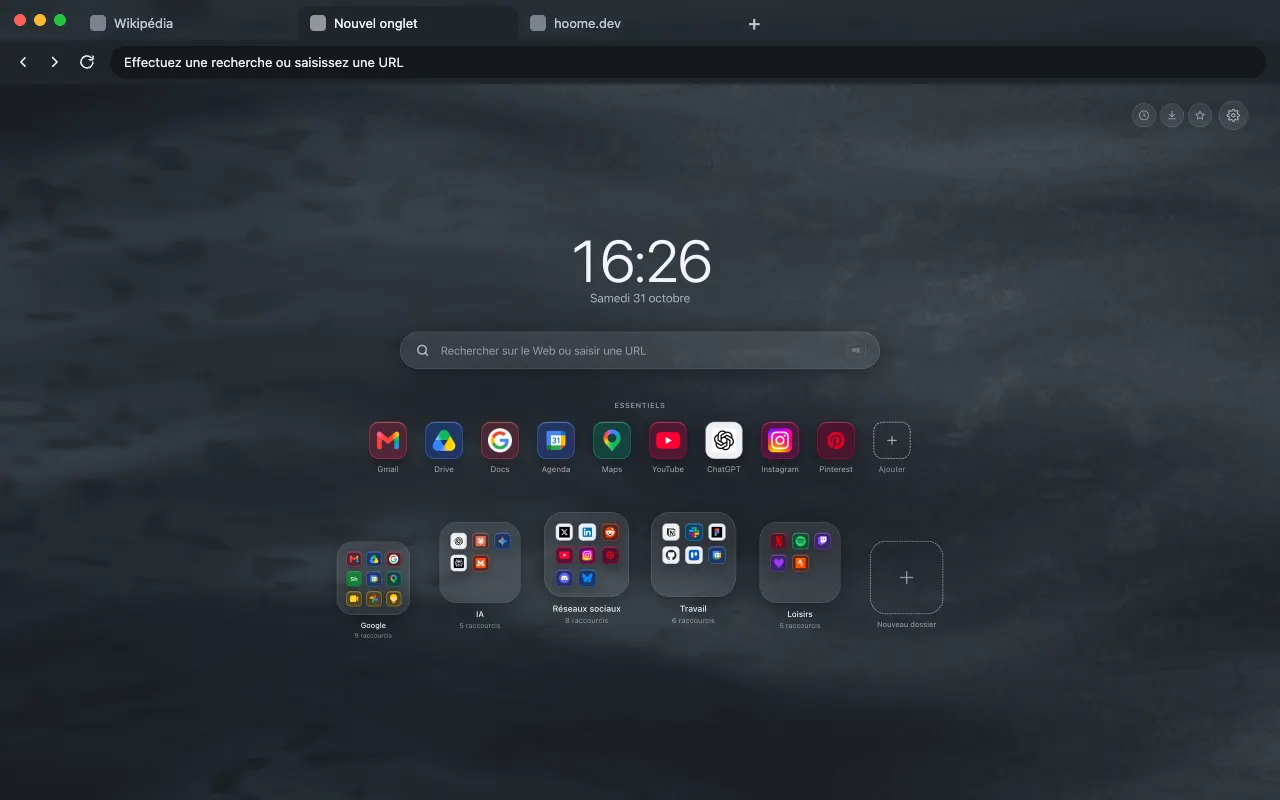 Slate Bluish gray slate with a matte sheen for your browser frame. The background comes alive on your new tab with Hoome.
-
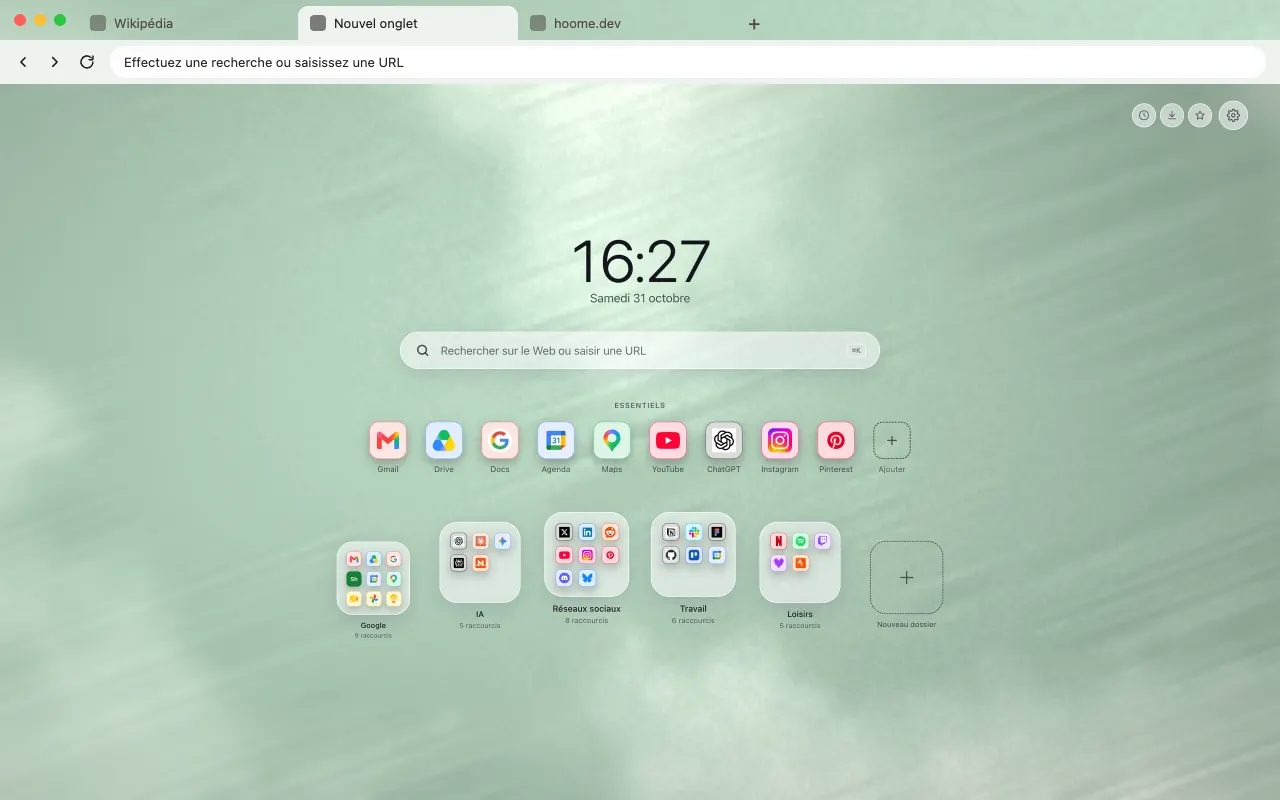 Jade Soft, milky green jade for your browser frame. Full size on your new tab with Hoome.
-
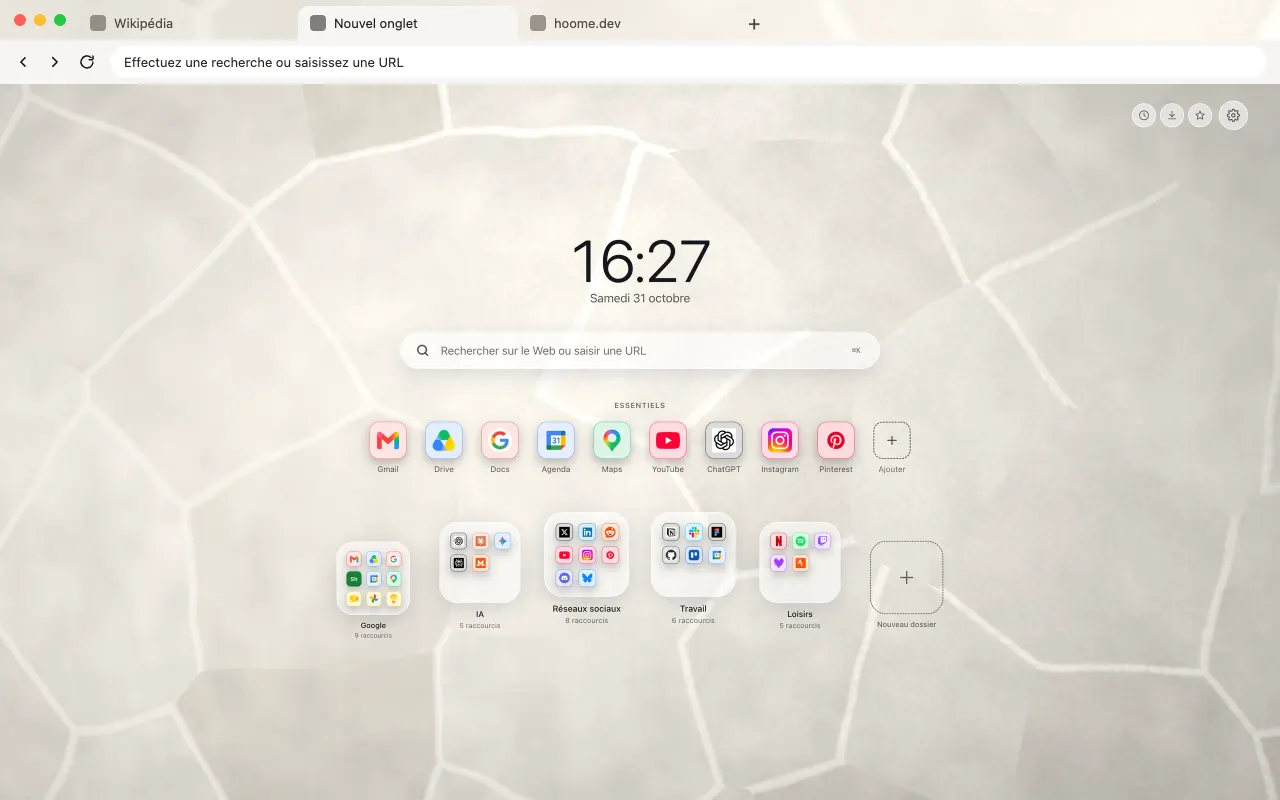 Light Breccia Light stone made of fused fragments for your browser frame. The full background is in Hoome.
About this family
To find them in Hoome, open the settings, go to Background, then the Minerals folder. One click applies a background, and the interface picks up its color.
Even better with Hoome
Every theme in this family is free and dresses your browser. To get these backgrounds on your new tab page, with your shortcuts, folders and widgets, add the Hoome extension.
Your next tab can be a tidy one
No sign up, no card, and your sites finally where they belong.
-
 For ChromeChrome Web Store
-
 For FirefoxFirefox Add-ons
-
 For EdgeEdge Add-ons
-
 For BraveChrome Web Store
Brave installs Hoome from the Chrome Web Store.
On a phone, tap “Add to Desktop” on the Chrome Web Store: Hoome will install in Chrome on your computer, if it is signed in to the same Google account.