Malachite
A background for your new tab with Hoome
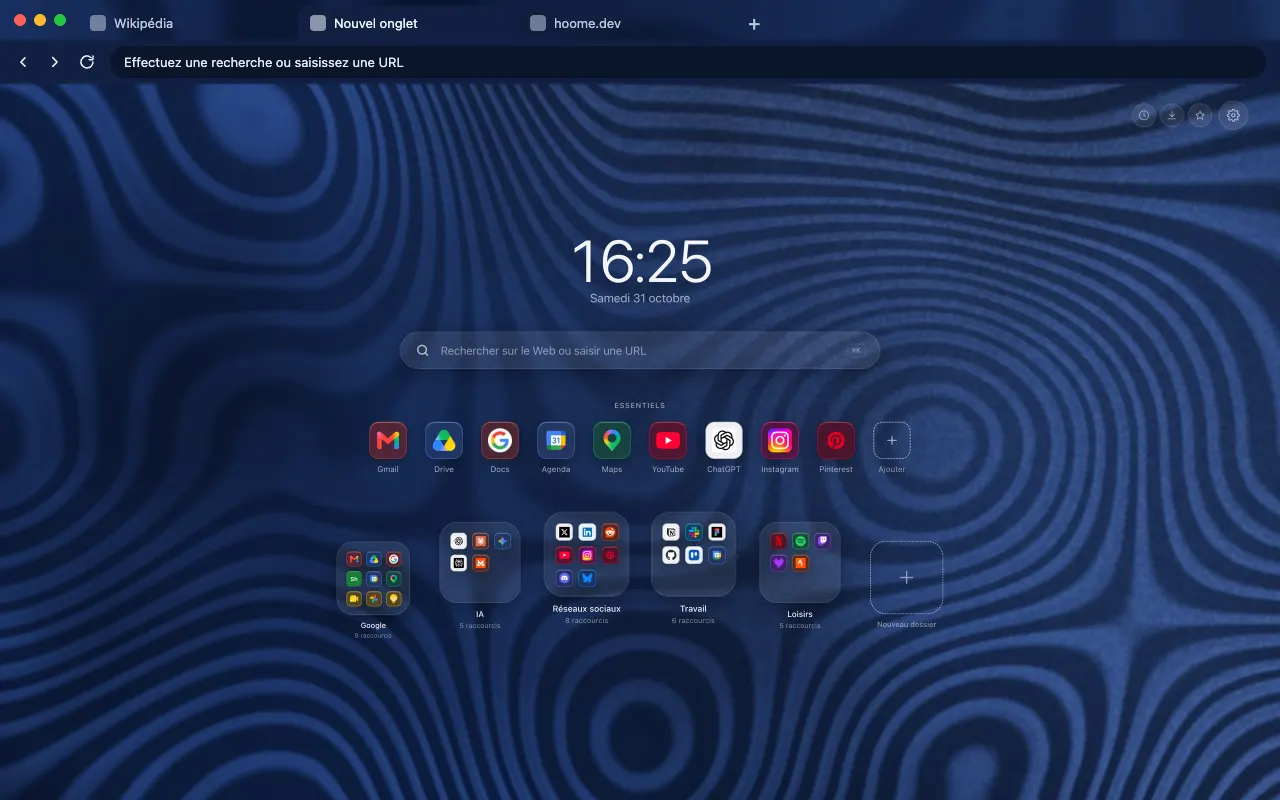
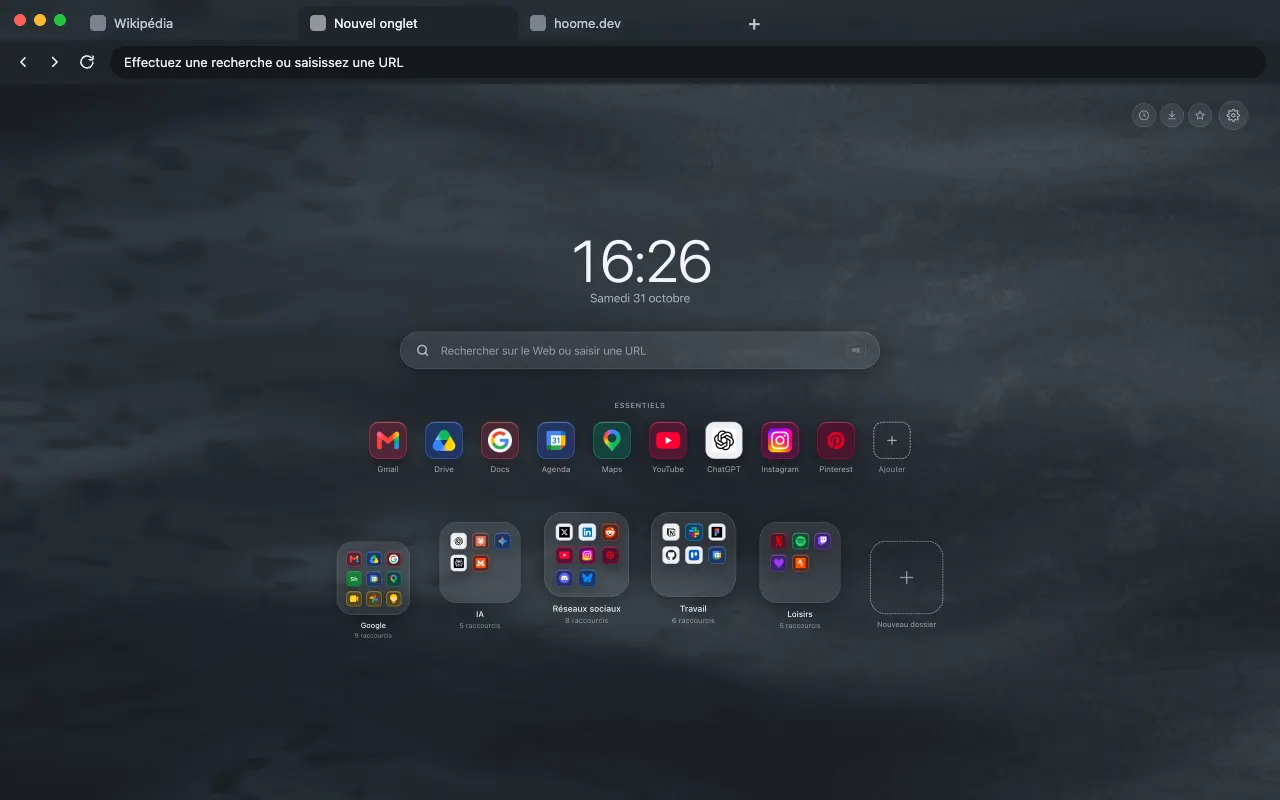
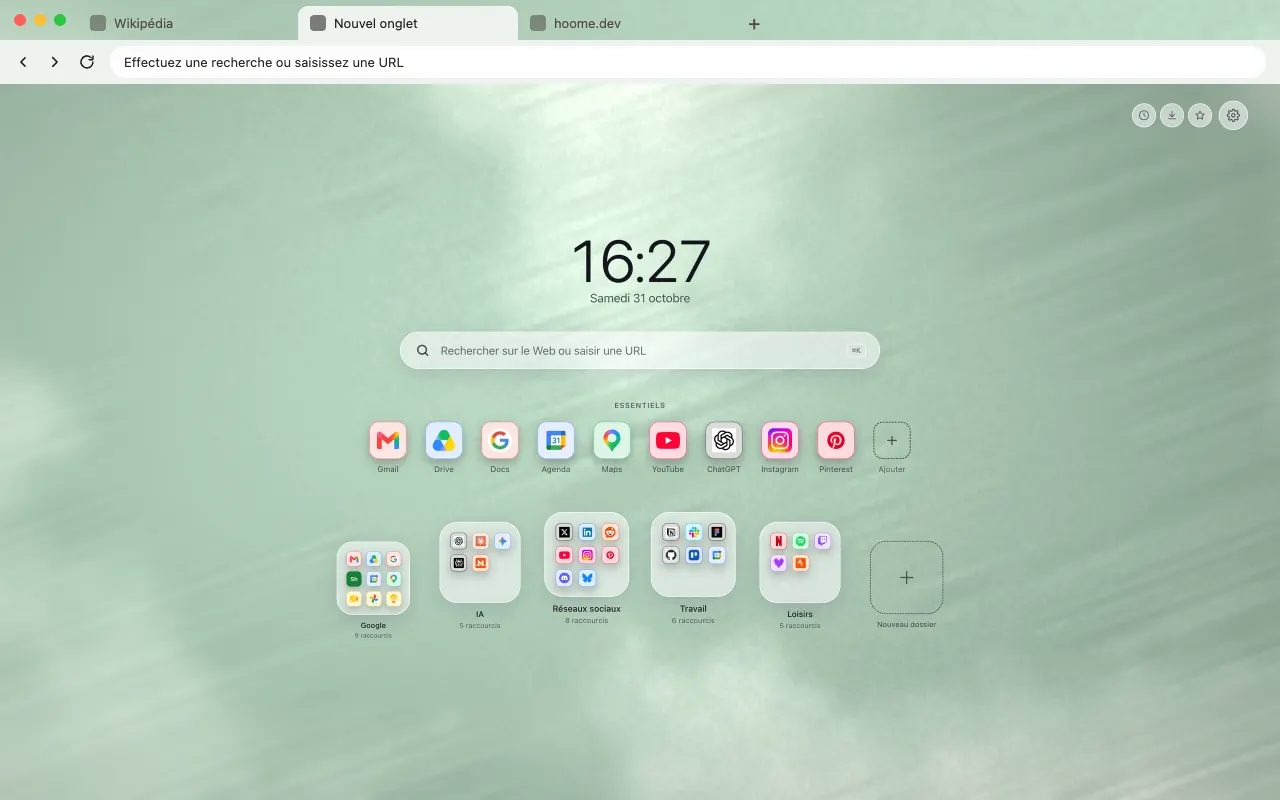
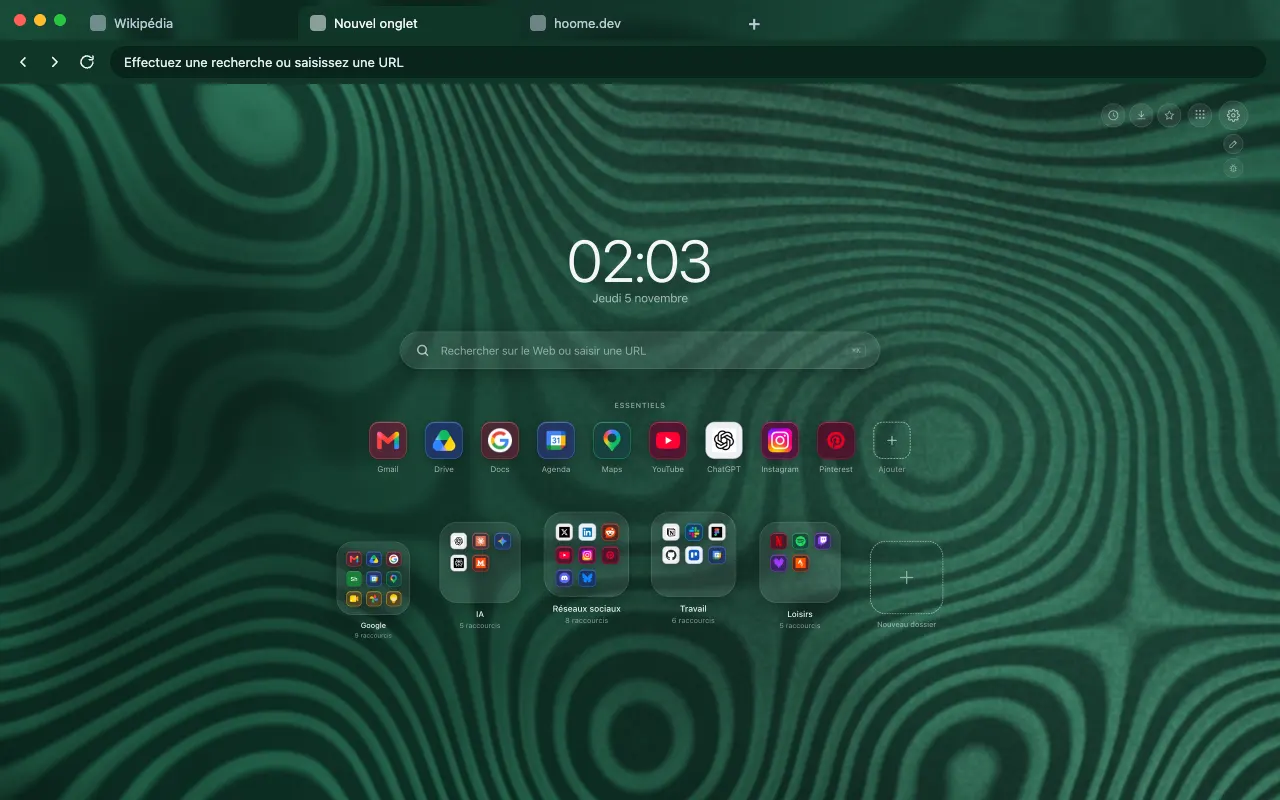
The concentric green bands of malachite for your browser frame. The background comes alive on your new tab with Hoome.
- Free theme
- Hoome
- Animated in Hoome
Install the theme in your browser
The theme is free. It dresses your browser frame: tabs, address bar and new tab. Pick your browser:

What this background shows
Malachite is a copper mineral, recognisable by its concentric green bands. One of those bands is not a circle: it is a contour line. So this background traces them as on a map, from a smooth relief: they meander, tighten and curl around small eyes, across the full height of the slab.
The dark green of the mass alternates with a true green, and the lightest bands lean towards sea green, over an almost black hollow. The whole page takes on the colour, right up to the browser frame. Under the clock and the icons, the pattern loses contrast so the text stays readable, and the detail is kept for the edges of the screen.
In Hoome, the stone never moves: no band shifts. Only a raking light glides over the polish and makes the bands stand out, at fifteen frames per second and at half the normal speed. The browser theme places a strip of this pattern in the tab bar; Firefox offers it as two listings, one classic and one animated.
What moves
Malachite, from the Minerals family: the still version of the browser theme is an image, and it is in Hoome, on your new tab, that this background moves. The background is computed live by your computer, and stops while the tab is hidden. The speed slider slows it down, doubles it or freezes it, and it stays still if your system asks for reduced motion.
On Firefox, this theme also comes in an animated version, on its own listing: the background drifts slowly behind the tabs, the address bar and the bookmarks bar, with or without the Hoome extension.
Its colours
The four colors the background draws with. Hoome’s interface picks up the dominant one for its panels.
Even better with Hoome
The theme dresses your browser. To get this background animated on your new tab page, with your shortcuts, folders and widgets, add the Hoome extension.
Set up your theme in the Hoome extension
- Add Hoome to your browser: it replaces the new tab page.
- Open a new tab, then the settings, Background section.
- In the Minerals folder, click Malachite.