What Hoome does
A new tab page to sort your sites and keep what matters at hand. Each feature has its own page, with what is free and what Premium adds.
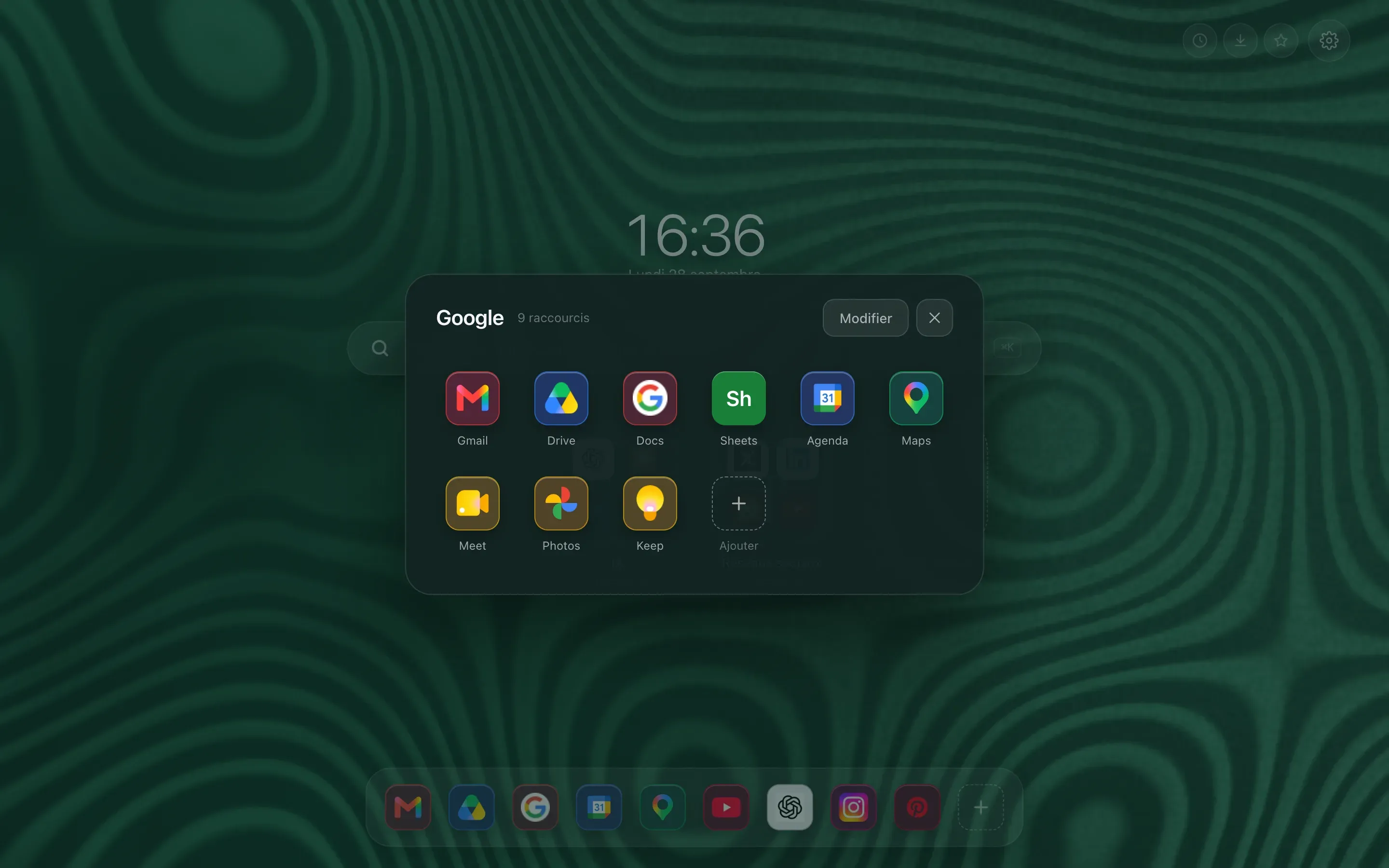
- Shortcuts and folders Hoome replaces the new tab page with your sites, each with its icon. The ones you use most sit on a single row, the rest goes into folders, and everything opens in one click. See
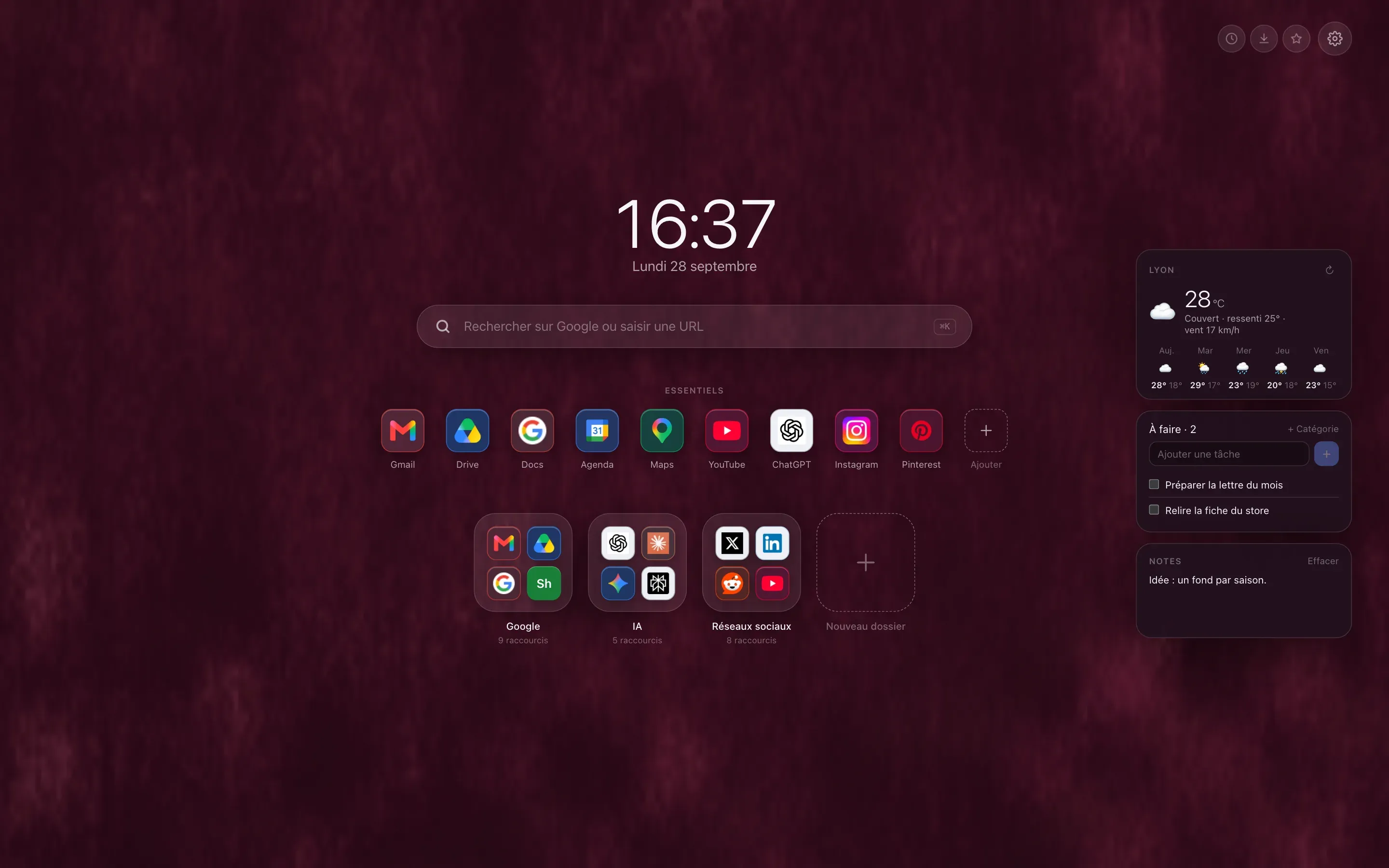
- Widgets The weather, your tasks and your notes appear next to your shortcuts every time you open a tab. No app to open, no account to create. See
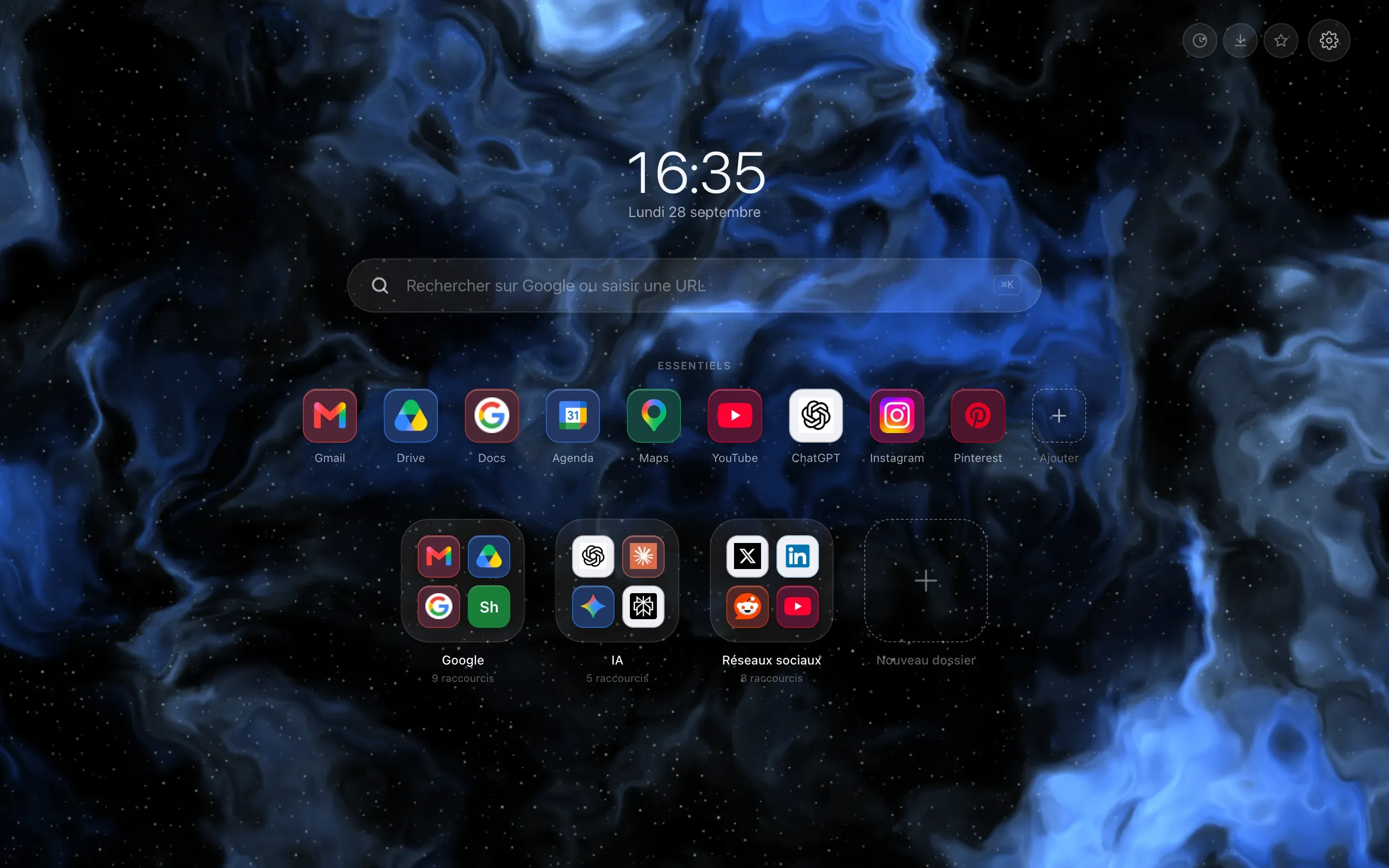
- Layouts The same page, arranged seven ways. Your shortcuts and widgets stay the same from one layout to the next: only their place changes, and one click takes you back. See
And also
- Animated themes One page per background: how it looks on the extension, its colors and what moves. See
- Hoome compared Other new tab extensions, compared point by point, every fact sourced. See
- Browsers Hoome installs on Chrome, Firefox, Edge and Brave. For each browser: the store, the step-by-step install, what works and what is missing. See
- Privacy What Hoome keeps in your browser, and what can leave it. See
- The tour in pictures Every feature on one page, with screenshots of the extension. See
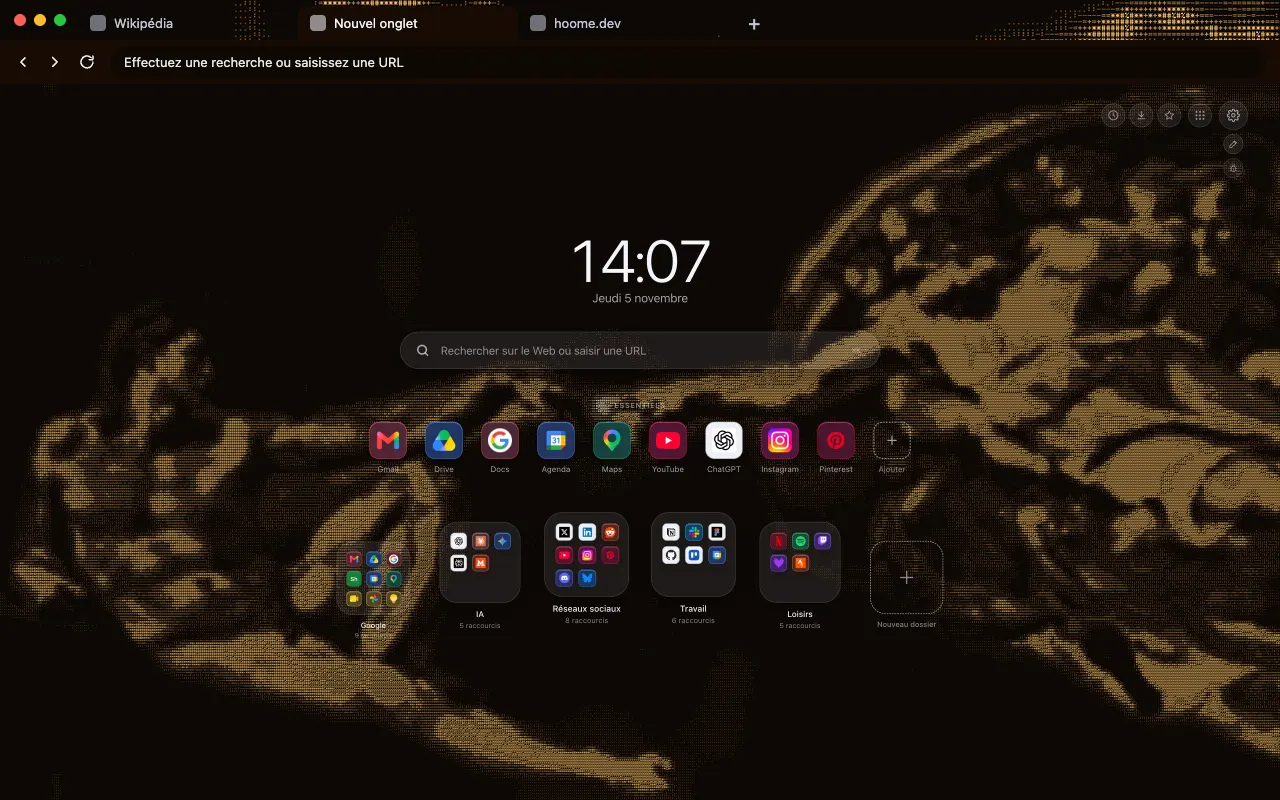
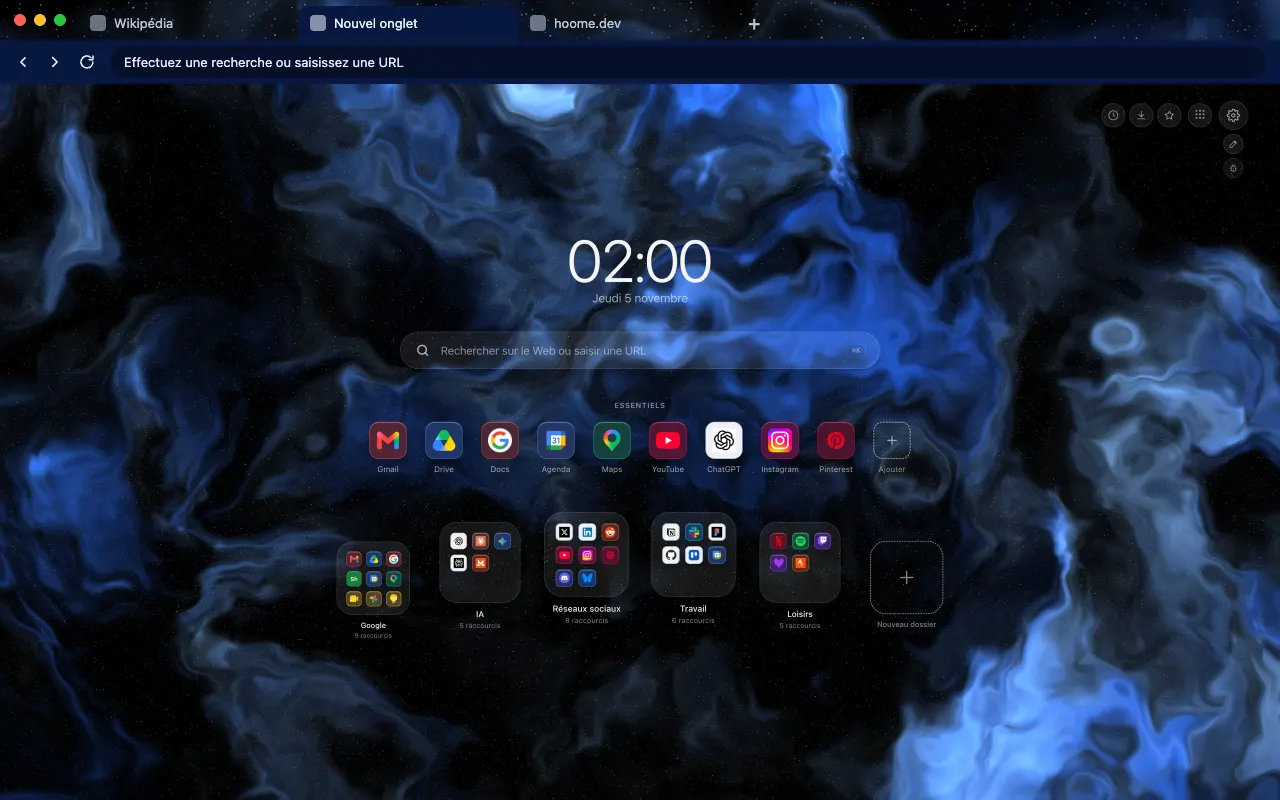
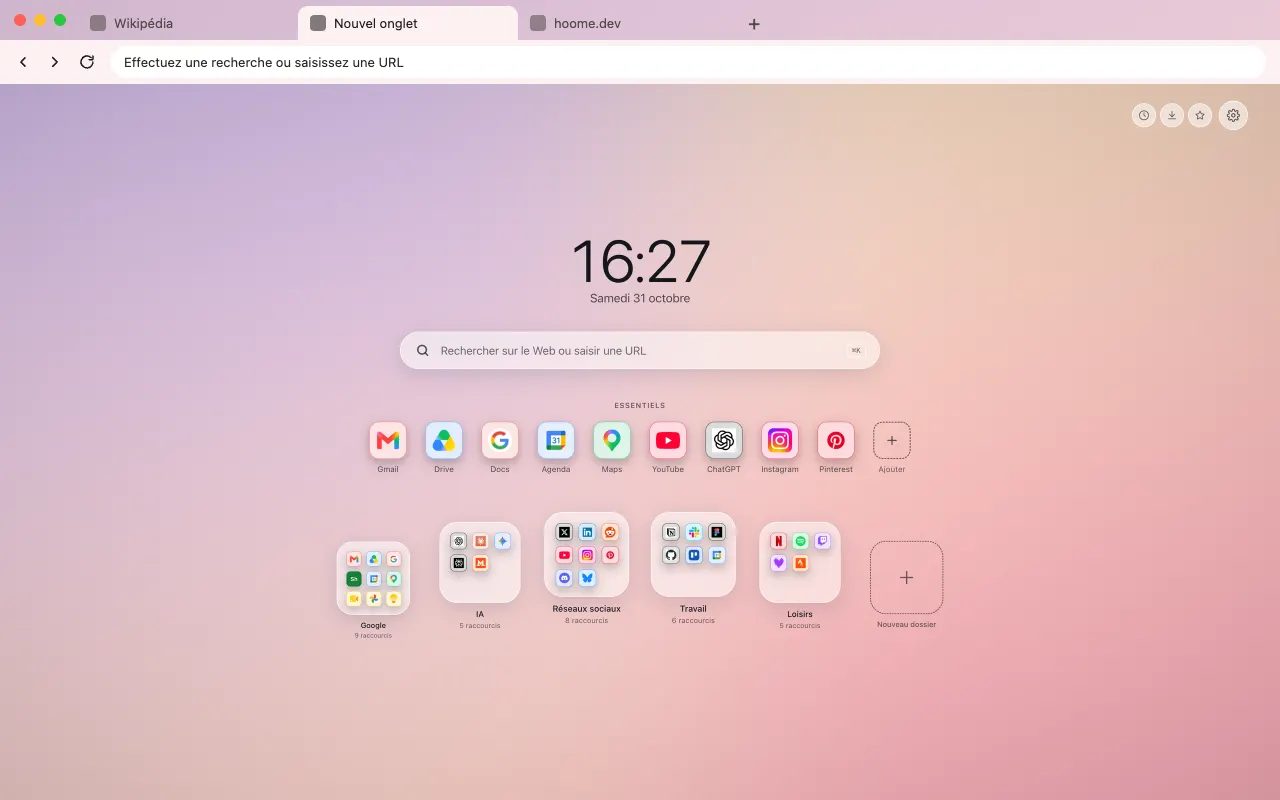
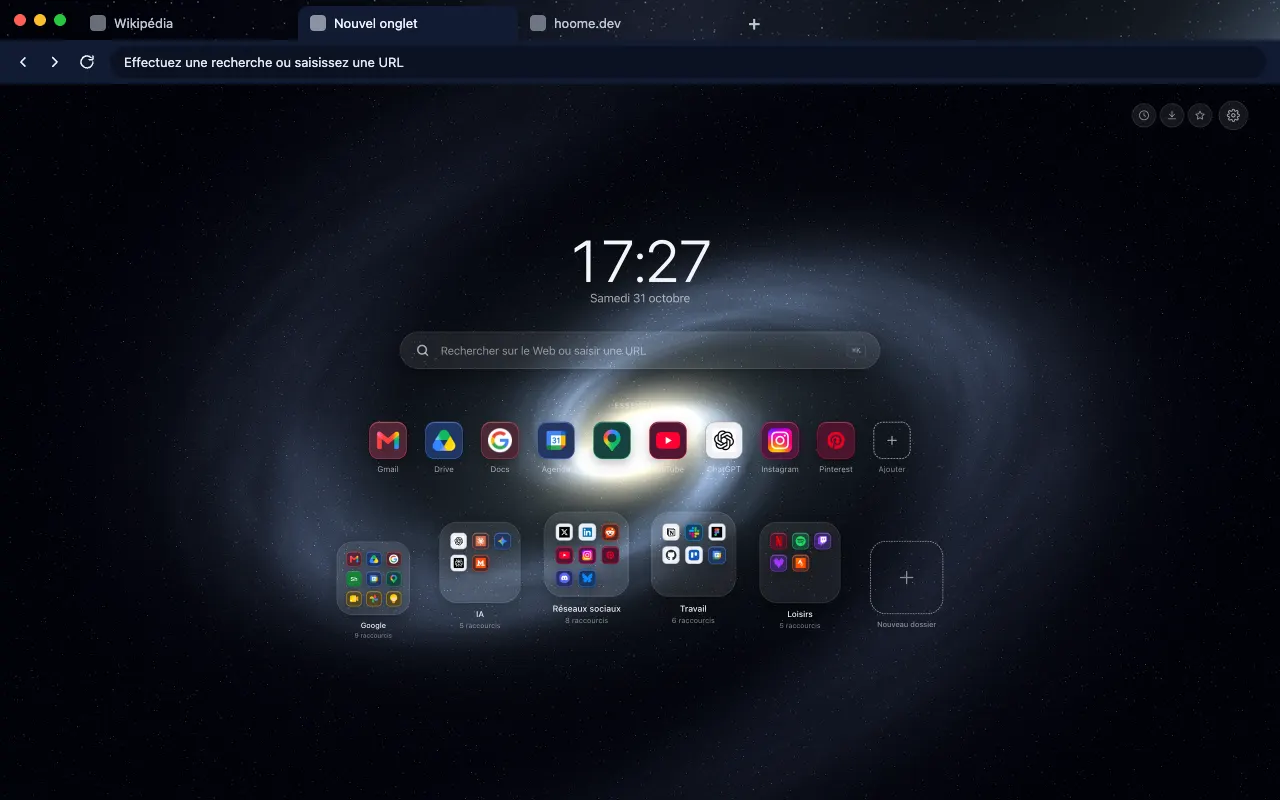
Your next tab can be a tidy one
No sign up, no card, and your sites finally where they belong.
-
 For ChromeChrome Web Store
-
 For FirefoxFirefox Add-ons
-
 For EdgeEdge Add-ons
-
 For BraveChrome Web Store
Brave installs Hoome from the Chrome Web Store.
On a phone, tap “Add to Desktop” on the Chrome Web Store: Hoome will install in Chrome on your computer, if it is signed in to the same Google account.