Widgets on your new tab
The weather, your tasks and your notes appear next to your shortcuts every time you open a tab. No app to open, no account to create.
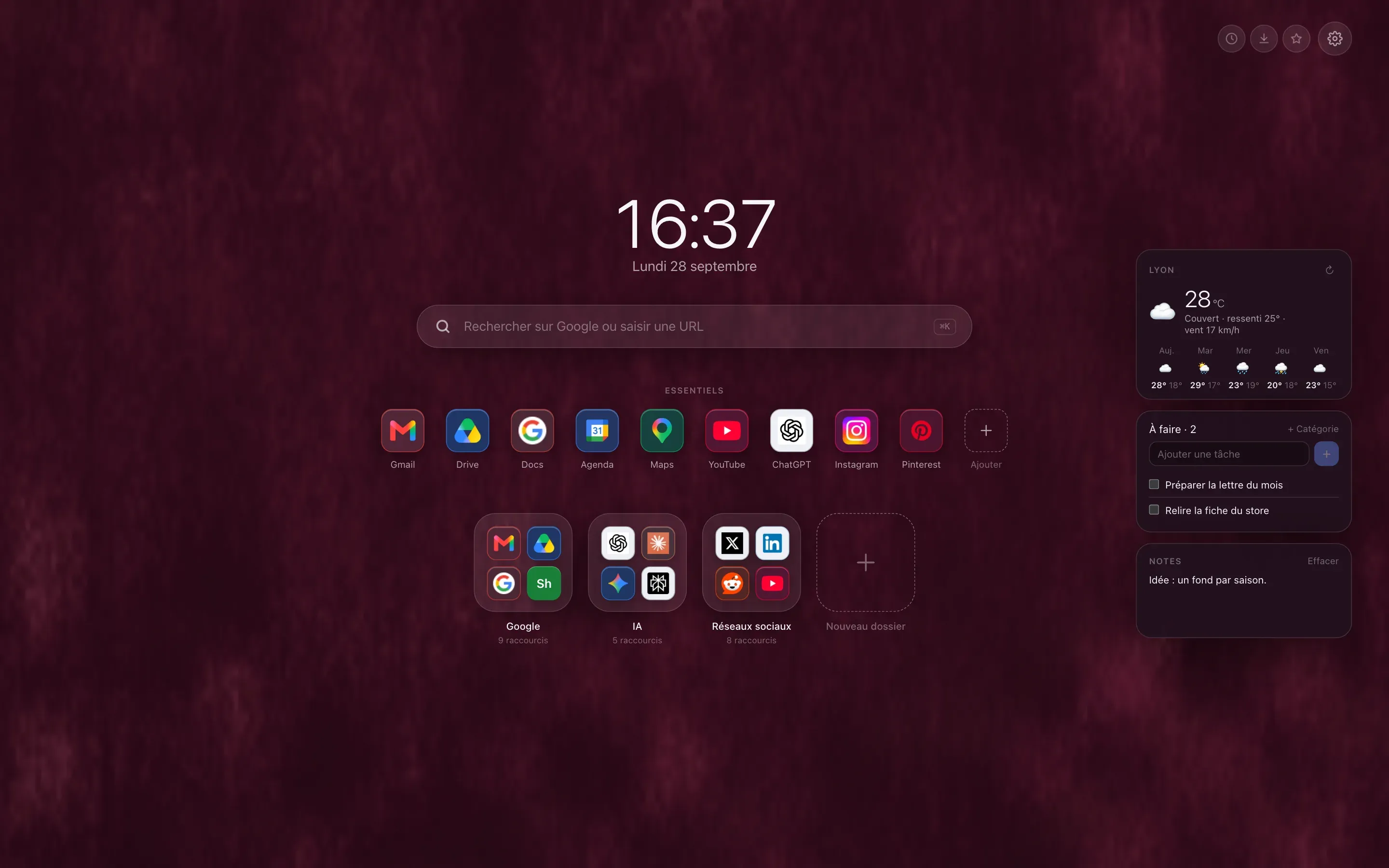
Three free widgets
The weather for a city, with the days ahead. A to-do list you tick off without leaving the page. Notes that save as you type.
The others, with Premium
Today’s goal, a countdown, world clocks, a timer, a habit tracker, a calendar, sun and moon, tides, and processor and memory activity, those two in Chrome and Edge only.
Wherever you like, sending nothing
Widgets sit on either side of the page, and you drag them around. Everything is computed on your computer: only the weather, city search and tides query a service, Open-Meteo, with no account or key.
Free or Premium
weather, tasks and notes, with their content synced between your computers.
every other widget, and three cities instead of one for the weather.
Guides on the blog
Customize
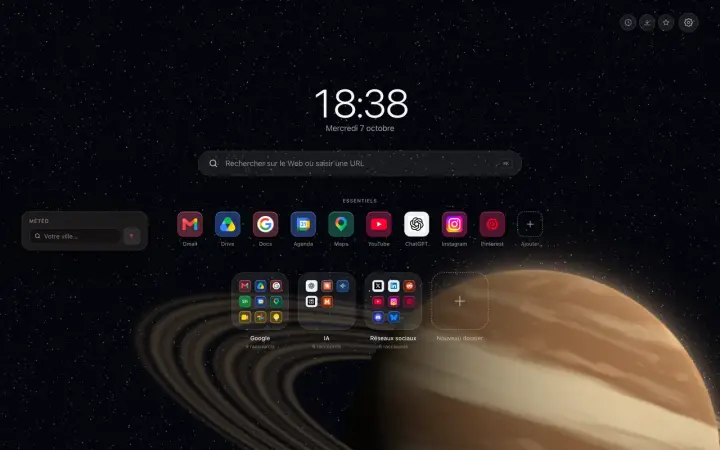
A weather widget on the Chrome new tab page
A weather widget on the Chrome new tab page: the temperature, what it feels like, the wind and a five-day forecast, with no account and no ads.
Customize
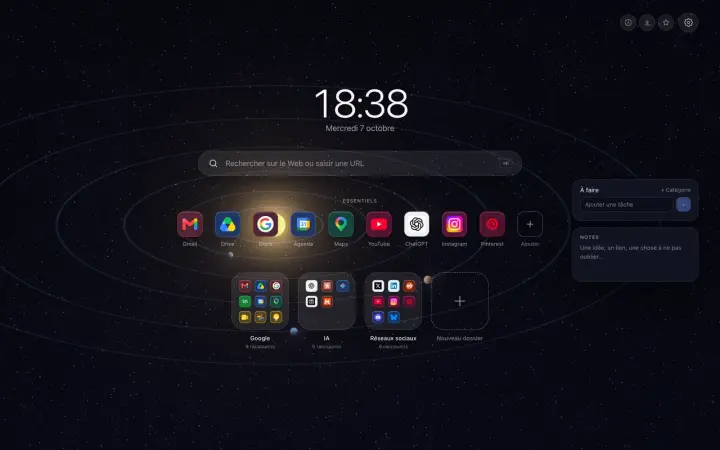
A to-do list and notes on the Chrome new tab page
A to-do list and a notepad on the Chrome new tab page: nothing more to open, nothing to install, and everything stays in your browser, unless you sync it.