Nebula wallpapers
Fifteen clouds of gas and dust, each in the colour of a gemstone, drifting behind your shortcuts slowly enough to fade from notice.
-
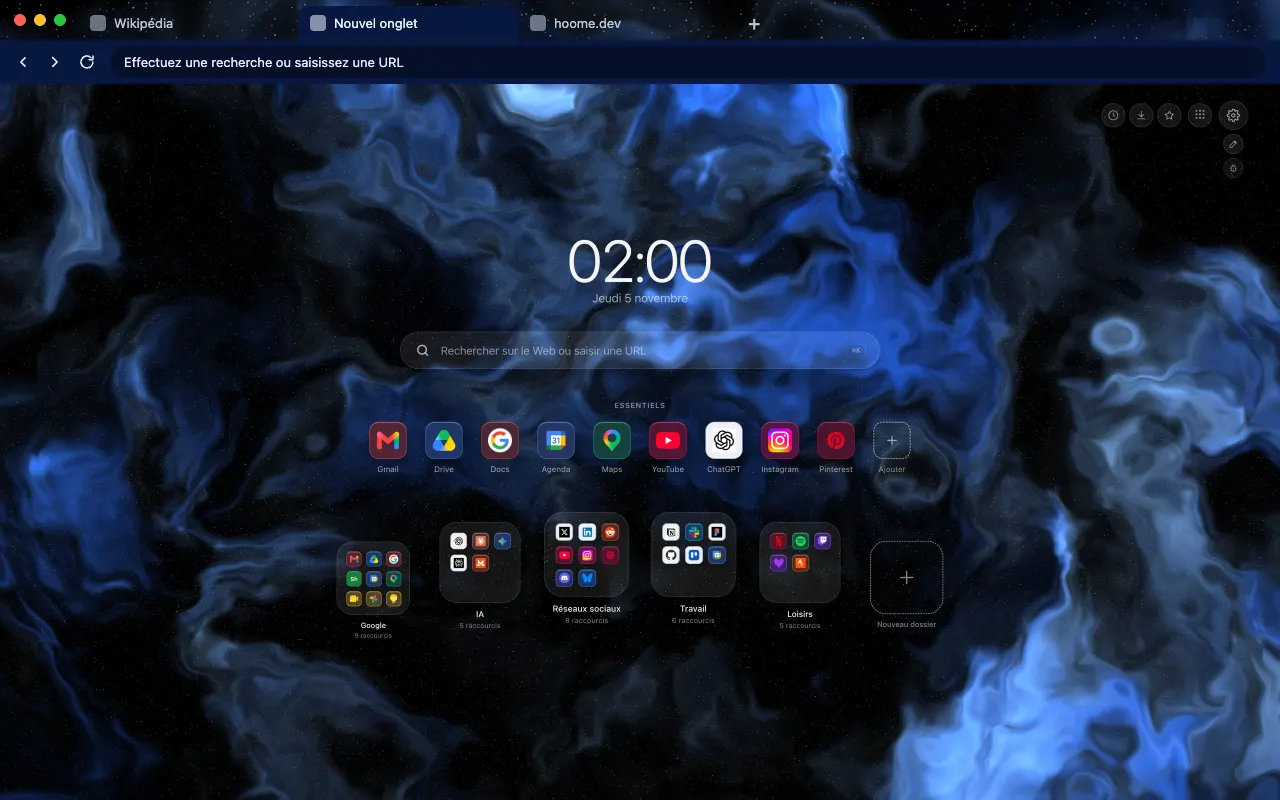 Sapphire Nebula Veils of royal blue fraying over black, with flashes of glacier blue where the light breaks through.
-
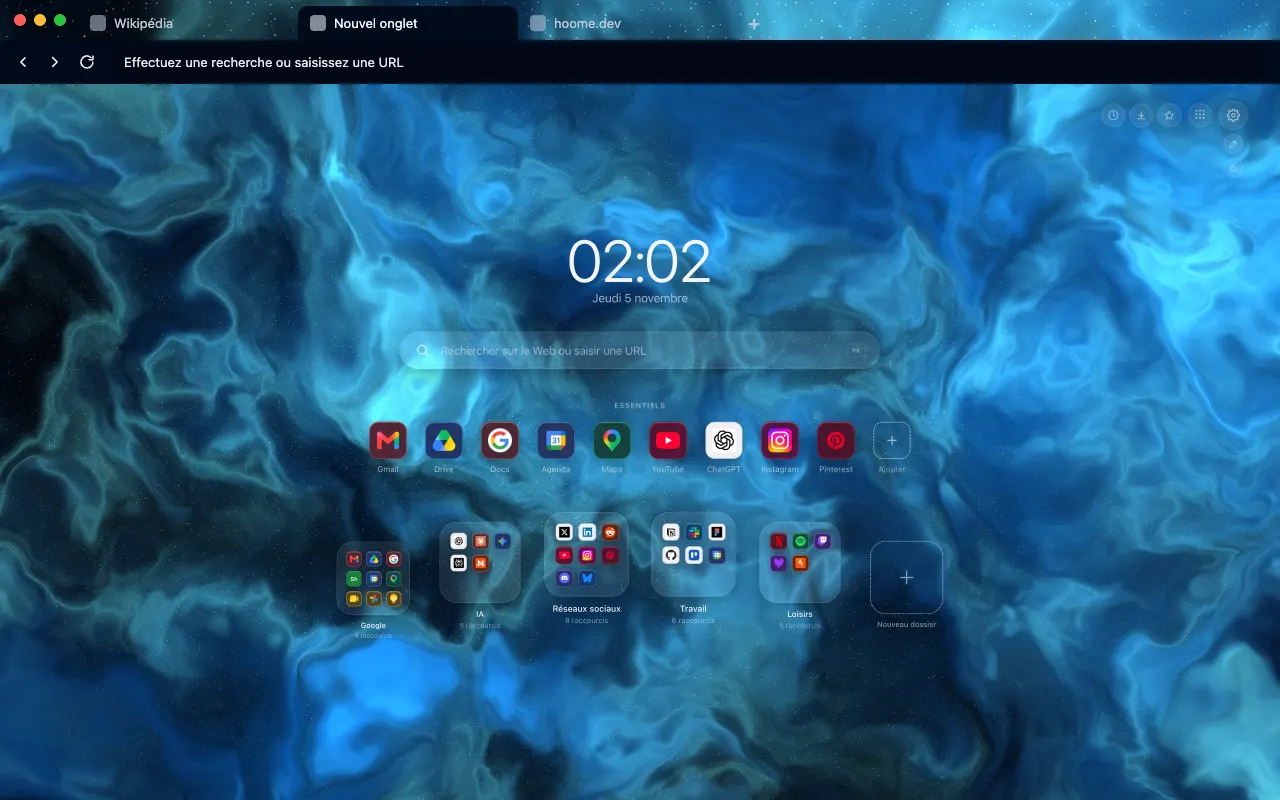 Neon Nebula Electric blue filaments that light up cyan along their ridges, like a neon tube stretched across the void.
-
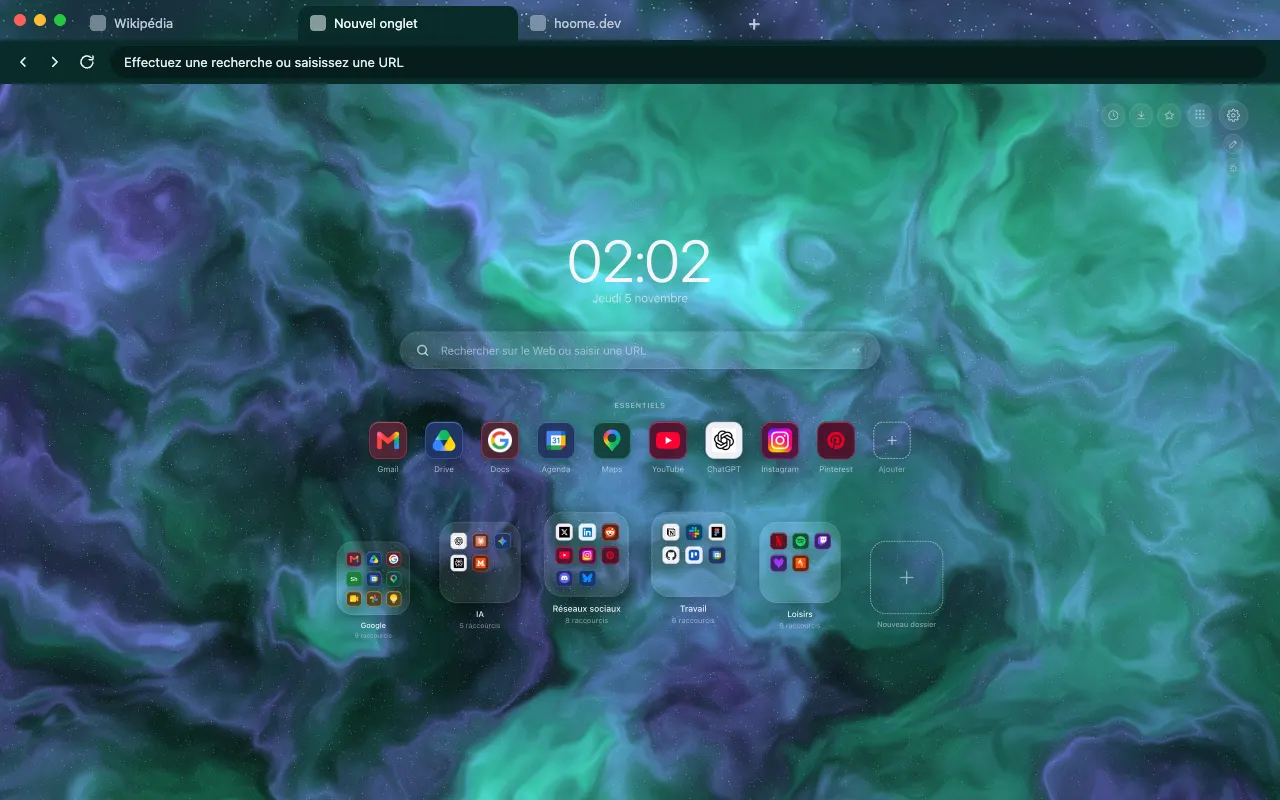 Emerald Nebula A gemstone green shot through with violet glints, stretching into long trails that never close up.
-
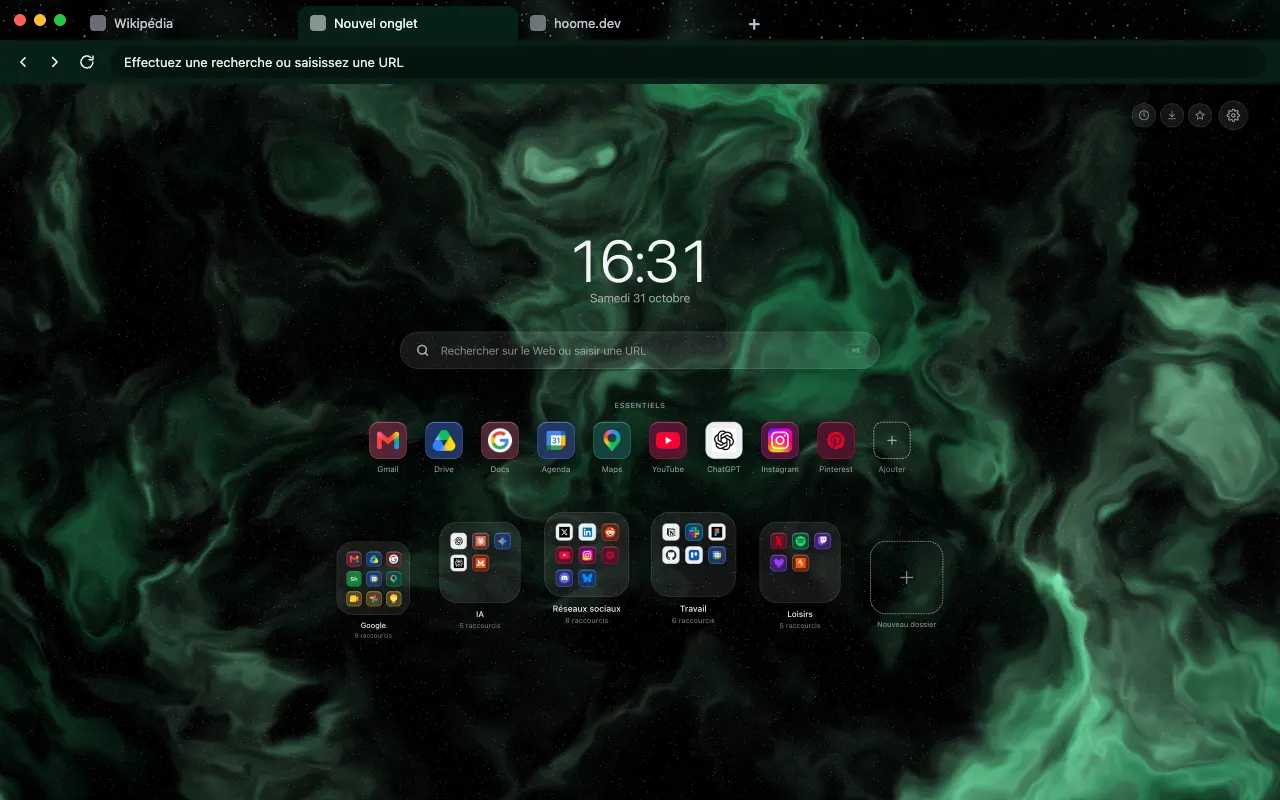 Tourmaline Nebula The dark green of a pine forest at night, lifted here and there by a pale green close to white.
-
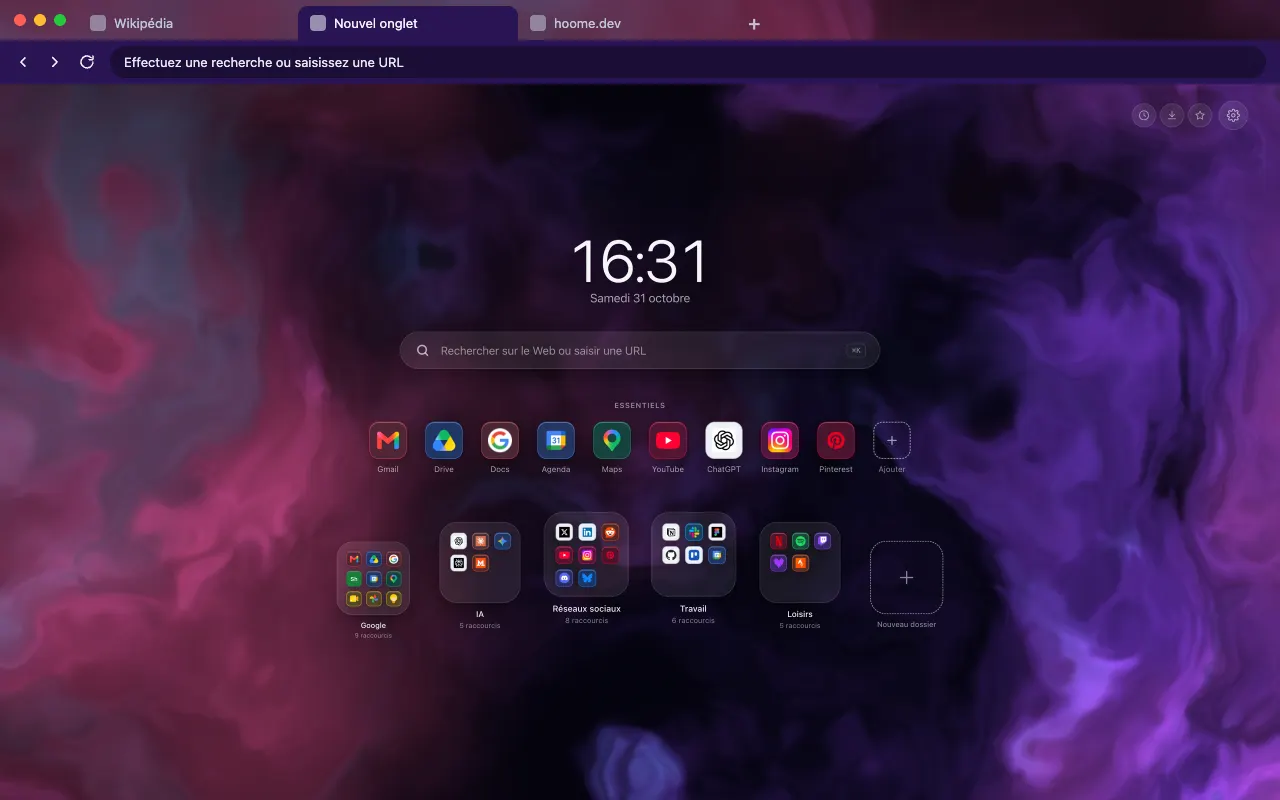 Amethyst Nebula Violet, pink and cyan blend into a single sheet, the most colourful of the family.
-
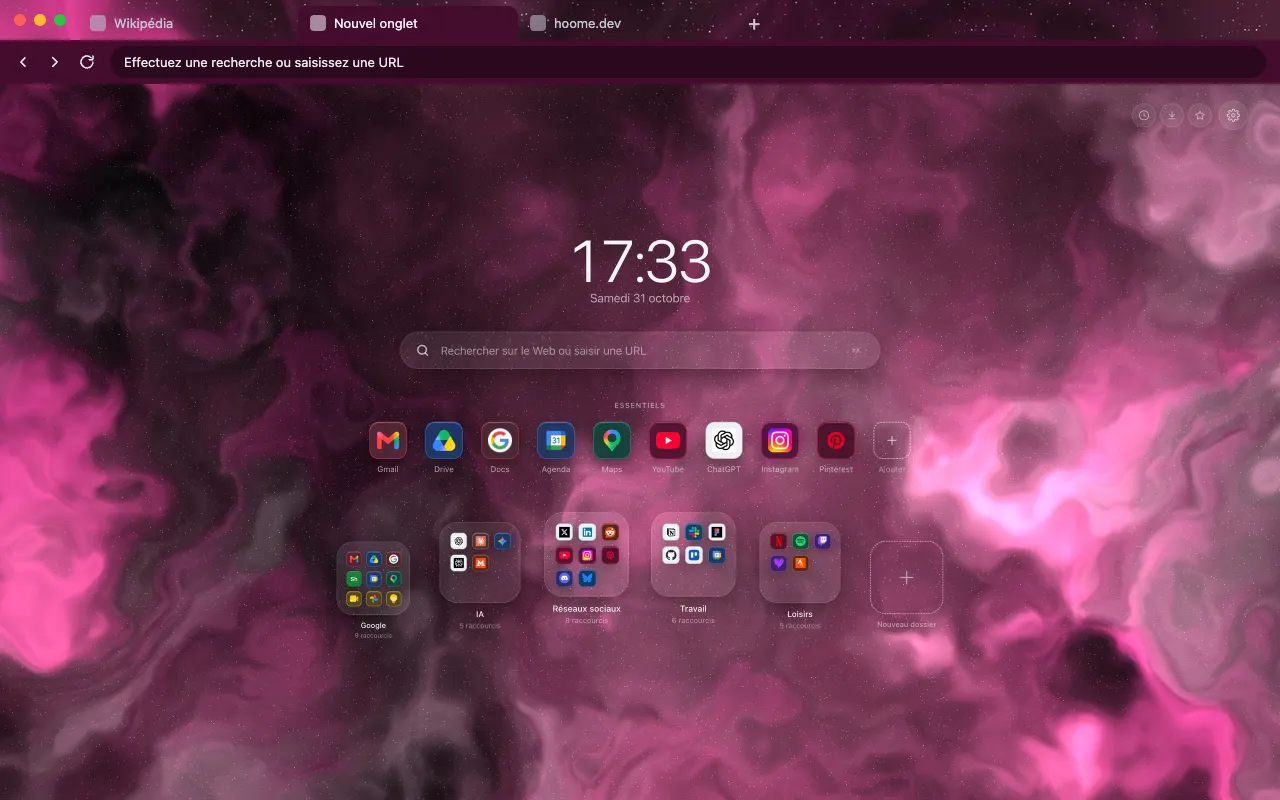 Rosette Nebula A pale pink core among raspberry petals, like the real Rosette, with stars scattered all around it.
-
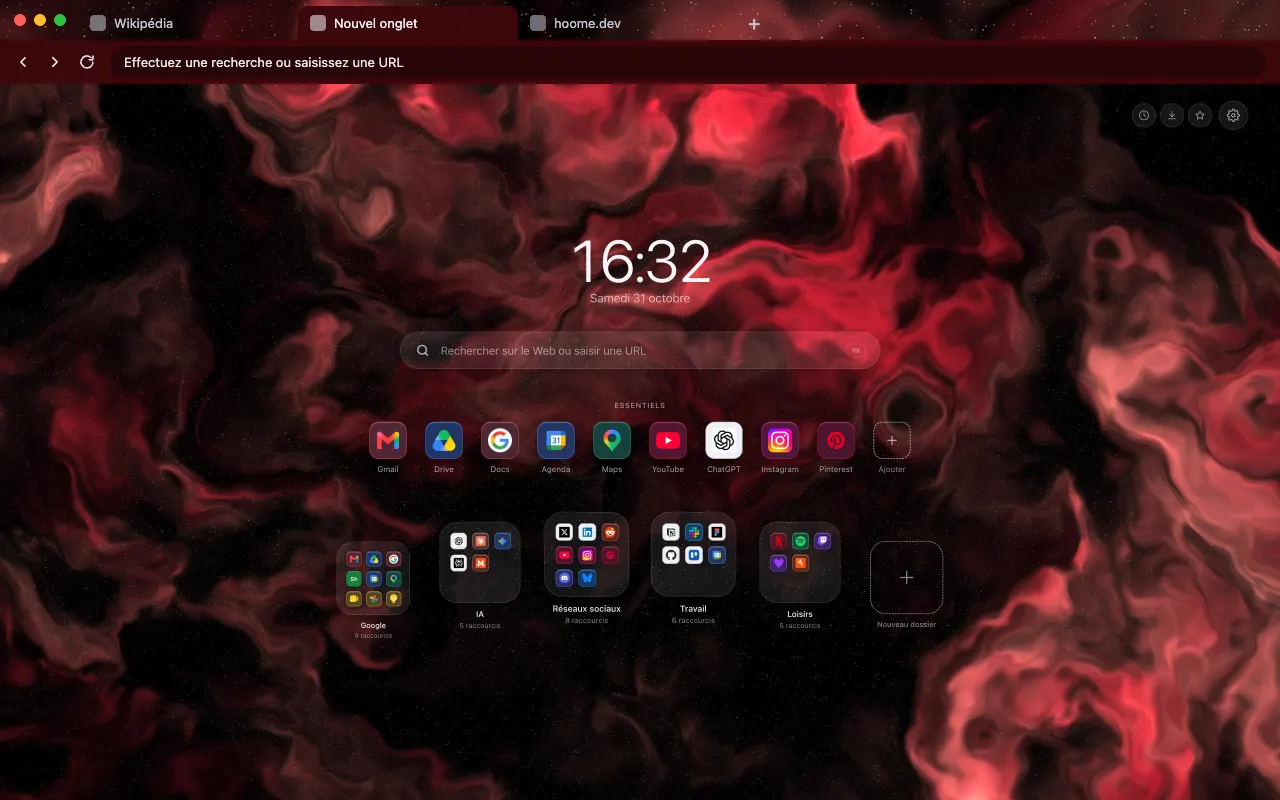 Ruby Nebula From deep red to coral, veils that glow like an ember against an almost total black.
-
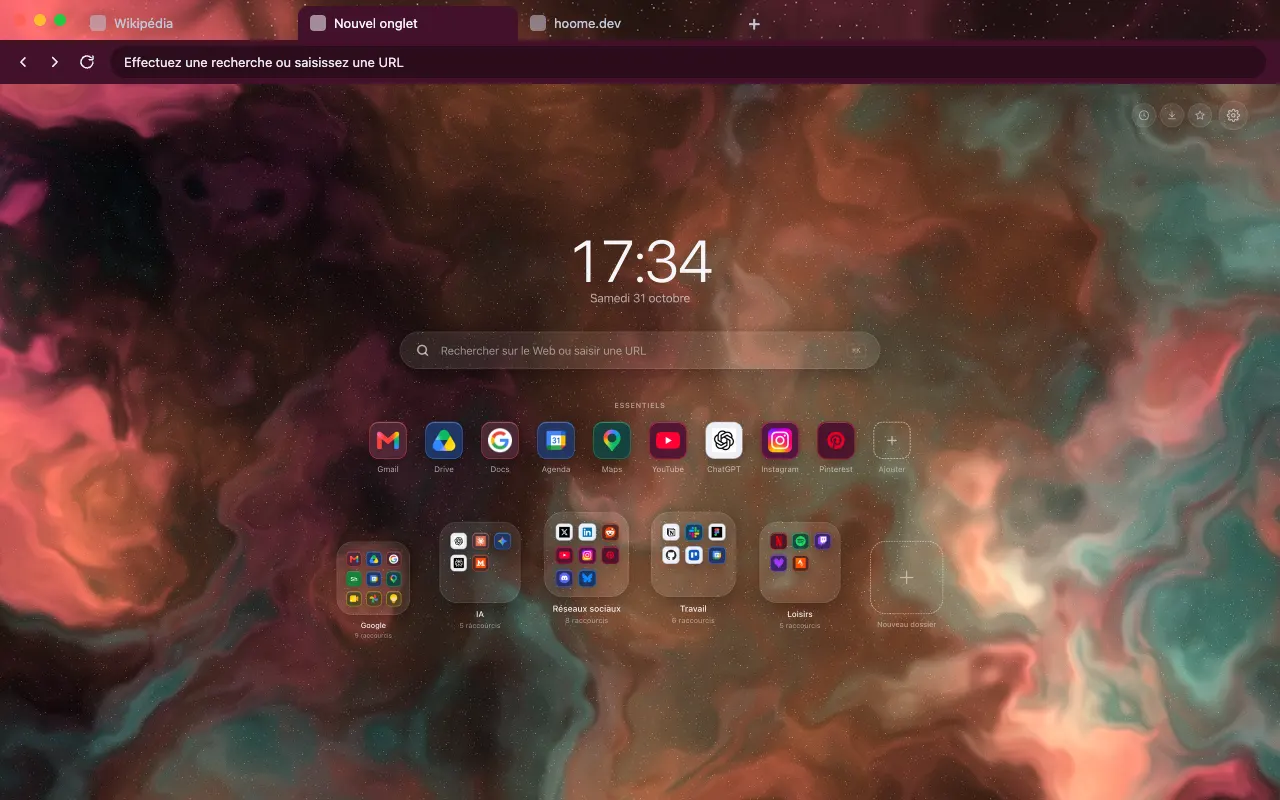 Orion Nebula An orange core edged with turquoise on a burgundy ground: two opposite colours of the wheel, side by side.
-
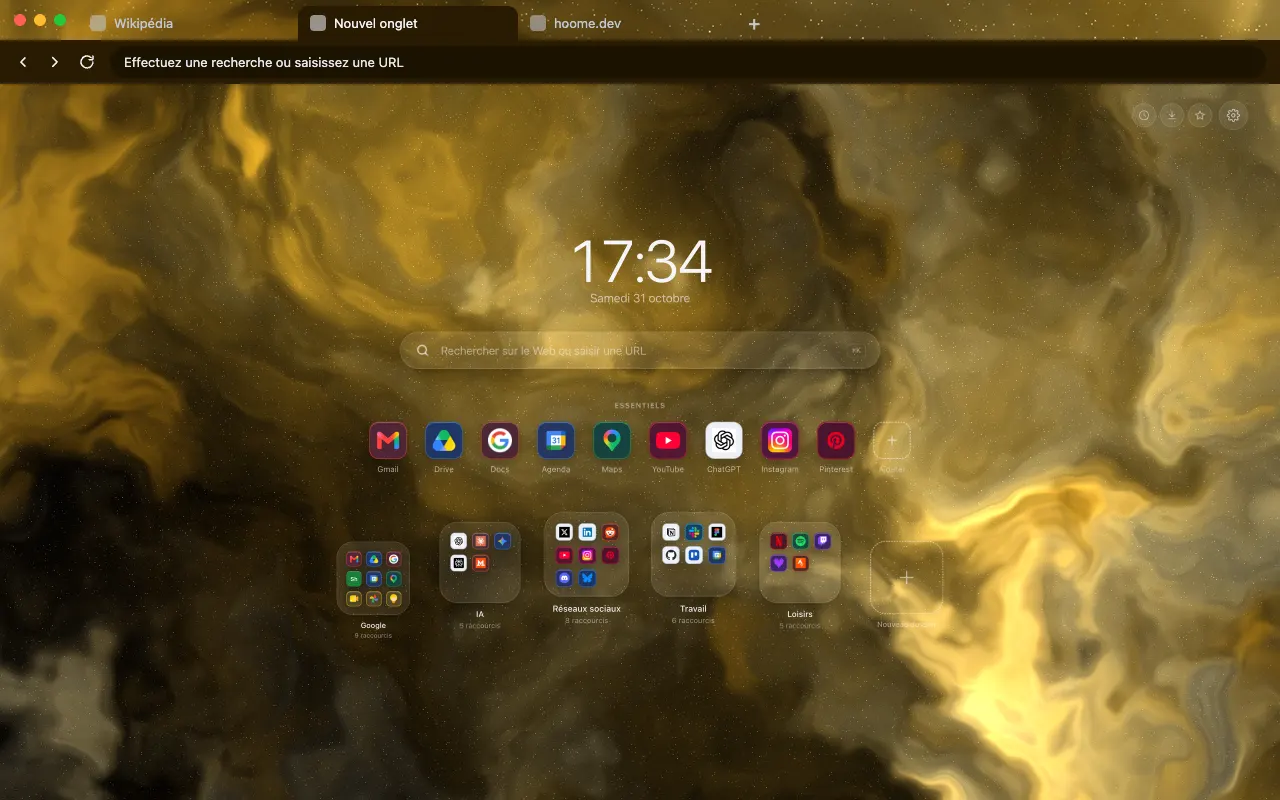 Topaz Nebula A warm gold that pales to cream at the centre, the only nebula in the family that leans towards sunlight.
-
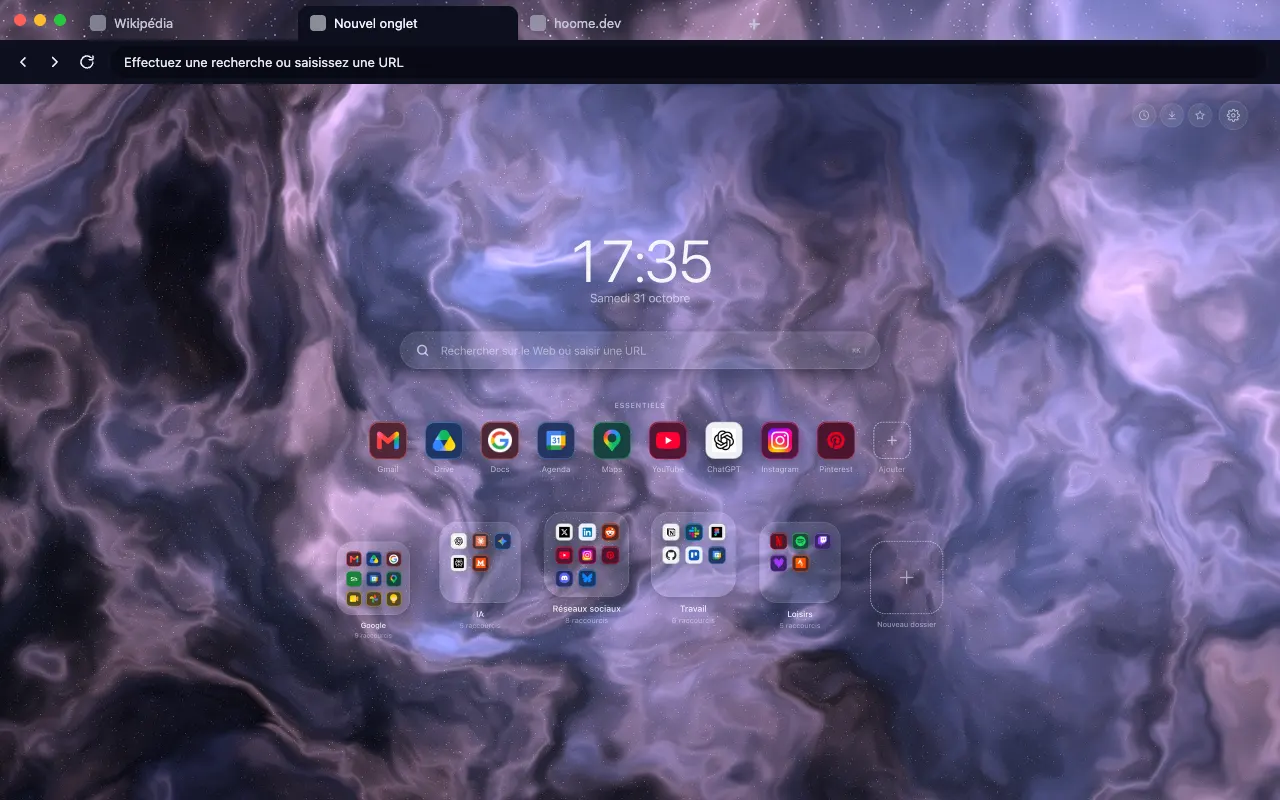 Opal Nebula Slate blue and lavender filaments turning pale pink, with the shifting glints of an opal.
-
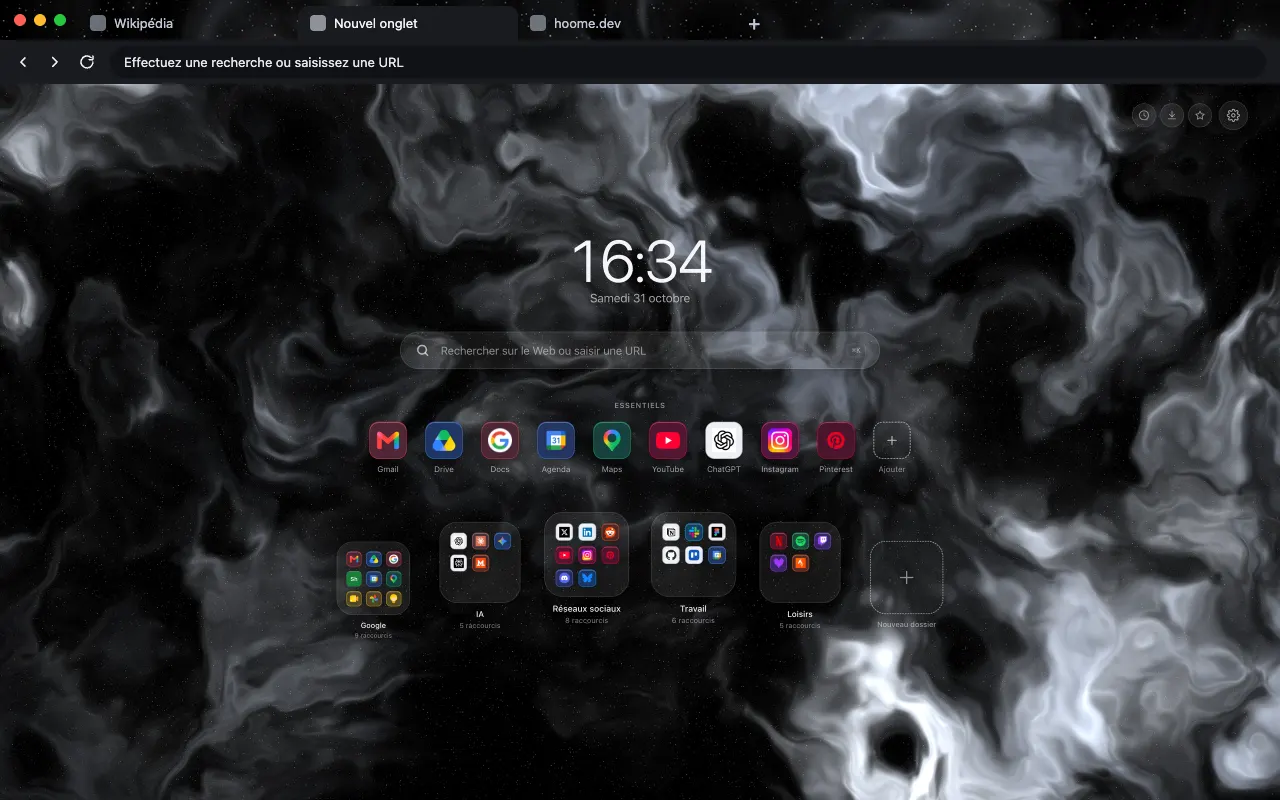 Hematite Nebula A colourless nebula in charcoal and silver, for anyone who wants movement with nothing that draws the eye.
-
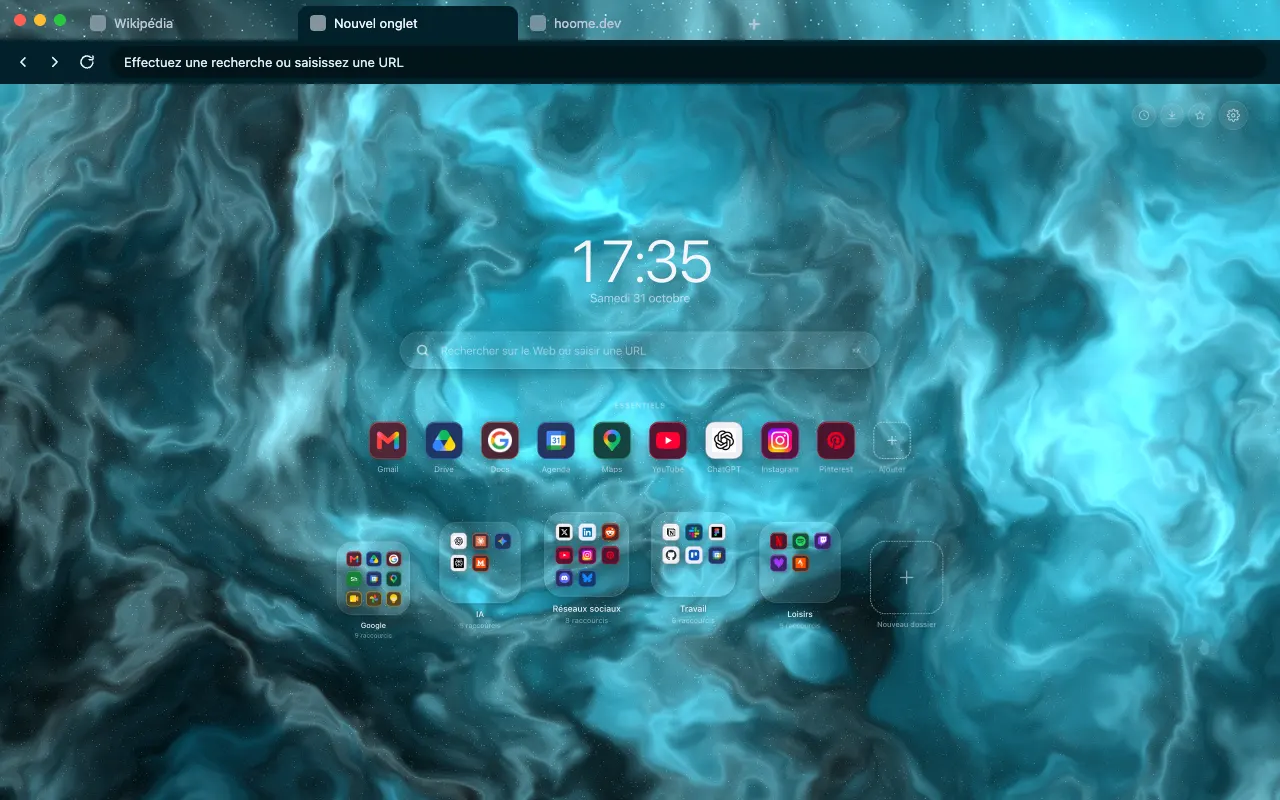 Deep Cyan Nebula Abyssal teal lit with icy cyan on your tabs. The nebula moves on your new tab with Hoome.
-
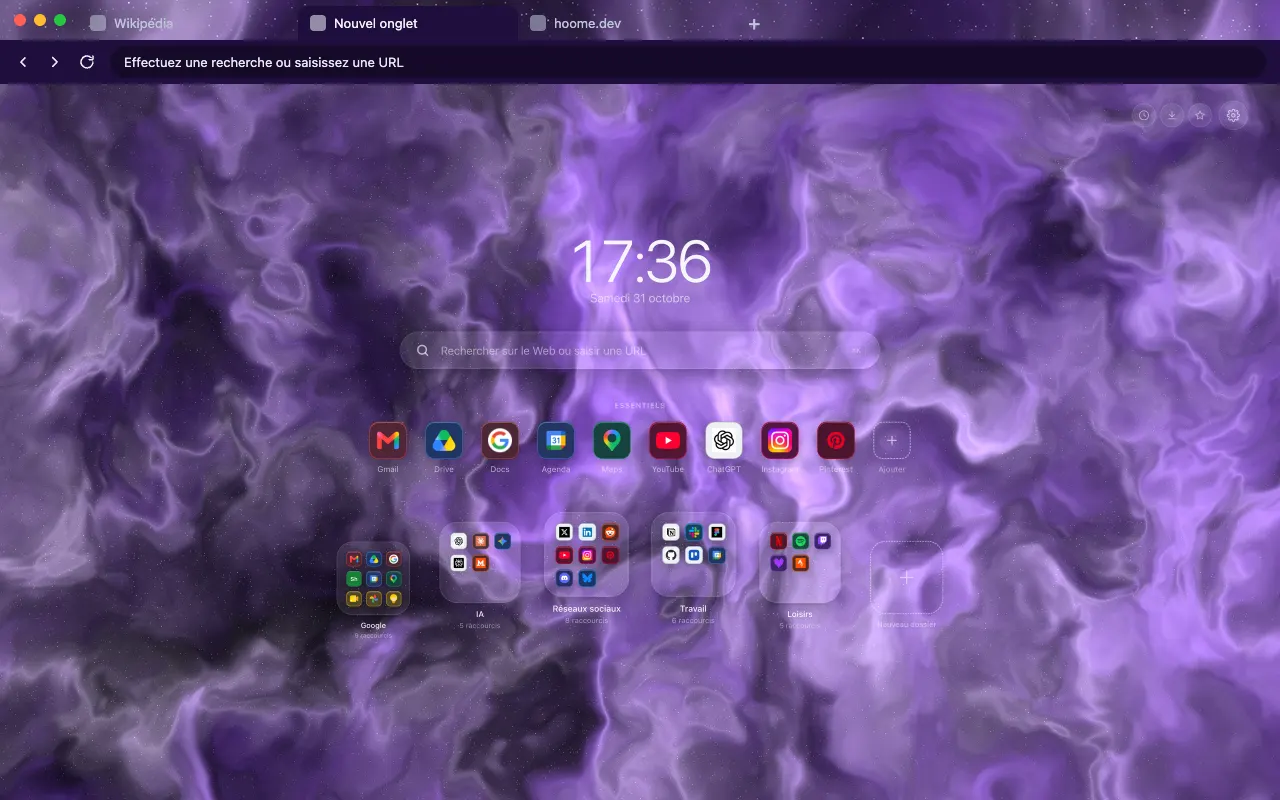 Lilac Nebula The soft violet of lilac across your browser frame, from tabs to address bar. Animated in Hoome.
-
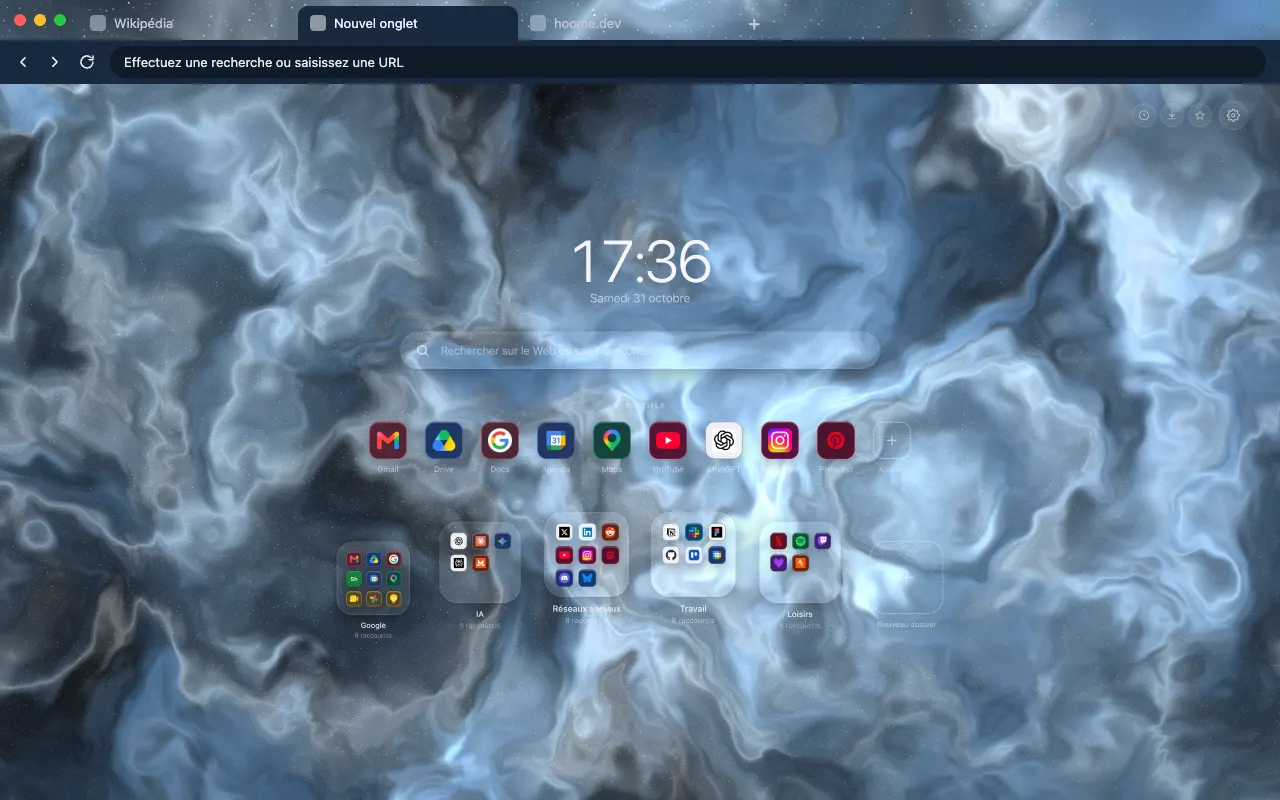 Glacier Nebula An icy blue close to white, clear and calm, around your tabs. The background comes alive in Hoome.
-
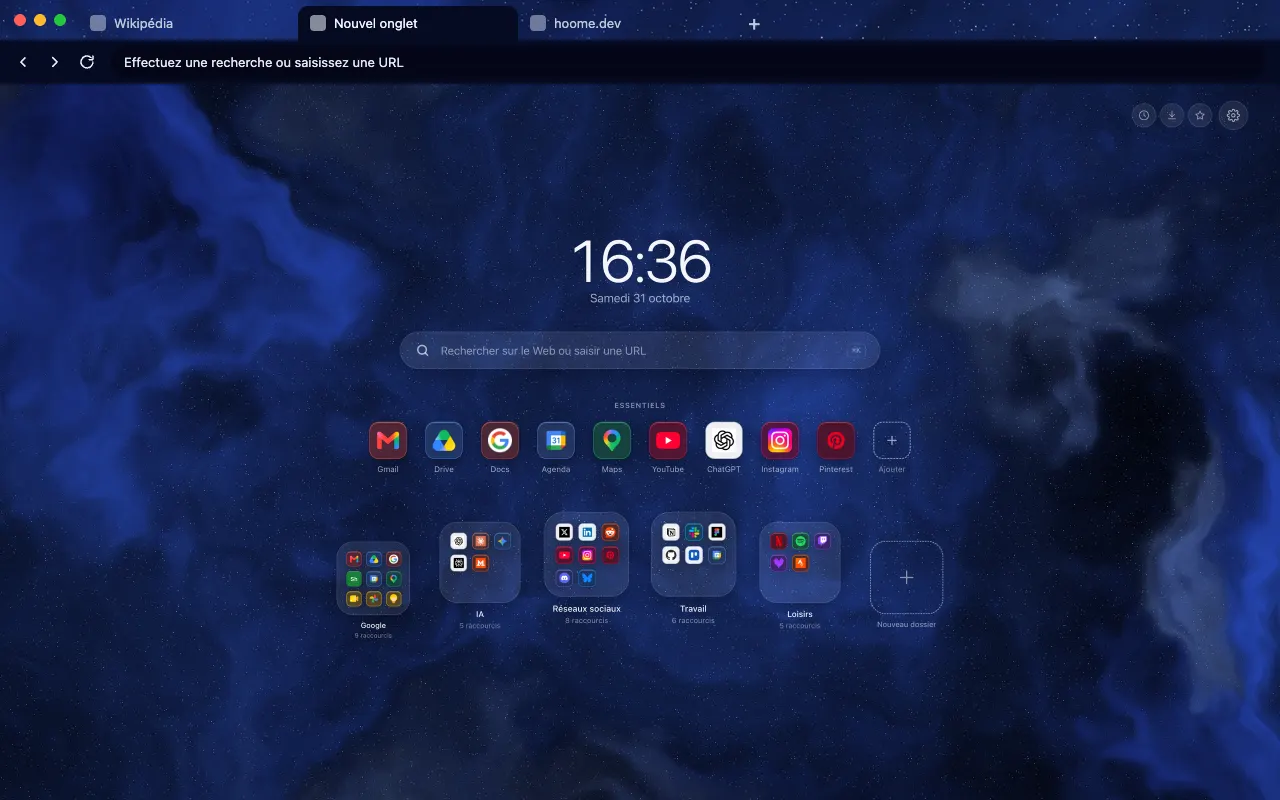 Ink Nebula The blue of ink dissolving into the night, on your browser frame. In motion on your new tab with Hoome.
About this family
A nebula is a cloud of gas and dust, the place where stars are born. Hoome copies no photograph: each background is noise folded onto itself, computed live by your computer, and it changes so slowly that you notice it from one tab to the next rather than while you look.
Blues and greens come first, then the rest of the colour wheel, from pink to red and gold, then neutrals and cool blues, from opal to ink. All of them are dark, so the clock, the search bar and your folders stay readable on top, and the interface picks up the tint of the background.
To find them in Hoome, open the settings, go to Background, then the Nebulae folder. One click applies a background; the speed slider slows it down, doubles it or stops it.
Even better with Hoome
Every theme in this family is free and dresses your browser. To get these backgrounds on your new tab page, with your shortcuts, folders and widgets, add the Hoome extension.
Four patterns for one family
-
Thin veils over deep black, with stars showing through.
-
Long stretched filaments, like smoke caught in a draught.
-
A sheet of blended colours, slowly folding onto itself.
-
A bright core ringed with stars, seen from another angle.
Your next tab can be a tidy one
No sign up, no card, and your sites finally where they belong.
-
 For ChromeChrome Web Store
-
 For FirefoxFirefox Add-ons
-
 For EdgeEdge Add-ons
-
 For BraveChrome Web Store
Brave installs Hoome from the Chrome Web Store.
On a phone, tap “Add to Desktop” on the Chrome Web Store: Hoome will install in Chrome on your computer, if it is signed in to the same Google account.