A new tab page extension for Brave
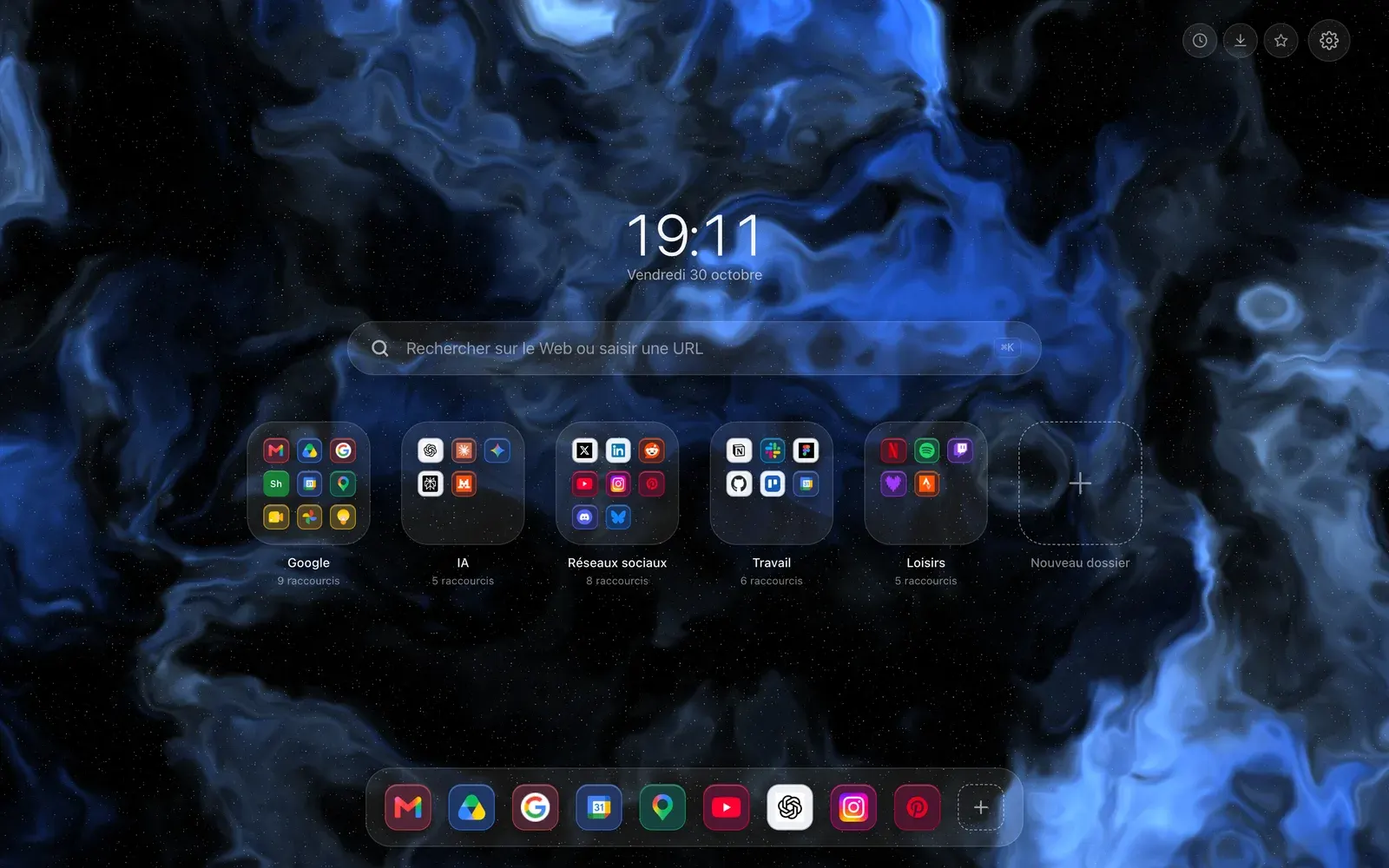
Brave has no extension store of its own: it installs from the Chrome Web Store, like Chrome. Hoome is therefore the same as on Chrome, and replaces the Brave new tab page with your shortcuts, folders and widgets.

- Install store
- Chrome Web Store
- Minimum version
- Chromium 111
- Account
- None for the free version
- Store listing
- Public
Install Hoome on Brave, step by step
-
From Brave, open the Hoome listing on the Chrome Web Store with the button above. It is Chrome’s listing: Brave has no other.
-
Click the listing’s add button, then confirm adding the extension in Brave’s window.
-
Open a new tab: the Hoome page takes the place of Brave’s. If the browser asks you to confirm or restore the page, keep Hoome; on Chrome, restoring turns the extension off, and we have seen no reason Brave would differ.
-
If the old page ever comes back, open brave://extensions and check that Hoome is turned on.
What Hoome brings to Brave
-
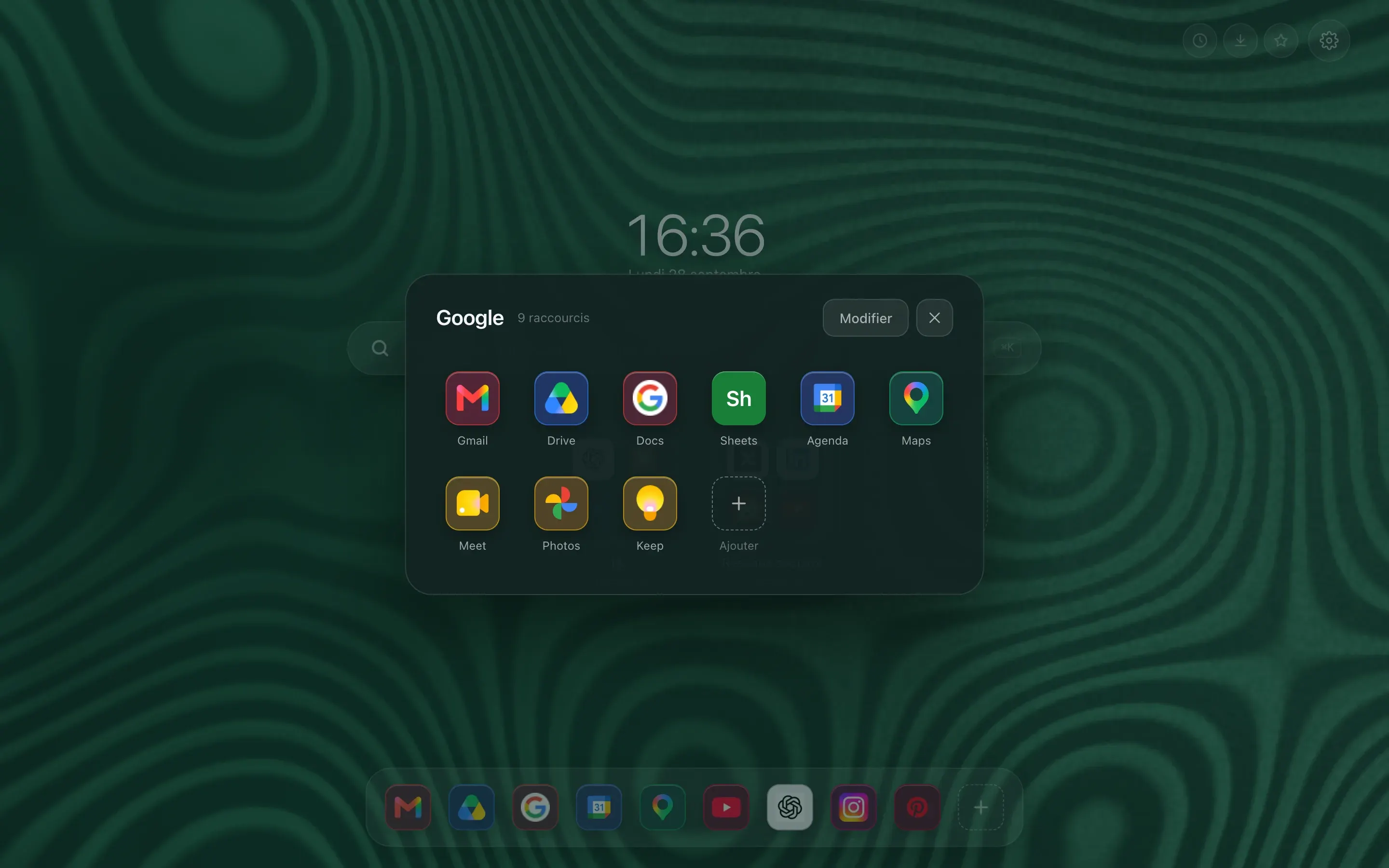
Folders, the way a phone does them
A preview tile shows 4 or 9 icons. One click and it zooms open on the full grid. Work tools on one side, reading on the other, and the page stays short.
-
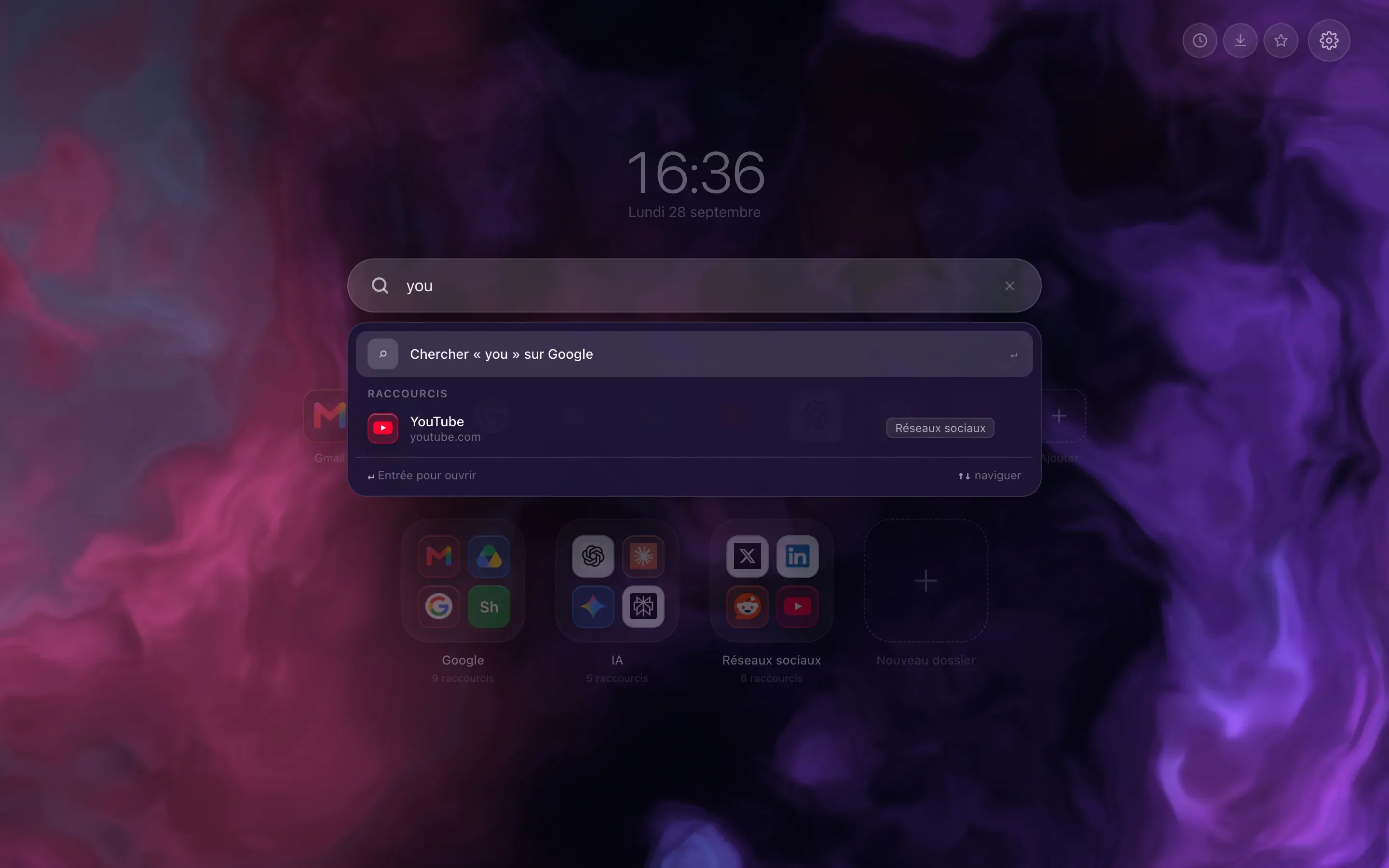
Type three letters, the site is there
The bar filters your shortcuts as you type, and switches to your browser’s search engine when what you want is not filed with you. Enter opens the first result, Shift and Enter force a web search.
-
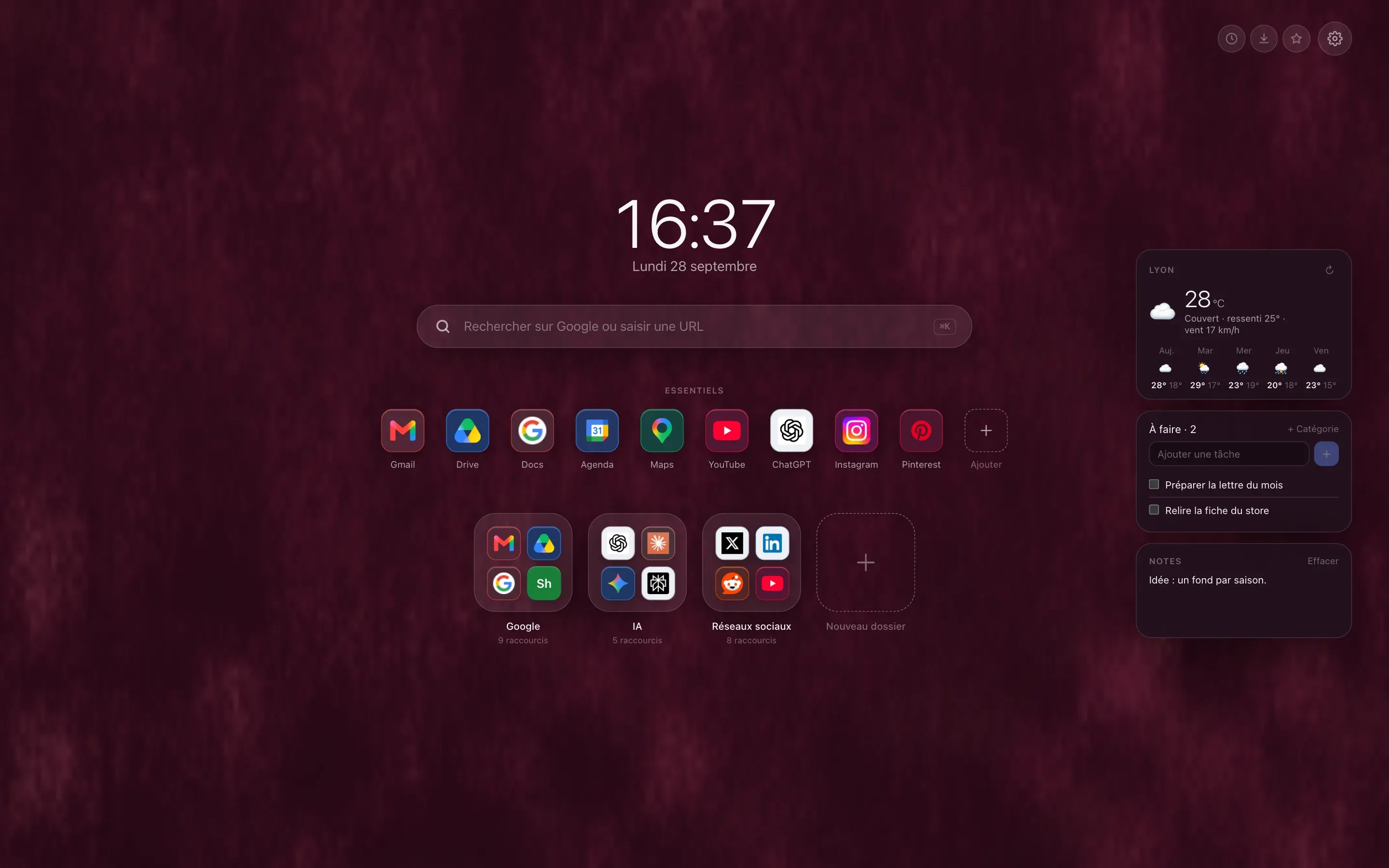
The weather, your tasks, your notes
Three free widgets, off by default, that you switch on one at a time. The five day forecast asks for no account and no key, only the name of your town. Tasks and notes stay in your browser, unless you choose to sync them.
What works on Brave, and what does not
-
Chrome’s features
YesThe package is Chrome’s: shortcuts, folders, Essentials, layouts, widgets, animated backgrounds, buttons to history and downloads, and the two Premium widgets, Processor and Memory.
-
No account, nothing sent
YesThe free version asks for no account and sends neither your shortcuts nor your folders to our servers: they stay in your browser. It is what many people look for when they choose Brave.
-
New tab, not home page
Good to knowHoome replaces the page that opens with a new tab. Brave’s home page, the one behind the Home button and startup, is untouched and stays whatever you chose in the settings.
-
Brave’s sync
Good to knowBrave syncs its devices through a chain, with no account. Hoome relies on the browser’s sync, but we have not verified that Brave carries an extension’s data: do not count on it. For another computer, use the JSON export, or the Hoome account copy.
-
The Hoome account
Good to knowIt is the same extension as on Chrome, with the same identifier, so sign-in follows the same path. We have not tried it end to end on Brave, so we do not promise it yet.
Brave themes
Brave is built on Chromium, like Chrome. Hoome has not published any theme on the Chrome Web Store yet, and we have tried no Hoome theme on Brave, so there is none to offer you here. The background you choose, animated ones included, shows on the Hoome page itself, at every new tab. To follow upcoming themes, watch the gallery.
Guides on the blog
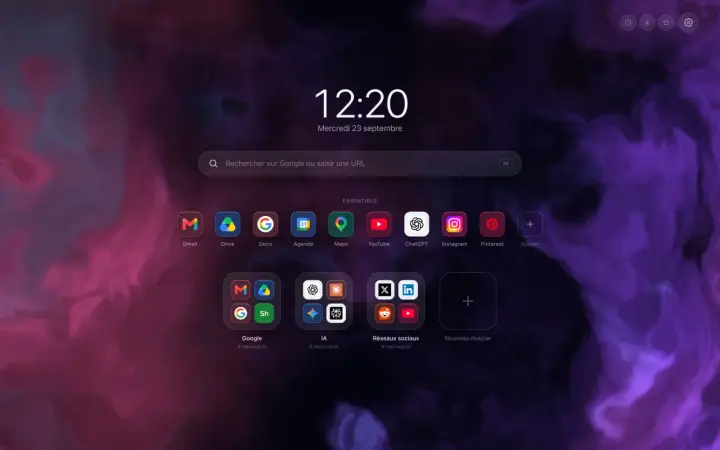
A Chrome new tab extension that tidies your sites
A Chrome new tab extension that tidies your sites into folders: what it changes in a working day, and what this blog is going to be about.
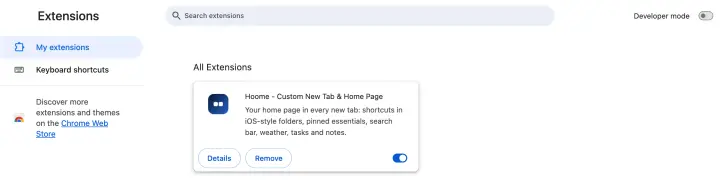
How to manage Chrome extensions: view, pin and remove
How to manage Chrome extensions: where to find them, how to add and pin them, set their permissions and site access, turn them off or remove them.
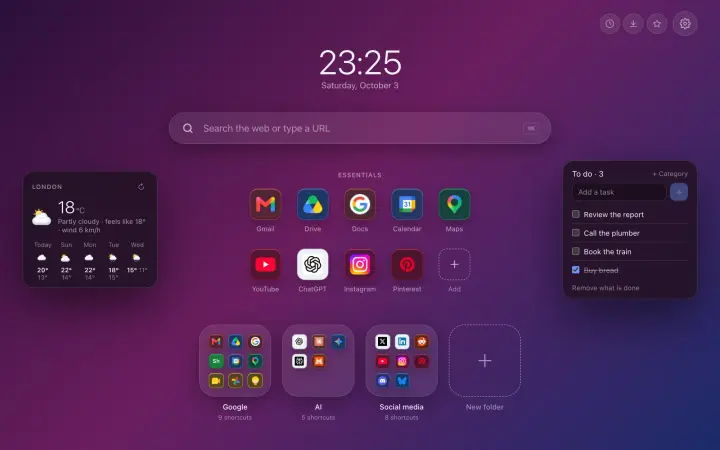
The best Chrome extensions in 2026, by use
The best Chrome extensions in 2026, sorted by what they do: block ads, manage passwords, translate, tidy your tabs and your new tab page.
Chrome extensions on Android and iPhone: what really works
Chrome accepts no extensions on Android or iPhone. What works instead: Firefox, Safari, Samsung Internet, and the traps to avoid.