A new tab extension for Microsoft Edge
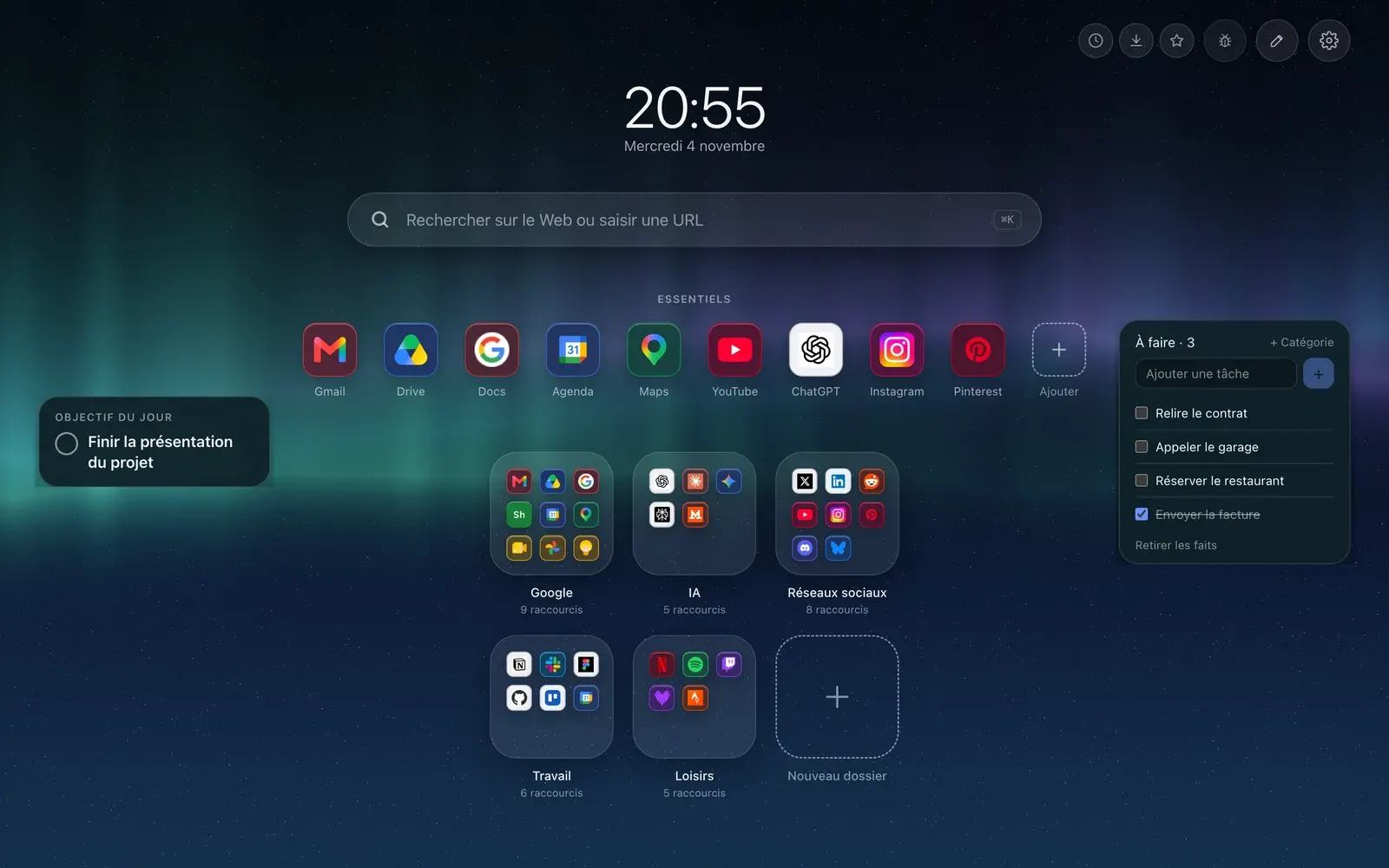
Hoome replaces the Edge new tab page with your shortcuts, folders, widgets and the background you choose. It installs from Microsoft Edge Add-ons, from Edge 111 on, with the same code as on Chrome. One point is still to be confirmed: the account, explained below.

- Install store
- Edge Add-ons
- Minimum version
- Edge 111
- Account
- None for the free version
- Store listing
- Public
Install Hoome on Edge, step by step
-
Open the Hoome listing on Microsoft Edge Add-ons with the button above, then click “Get”.
-
Edge lists what the extension will be able to do. Read it, then confirm with “Add extension”.
-
Open a new tab. Edge asks you to confirm the new tab page change: confirm to keep Hoome.
-
The gray bar at the bottom is a feature of Chrome 138 and later: Hoome shows its help only on Chrome, the one browser where we have seen it.
What Hoome brings to Edge
-
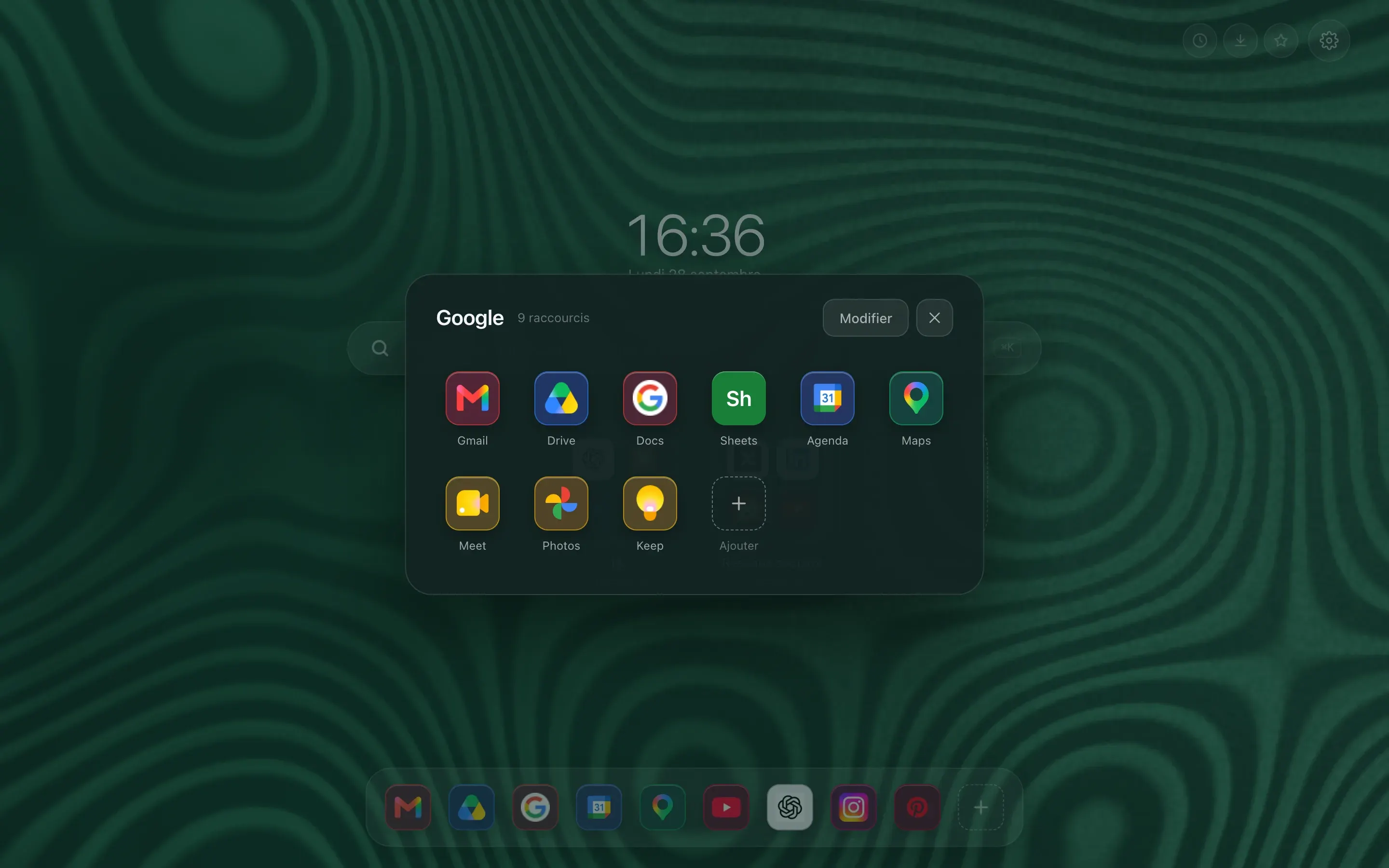
Folders, the way a phone does them
A preview tile shows 4 or 9 icons. One click and it zooms open on the full grid. Work tools on one side, reading on the other, and the page stays short.
-
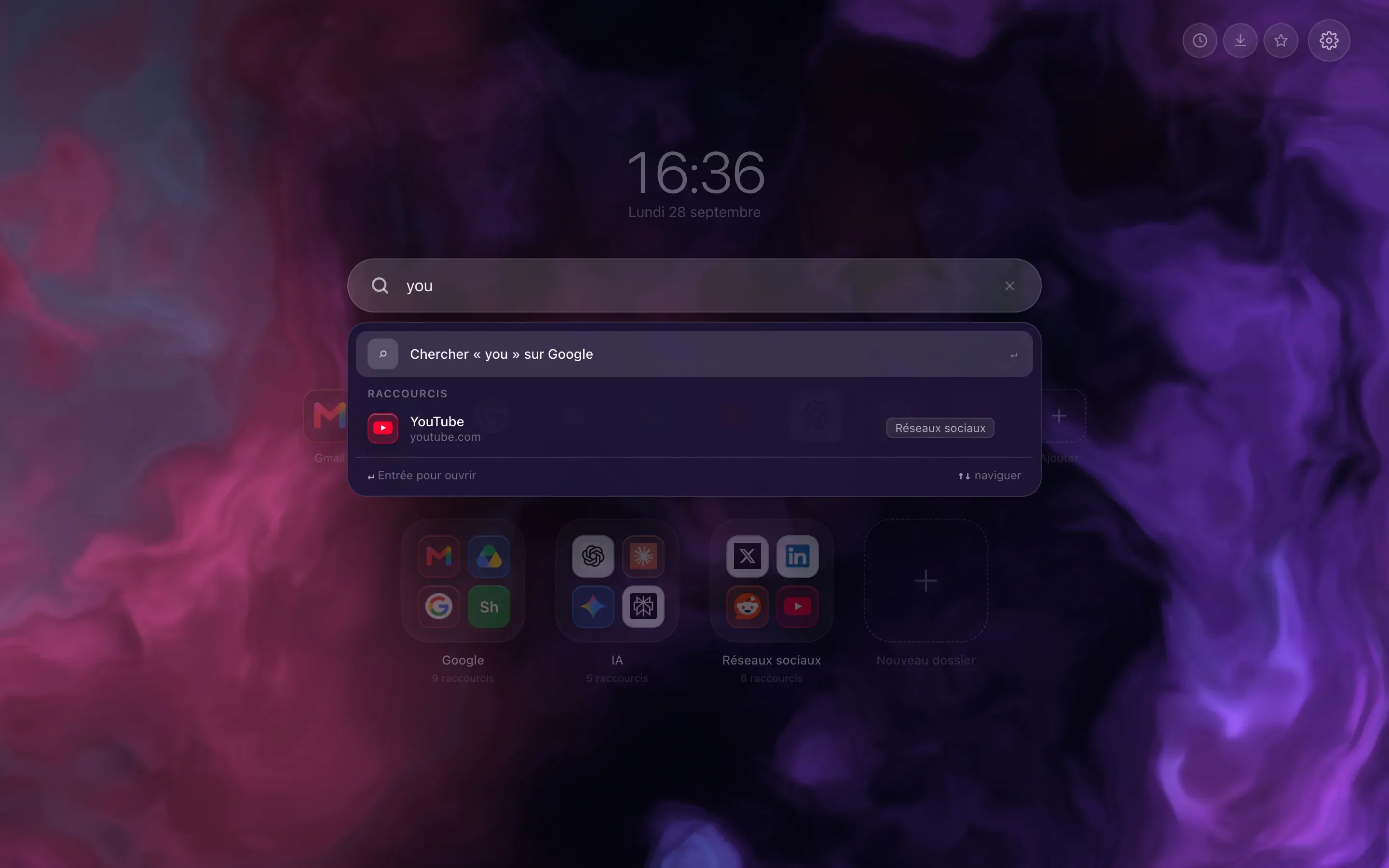
Type three letters, the site is there
The bar filters your shortcuts as you type, and switches to your browser’s search engine when what you want is not filed with you. Enter opens the first result, Shift and Enter force a web search.
-
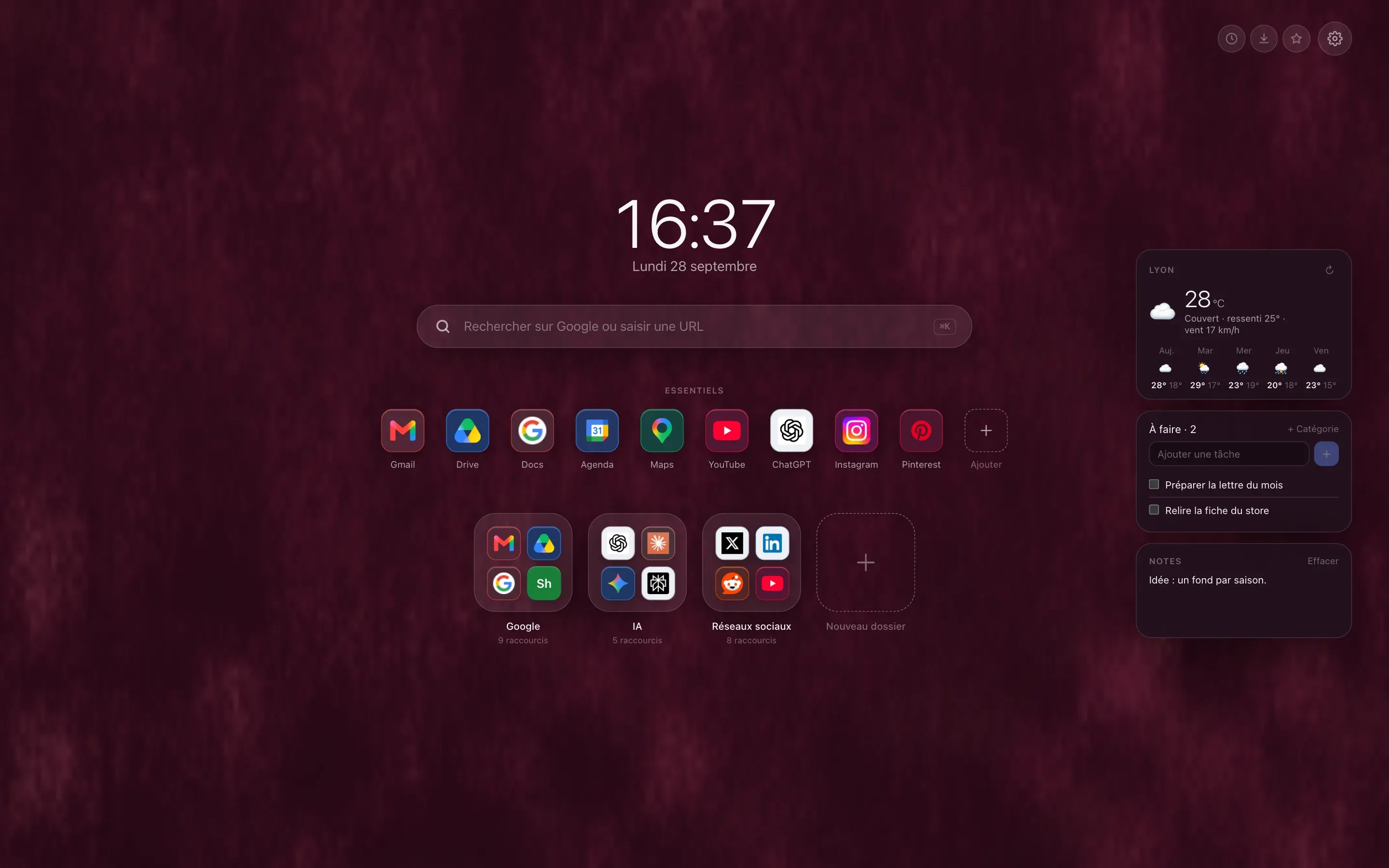
The weather, your tasks, your notes
Three free widgets, off by default, that you switch on one at a time. The five day forecast asks for no account and no key, only the name of your town. Tasks and notes stay in your browser, unless you choose to sync them.
What works on Edge, and what does not
-
The free features
YesShortcuts, folders, Essentials, the Dock and Classic layouts, the free widgets and backgrounds: it is the same code as on Chrome, and nothing is removed.
-
History, downloads, bookmarks
YesThe quick access buttons open Edge’s pages (edge://) from the new tab. A switch in the settings removes them if needed.
-
The Hoome account and Premium
Good to knowGoogle only opened sign-in for the Edge extension on November 2, 2026, and the full test with a real account is still to be done. The free features need no account. So we do not promise Premium on Edge, and this page will be updated once the test is done.
-
Sync through the Microsoft account
Good to knowHoome relies on the browser’s own sync, which its settings call the “Microsoft account” on Edge. No extension can tell whether your profile is synced: if it is not, your data stays on the computer.
-
Most visited sites
Good to knowThe permission that supplies this list is part of the package shared by Chrome and Edge, but we have not tried it on Edge, so we do not announce it.
Edge themes
The Edge Add-ons store does not accept browser themes. A theme from the Chrome Web Store does install in Edge. Hoome has not published one yet, and Chrome only accepts still images, so no Hoome theme for Edge is online today. The backgrounds, animated ones included, show on the Hoome page itself, the one you see at every new tab. The themes gallery tells where each store stands.
Guides on the blog
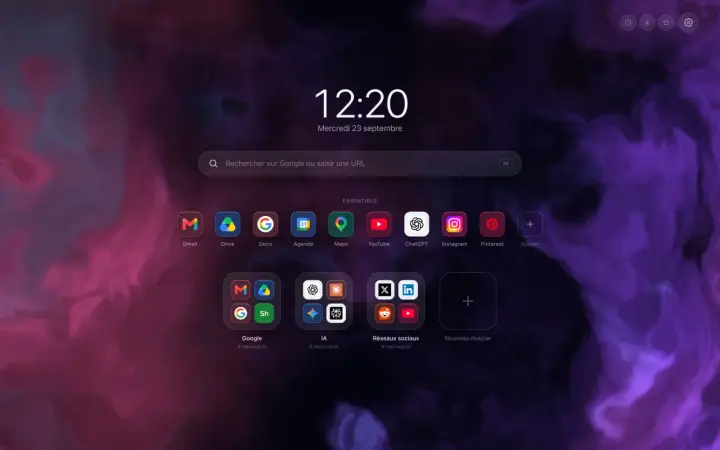
A Chrome new tab extension that tidies your sites
A Chrome new tab extension that tidies your sites into folders: what it changes in a working day, and what this blog is going to be about.
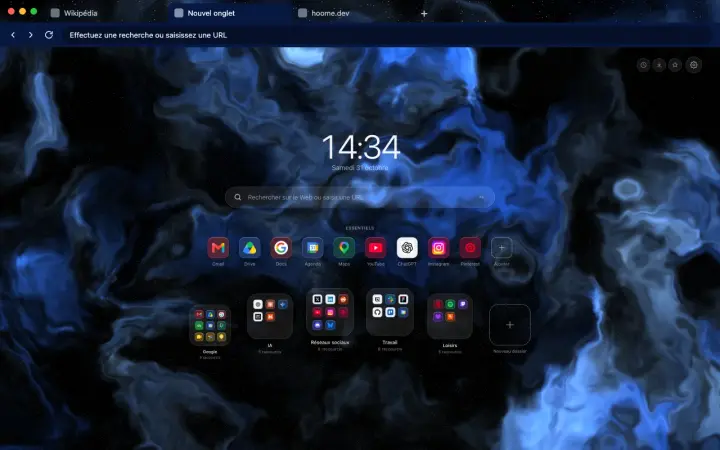
Backgrounds
Hoome themes: Chrome and Firefox in your background's colors
A free browser theme for each Hoome background: tabs and address bar matched to your new tab page. The first three are on Firefox, Chrome will follow.
Chrome extensions on Android and iPhone: what really works
Chrome accepts no extensions on Android or iPhone. What works instead: Firefox, Safari, Samsung Internet, and the traps to avoid.