Hoome now publishes free browser themes, one for each background: the tabs and address bar of Chrome or Firefox take the colors of the background you picked for your new tab page. The first three have been available on Firefox since October 31, 2026, still or animated. Chrome will come later.
One theme for each background
A theme dresses the browser frame: the tab strip, the address bar and the text colors. It never touches the web pages you visit. Each Hoome theme takes the pattern and colors of a Hoome background and carries its name: “Sapphire Nebula”, “Neon Nebula” and “Emerald Nebula” come first, and the Themes page lists the ones that are online.
The themes are free, ad-free, ask for no permission at all, and collect nothing. They live on the official stores, next to the extension.
On Chrome: coming later
The themes are not on the Chrome Web Store yet: they will come later, and this page will be updated. Chrome only accepts still images for a theme, so the Hoome theme will be a snapshot of the background, laid over the tab strip. With Hoome, the new tab page shows the background itself, animated if it is, and the frame around it will have the same tones. The two previews below show the expected result.
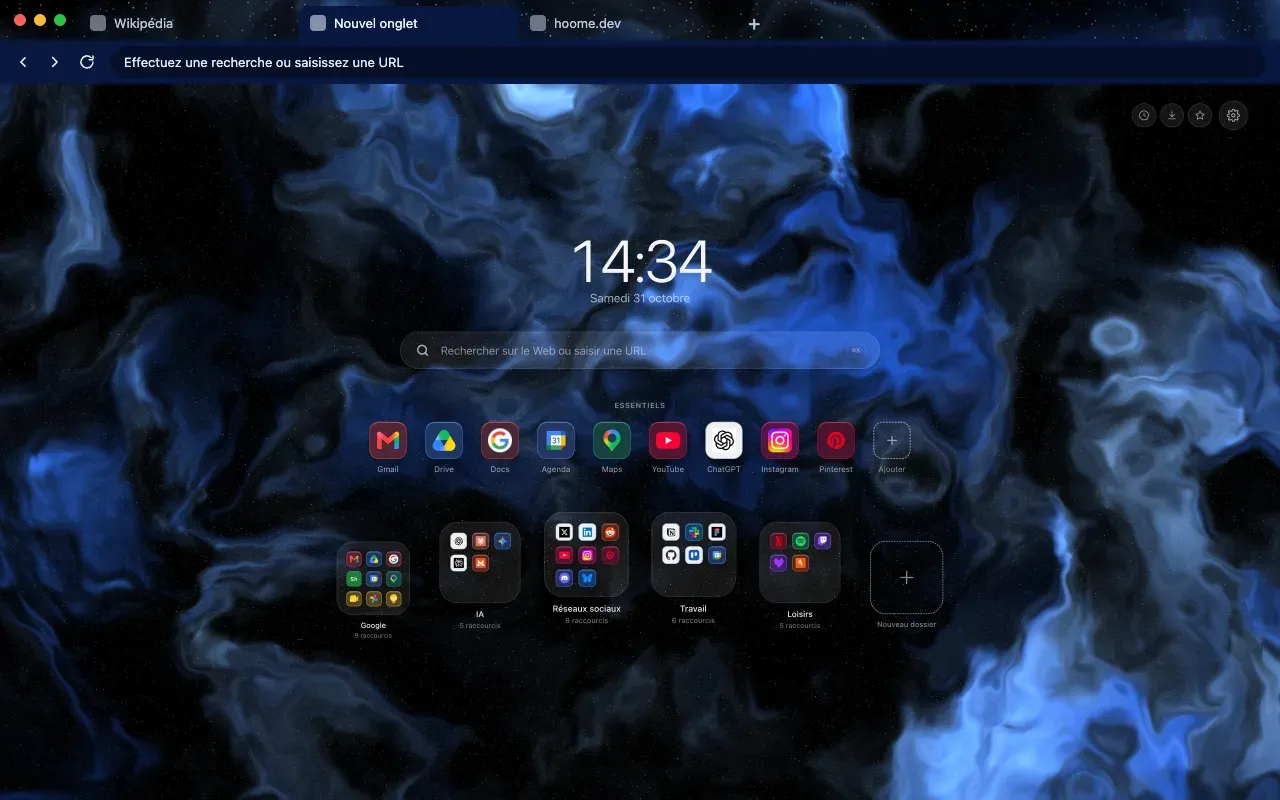
Without Hoome, the theme will do what Chrome allows: it puts its image behind Chrome’s own new tab page.
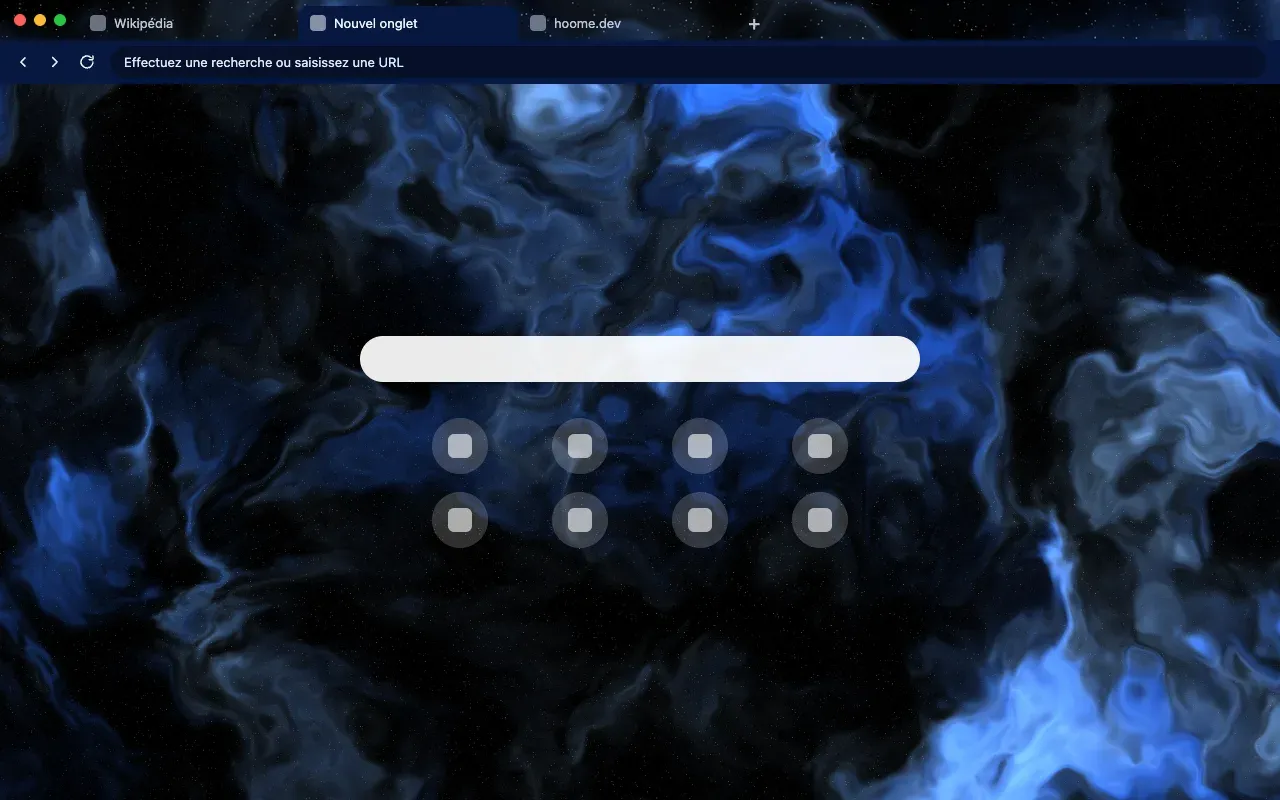
On Firefox: still or animated
The first three themes have been published on Firefox Add-ons since October 31, 2026, each in a still and an animated version:
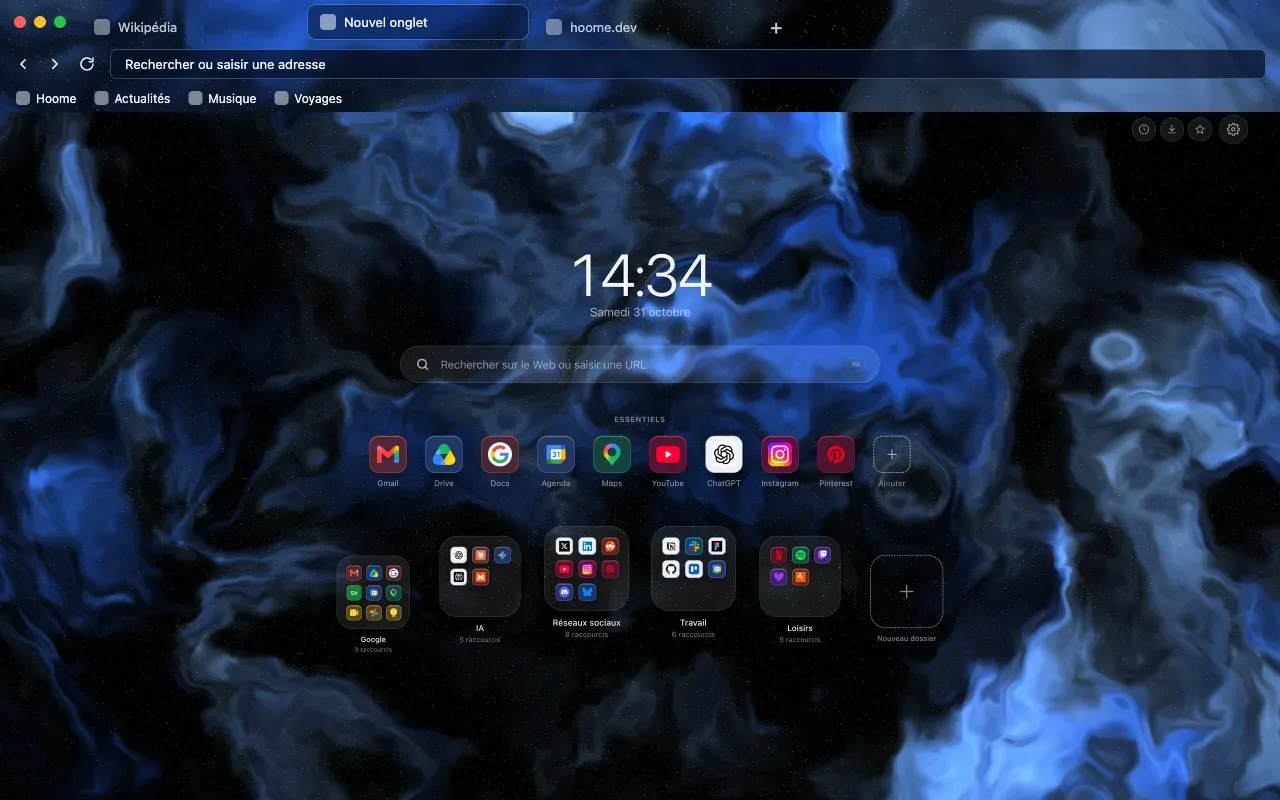
Firefox lets a theme move: an animated Hoome background has a still version and a “moving” version, each on its own listing. In the second, the background drifts slowly across the whole top of the window, tabs, address bar and bookmarks toolbar. The Firefox guide shows how to choose.
Hoome and the theme, together or apart
The theme works without Hoome, and Hoome without the theme. Together, the browser and the page match, around your shortcuts, folders and widgets.
The Themes page shows each background in its browser and leads to its listings. The matching page itself needs the Hoome extension.