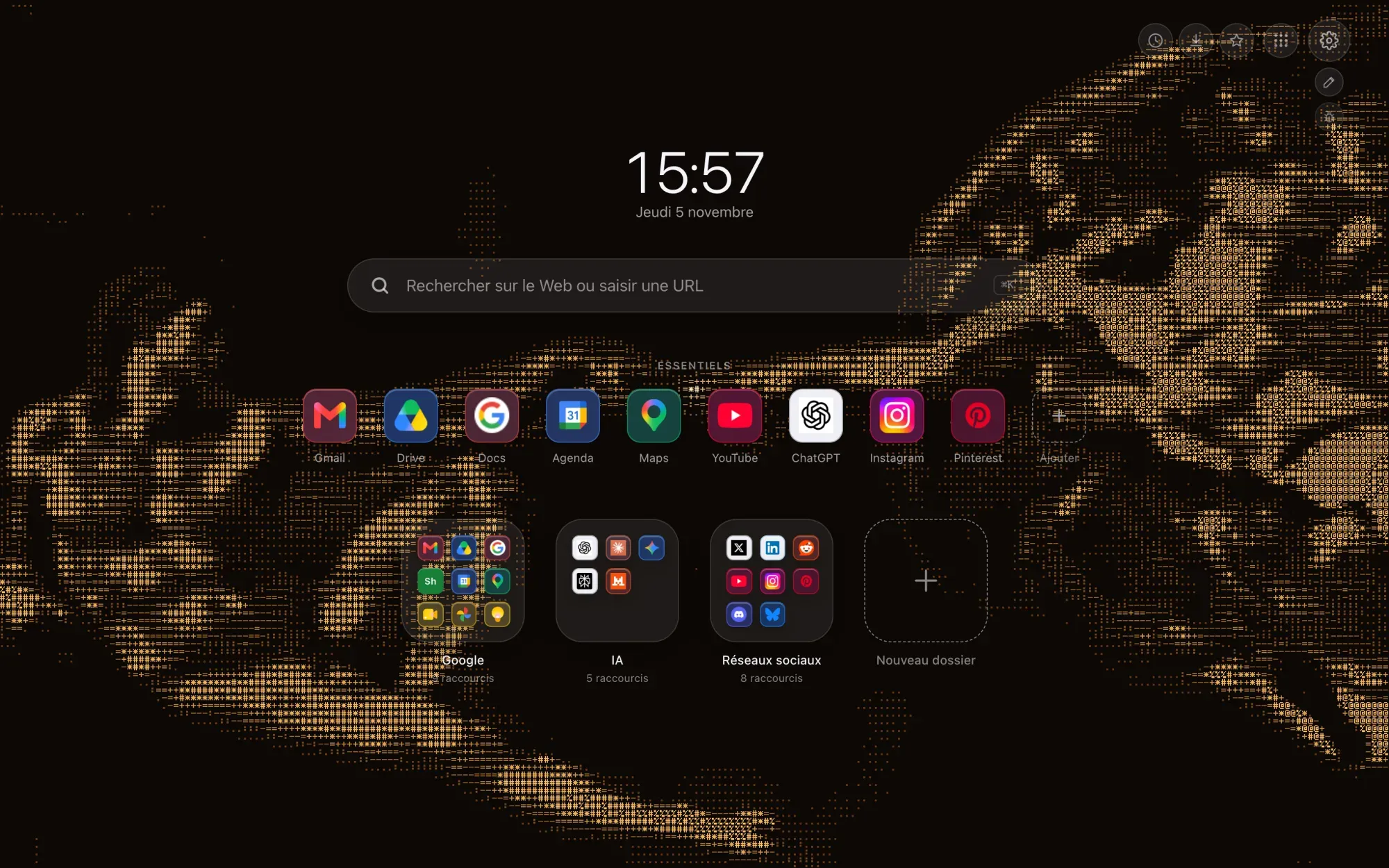
An ASCII wallpaper is a picture written with the symbols on a keyboard: dots, dashes, asterisks, hashes. Four of them are coming to Hoome, and they start from an image everyone knows: The Creation of Adam, painted by Michelangelo on the ceiling of the Sistine Chapel, in the Vatican.
They are not available yet: they arrive with the next Hoome update on the Chrome Web Store.
What are the four ASCII wallpapers?
Two scenes, each in two colors: the whole fresco, or just the two hands.
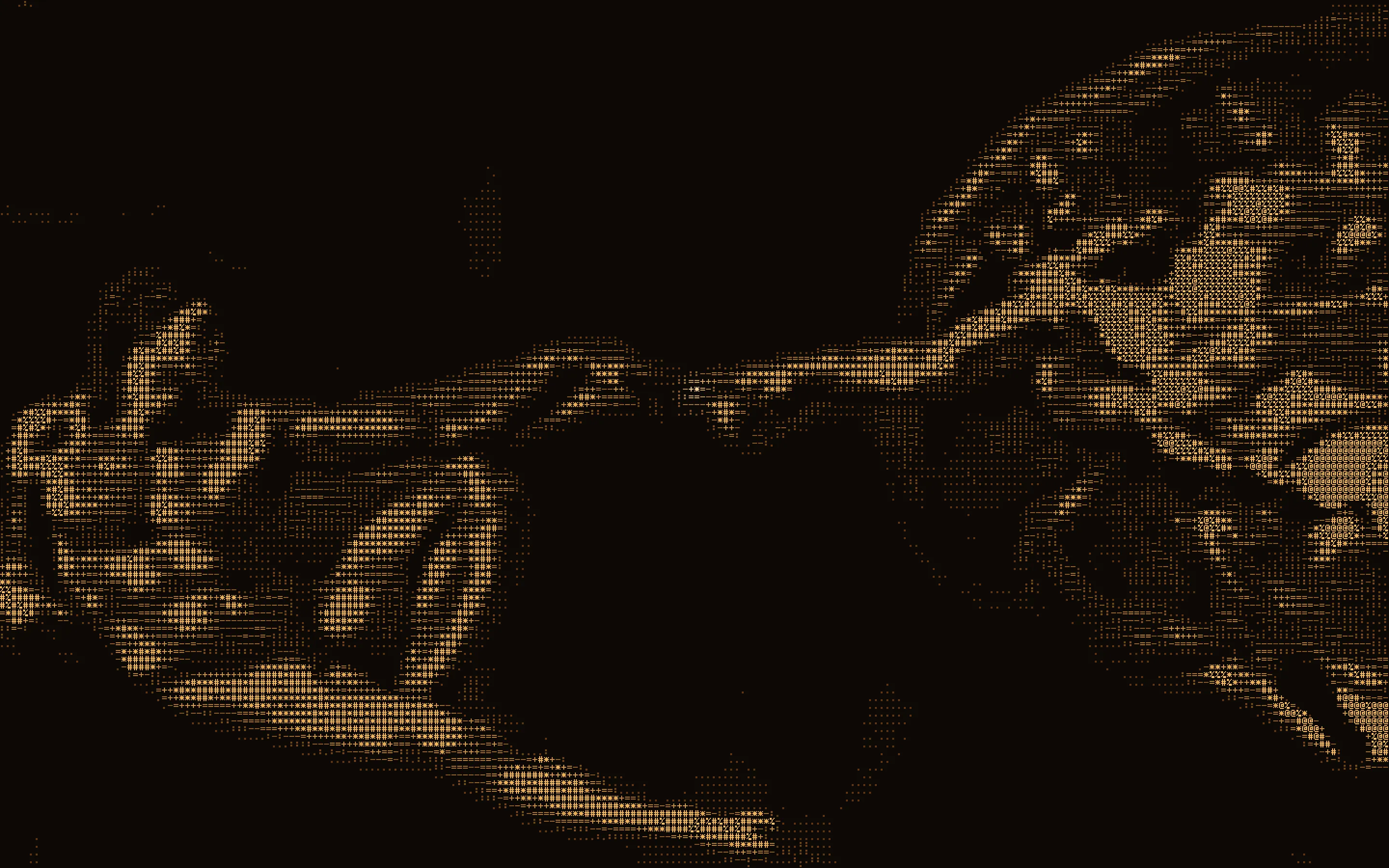
Creation Amber shows the whole scene, in amber tones on a near-black brown.
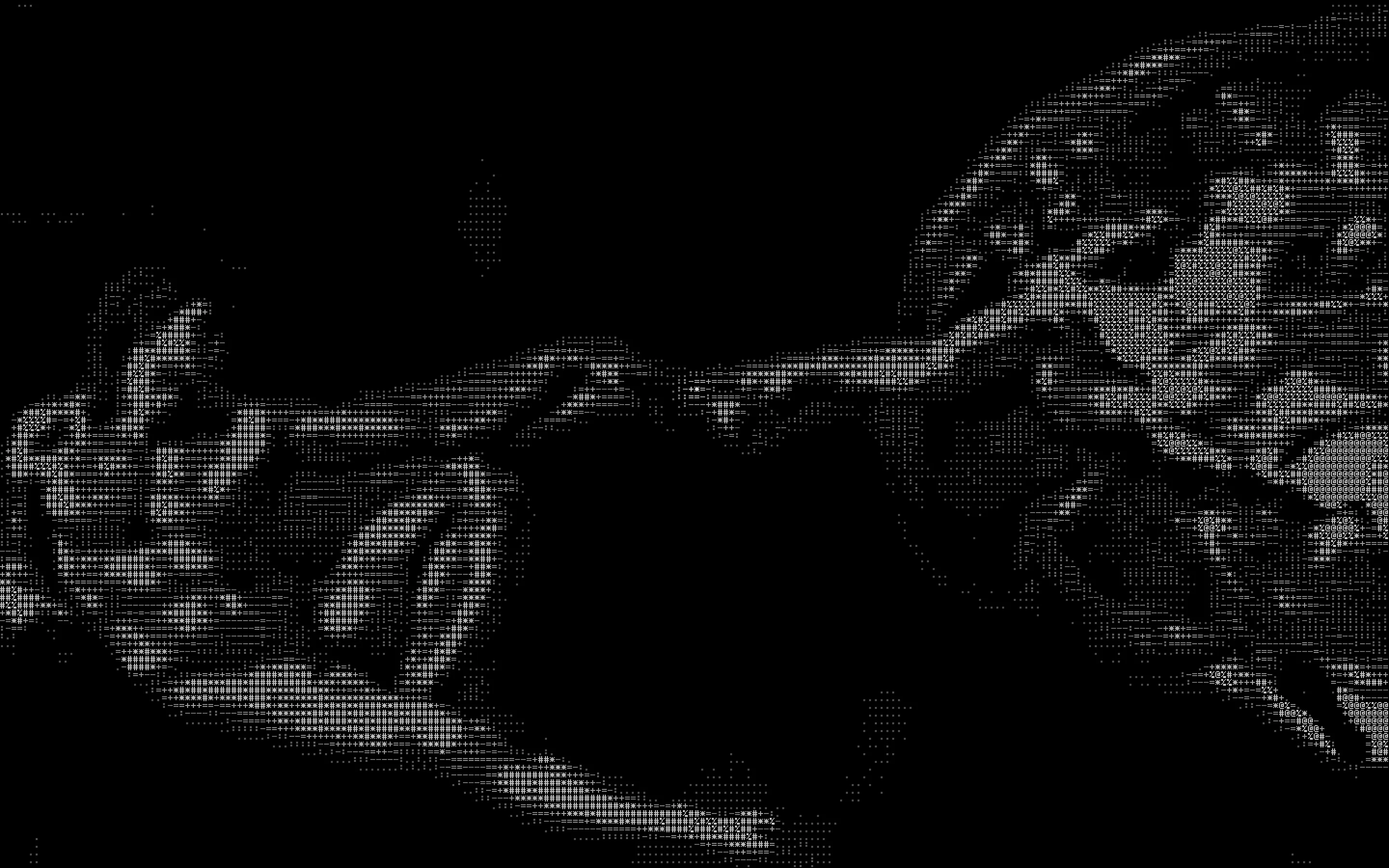
Creation Ash is the same scene, in gray on pure black.
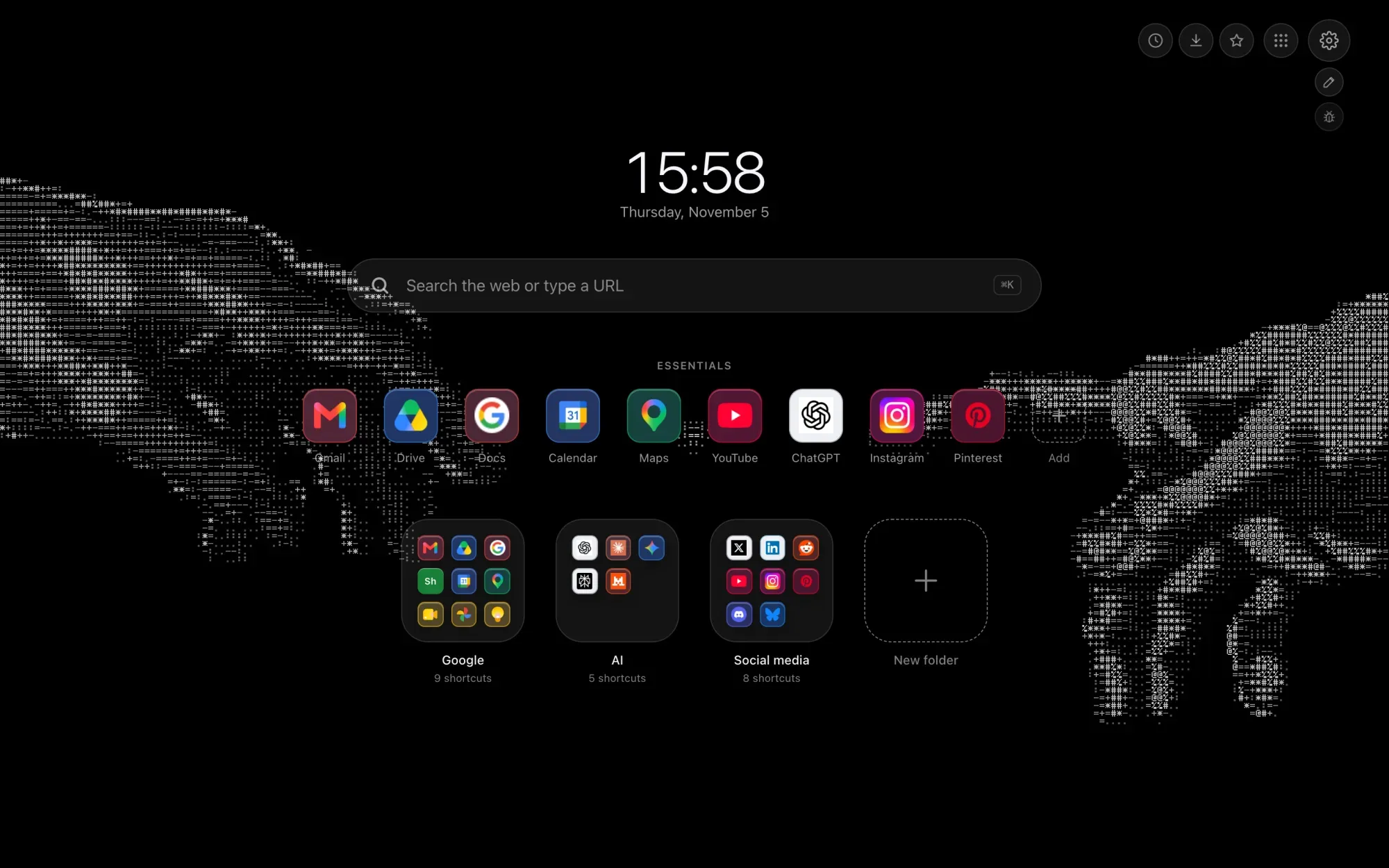
Two Hands Amber keeps only the hands, spread apart on black. This is where the motion matters: a spark pulses between the fingers, and the hands reach for each other without ever touching.
Two Hands Ash does the same in gray. The hands stay at the edges of the screen, and your shortcuts sit between them.
Each one has its own preview page in the ASCII theme family.
How does a fresco turn into ASCII art?
First, it shrinks. The fresco fits in a grid of 256 cells by 116, with only sixteen shades of gray. Here is everything Hoome carries of the painting:
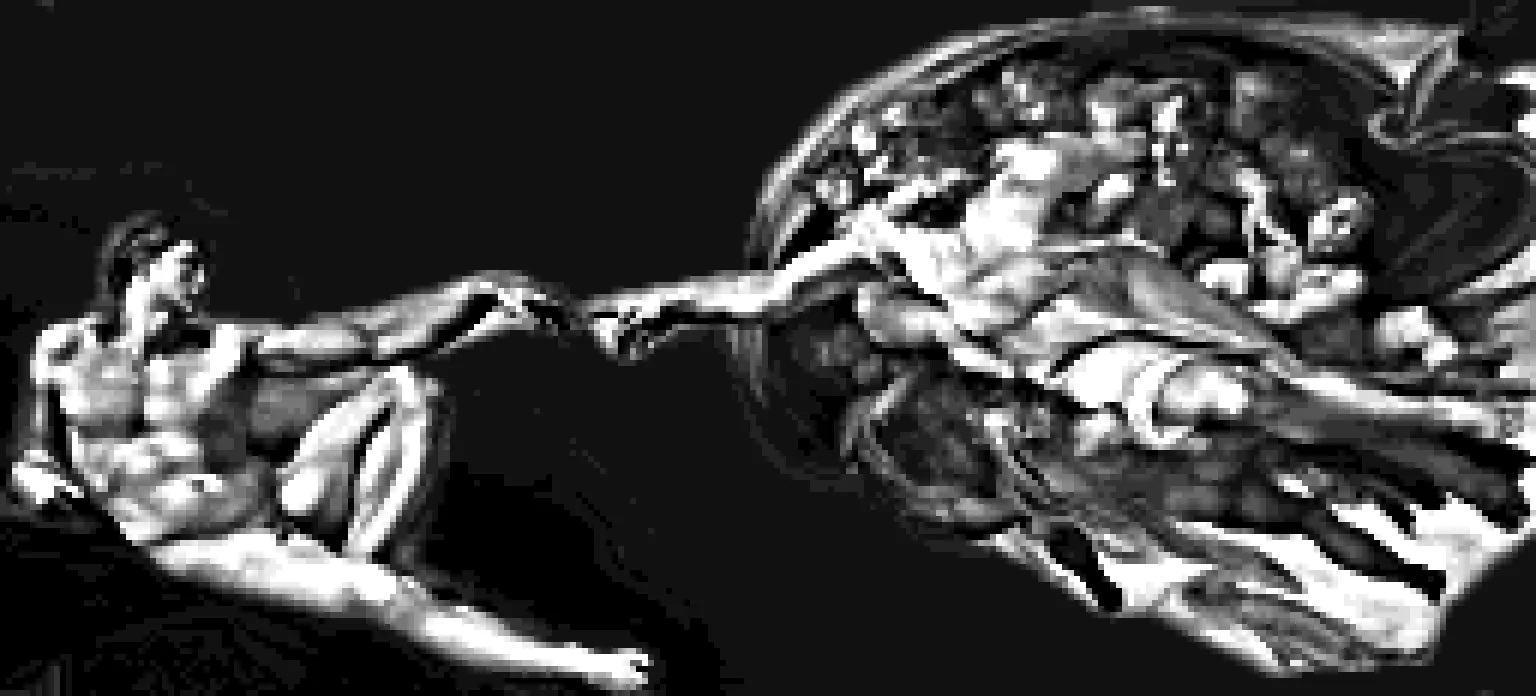
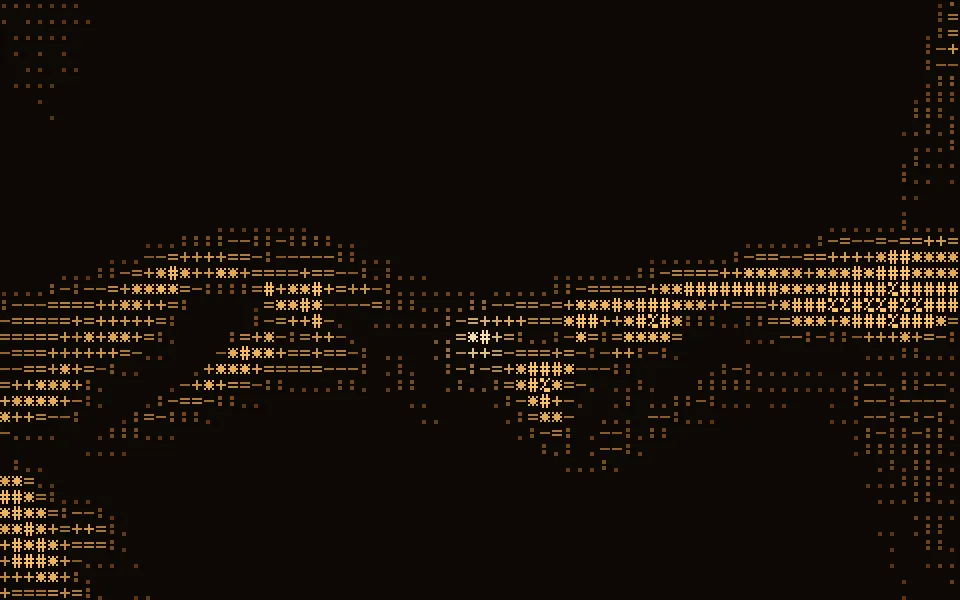
Then your graphics card reads that grid back and picks a character for each cell according to its brightness. There are ten of them, from emptiest to fullest, counting the blank space:
. : - = + * # % @No font involved. Each symbol is a tiny drawing of 5 dots by 7, written in the code. Here is the last one on the list, the at sign:
.###.
#...#
#.###
#.#.#
#.###
#....
.####
So up close, you really are reading text, here where the two arms meet:
A few details of how it is made
- It breathes without blinking. Each character shimmers at its own pace, a light sweeps across the image, and the spark pulses once every six seconds.
- The fingers stay in frame. Whatever the shape of your screen, the image shifts to keep the gap between them in view.
- It is light. The two grids, the fresco and the hands, weigh 28 KB together.
Like every animated background in Hoome, they pause when the tab is hidden and stay still if your system asks for reduced motion.
How do you set an ASCII wallpaper on your new tab?
Once Hoome is up to date, open the settings, Background section, and type “ascii” in the search.
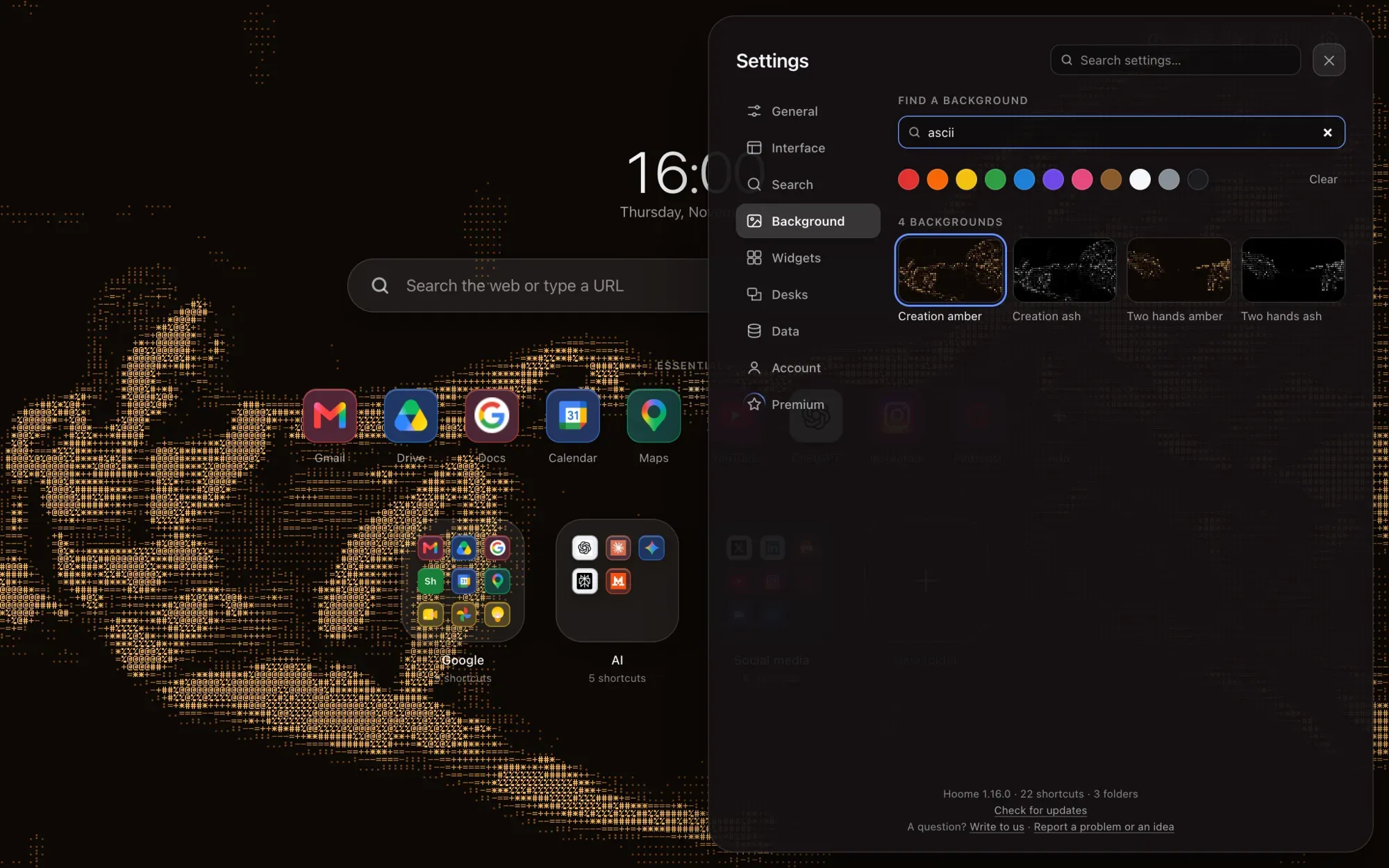
All four are part of Premium. For everything else that changes your page’s background, free options included, see our guide to changing the Google Chrome background. And to dress the browser frame as well, Hoome’s browser themes do the rest.