A custom new tab for Firefox
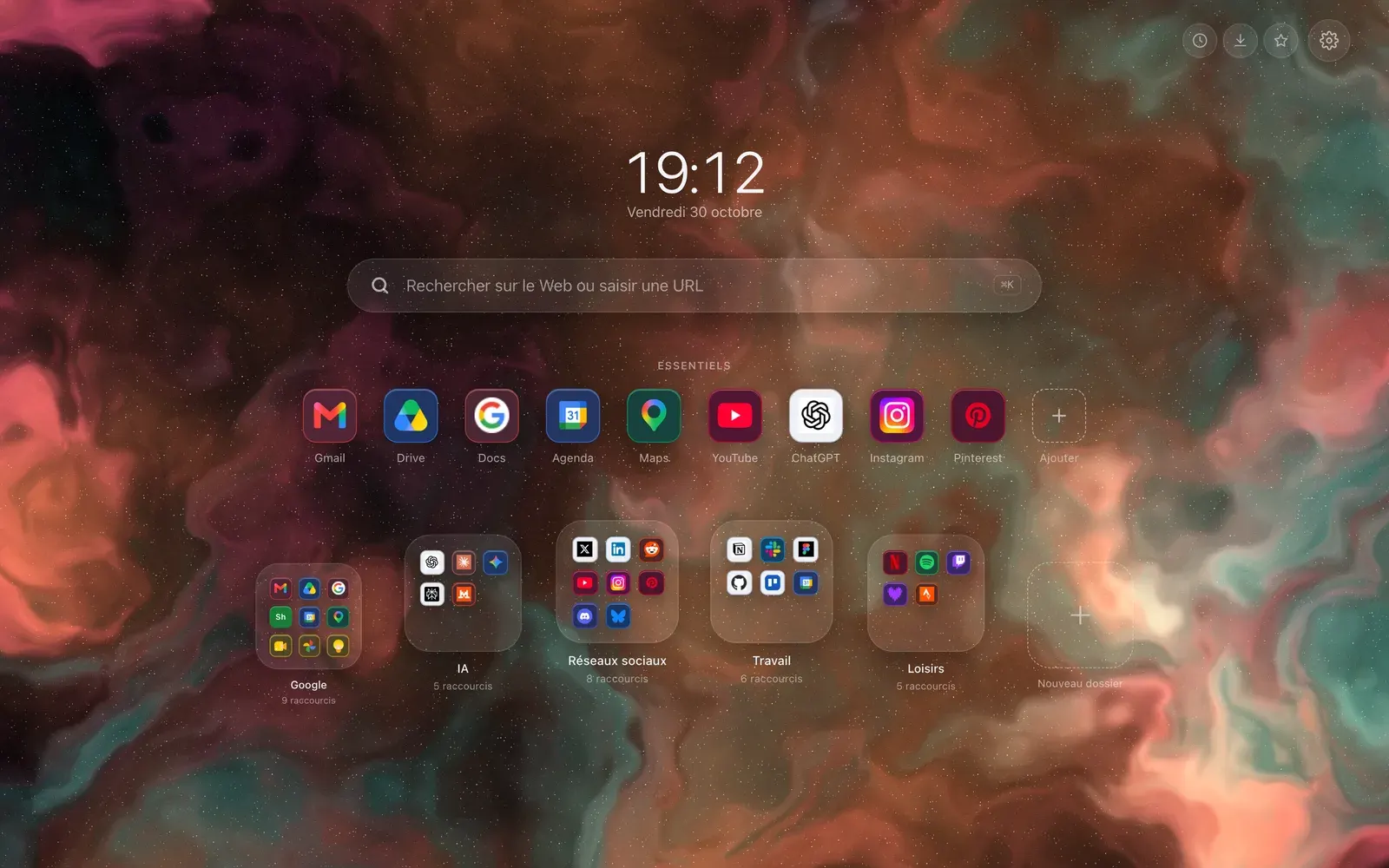
Hoome replaces the Firefox new tab page with your shortcuts, folders and the background you choose. It installs from Firefox Add-ons, from Firefox 140 on. A few Chrome features do not exist there, and this page says which.

- Install store
- Firefox Add-ons
- Minimum version
- Firefox 140
- Account
- None for the free version
- Store listing
- Public
Install Hoome on Firefox, step by step
-
Open the Hoome listing on Firefox Add-ons (addons.mozilla.org) with the button above, then click “Add to Firefox”.
-
Firefox shows the permissions the extension asks for and what it declares collecting as data, a declaration required since Firefox 140. Read them, then confirm with “Add”.
-
Open a new tab. Firefox may ask you to confirm that the extension changed the page shown when you open a new tab: keep the change. Restoring the settings turns the extension off.
-
No bar is added at the bottom of the page: Firefox puts none under an extension page. To get the Firefox page back, turn Hoome off in “Extensions and Themes” (about:addons).
What Hoome brings to Firefox
-
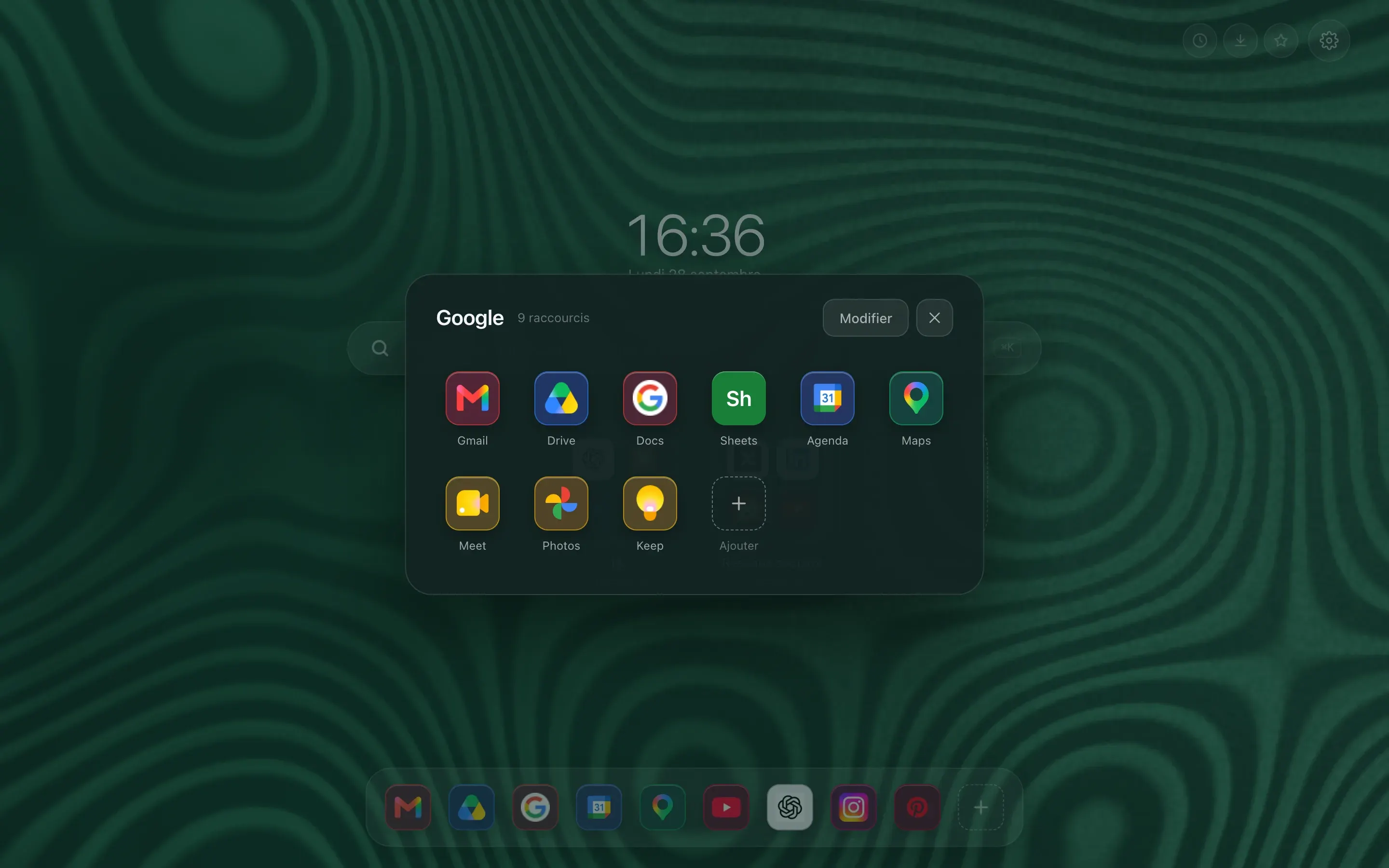
Folders, the way a phone does them
A preview tile shows 4 or 9 icons. One click and it zooms open on the full grid. Work tools on one side, reading on the other, and the page stays short.
-
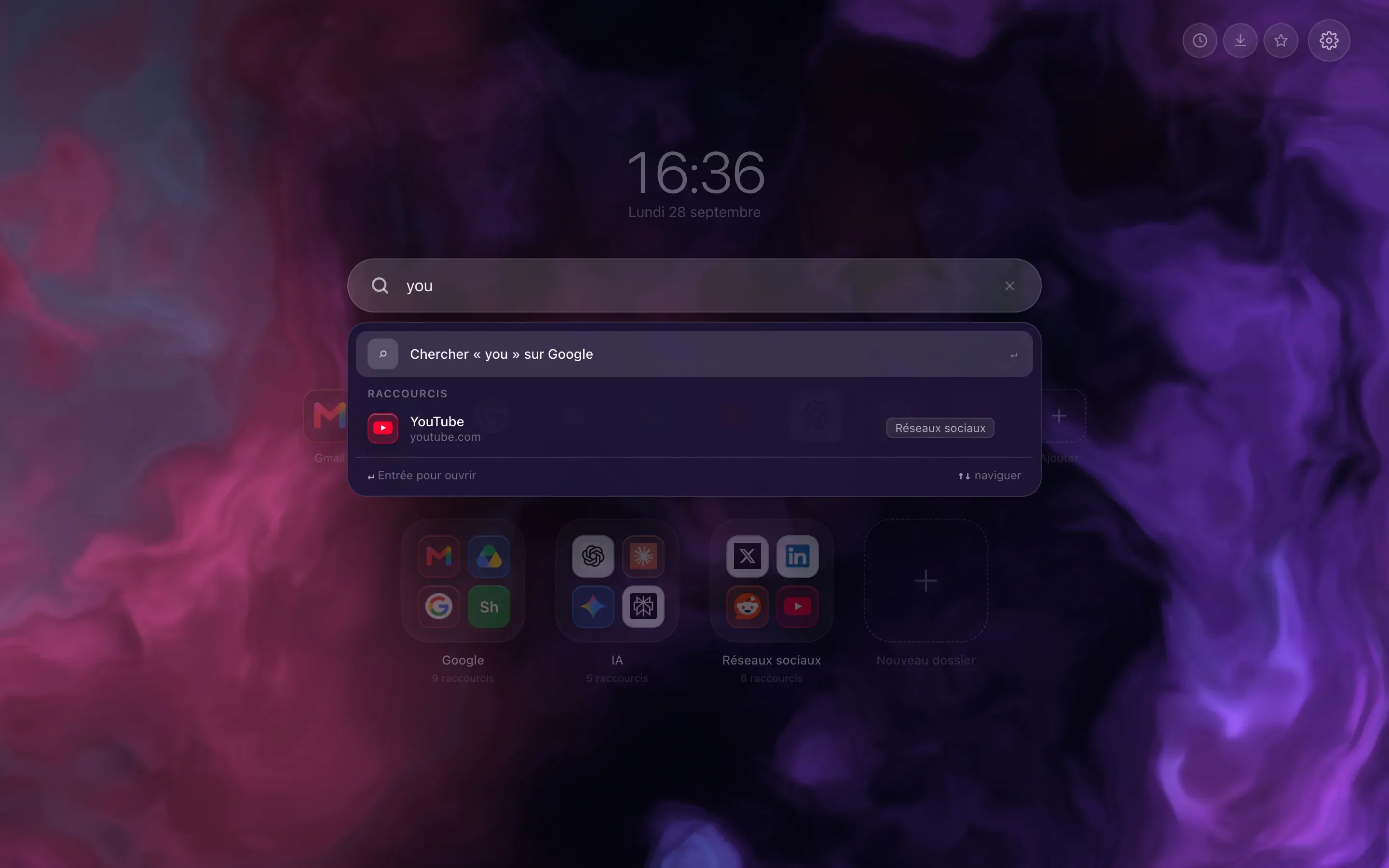
Type three letters, the site is there
The bar filters your shortcuts as you type, and switches to your browser’s search engine when what you want is not filed with you. Enter opens the first result, Shift and Enter force a web search.
-
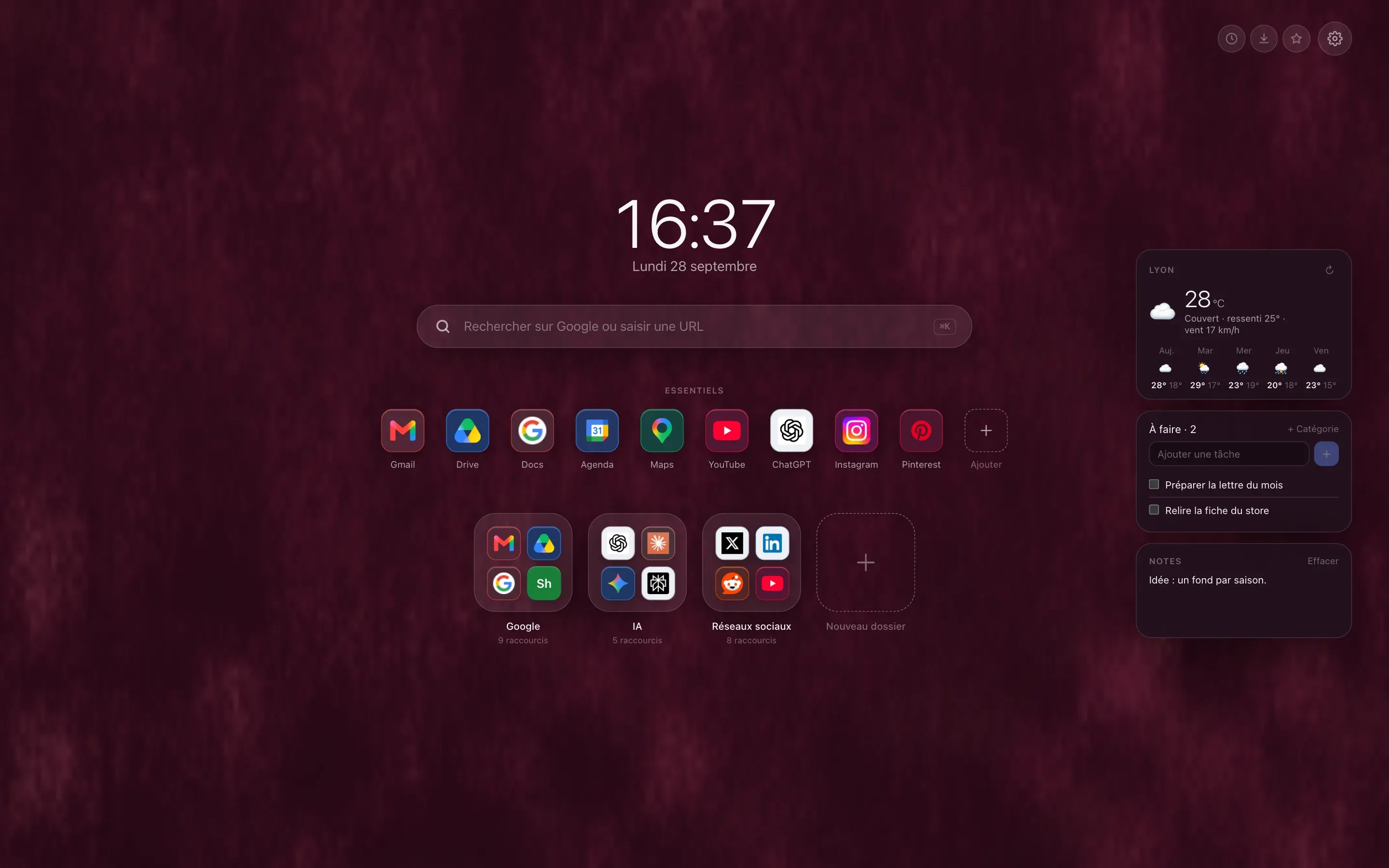
The weather, your tasks, your notes
Three free widgets, off by default, that you switch on one at a time. The five day forecast asks for no account and no key, only the name of your town. Tasks and notes stay in your browser, unless you choose to sync them.
What works on Firefox, and what does not
-
Shortcuts, folders, widgets, backgrounds
YesThe rest is identical to Chrome: folders, Essentials, layouts, widgets, bookmark import and backgrounds drawn by code, animated ones included.
-
The Hoome account
YesFirefox does not let a website talk to an extension the way Chrome does: Hoome uses a small script that runs only on hoome.dev. Nothing changes for you: sign in with Google or an email address, then the trial and Premium.
-
Sync through the Mozilla account
Good to knowIt is free, goes through your Mozilla account and links your Firefox computers to each other. It does not link Firefox to Chrome, which syncs through Google. The Hoome account does link the two: receiving its copy is free, saving one is reserved for Premium.
-
Processor and memory
NoFirefox does not give an extension the processor load or the memory load. Those two Premium widgets therefore do not exist on Firefox: Hoome hides them, on the page and in the settings.
-
History, downloads, bookmarks
NoFirefox has no chrome:// addresses and forbids an extension from opening its internal pages, about:downloads included. The quick access buttons and their setting are therefore not shown.
-
Most visited sites
NoThe Firefox package does not ask for the permission that supplies this list, so it is not offered in the add-shortcut window. The catalog of popular sites is there, though.
Firefox themes
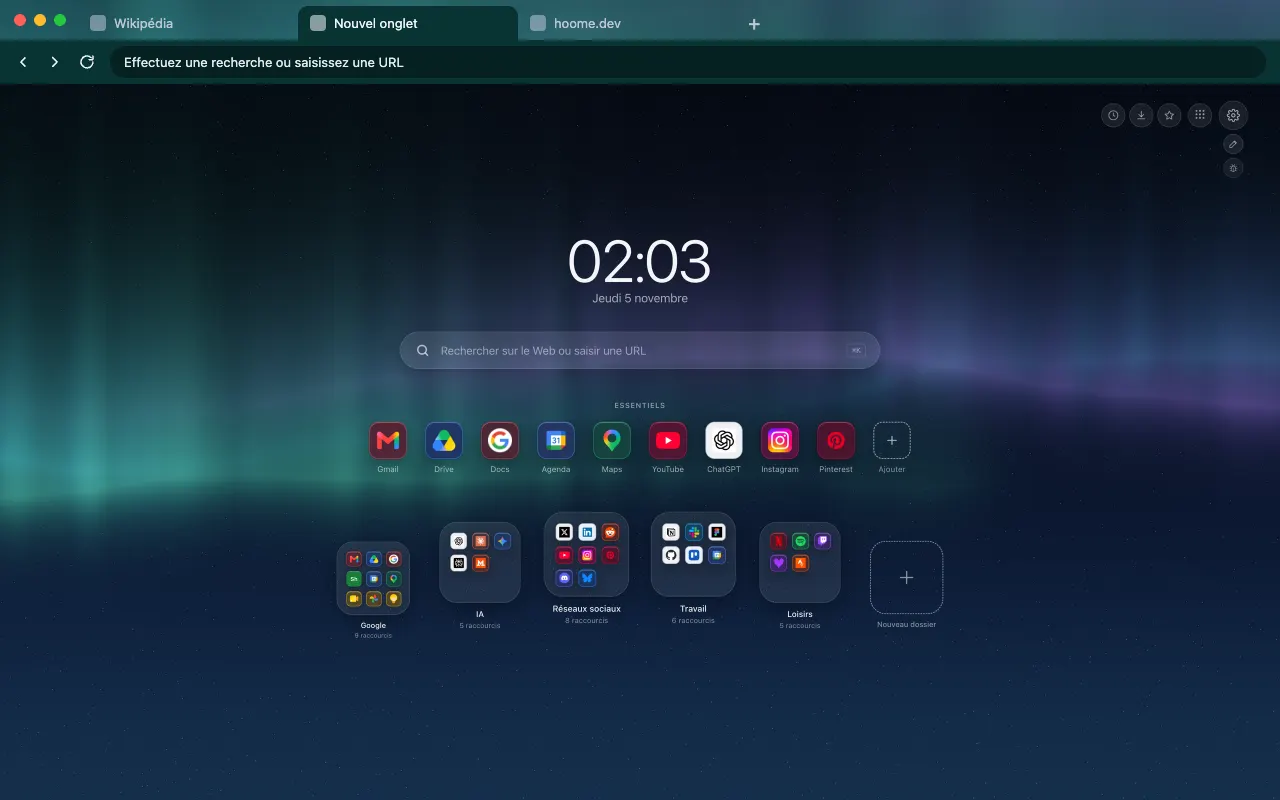
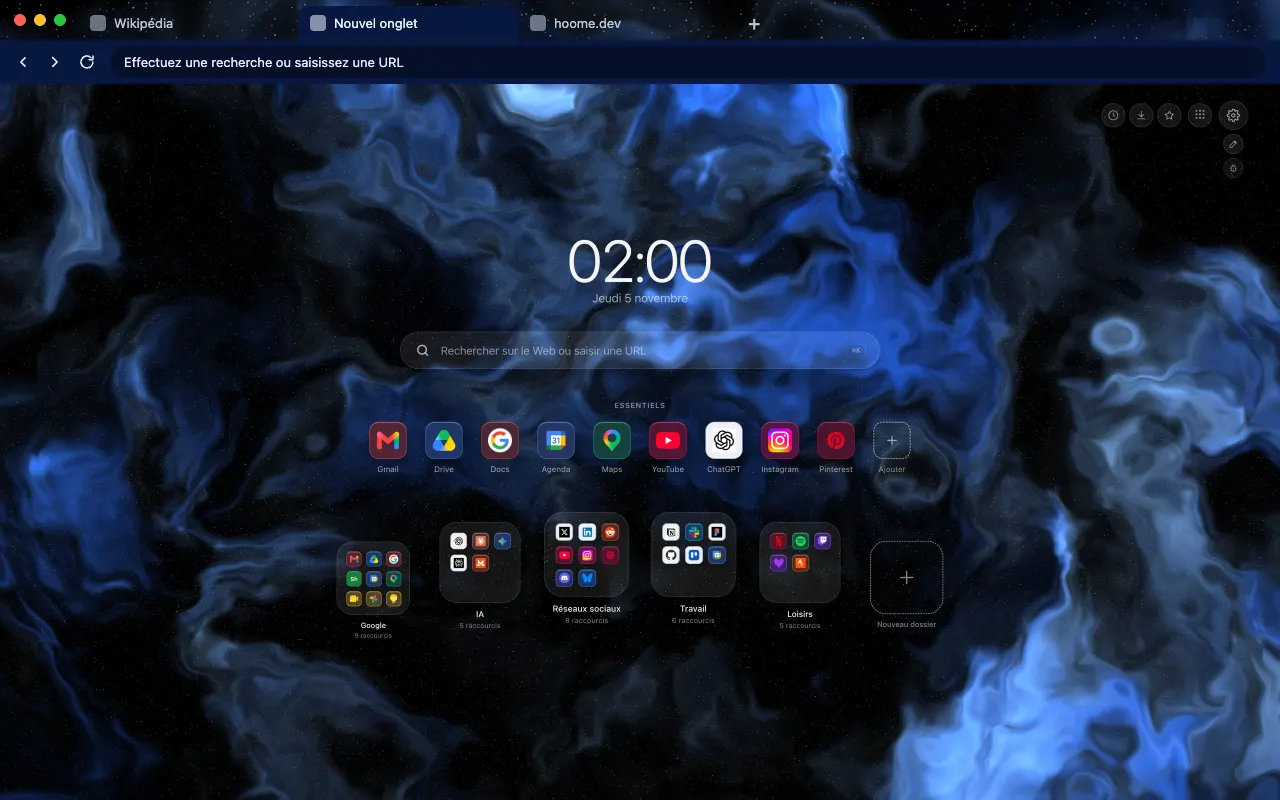
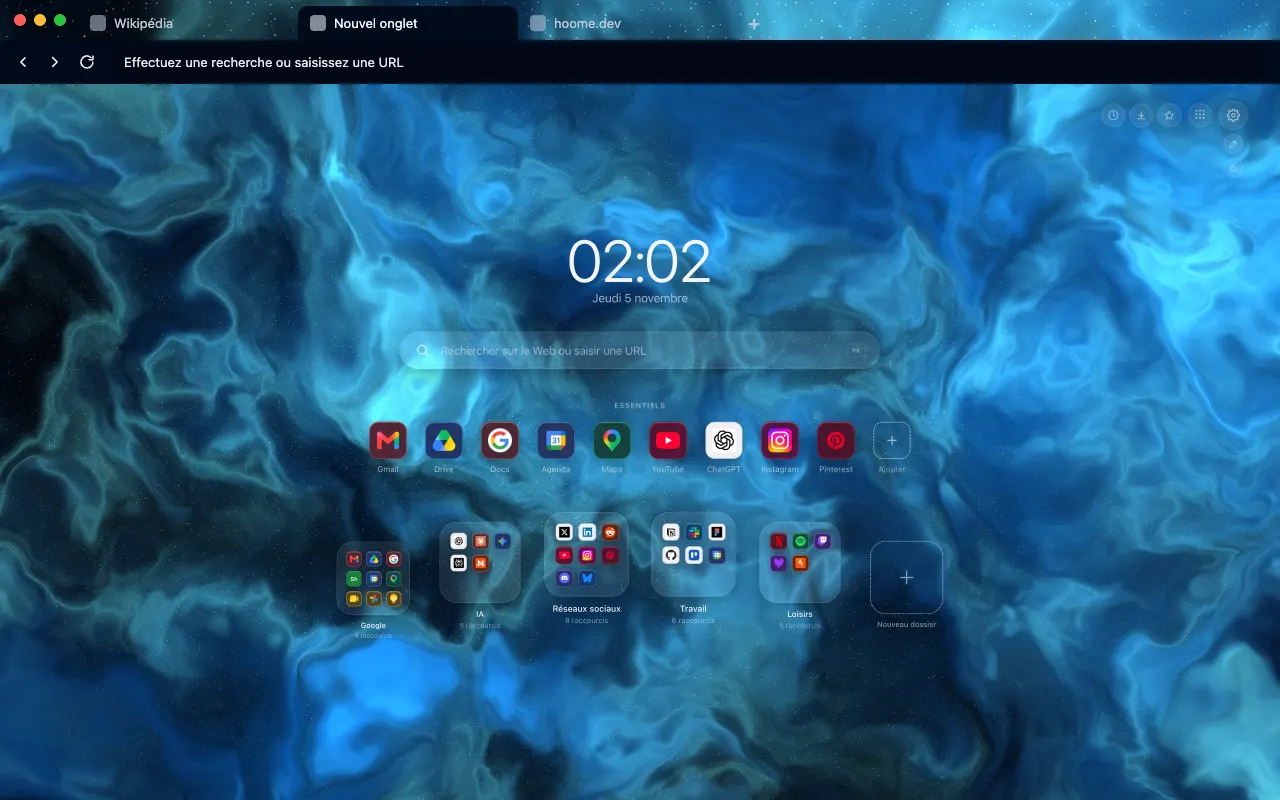
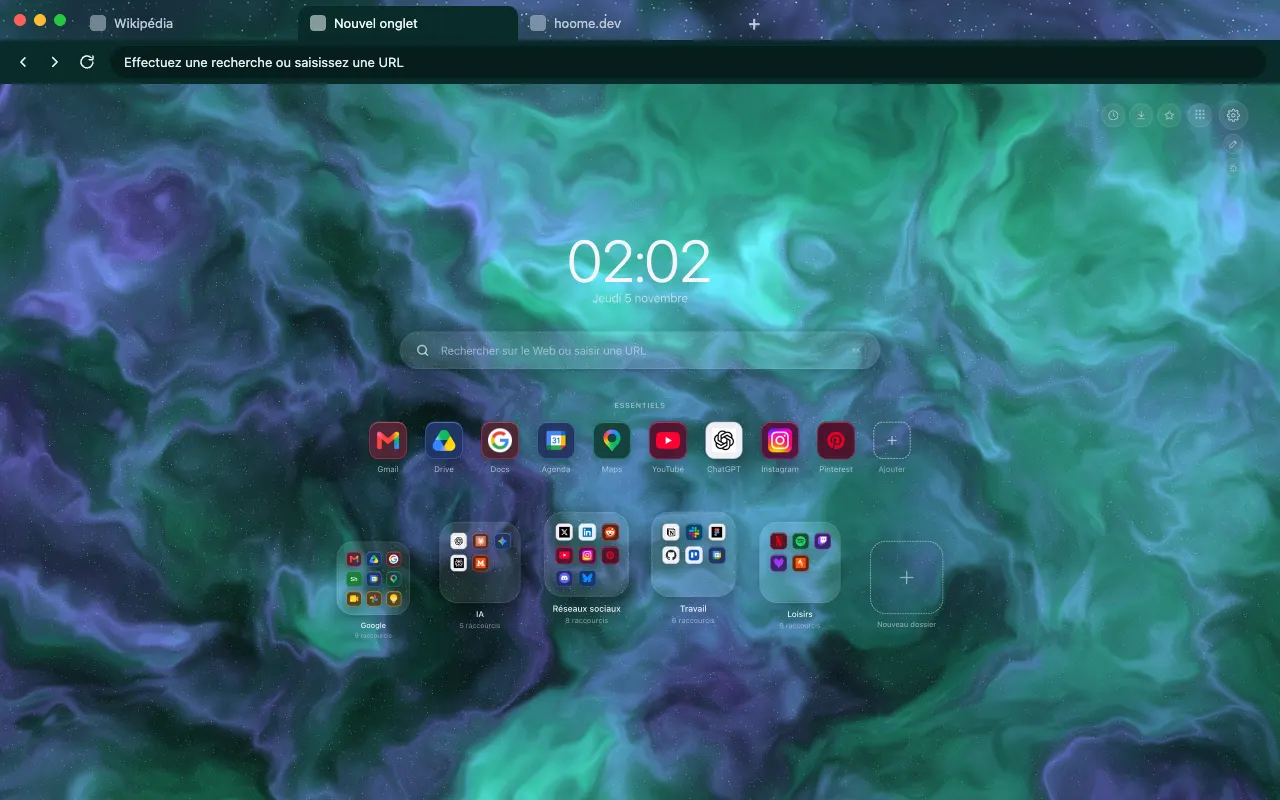
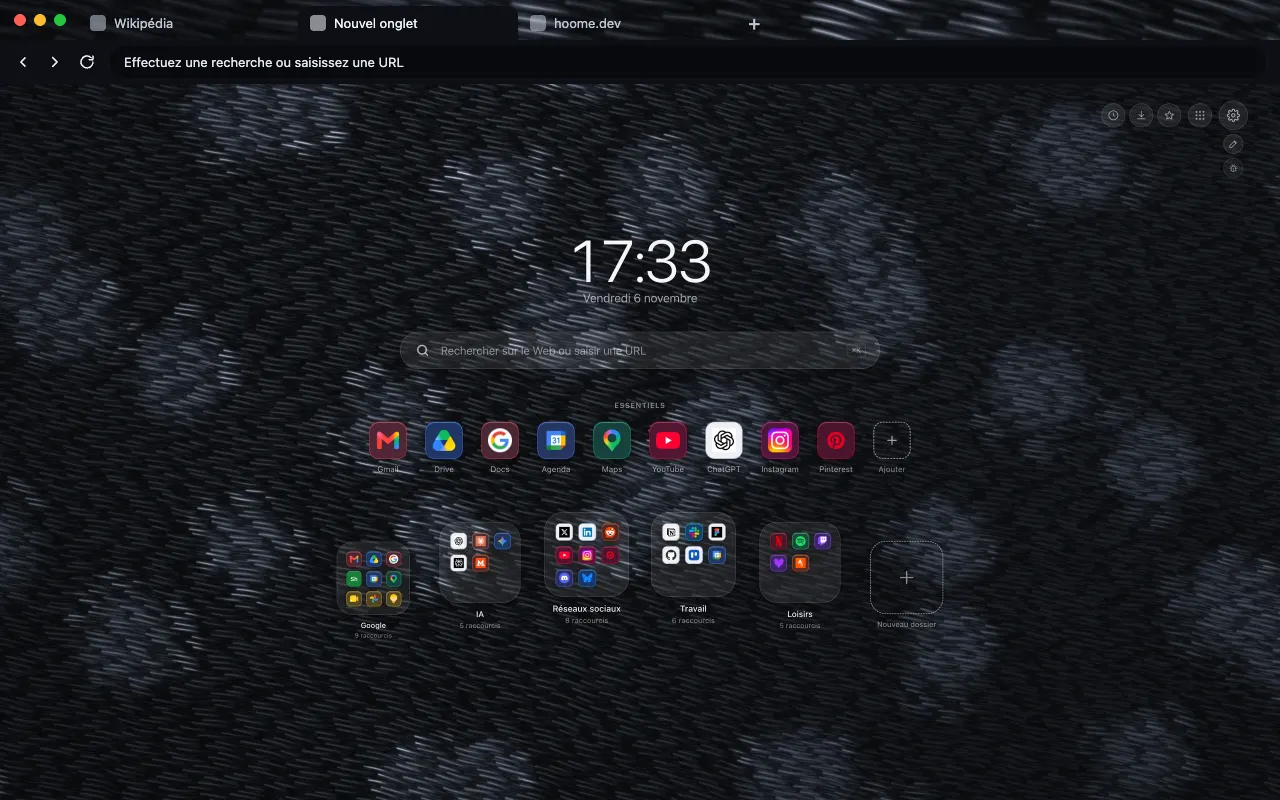
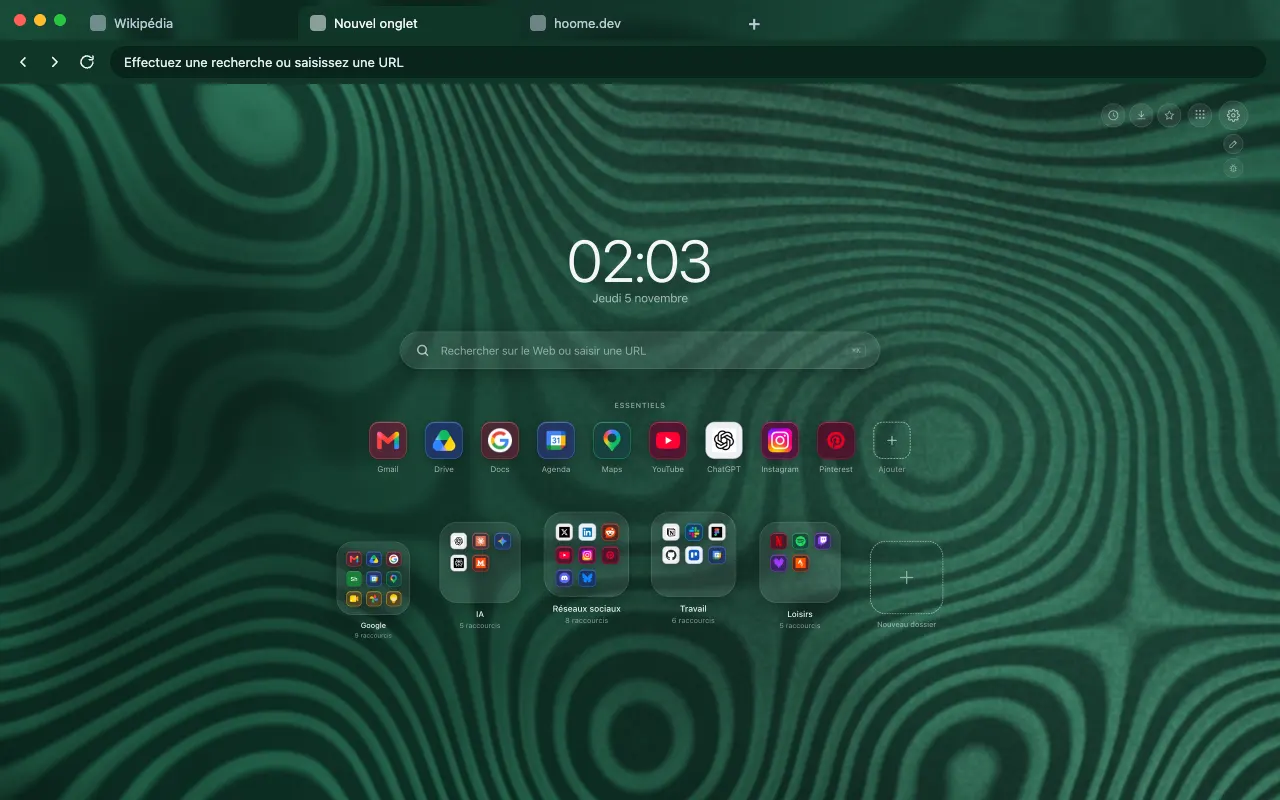
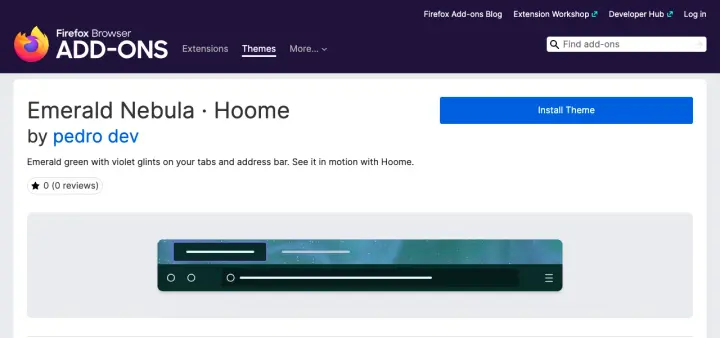
Firefox is the browser where Hoome themes are published: six so far on Firefox Add-ons, the Sapphire, Neon and Emerald nebulae since October 31, 2026, then Northern Lights, Black Panther and Malachite since November 1. Firefox lets a theme move, which Chrome does not: each animated background has a classic listing and an animated one, where the pattern drifts slowly behind the tabs and the address bar. More backgrounds will follow, and the themes gallery shows the ones that are online.
Guides on the blog
Customize
Install a Firefox theme, still or animated
Install a theme on Firefox from addons.mozilla.org, change or remove it in Extensions and Themes, and choose an animated version: the steps.
Backgrounds
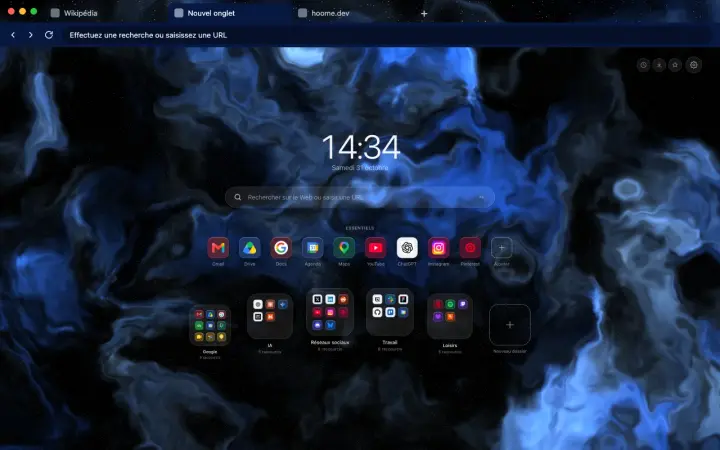
Hoome themes: Chrome and Firefox in your background's colors
A free browser theme for each Hoome background: tabs and address bar matched to your new tab page. The first three are on Firefox, Chrome will follow.
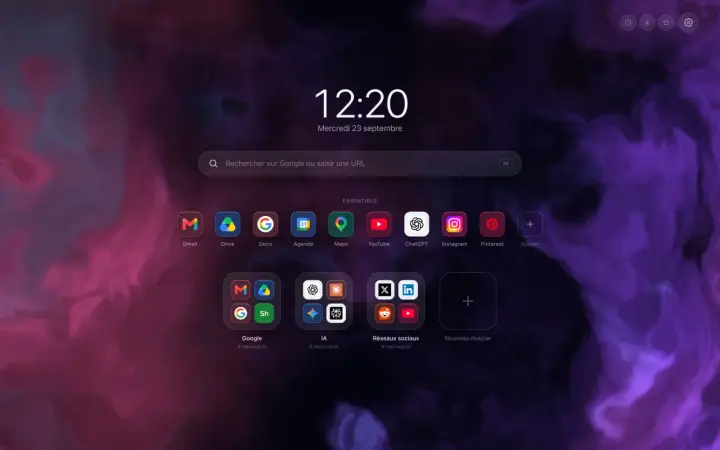
A Chrome new tab extension that tidies your sites
A Chrome new tab extension that tidies your sites into folders: what it changes in a working day, and what this blog is going to be about.
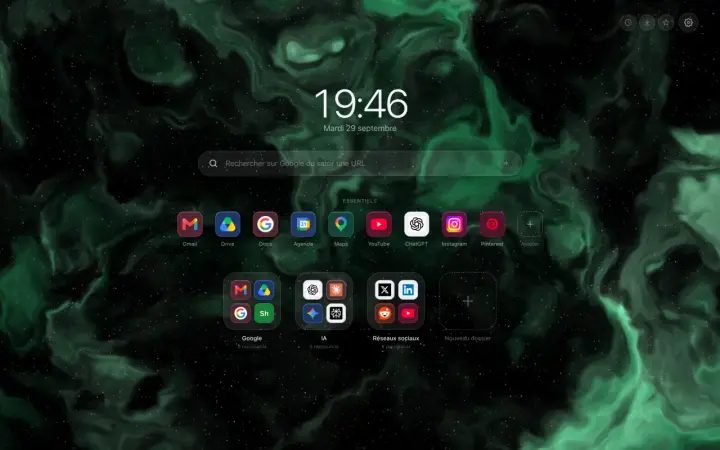
Customize
Remove the bar at the bottom of Chrome's new tab
The grey bar at the bottom of your new tab does not come from your extension: Chrome adds it itself. Here are the two clicks that make it disappear.