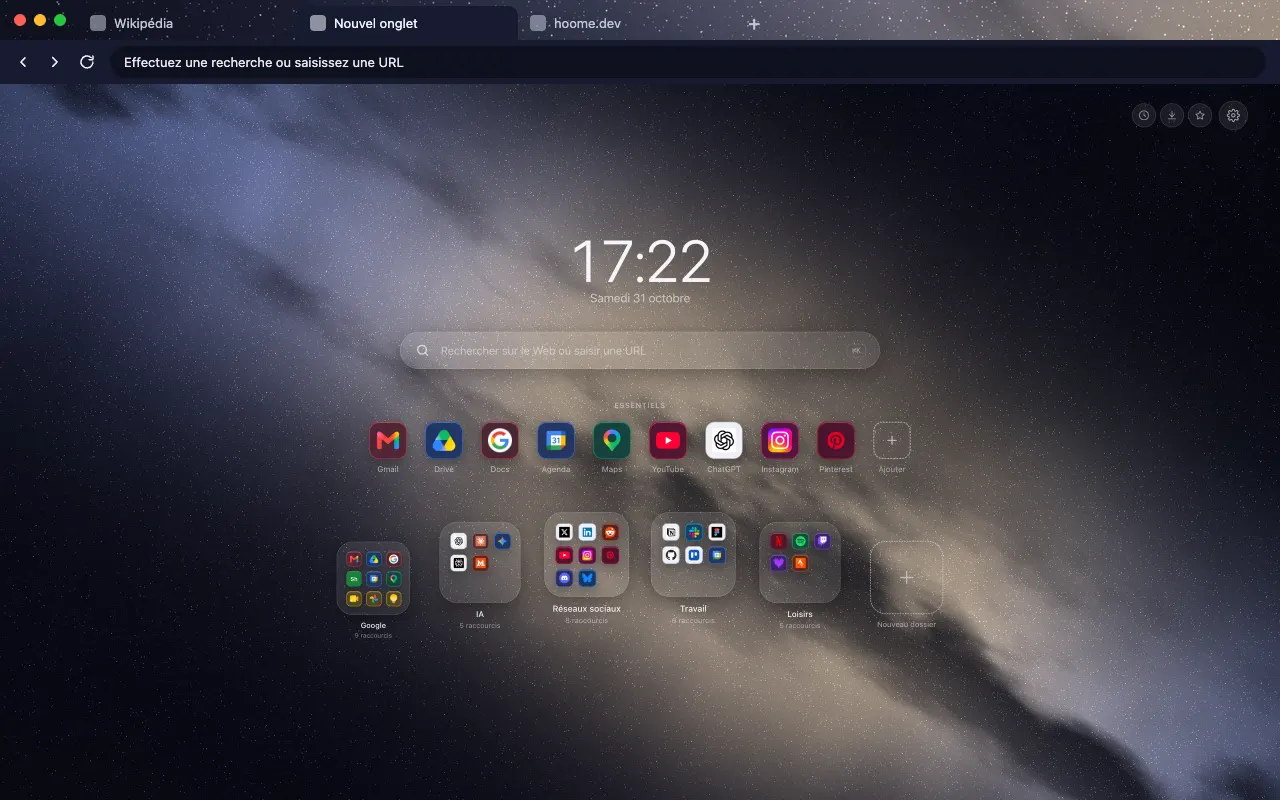
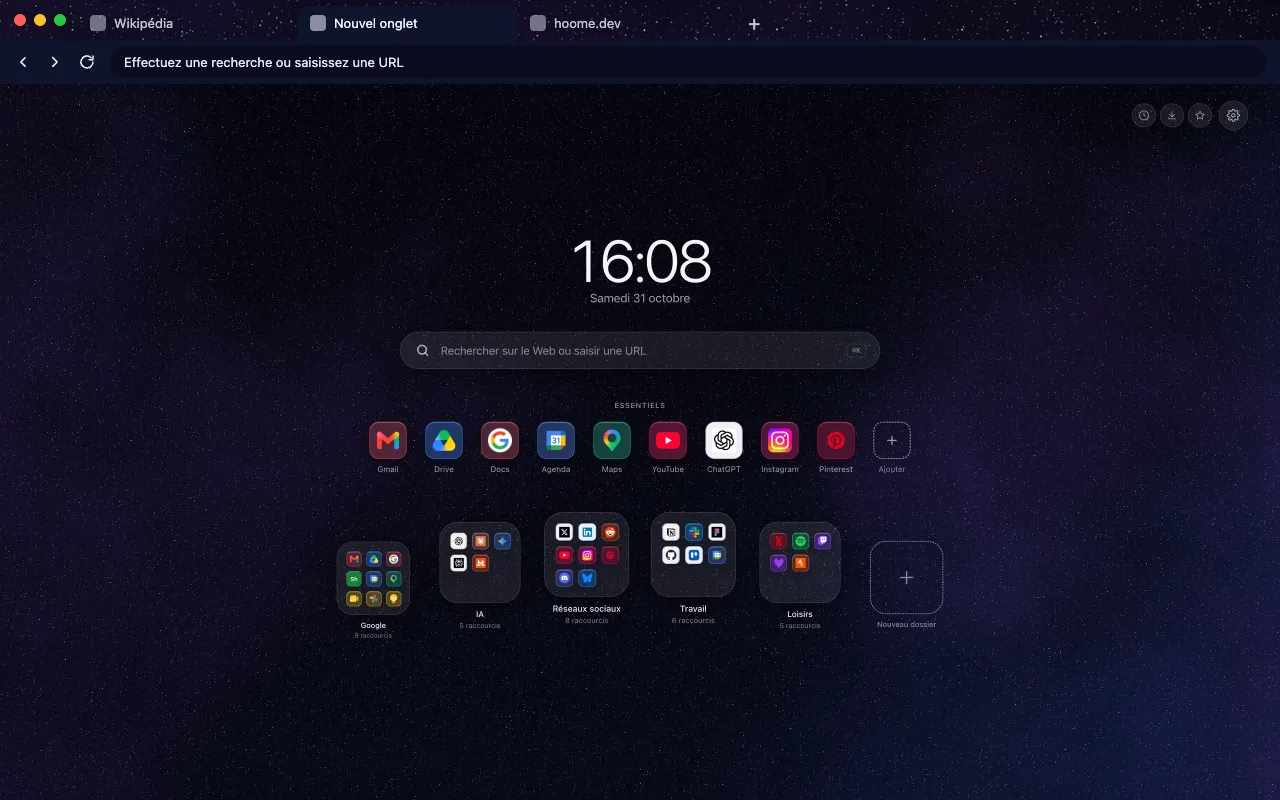
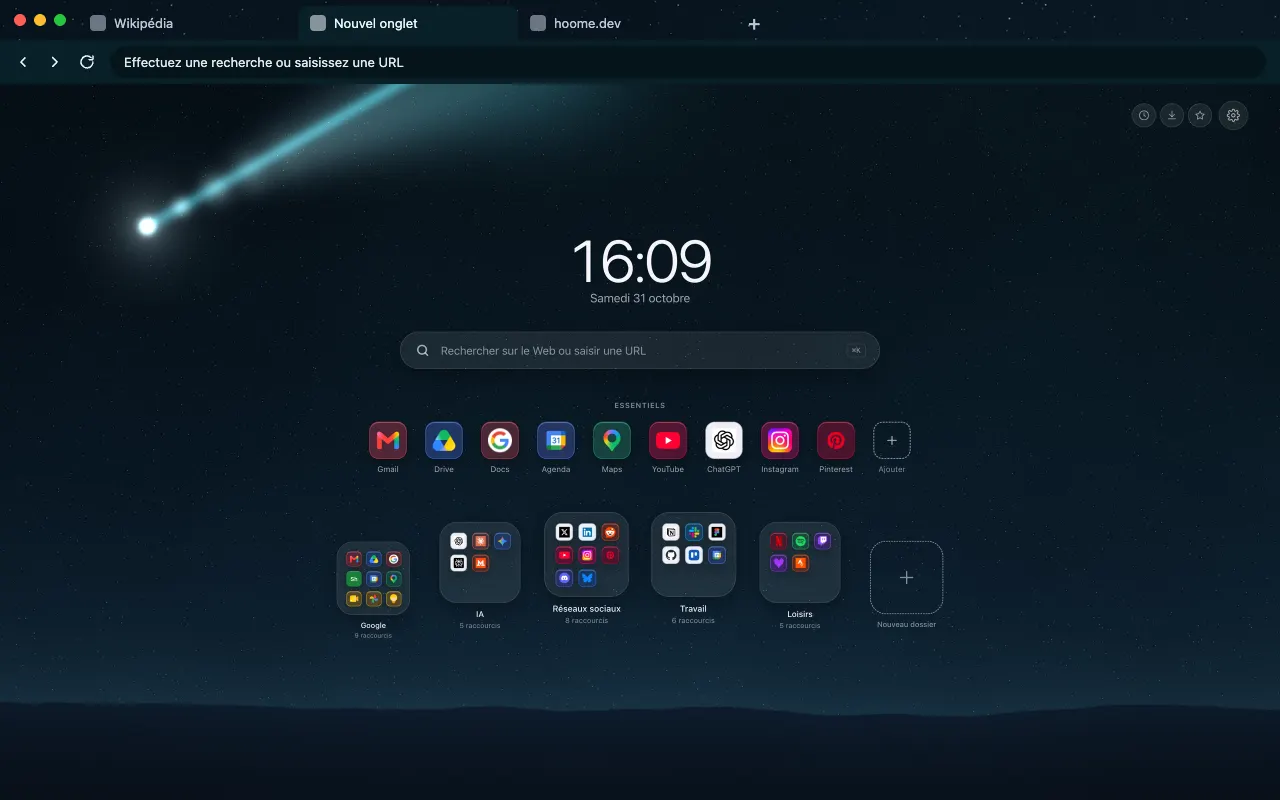
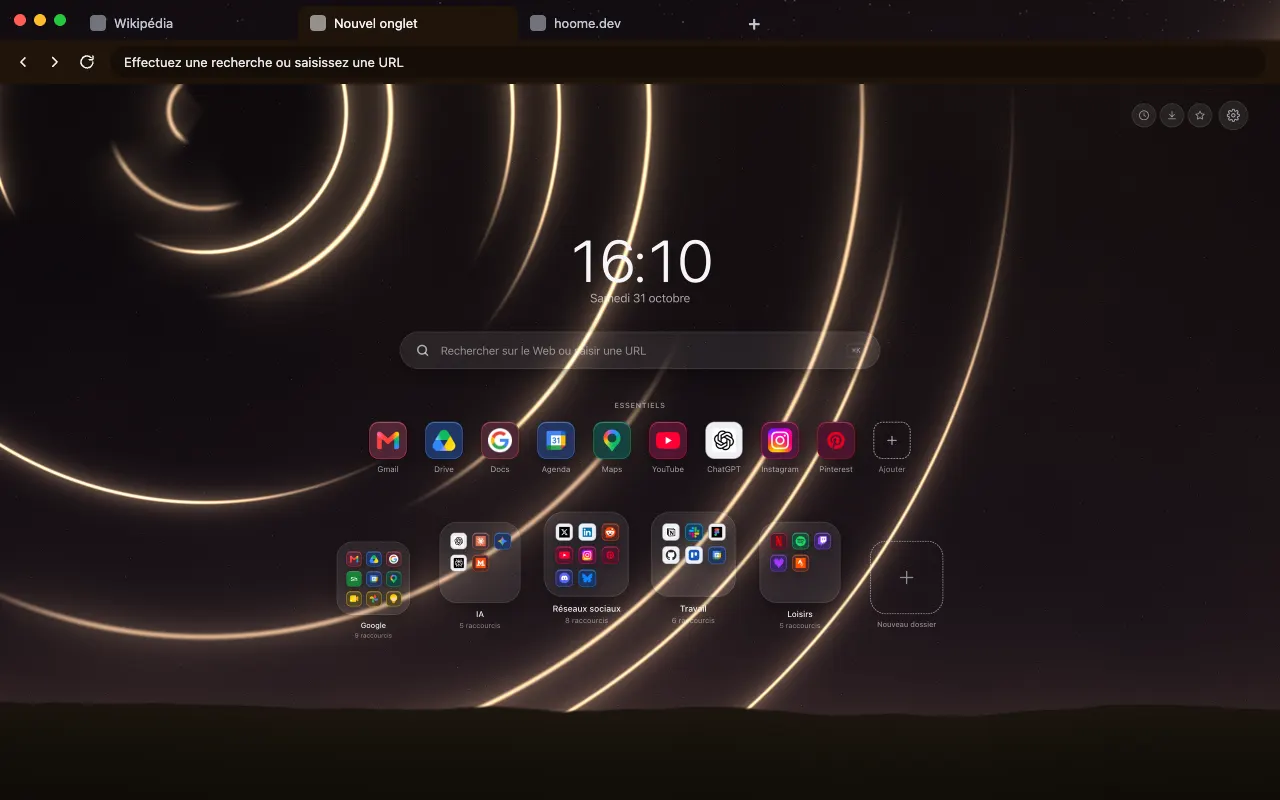
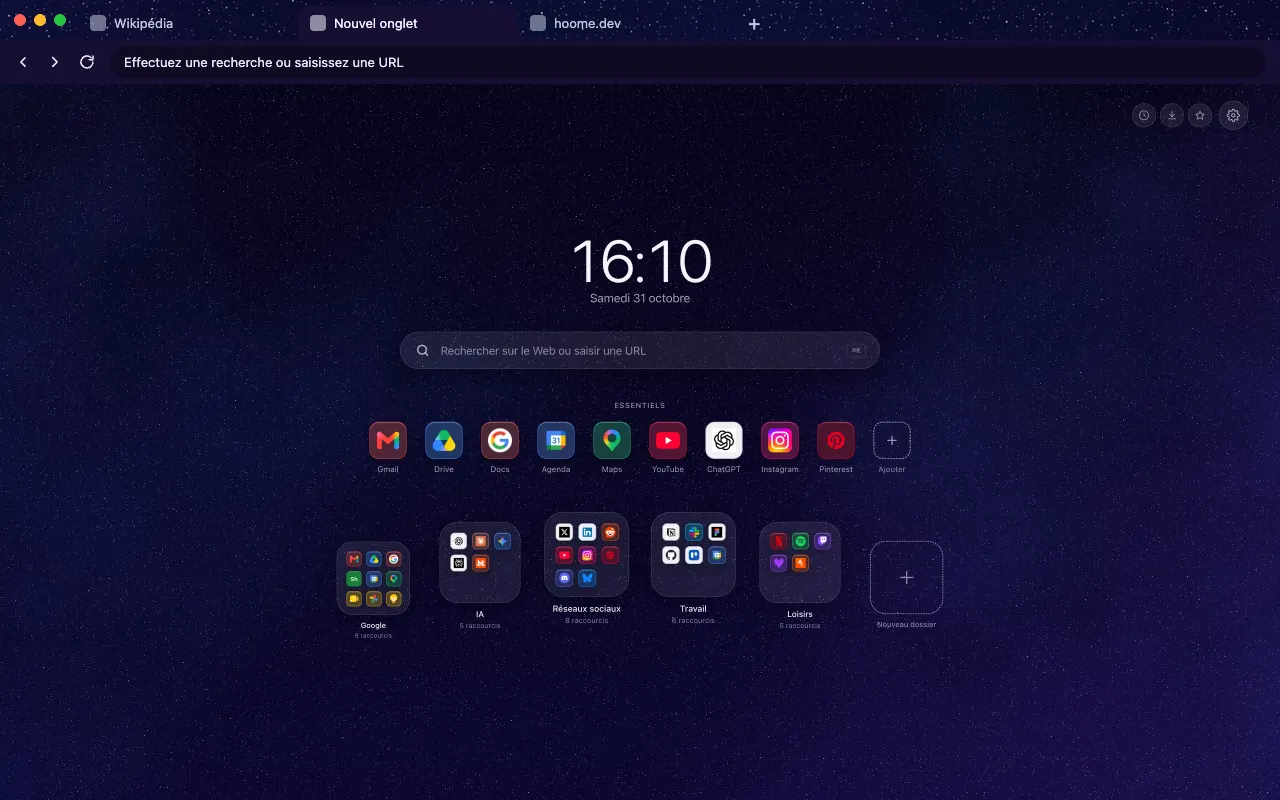
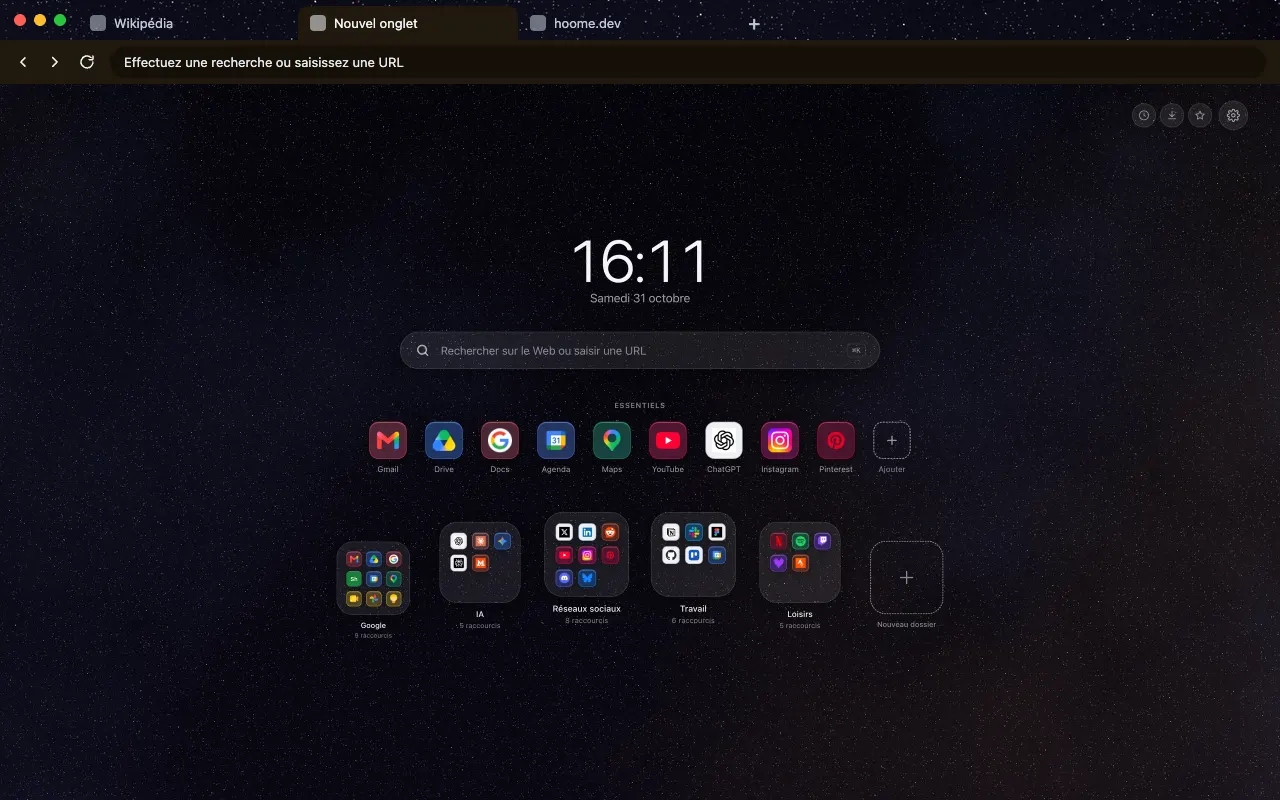
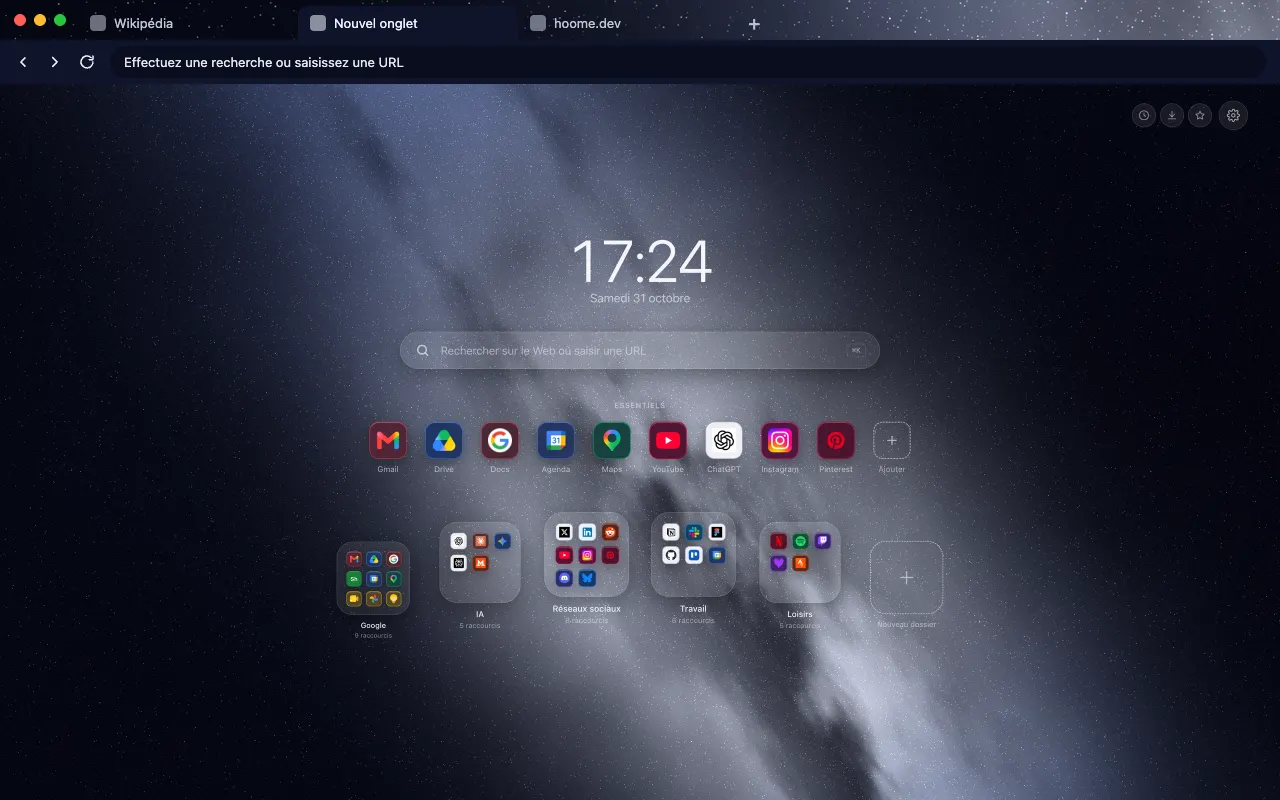
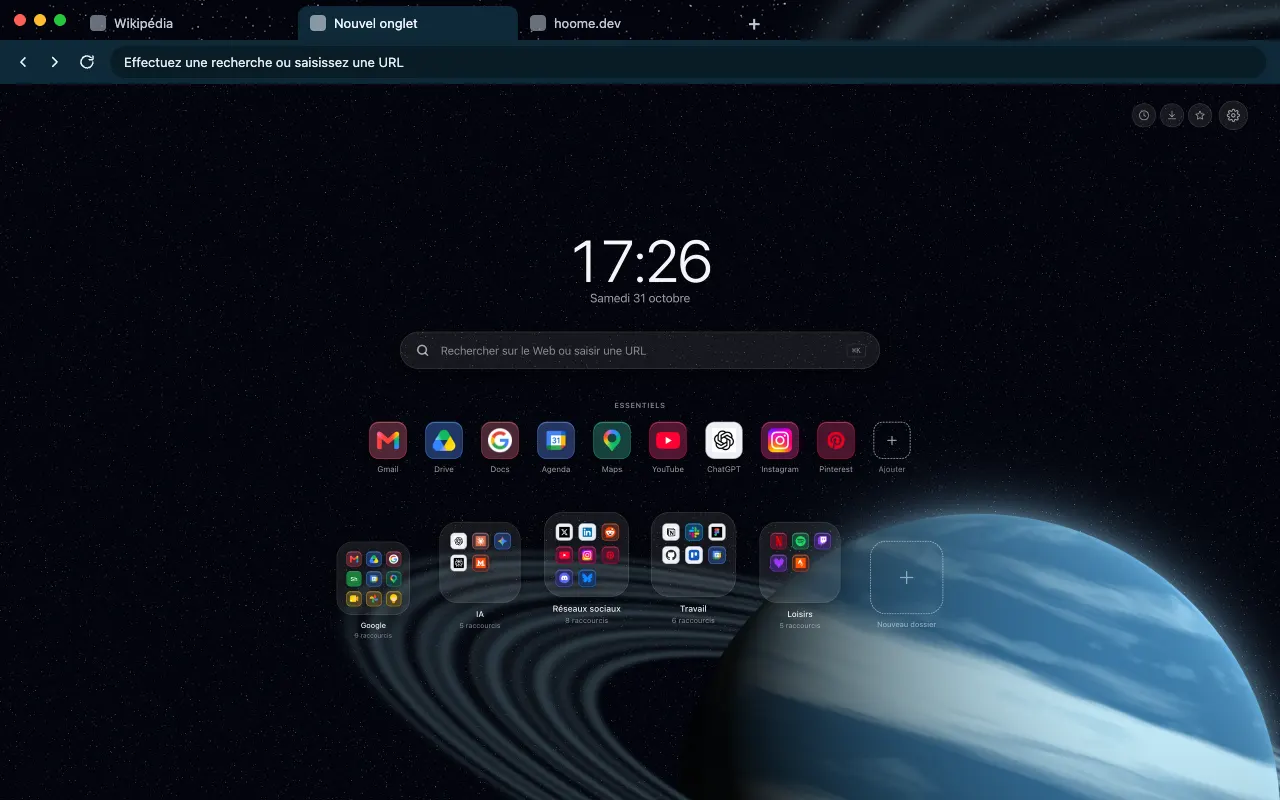
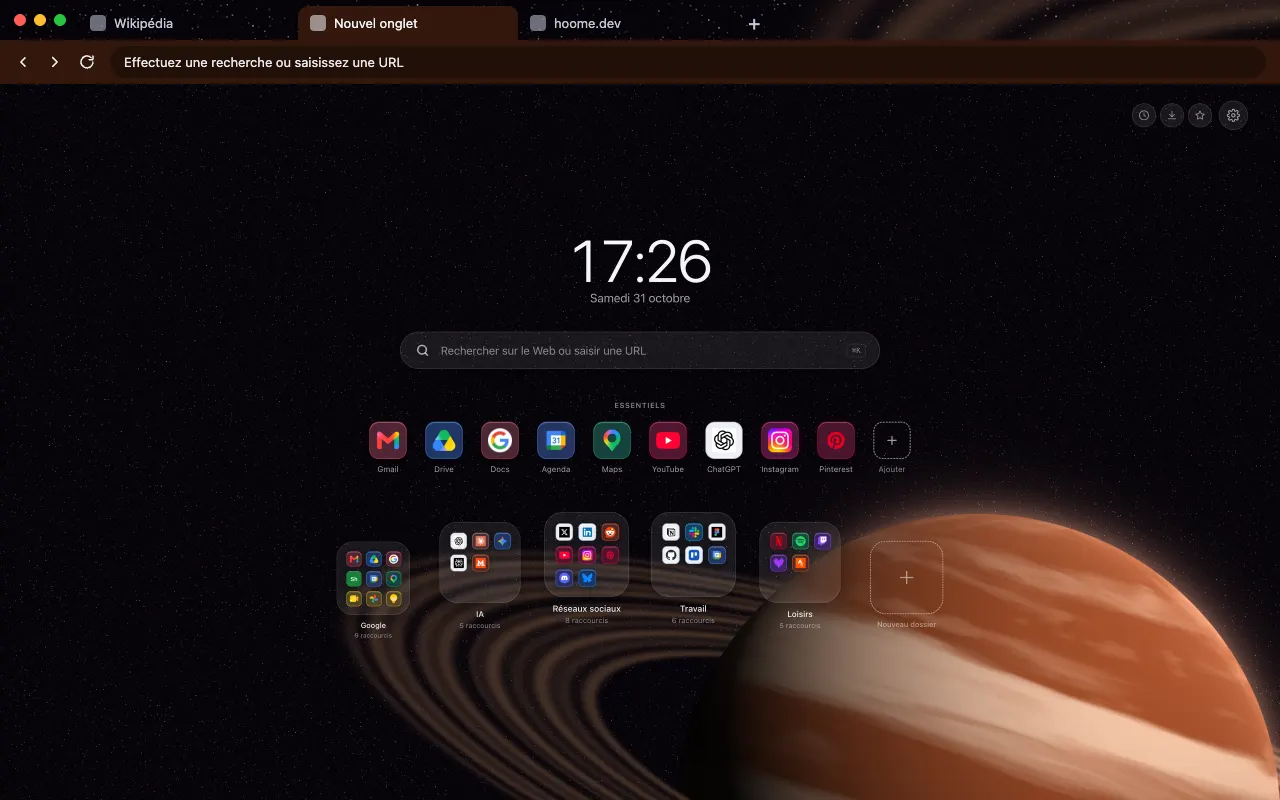
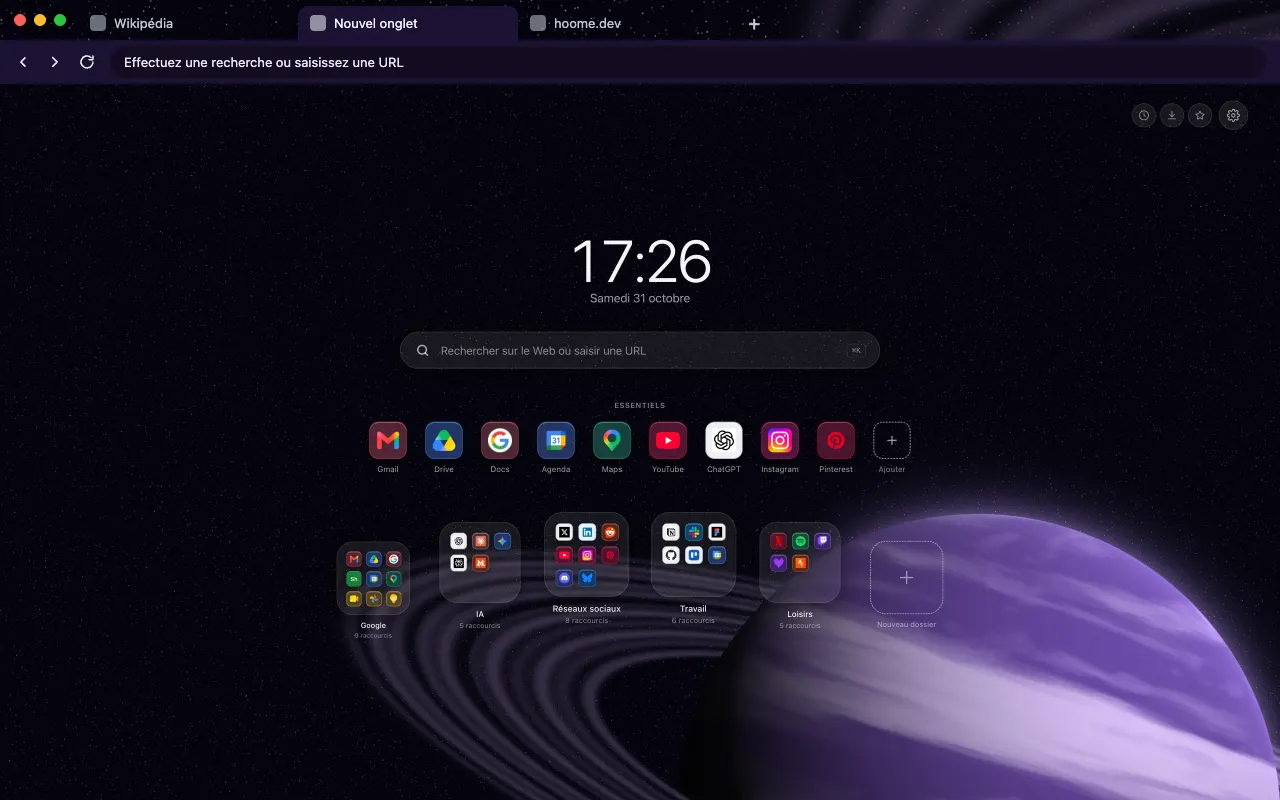
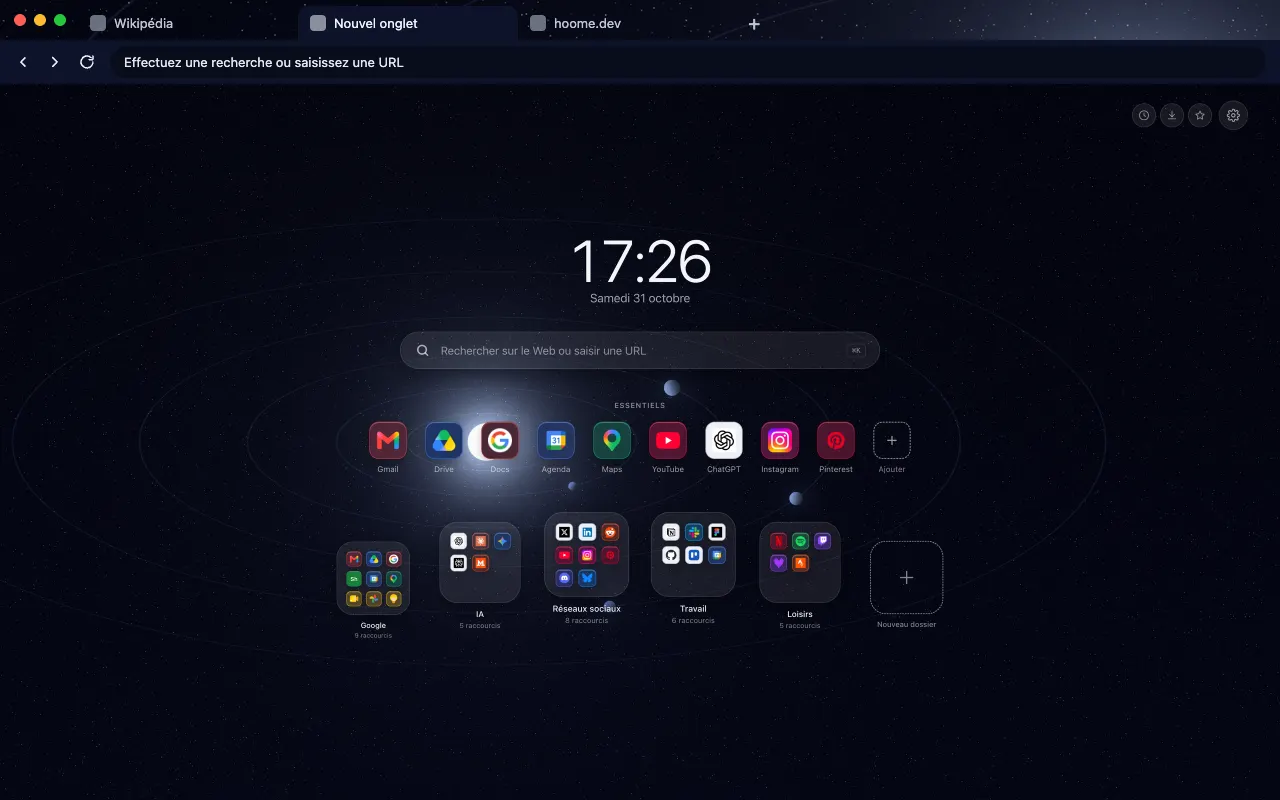
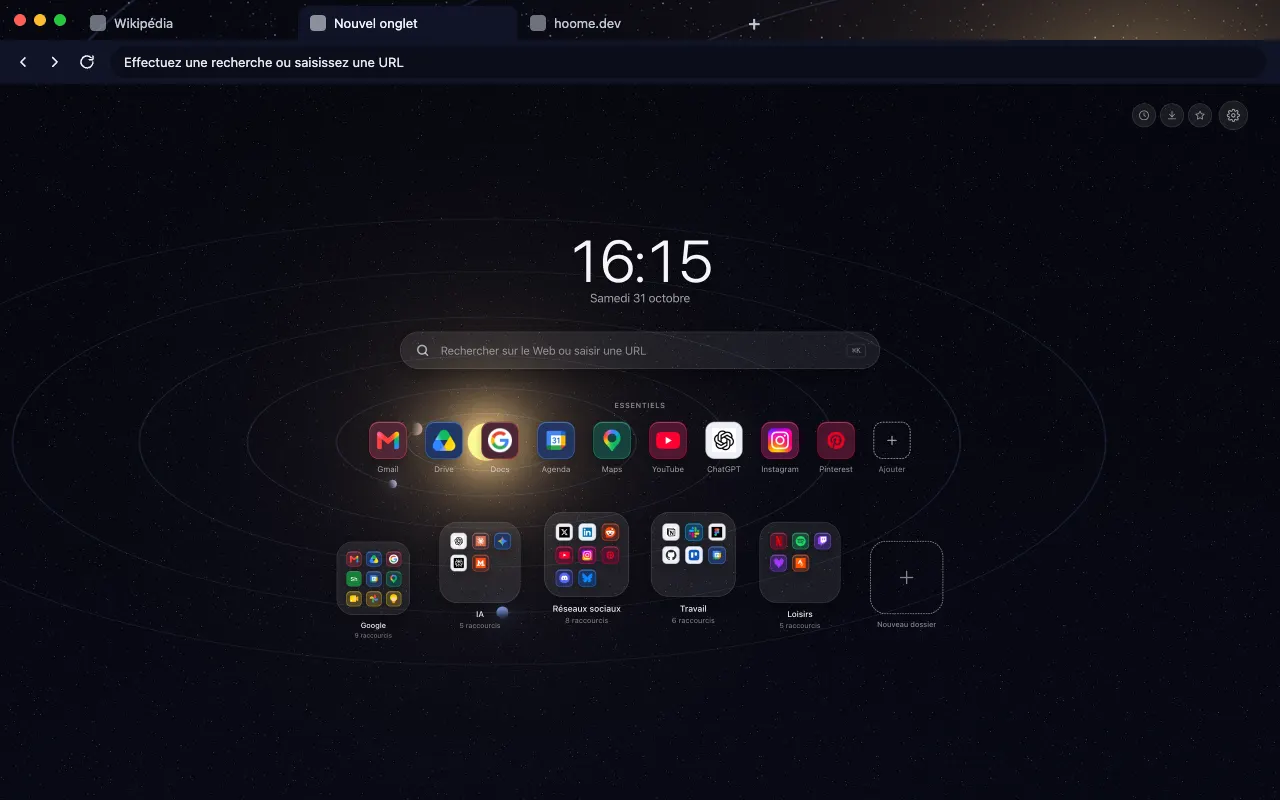
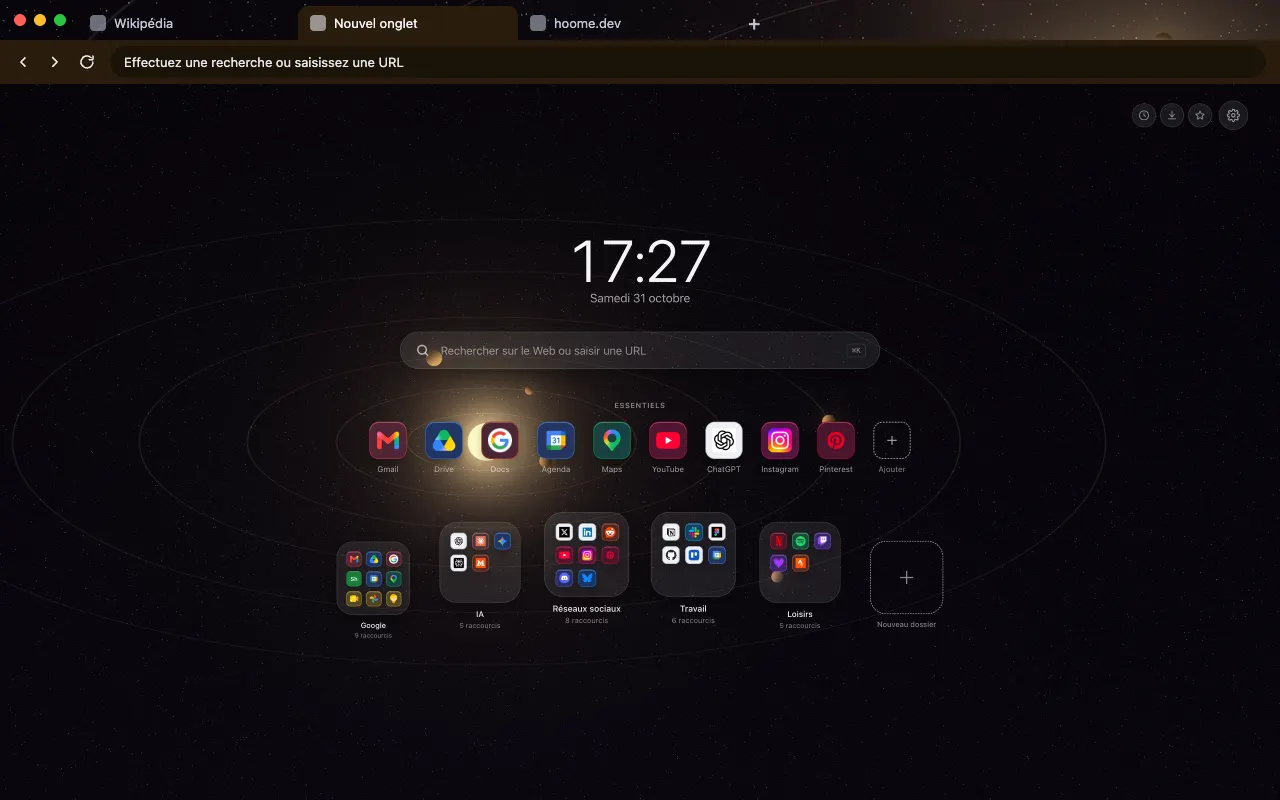
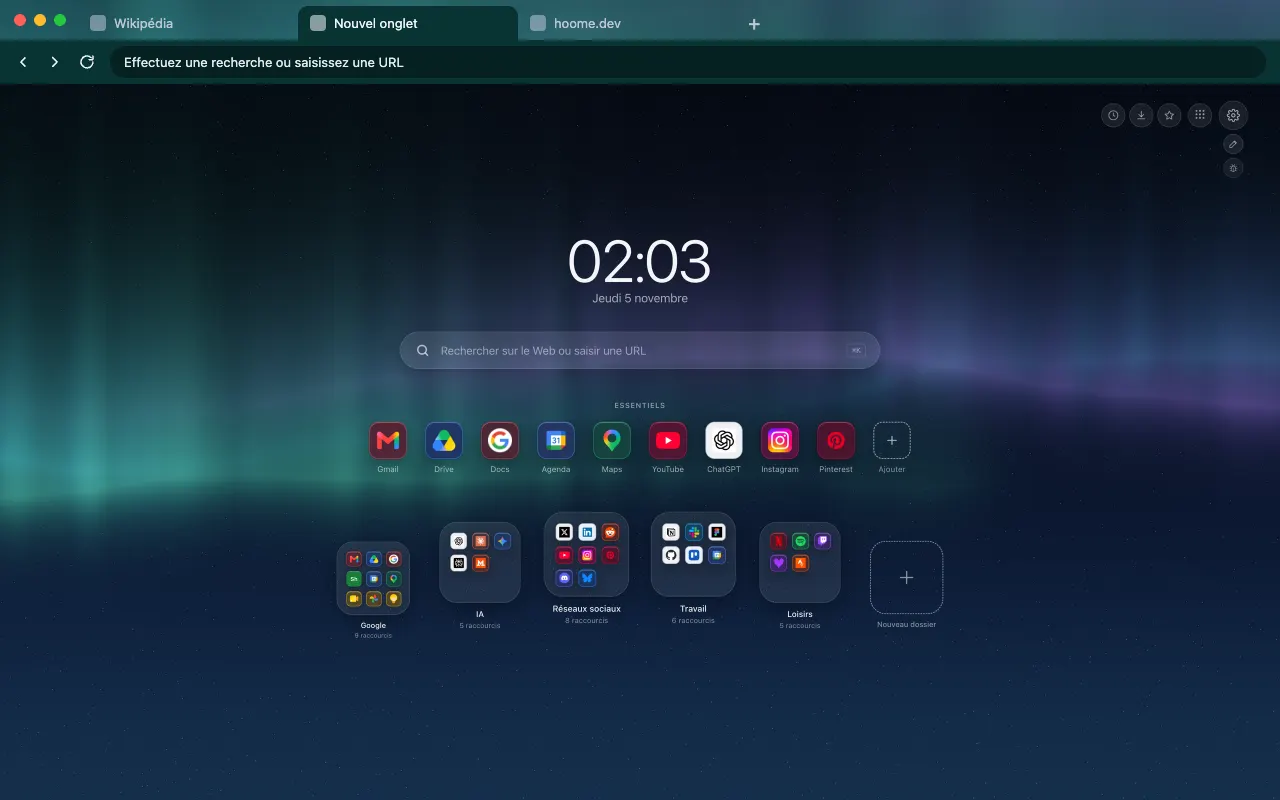
Northern Lights
A background for your new tab with Hoome
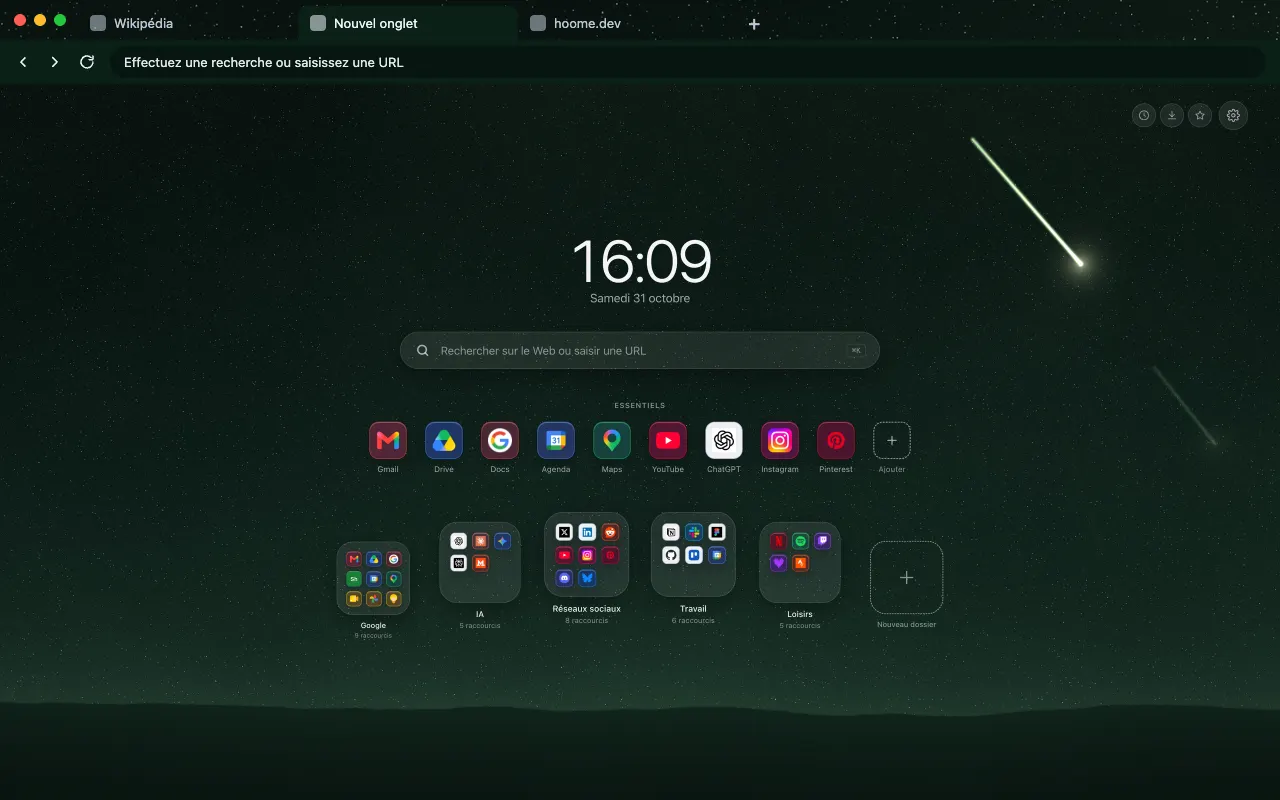
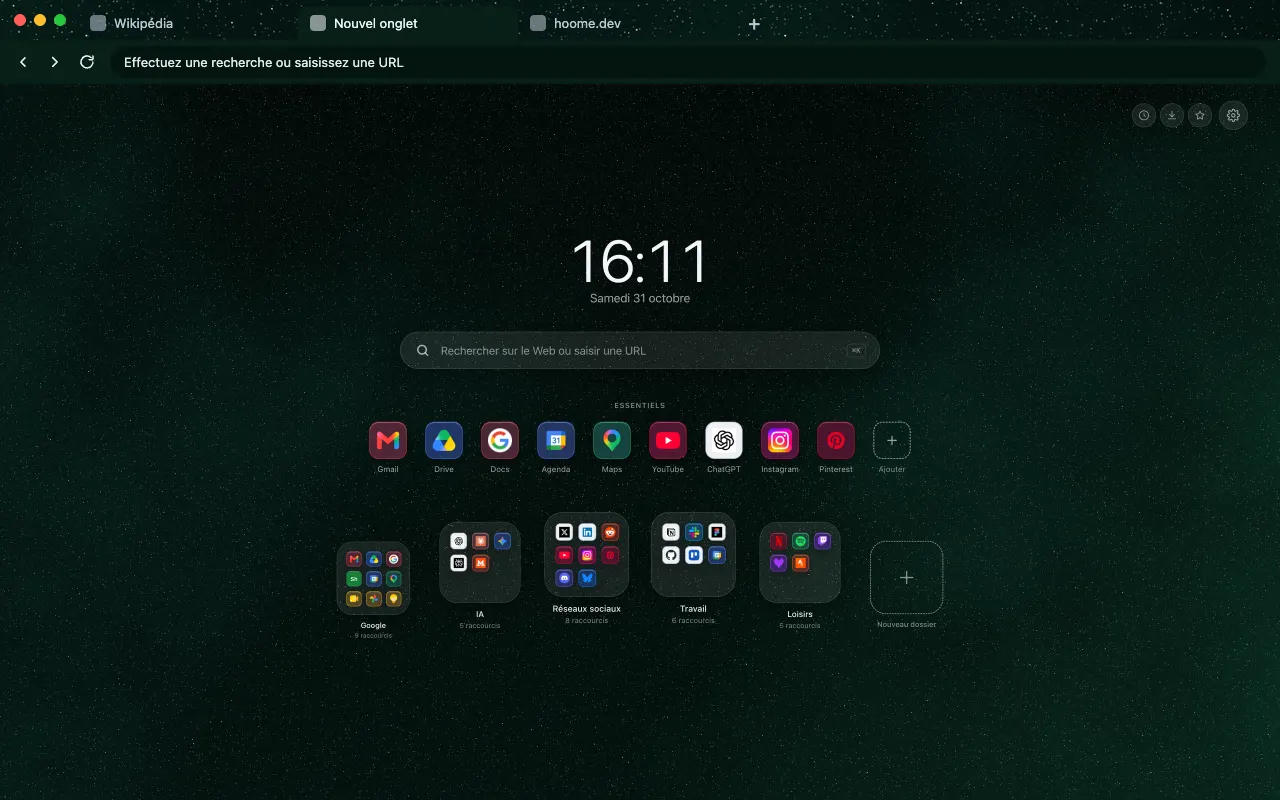
Green curtains of the northern lights over a polar night for your browser frame. In motion on your new tab with Hoome.
- Free theme
- Hoome
- Animated in Hoome
Install the theme in your browser
The theme is free. It dresses your browser frame: tabs, address bar and new tab. Pick your browser:

What this background shows
Northern lights appear when particles from the Sun strike the upper atmosphere near the poles. Hoome copies no photograph: this background layers three curtains of light, each at its own height, streaked with thin vertical rays and broken up in places, over a polar night scattered with stars. The stars fade wherever a curtain passes in front of them, as they do in the real sky.
The first curtain, the strongest, is mint green; the second leans towards cyan blue, the third towards violet. Behind them, a midnight blue darkens towards the top of the screen, and a faint green glow rises from the bottom of the image. The whole stays dark, so the clock, the search bar and your folders remain readable on top.
In Hoome, on the new tab, the curtains drift sideways and change shape very slowly, and their rays shift with them. The browser theme, for its part, places a strip of this aurora in the tab bar, with the dark green of the background as the tint of the frame. Firefox offers it as two listings, one classic and one animated.
What moves
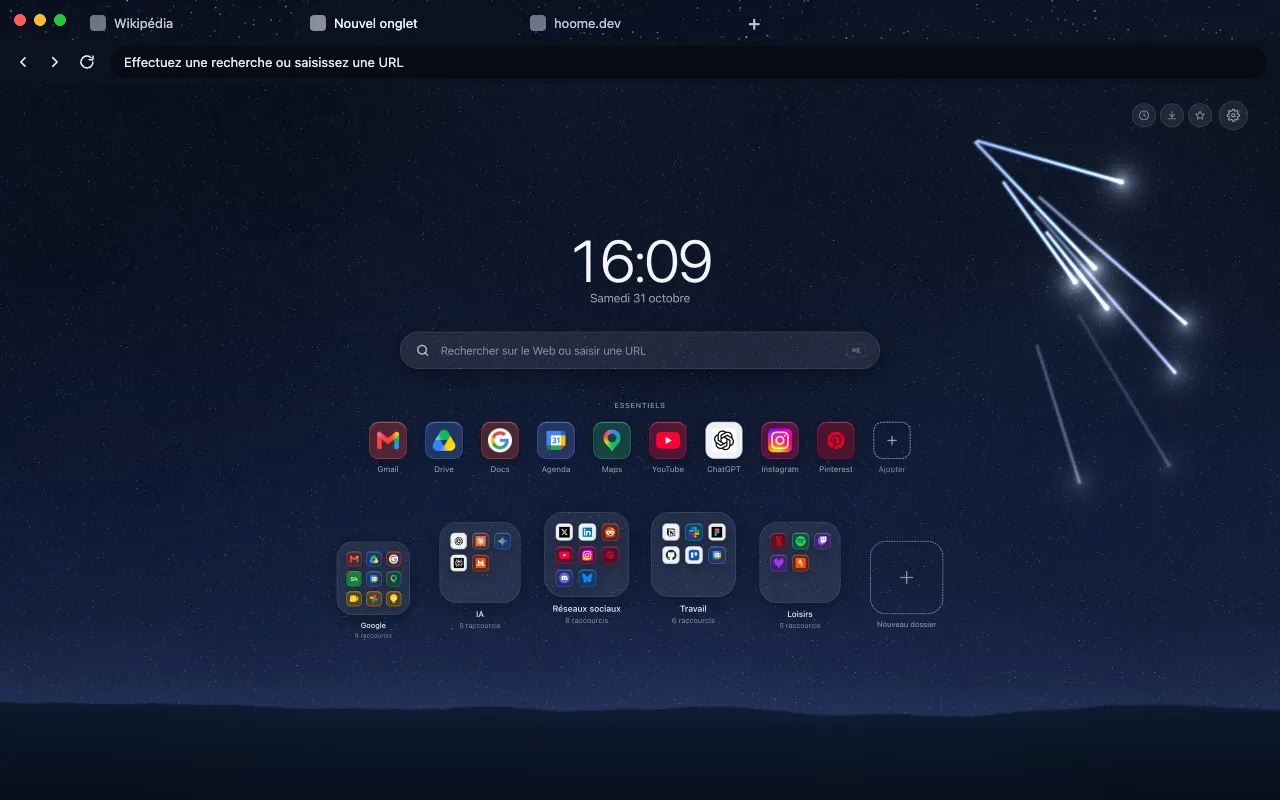
Northern Lights, from the Space family: the still version of the browser theme is an image, and it is in Hoome, on your new tab, that this background moves. The background is computed live by your computer, and stops while the tab is hidden. The speed slider slows it down, doubles it or freezes it, and it stays still if your system asks for reduced motion.
On Firefox, this theme also comes in an animated version, on its own listing: the background drifts slowly behind the tabs, the address bar and the bookmarks bar, with or without the Hoome extension.
Its colours
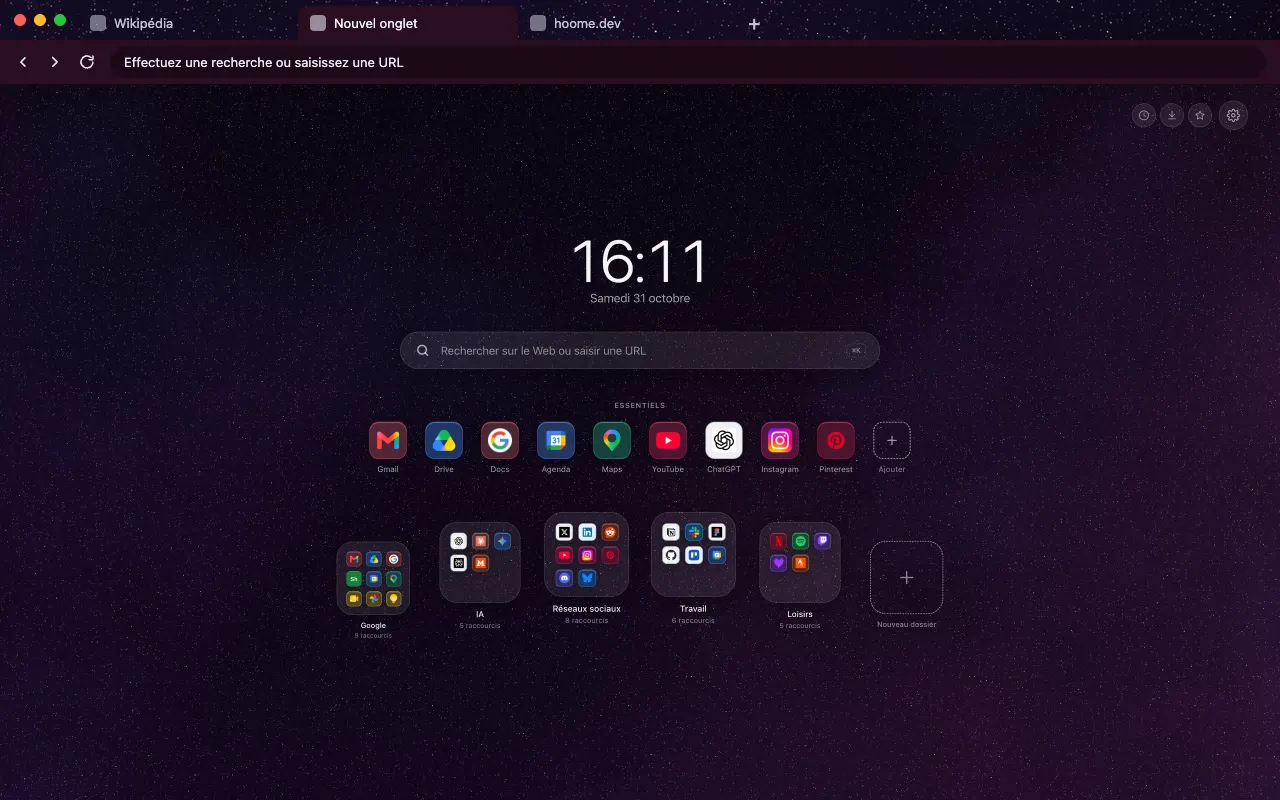
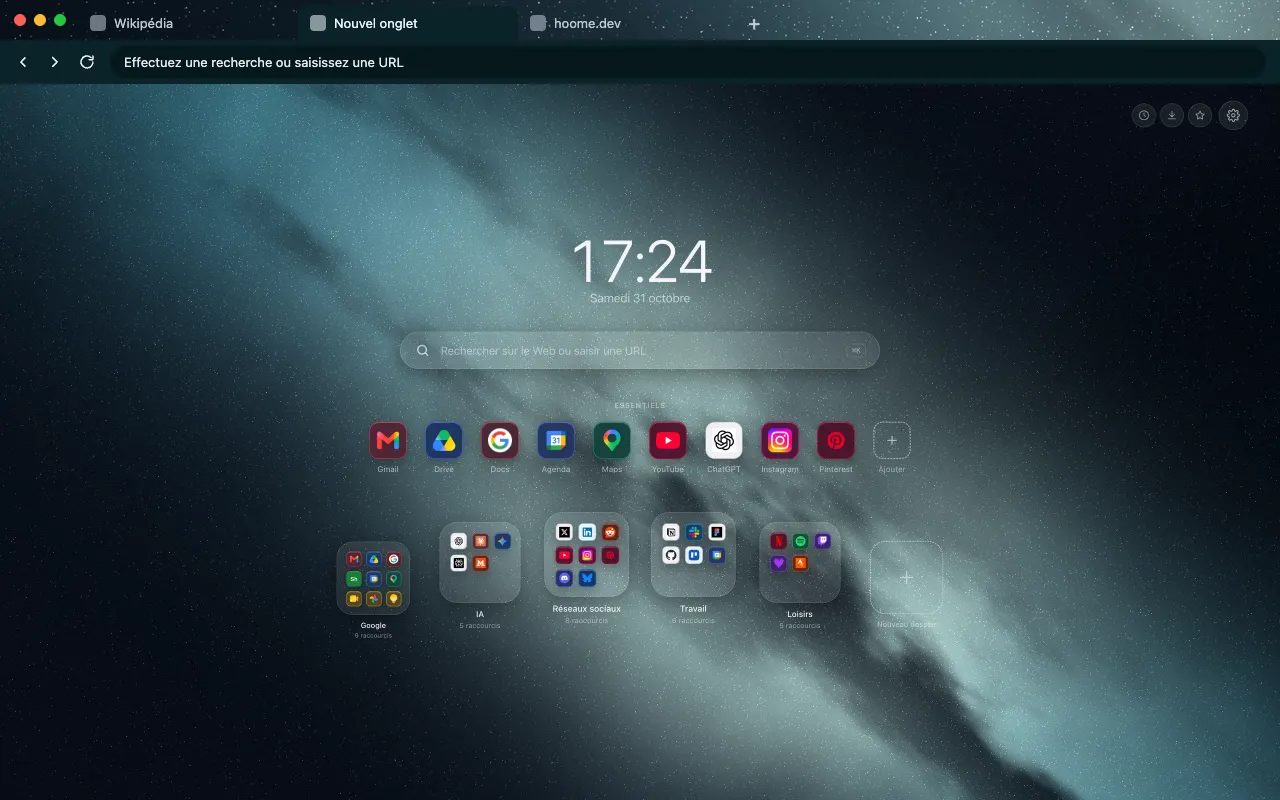
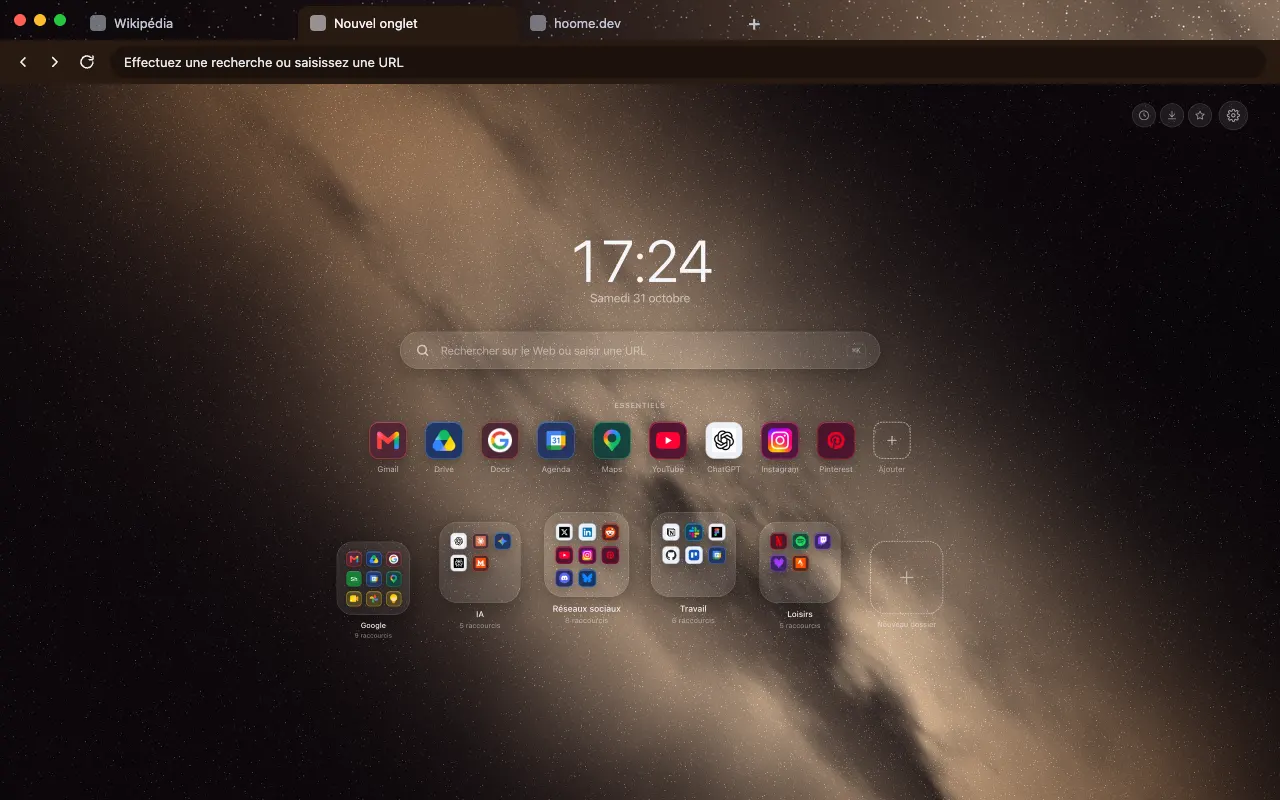
The four colors the background draws with. Hoome’s interface picks up the dominant one for its panels.
Even better with Hoome
The theme dresses your browser. To get this background animated on your new tab page, with your shortcuts, folders and widgets, add the Hoome extension.
Set up your theme in the Hoome extension
- Add Hoome to your browser: it replaces the new tab page.
- Open a new tab, then the settings, Background section.
- In the Space folder, click Aurora.