Galaxies wallpapers
Spirals, barred galaxies and the remains of stars, seen from very far away.
-
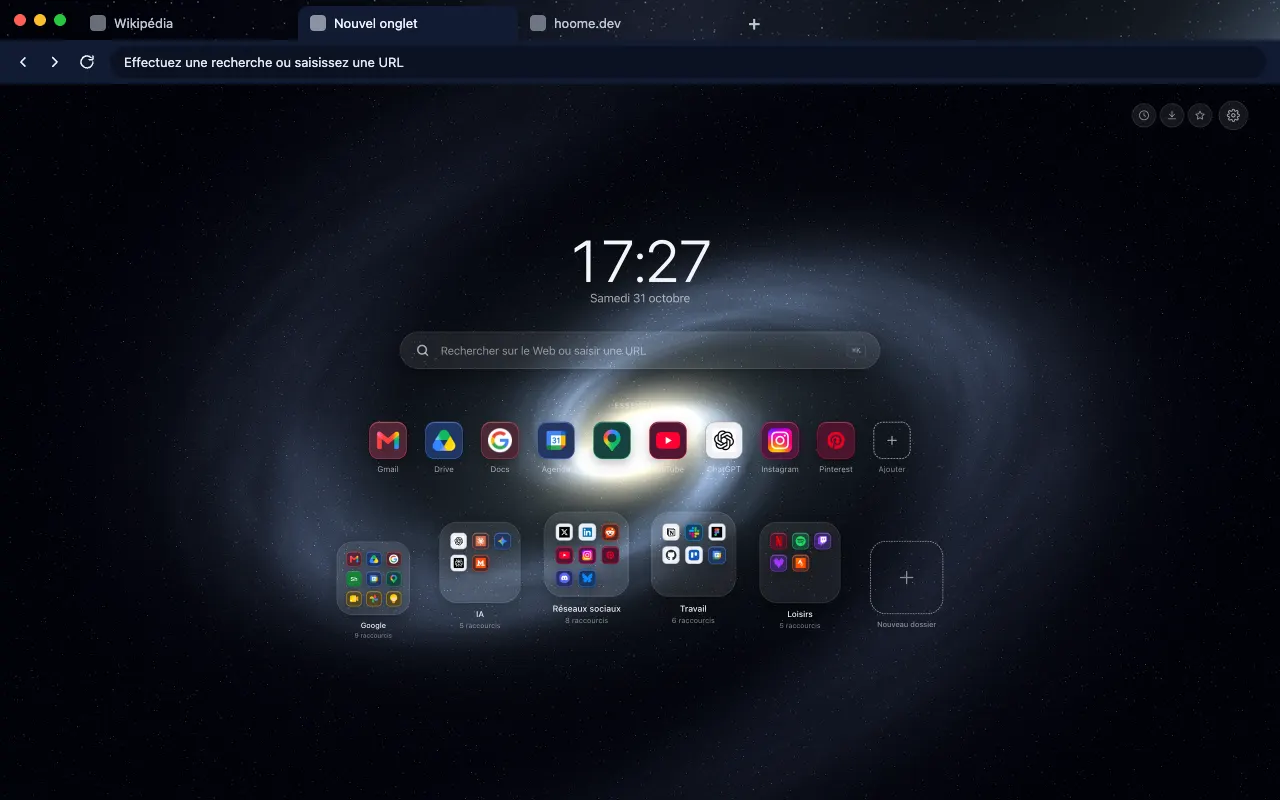 Spiral Galaxy The glowing arms of a spiral galaxy for your browser frame. Its animated version lives in Hoome.
-
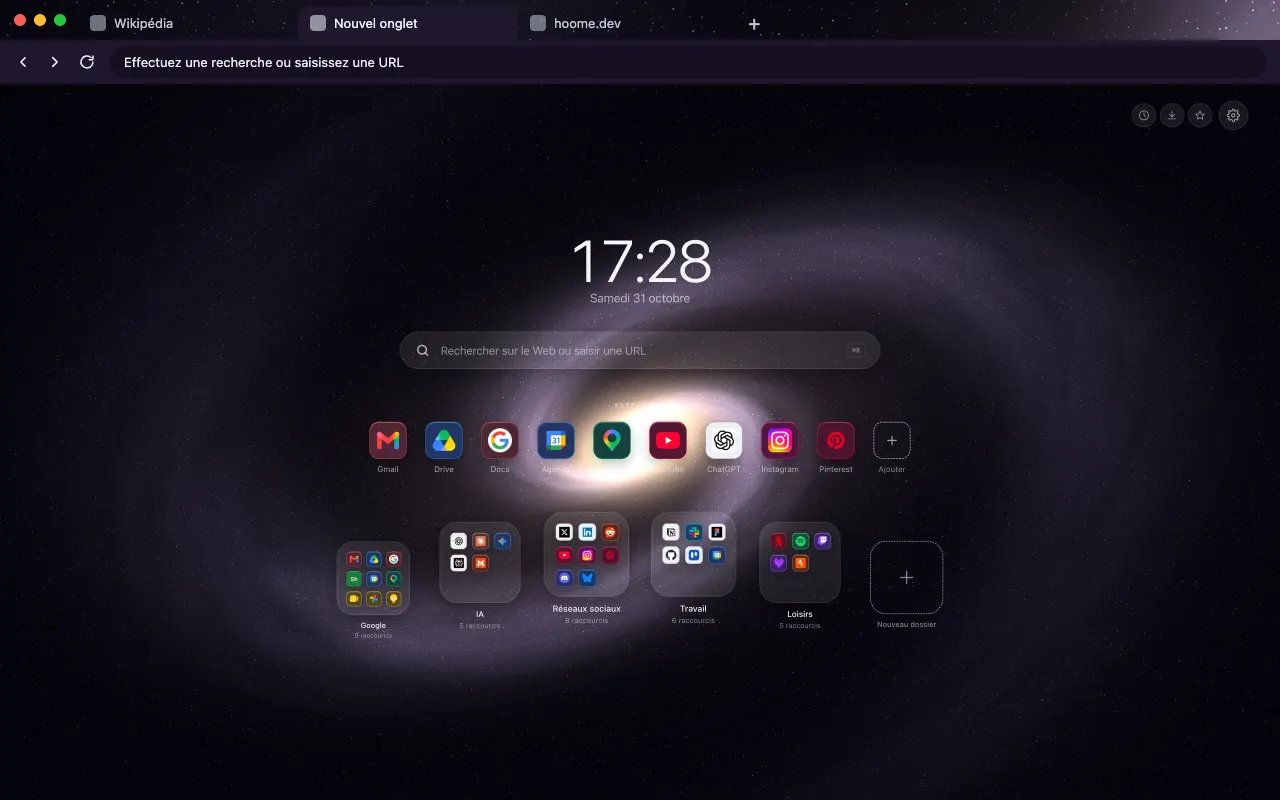 Andromeda Galaxy Andromeda, our great neighboring galaxy for your browser frame. The background comes alive on your new tab with Hoome.
-
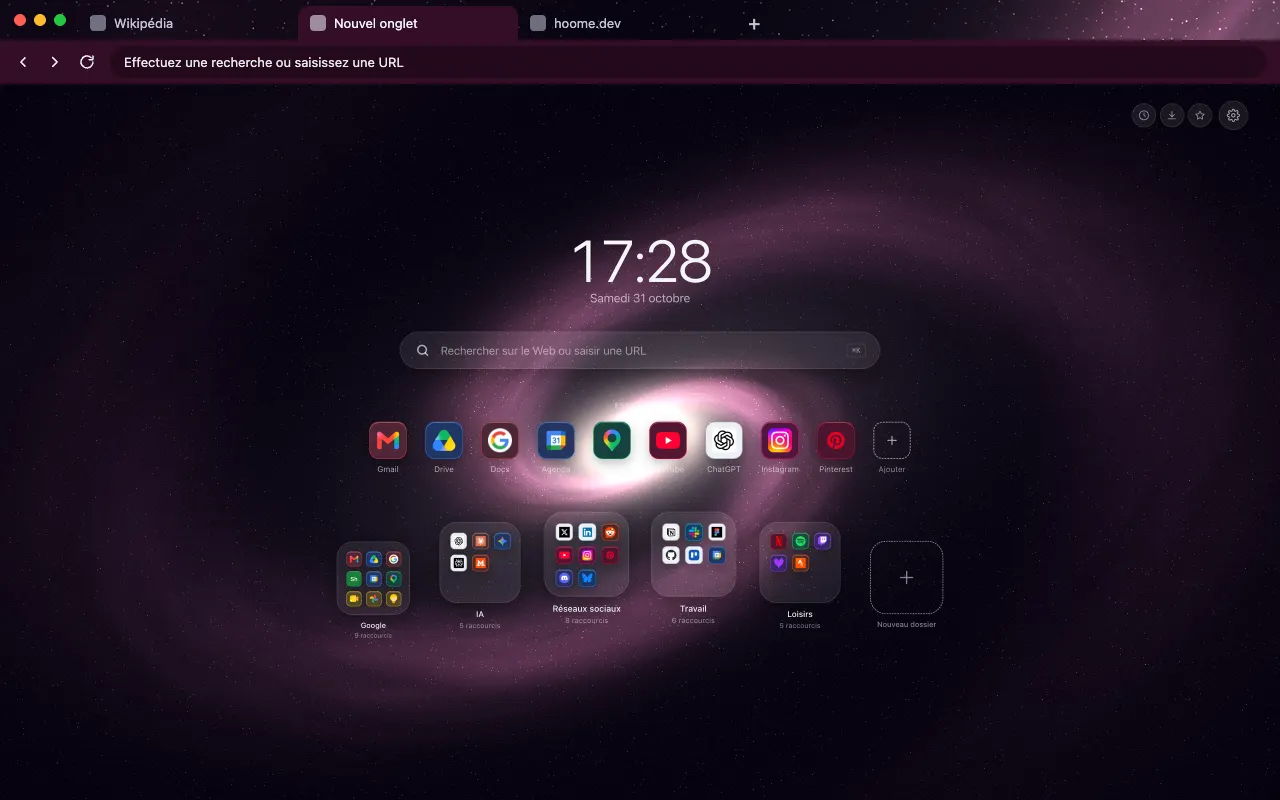 Rose Galaxy A galaxy in soft, powdery pinks for your browser frame. The animated background lives in Hoome.
-
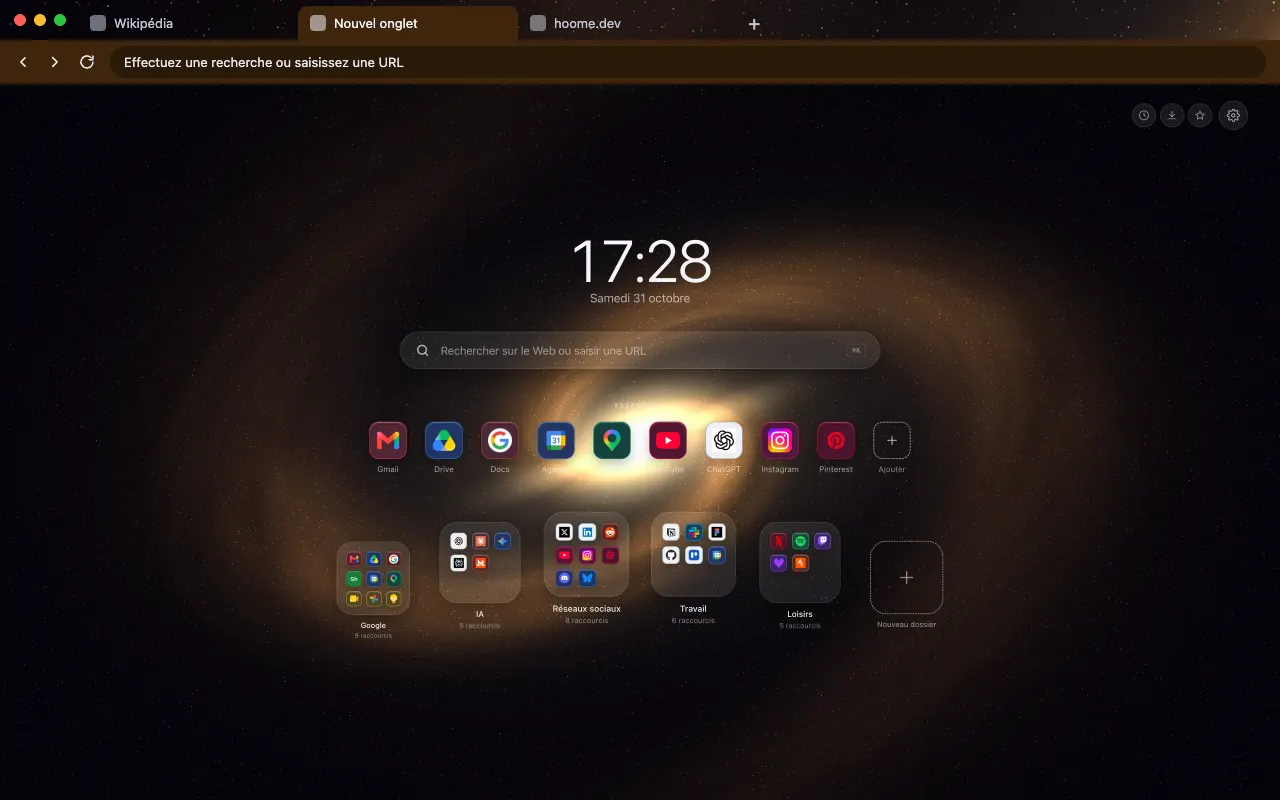 Barred Galaxy A galaxy crossed by a bar of stars for your browser frame. In motion on your new tab with Hoome.
-
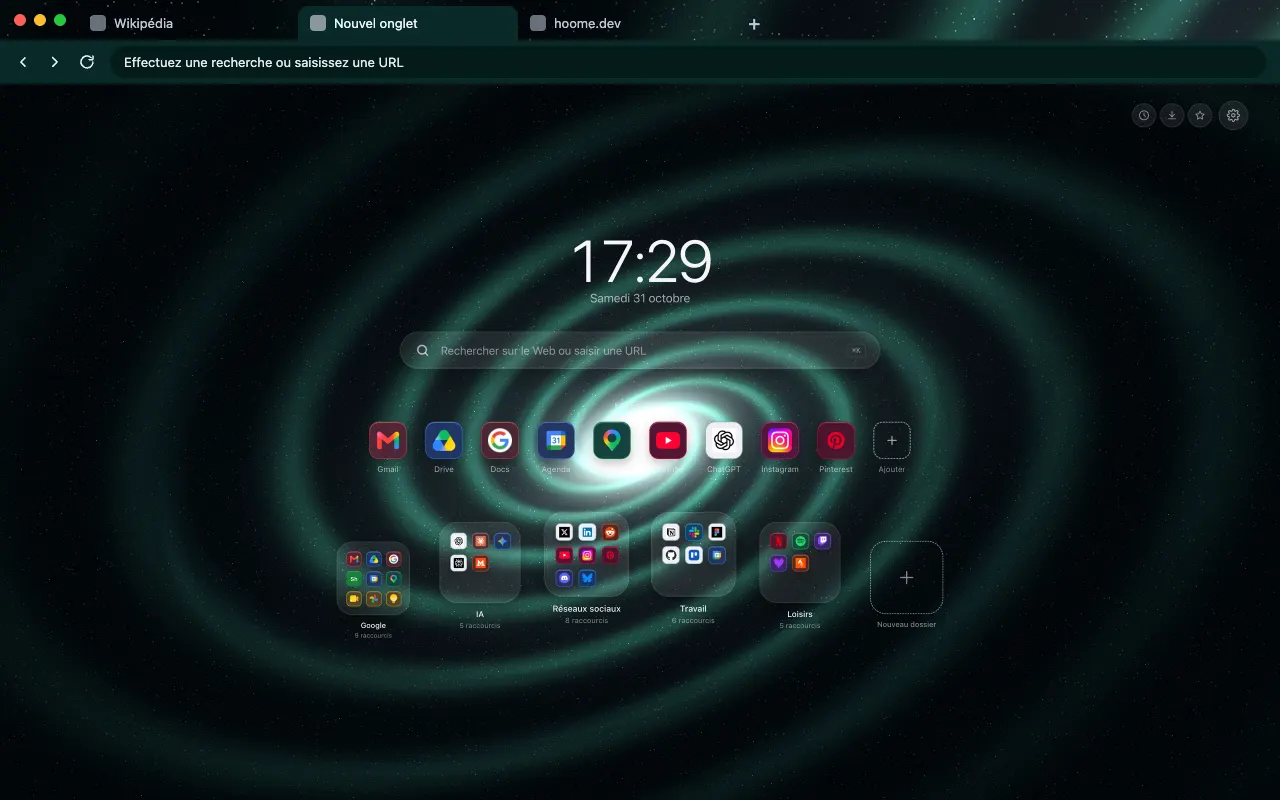 Whirlpool Galaxy Two galaxies swirling past each other for your browser frame. The same background moves in Hoome.
-
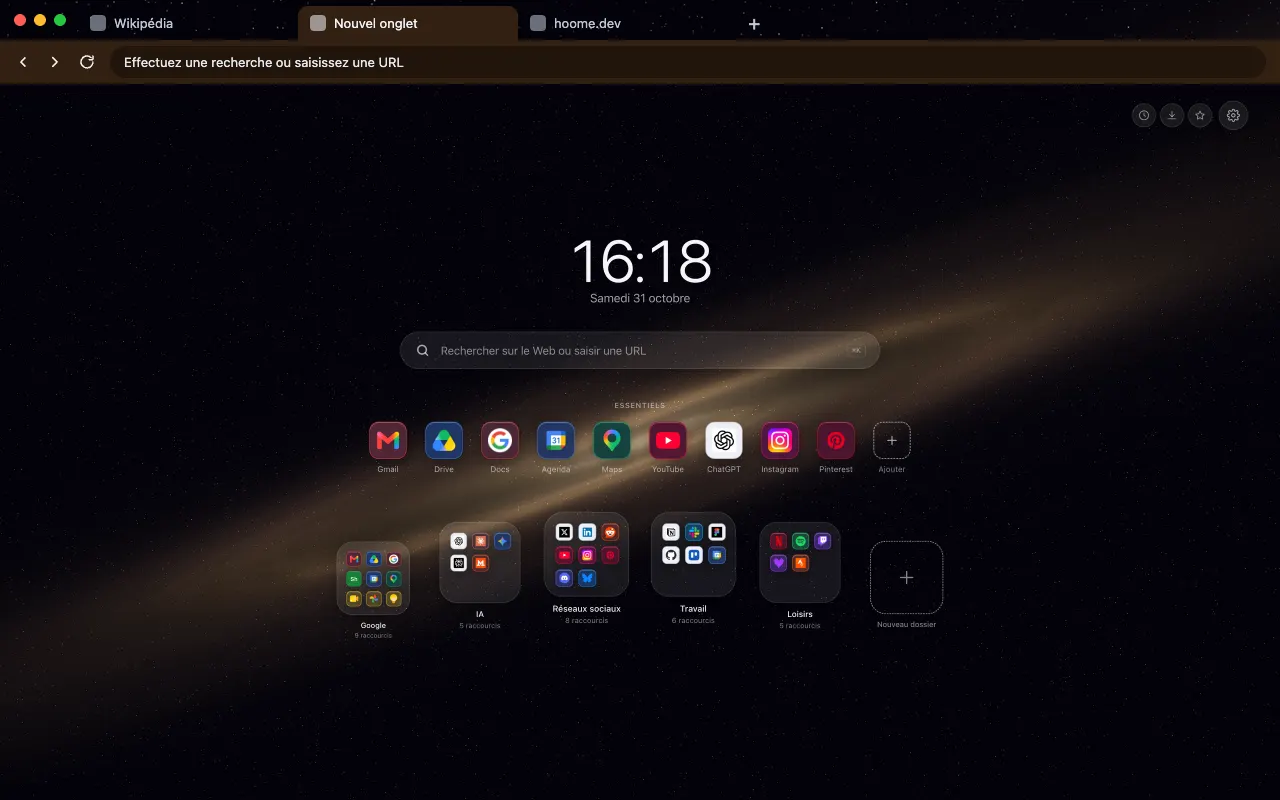 Sombrero Galaxy A galaxy seen edge-on with its dust lane for your browser frame. Its animated version lives in Hoome.
-
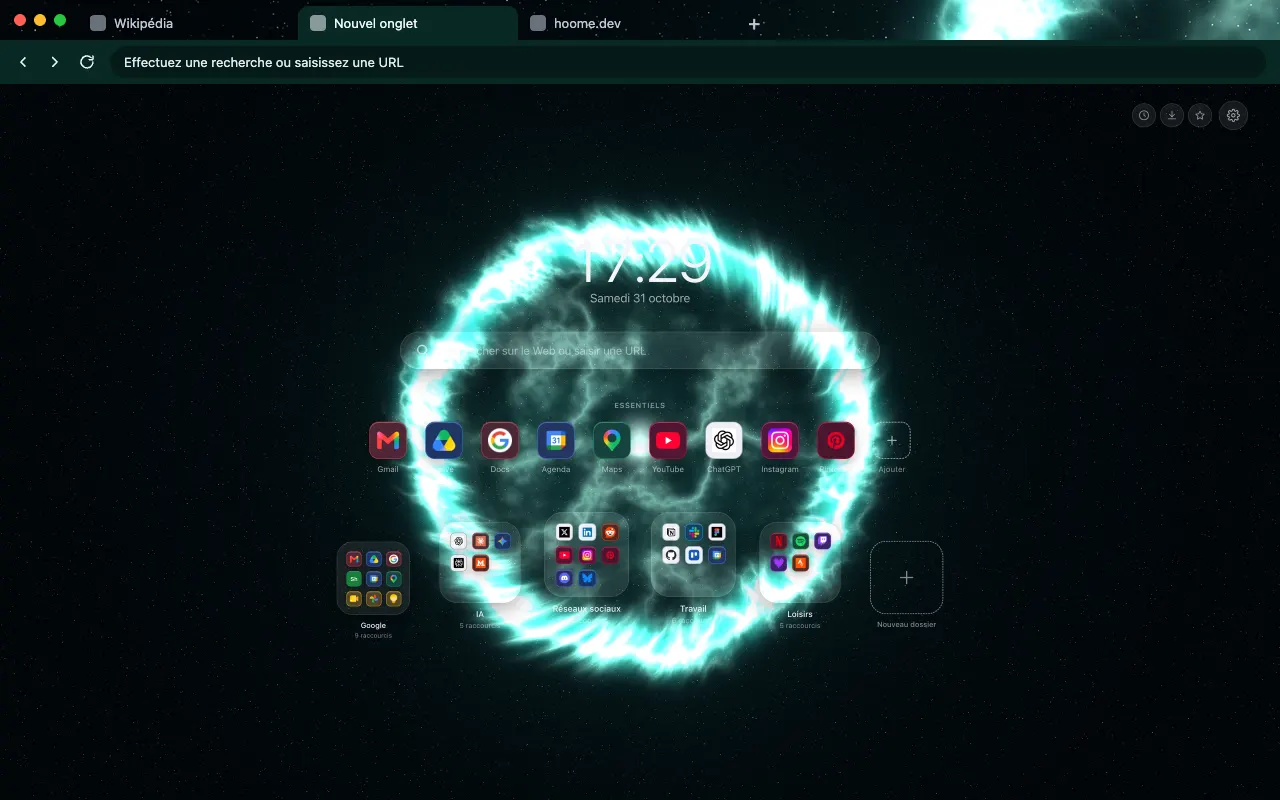 Supernova Remnant Filaments left by an exploded star for your browser frame. The background comes alive on your new tab with Hoome.
-
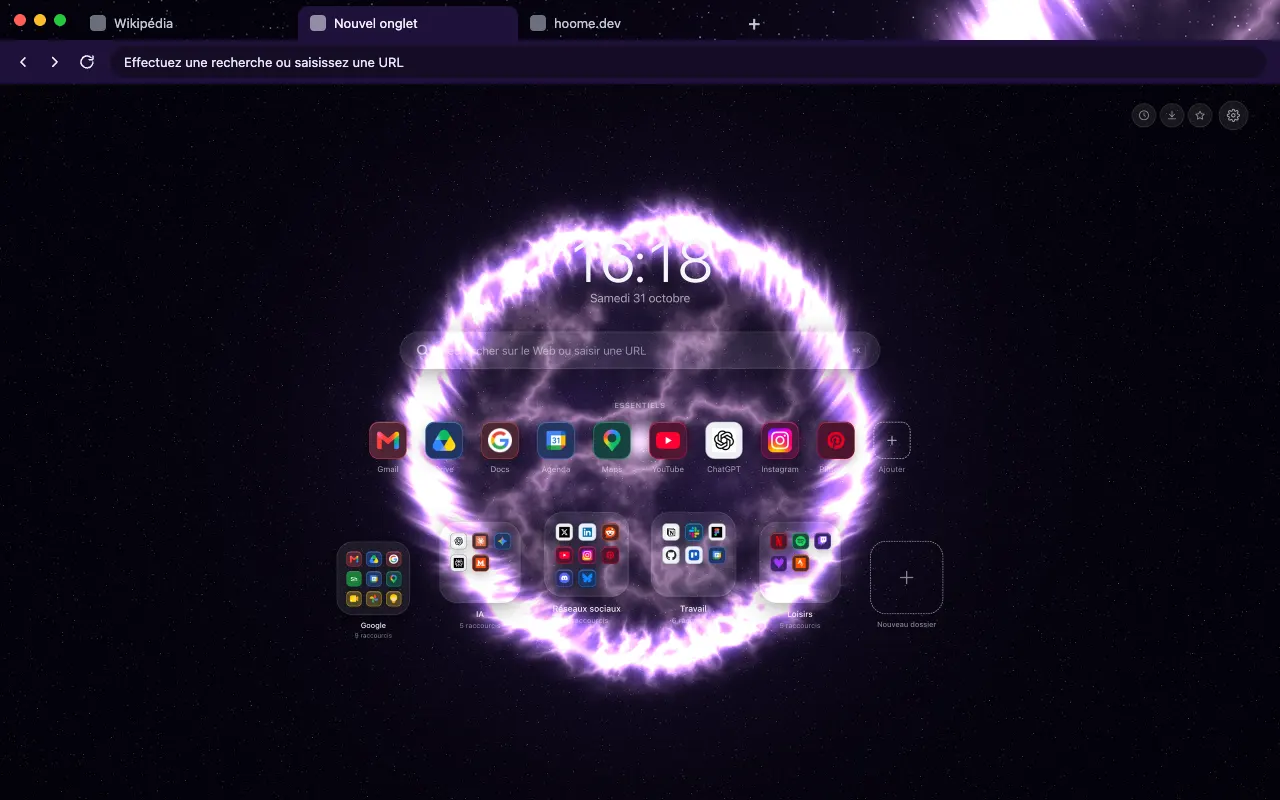 Carina Veil The gas veils of the Carina region for your browser frame. The animated background lives in Hoome.
-
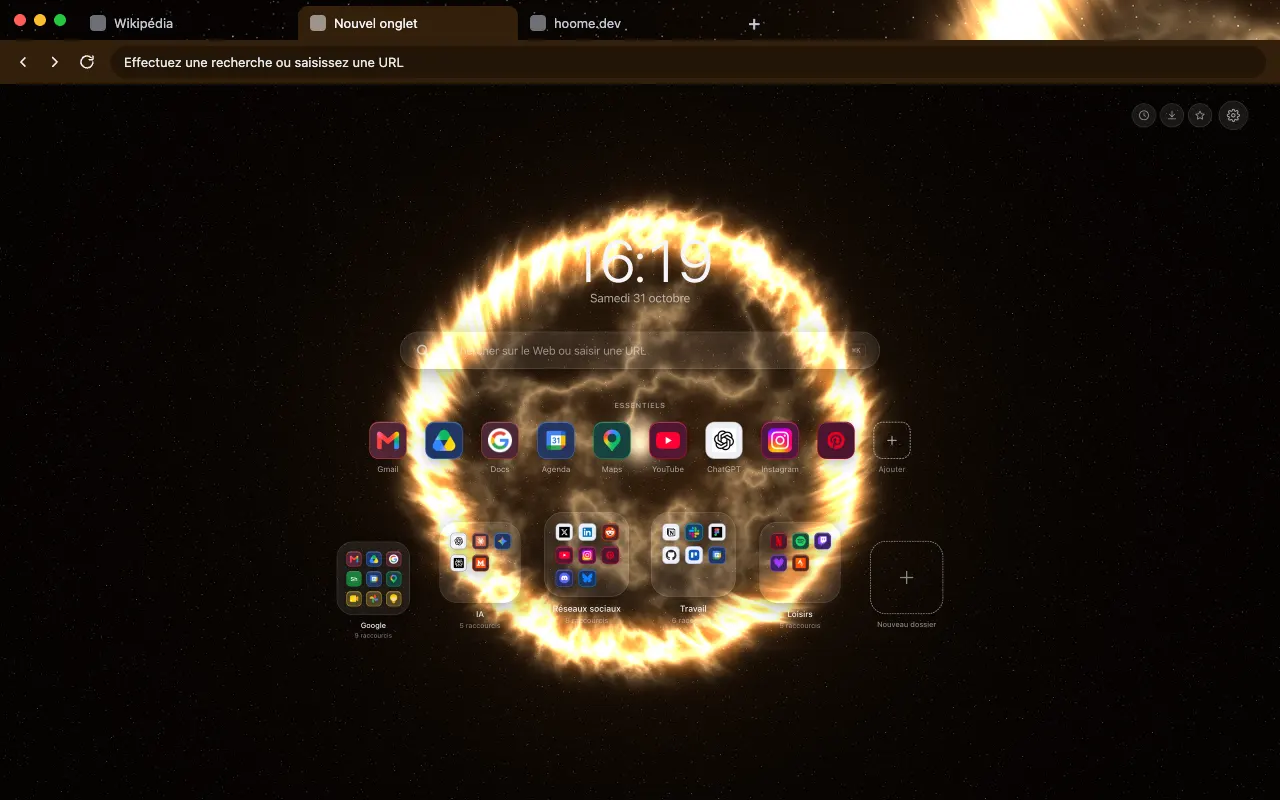 Cassiopeia The colorful remains of Cassiopeia A for your browser frame. In motion on your new tab with Hoome.
-
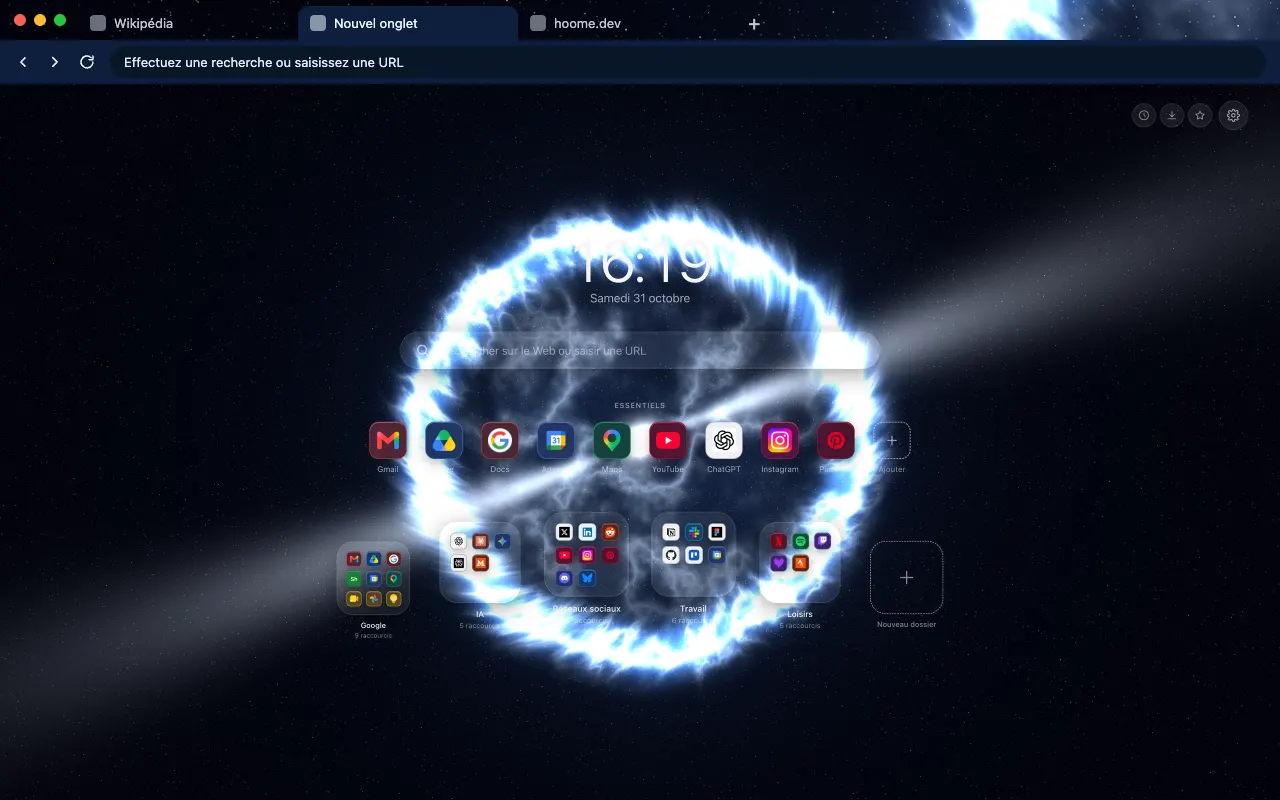 Pulsar The sweeping beams of a pulsar for your browser frame. The same background moves in Hoome.
-
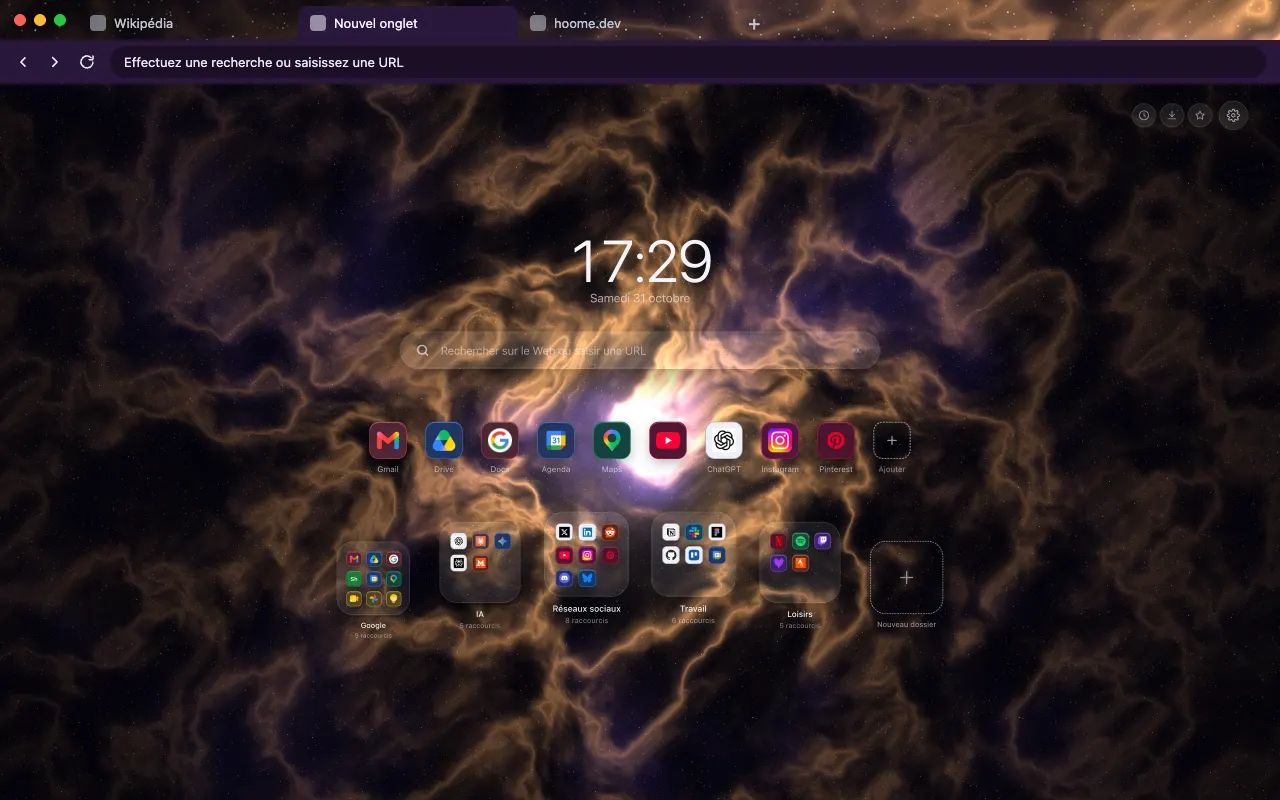 Crab Nebula The orange filaments of the Crab Nebula for your browser frame. Its animated version lives in Hoome.
-
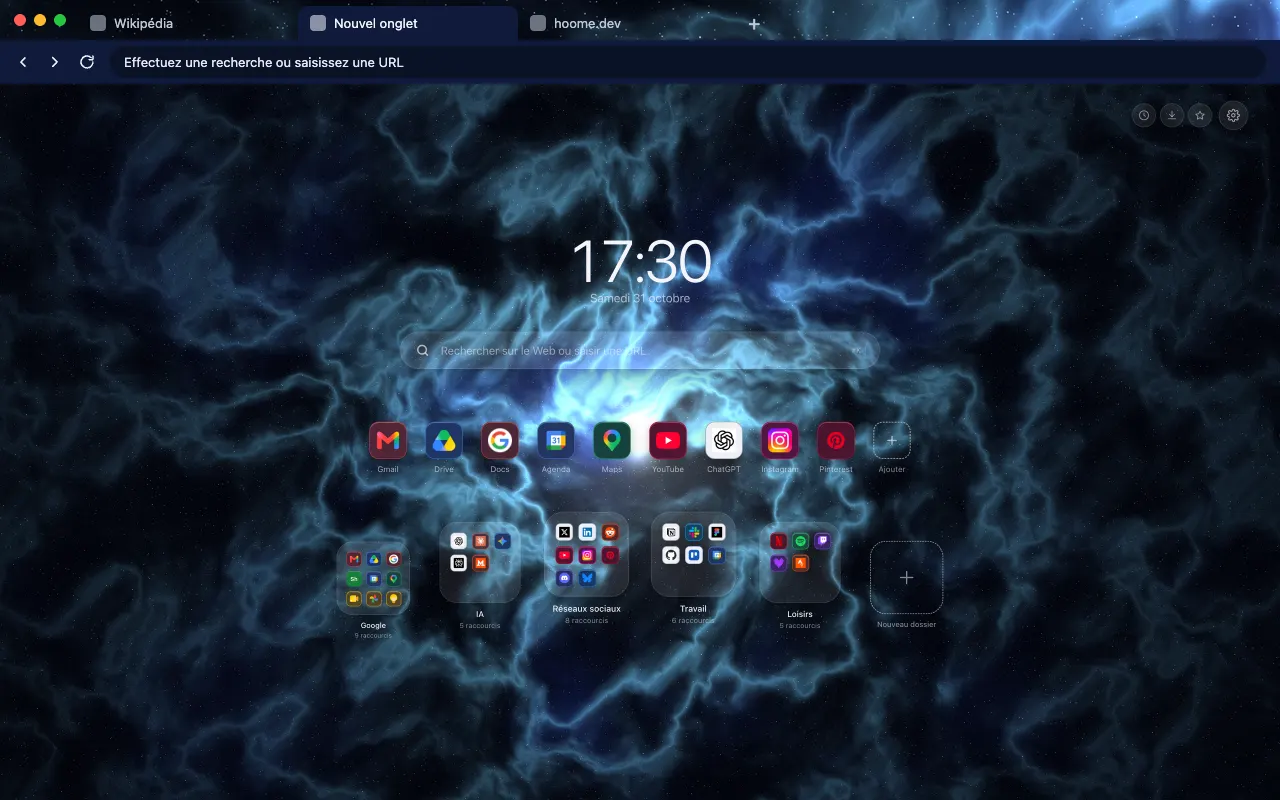 Blue Crab Nebula The Crab Nebula in electric blues for your browser frame. The background comes alive on your new tab with Hoome.
About this family
To find them in Hoome, open the settings, go to Background, then the Galaxies folder. One click applies a background, and the interface picks up its color.
Even better with Hoome
Every theme in this family is free and dresses your browser. To get these backgrounds on your new tab page, with your shortcuts, folders and widgets, add the Hoome extension.
Your next tab can be a tidy one
No sign up, no card, and your sites finally where they belong.
-
 For ChromeChrome Web Store
-
 For FirefoxFirefox Add-ons
-
 For EdgeEdge Add-ons
-
 For BraveChrome Web Store
Brave installs Hoome from the Chrome Web Store.
On a phone, tap “Add to Desktop” on the Chrome Web Store: Hoome will install in Chrome on your computer, if it is signed in to the same Google account.