Visual bookmarks on your new tab, sorted into folders
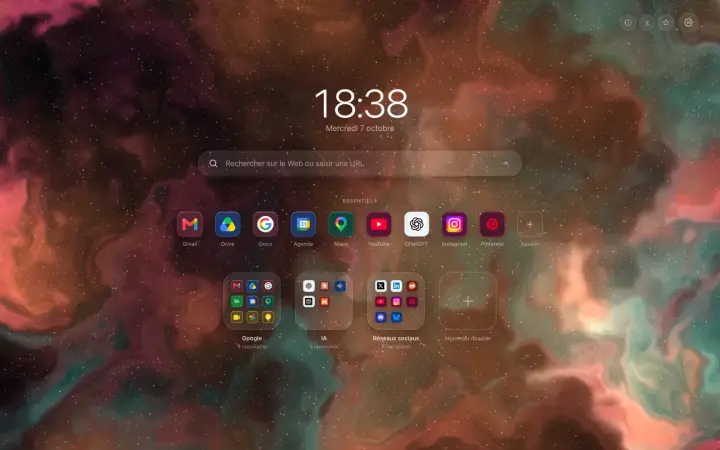
Hoome replaces the new tab page with your sites, each with its icon. The ones you use most sit on a single row, the rest goes into folders, and everything opens in one click.
A row for every day
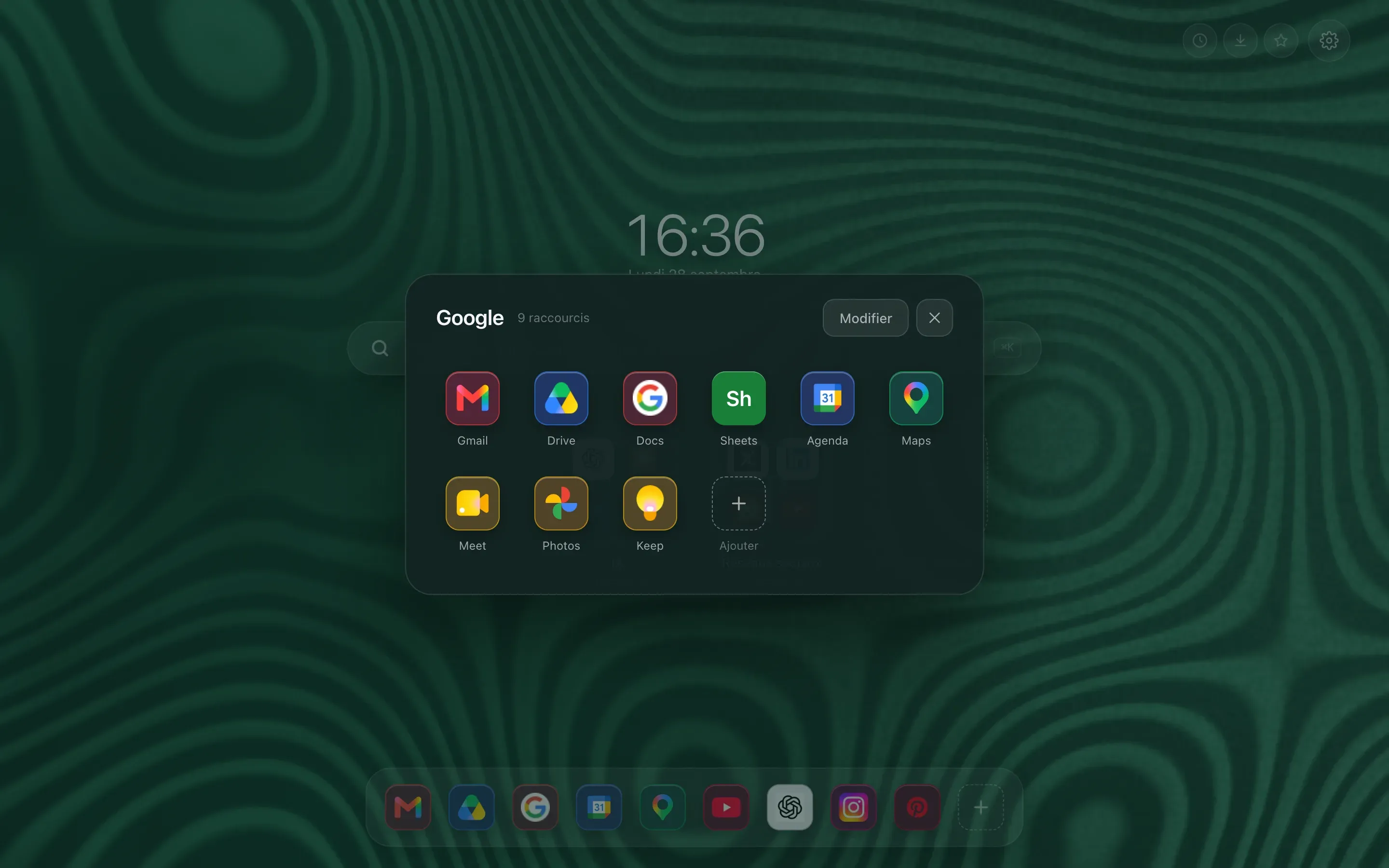
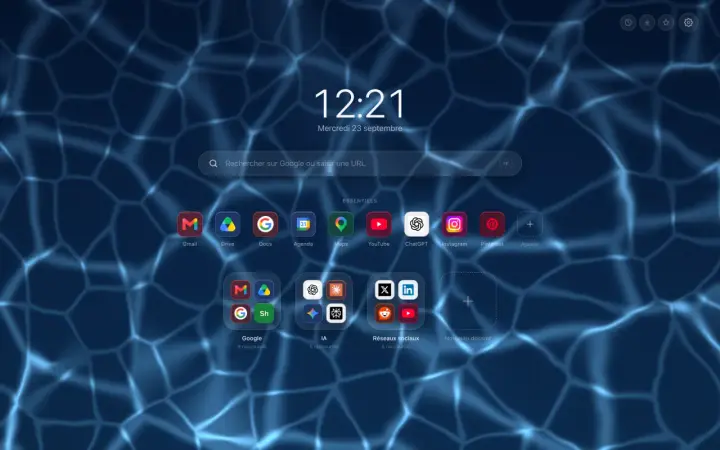
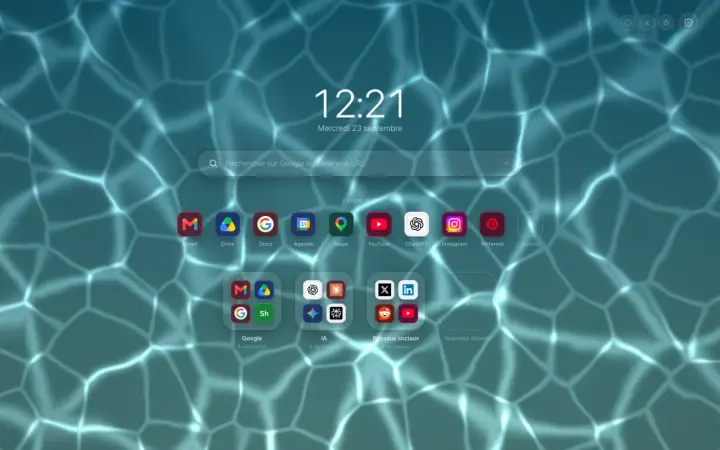
Essentials are the sites you open without thinking: email, calendar, your work page. They stay under the search bar, or in a bar at the bottom of the page with the Dock layout, always in the same place.
Folders for the rest
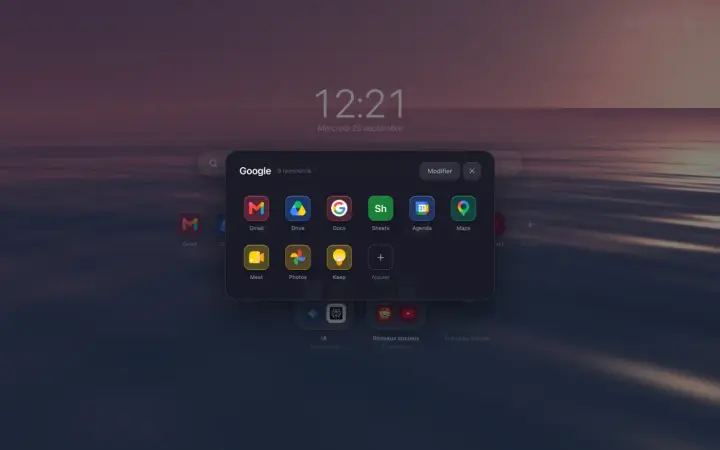
Work, shopping, reading, tools: each folder shows a preview of its icons and opens in one click. A shortcut moves by dragging it, on its own or together with others selected at once.
Without typing it all again
Your browser bookmarks import as folders, and a catalogue of popular sites adds in a few clicks. And once the folders fill up, the search bar suggests your shortcuts as you type.
Free or Premium
up to a hundred shortcuts and five folders, syncing between your computers included.
unlimited shortcuts and folders, and several desktops, for example one for work and one for home.
Guides on the blog
Guide Organize
Organize your sites in Chrome: the complete guide
Organize your sites in Chrome: what bookmarks and tab groups really do, then a new tab page tidied into folders, where everything is found in seconds.
Organize
Organize your Chrome bookmarks into folders
Organize your Chrome bookmarks into folders without losing any: keep the folders you have, start from ready-made categories, and see them on the new tab.
Organize
Rearrange your Chrome new tab shortcuts by dragging them
Move the shortcuts on your Chrome new tab by dragging them: change their order, take them out of a folder or create a new one, with no form to fill in.
Organize
Add Chrome shortcuts without typing a single address
Add shortcuts to your Chrome new tab page without typing a single address: a right-click, a catalogue of well-known sites, and it is all sorted.