Black Panther Fur
A background for your new tab with Hoome
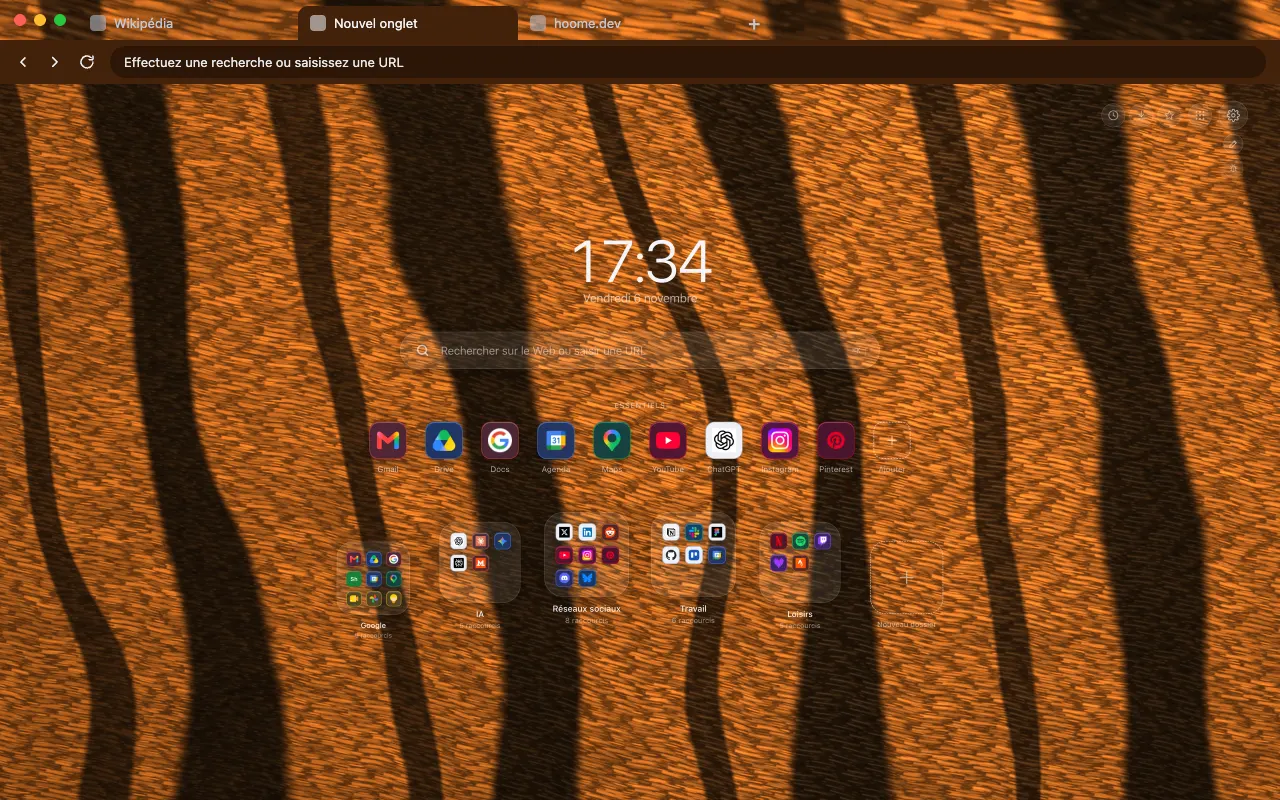
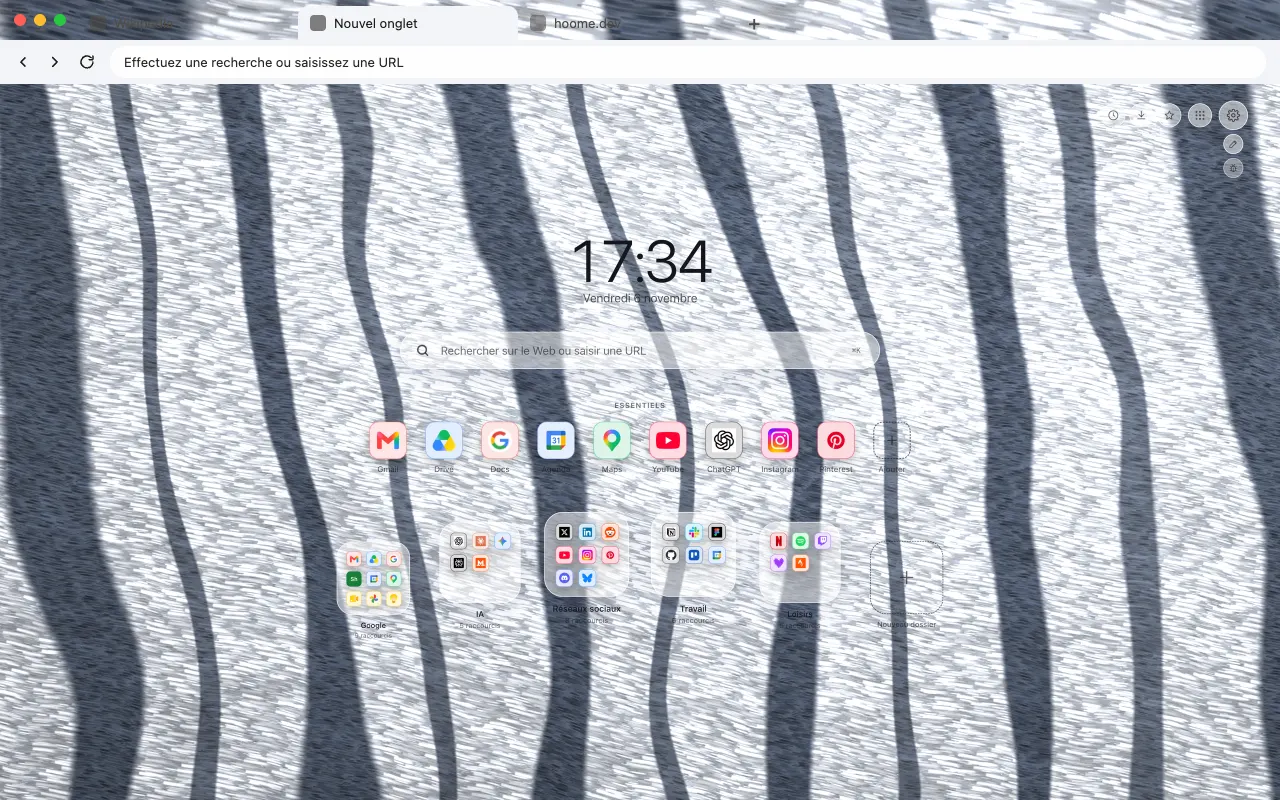
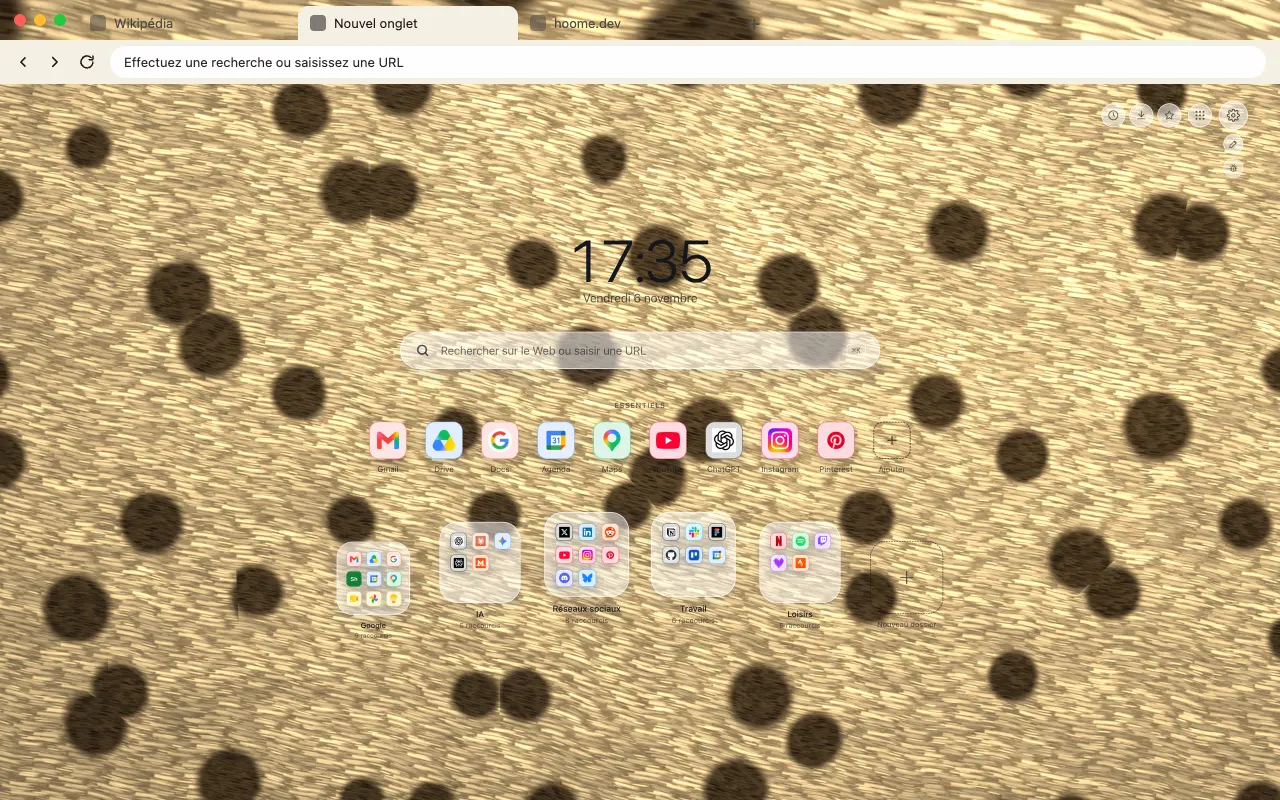
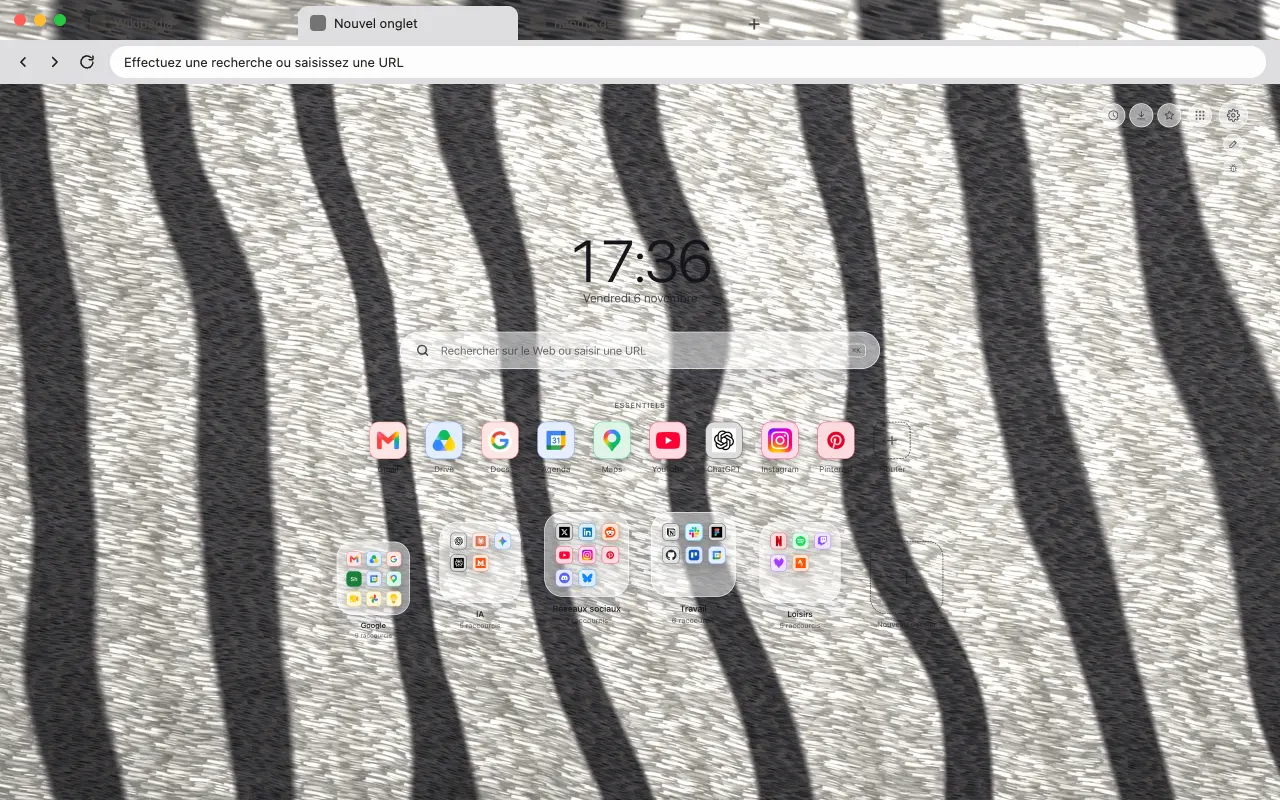
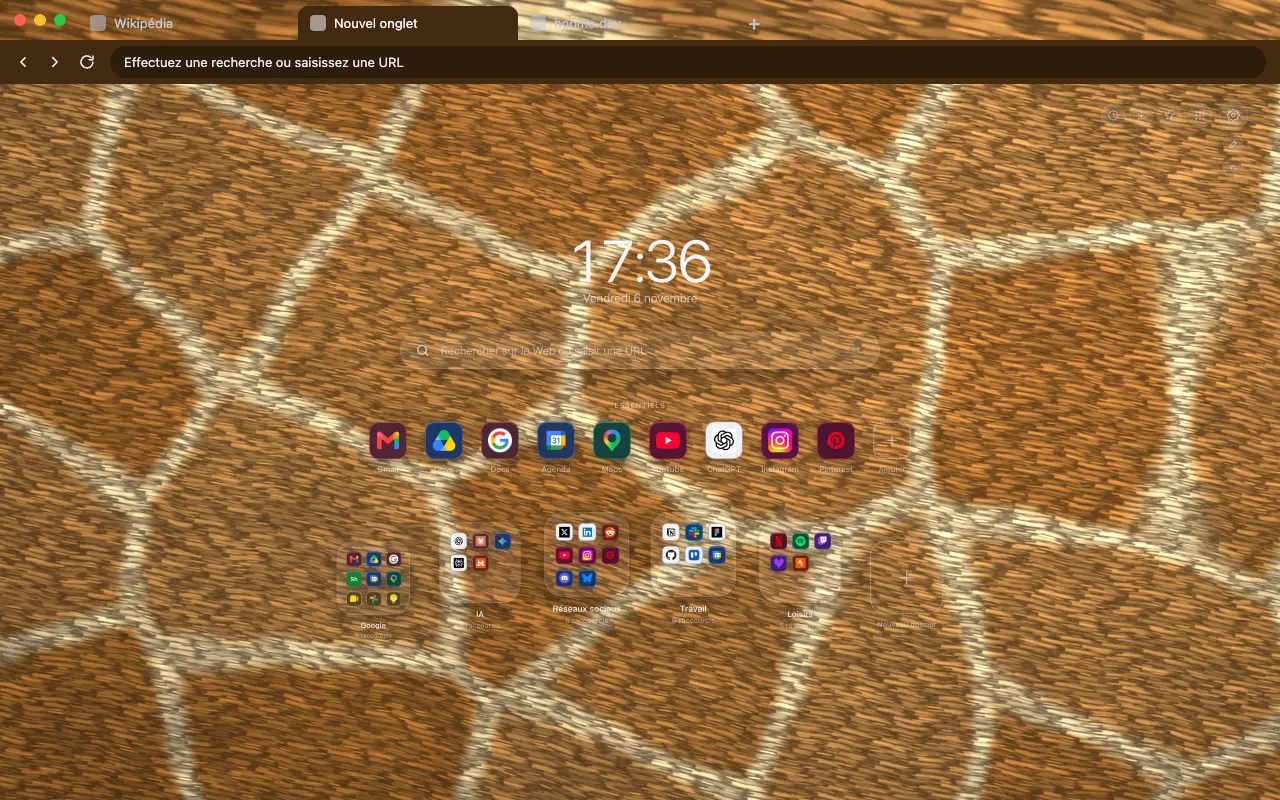
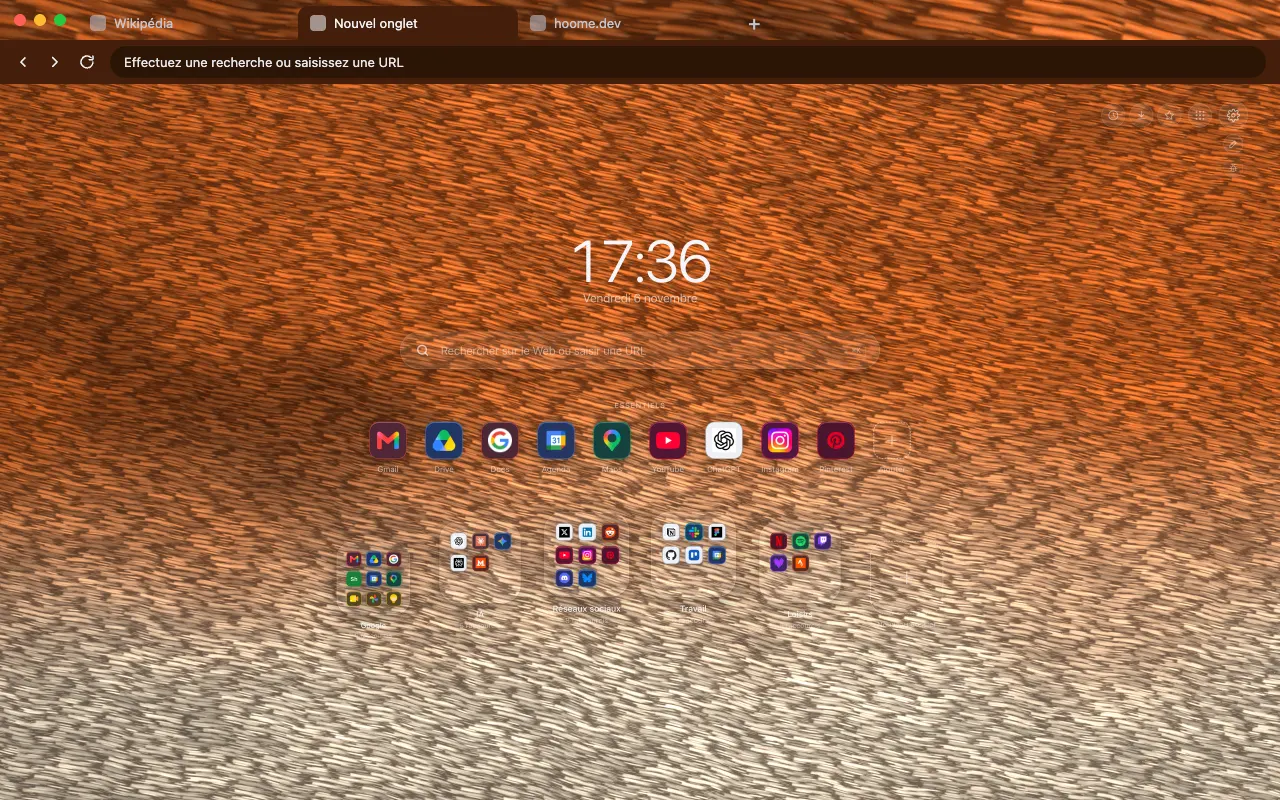
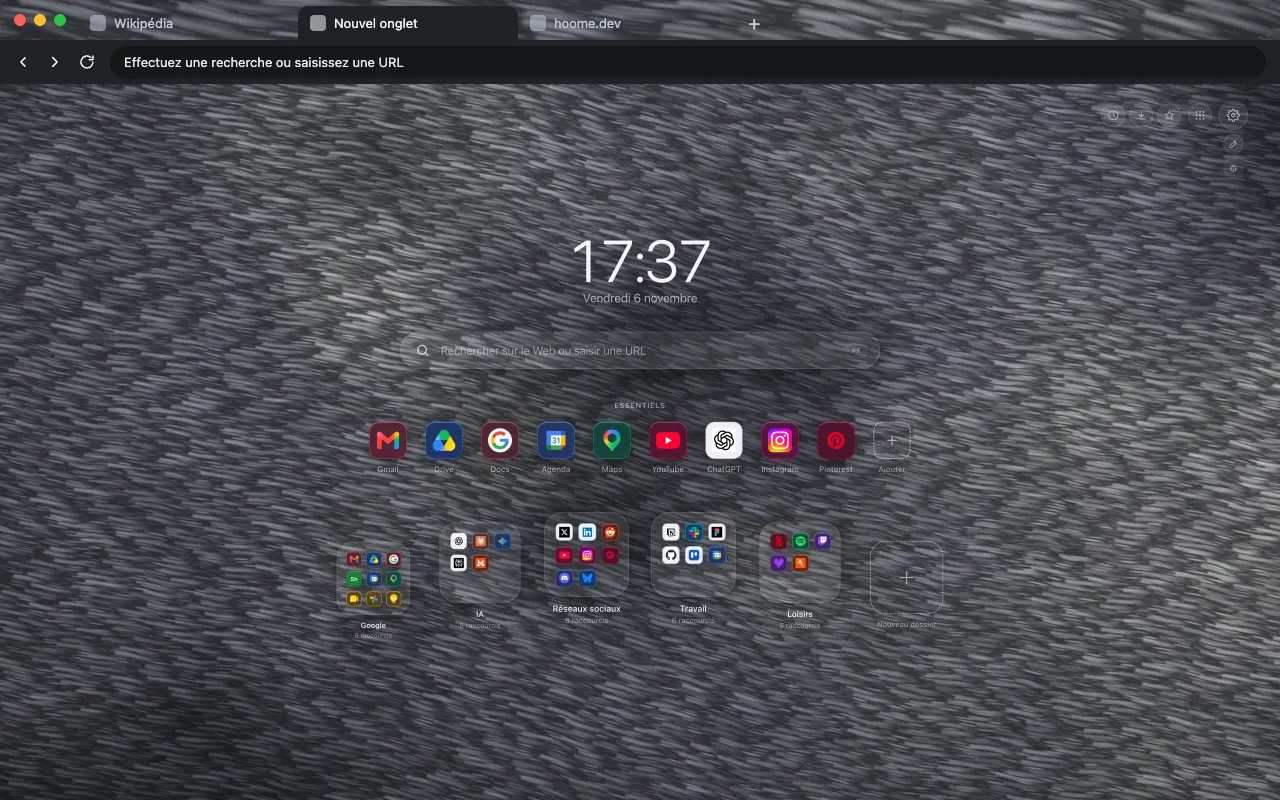
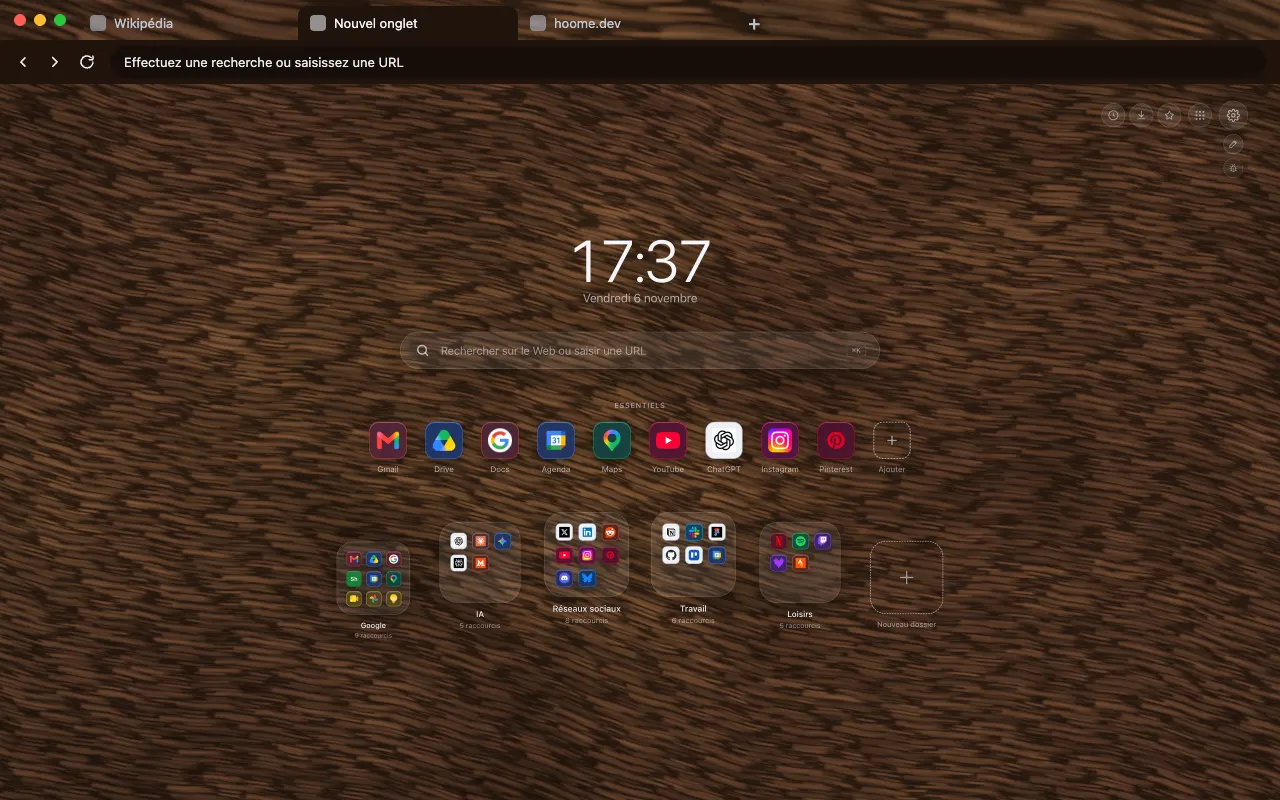
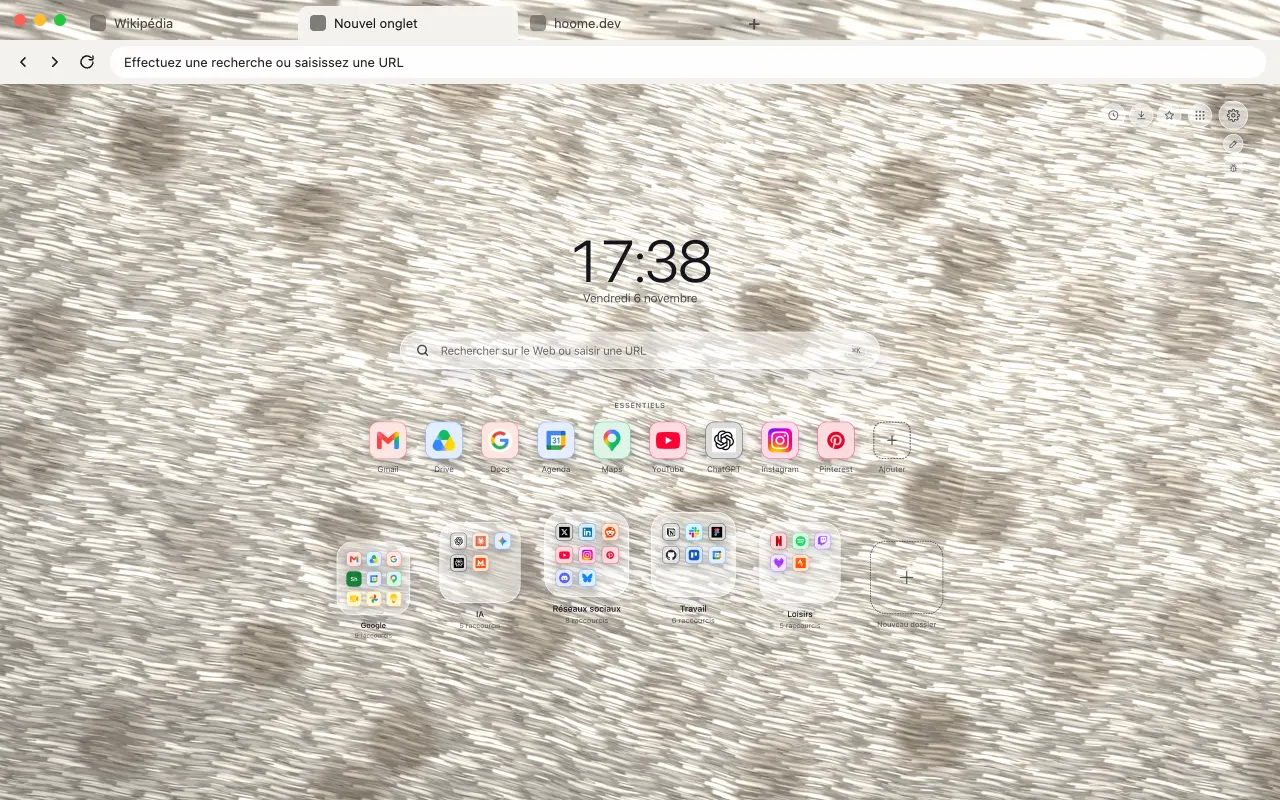
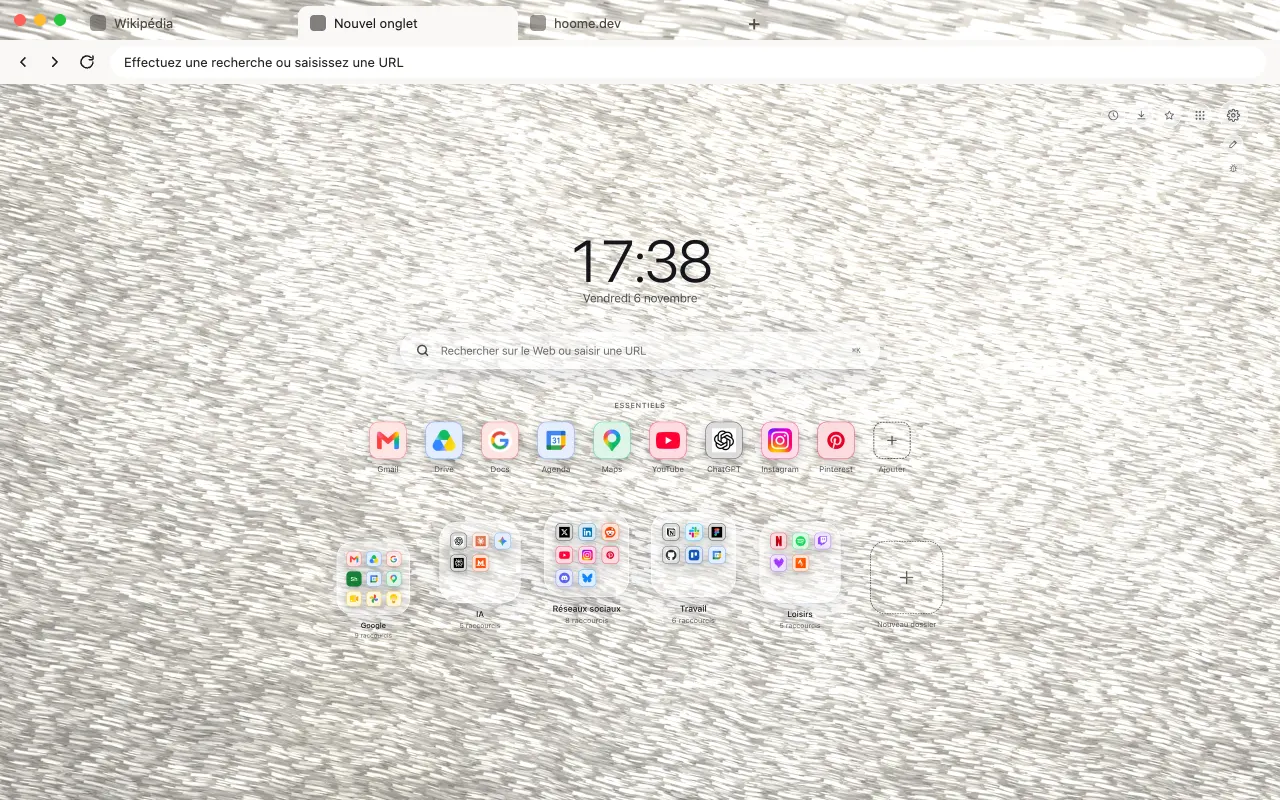
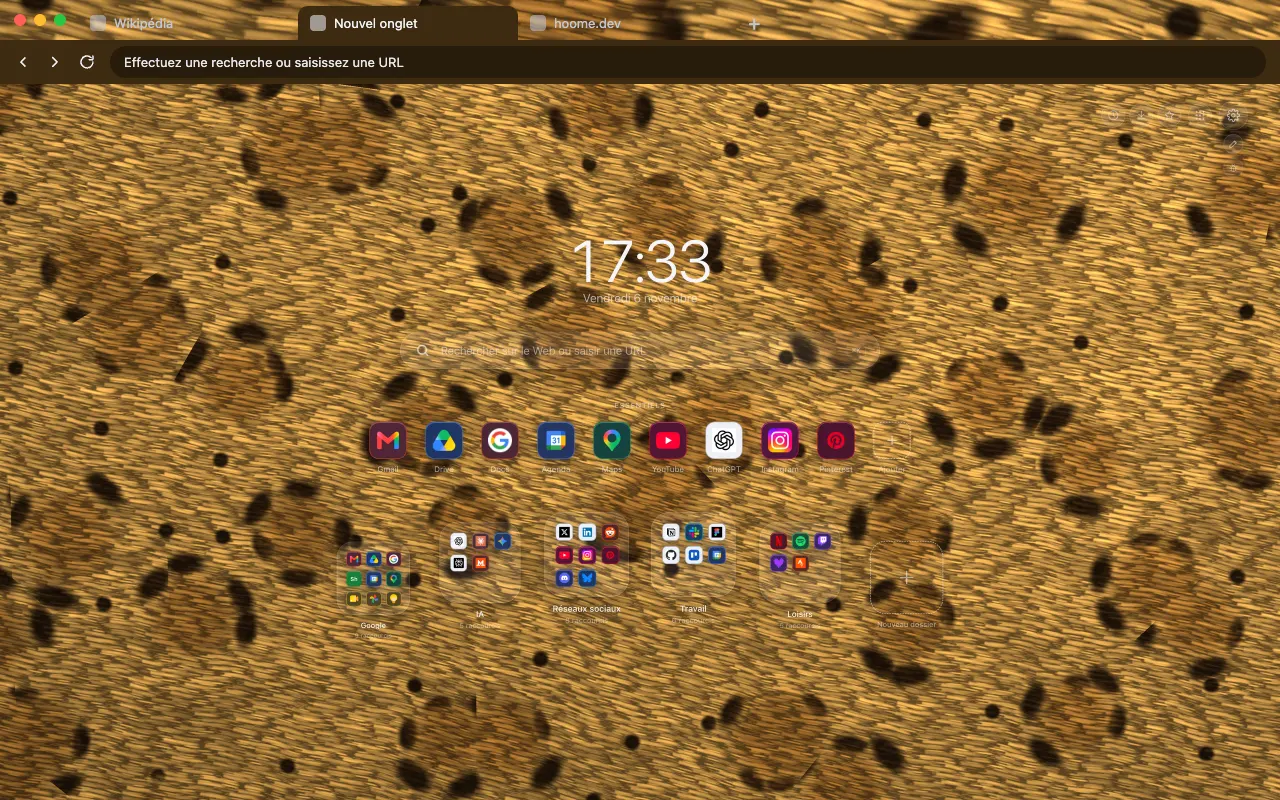
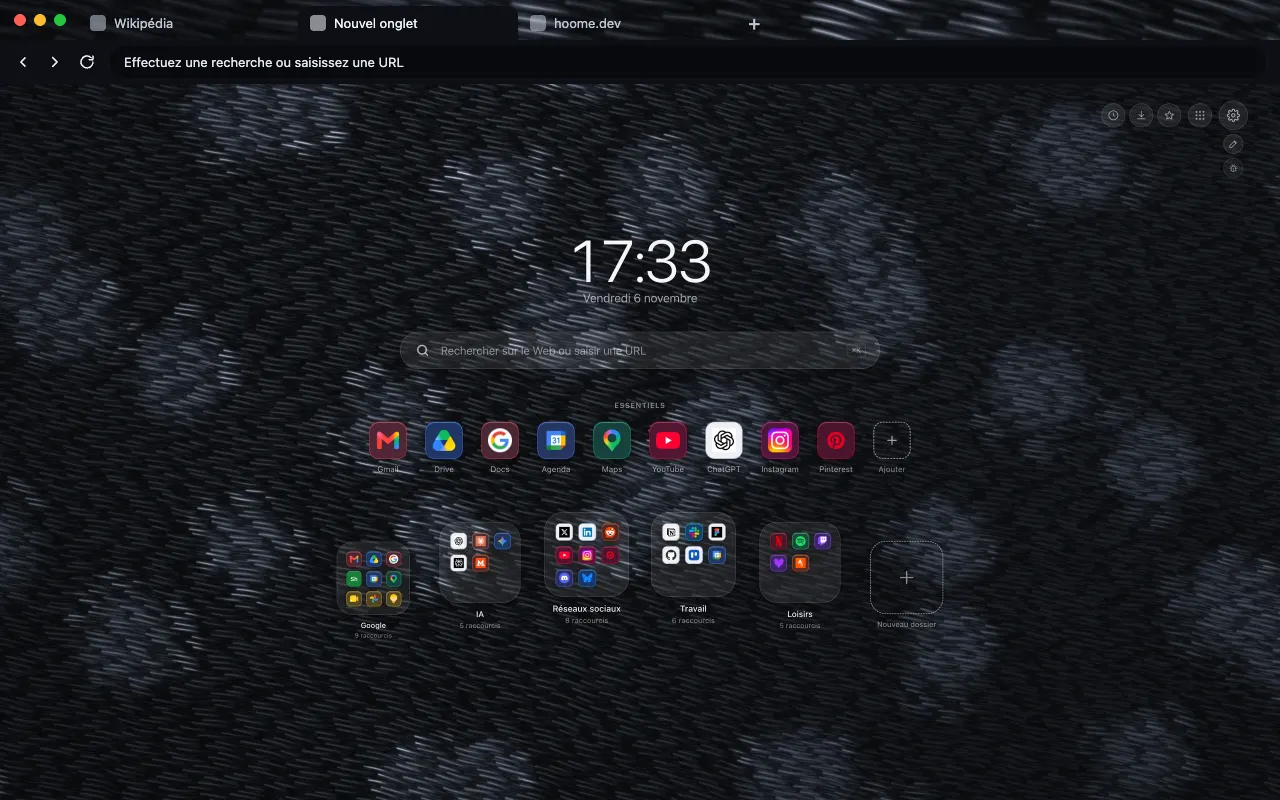
A black coat with barely visible spots for your browser frame. The same background moves in Hoome.
- Free theme
- Hoome
- Animated in Hoome
Install the theme in your browser
The theme is free. It dresses your browser frame: tabs, address bar and new tab. Pick your browser:

What this background shows
A black panther is not a species: it is a leopard or a jaguar with a dark coat, whose spots remain visible in certain lights. This background takes up exactly that idea. Its hairs are drawn one by one, each with its own spacing, slope, length and brightness, and the rosettes of the coat only show in the sheen, as patches barely lighter than the rest.
Only four colours, all very close: a barely bluish black for the coat, a charcoal grey for the markings, a slate grey for the hairs that catch the light, and a nearly pure black for the shadow of the undercoat. There is no bright hue, so nothing draws the eye behind your shortcuts and folders.
In Hoome, the coat never warps. A slow breeze runs through the fur and shifts the rows by the width of a hair, by the same amount everywhere, while the light moves across the sheen. This background runs at fifteen frames per second, at half the normal speed. The browser theme places a strip of this fur in the tab bar; Firefox offers it as two listings, one classic and one animated.
What moves
Black Panther Fur, from the Animal coats family: the still version of the browser theme is an image, and it is in Hoome, on your new tab, that this background moves. The background is computed live by your computer, and stops while the tab is hidden. The speed slider slows it down, doubles it or freezes it, and it stays still if your system asks for reduced motion.
On Firefox, this theme also comes in an animated version, on its own listing: the background drifts slowly behind the tabs, the address bar and the bookmarks bar, with or without the Hoome extension.
Its colours
The four colors the background draws with. Hoome’s interface picks up the dominant one for its panels.
Even better with Hoome
The theme dresses your browser. To get this background animated on your new tab page, with your shortcuts, folders and widgets, add the Hoome extension.
Set up your theme in the Hoome extension
- Add Hoome to your browser: it replaces the new tab page.
- Open a new tab, then the settings, Background section.
- In the Animal coats folder, click Black panther.