Rainbow Road
A background for your new tab with Hoome
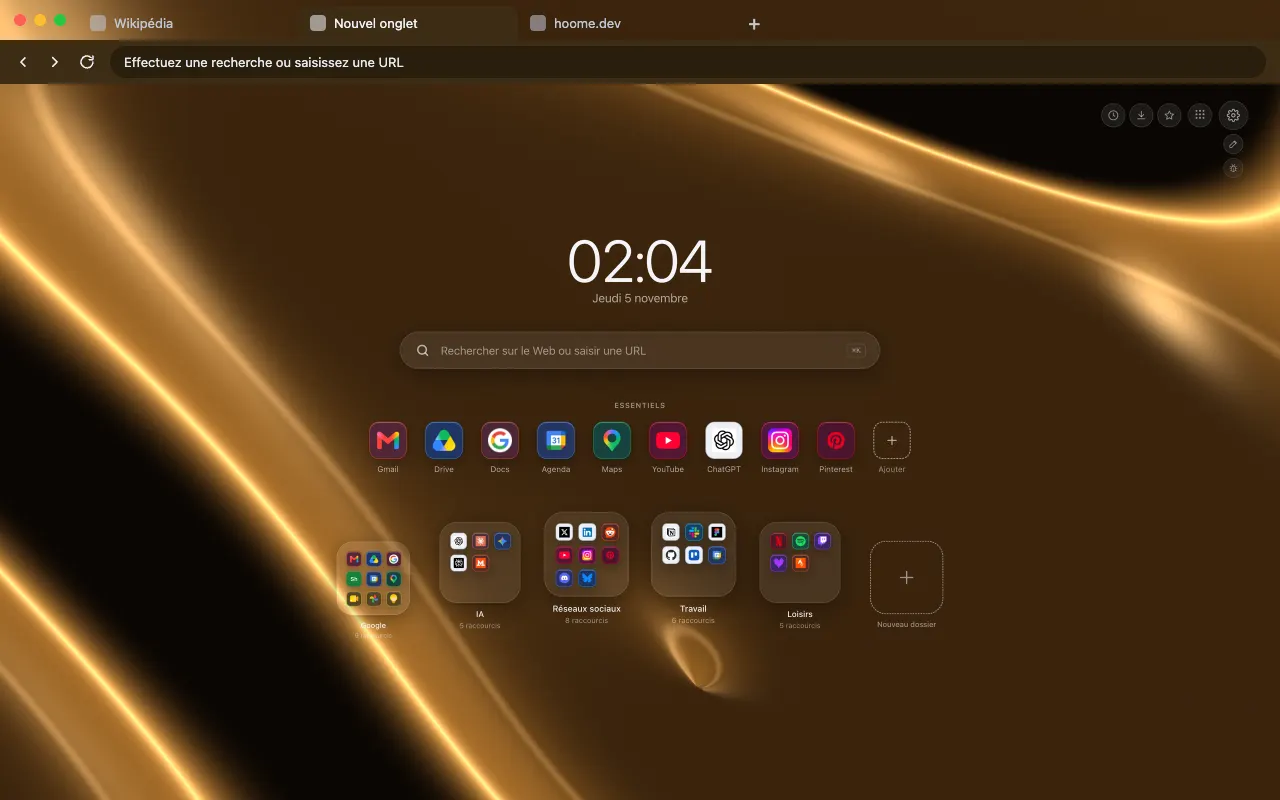
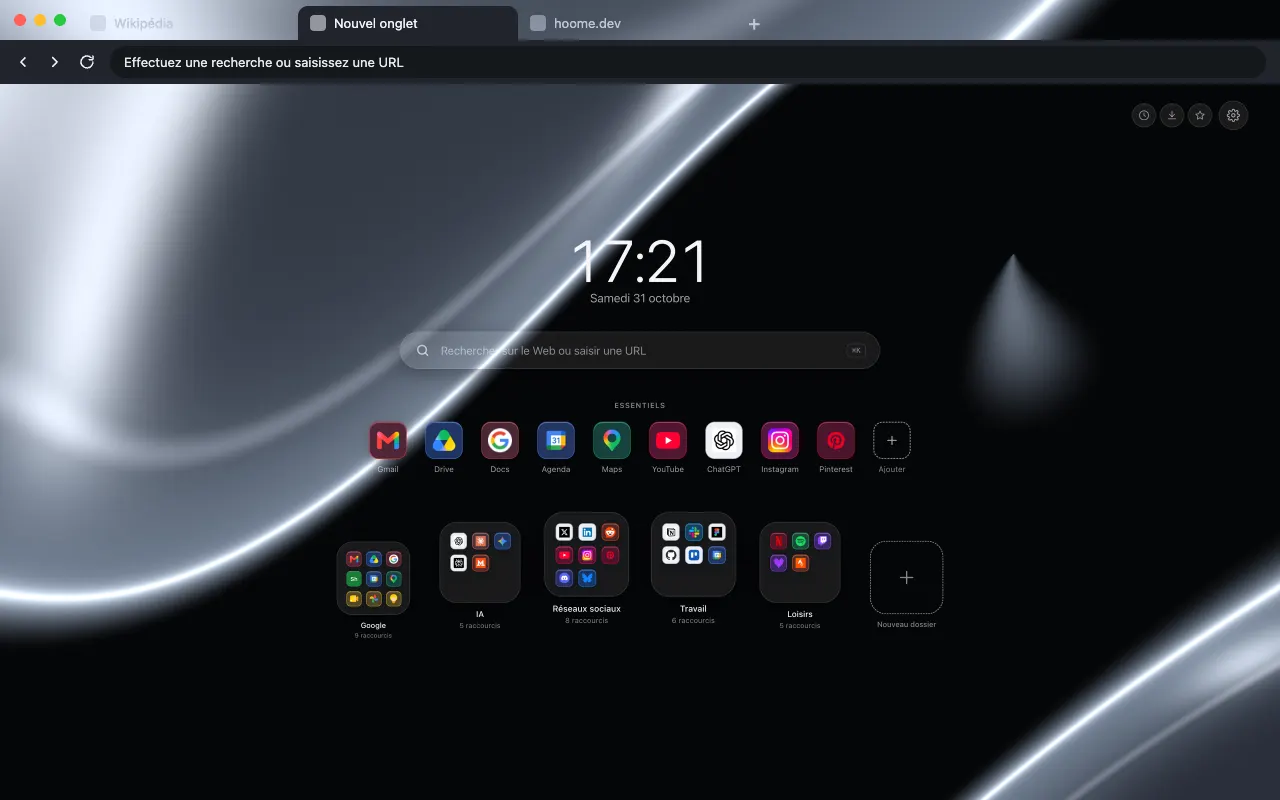
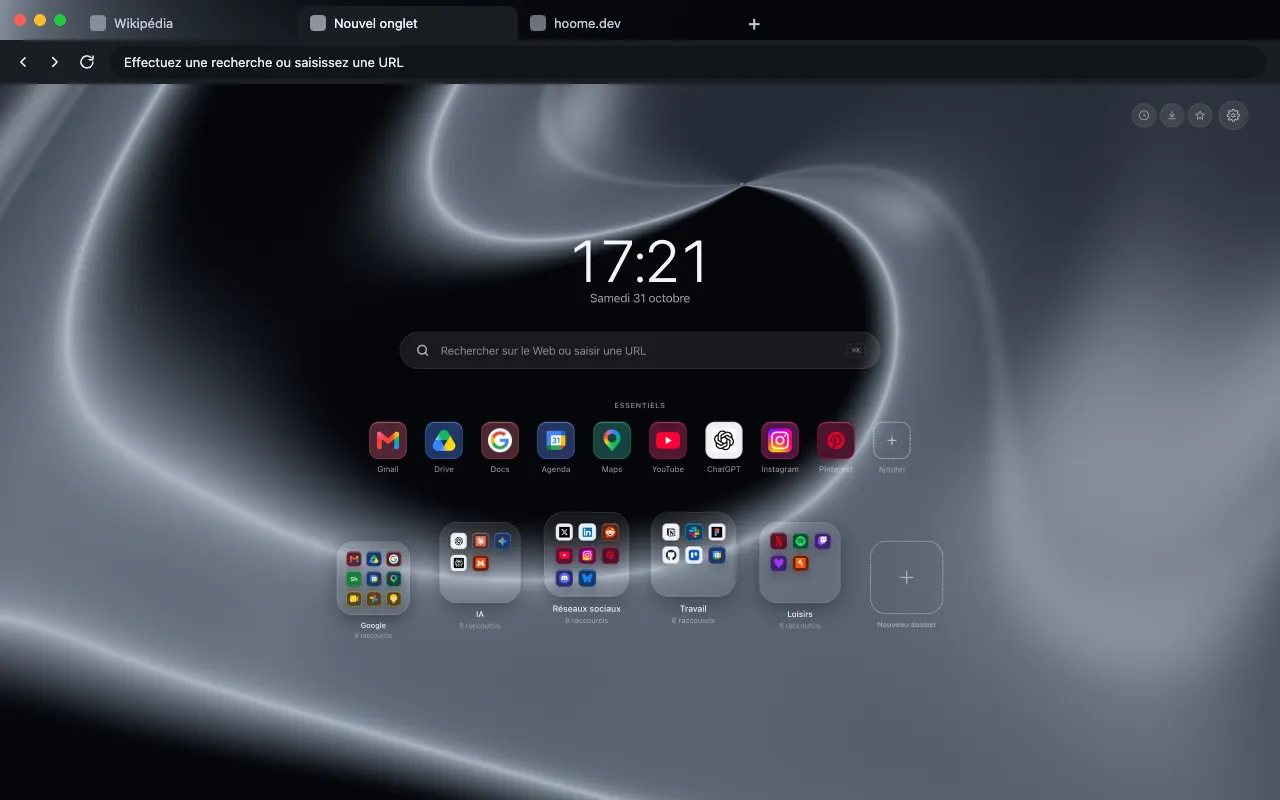
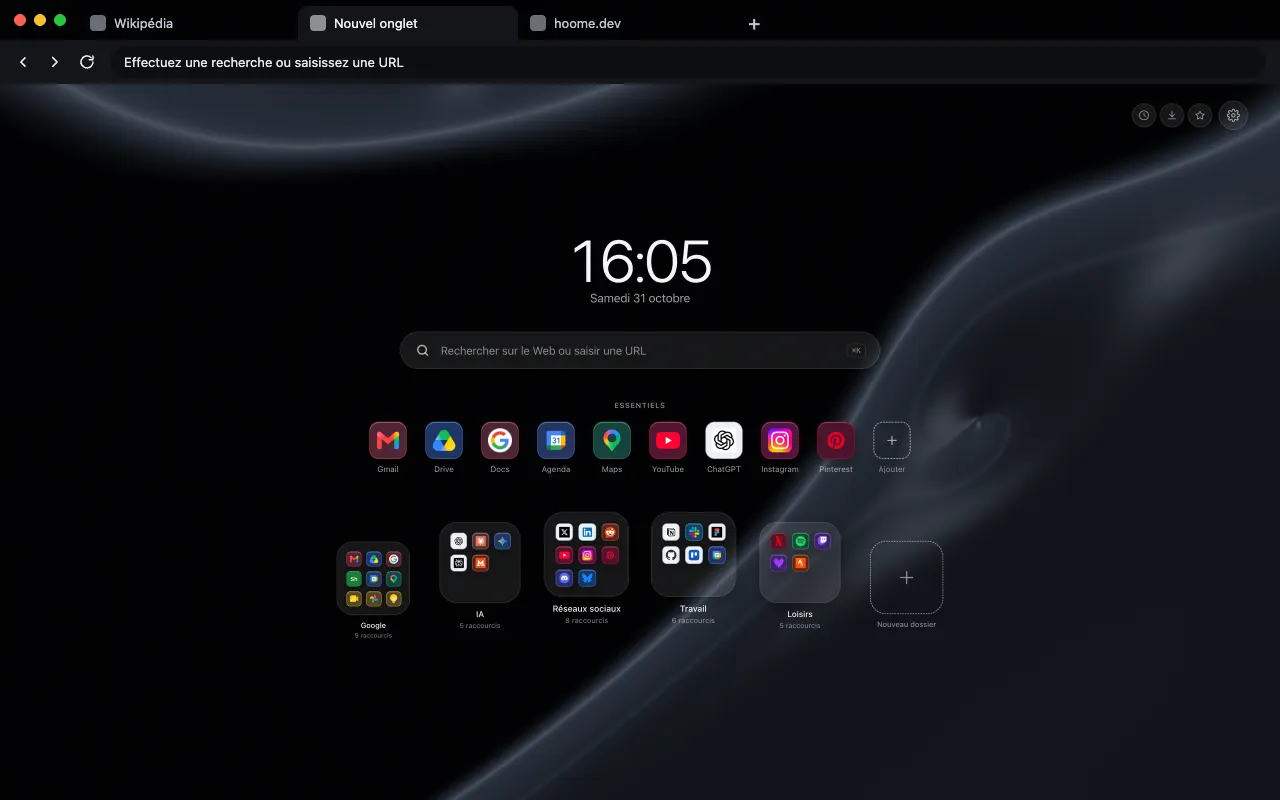
Holographic chrome in rainbow colors for your browser frame. The background comes alive on your new tab with Hoome.
- Hoome
- Animated in Hoome
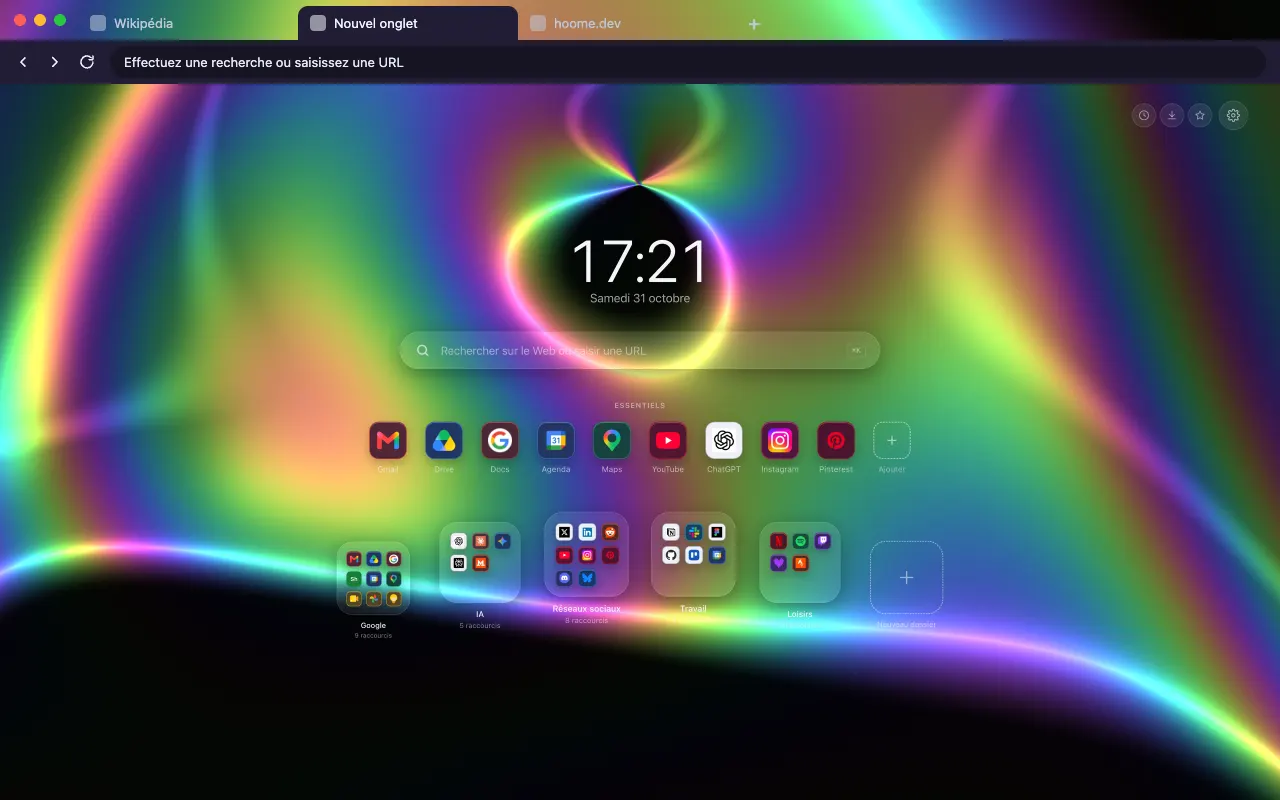
Install the theme in your browser
The theme is free. It dresses your browser frame: tabs, address bar and new tab. Pick your browser:
What moves
Rainbow Road, from the Chrome family: the still version of the browser theme is an image, and it is in Hoome, on your new tab, that this background moves. The background is computed live by your computer, and stops while the tab is hidden. The speed slider slows it down, doubles it or freezes it, and it stays still if your system asks for reduced motion.
Its colours
The four colors the background draws with. Hoome’s interface picks up the dominant one for its panels.
Even better with Hoome
The theme dresses your browser. To get this background animated on your new tab page, with your shortcuts, folders and widgets, add the Hoome extension.
Set up your theme in the Hoome extension
- Add Hoome to your browser: it replaces the new tab page.
- Open a new tab, then the settings, Background section.
- In the Chrome folder, click Rainbow road.