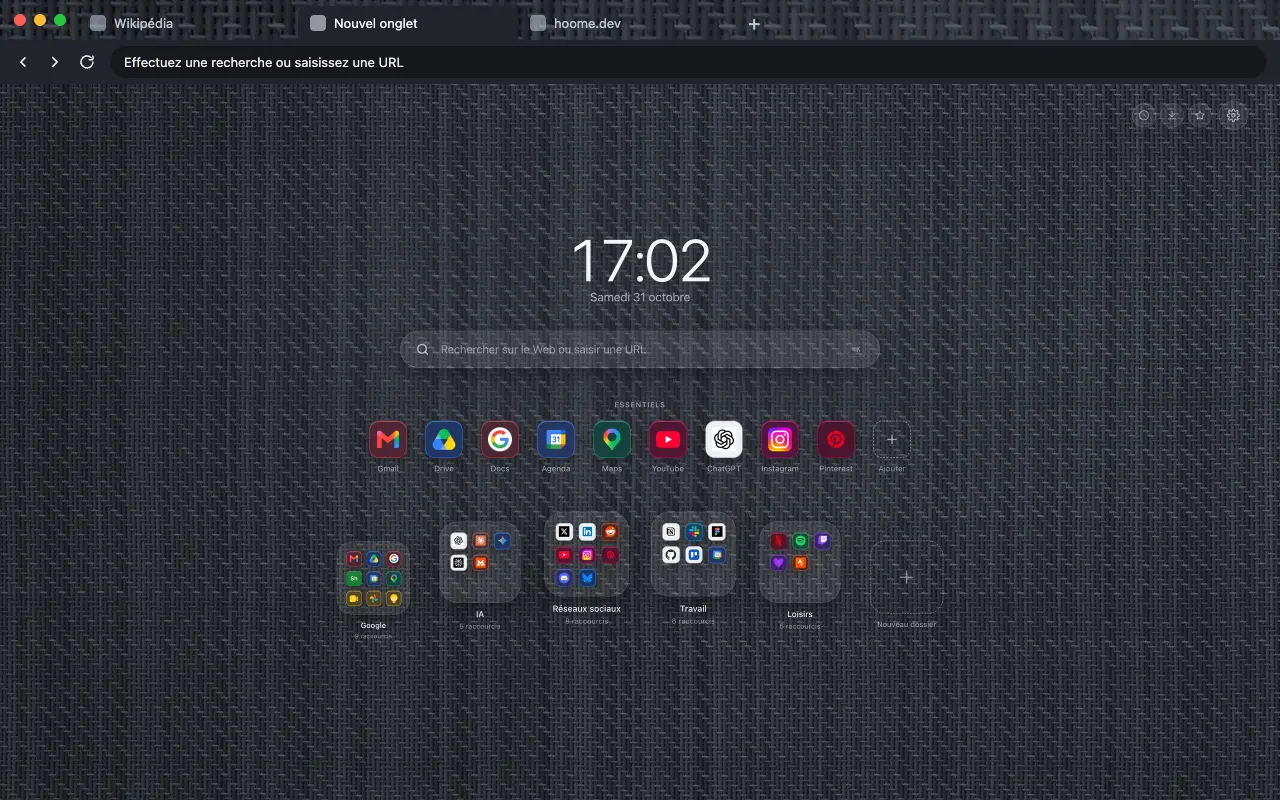
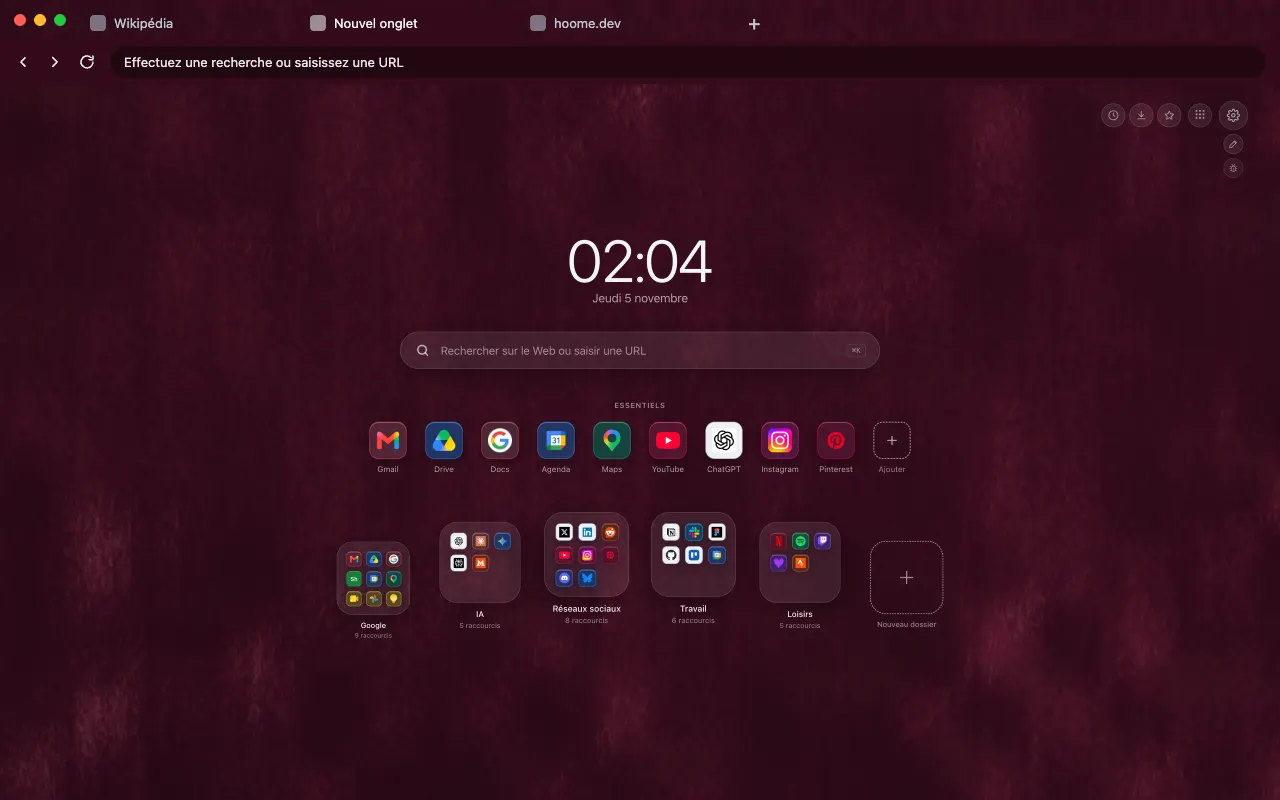
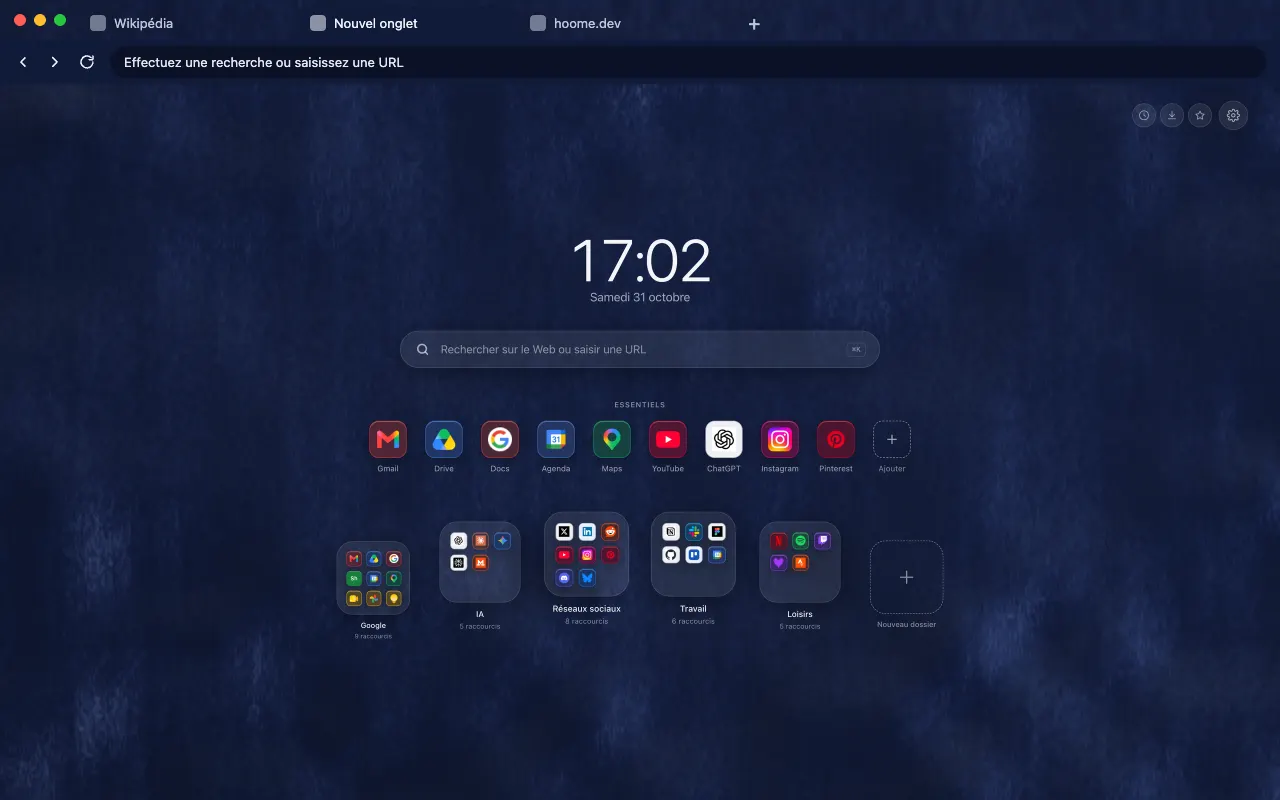
Natural Linen
A background for your new tab with Hoome
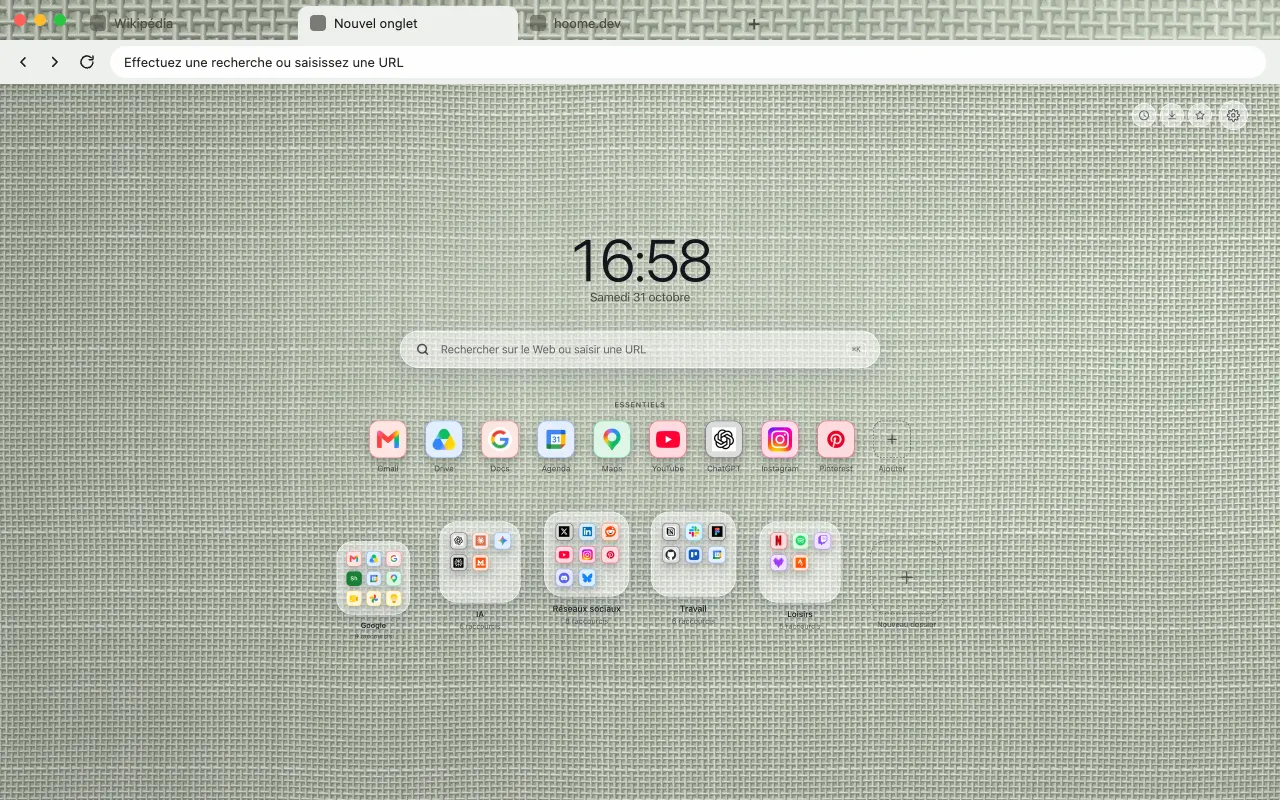
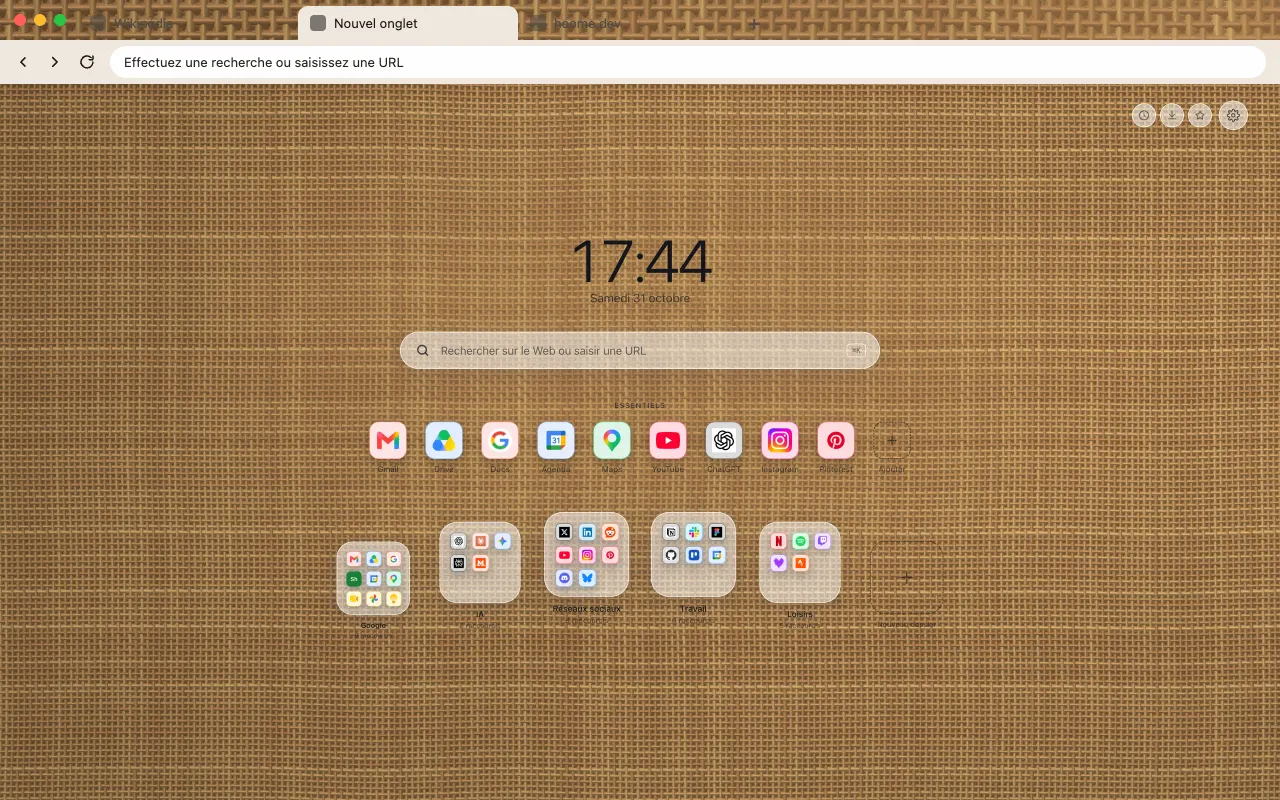
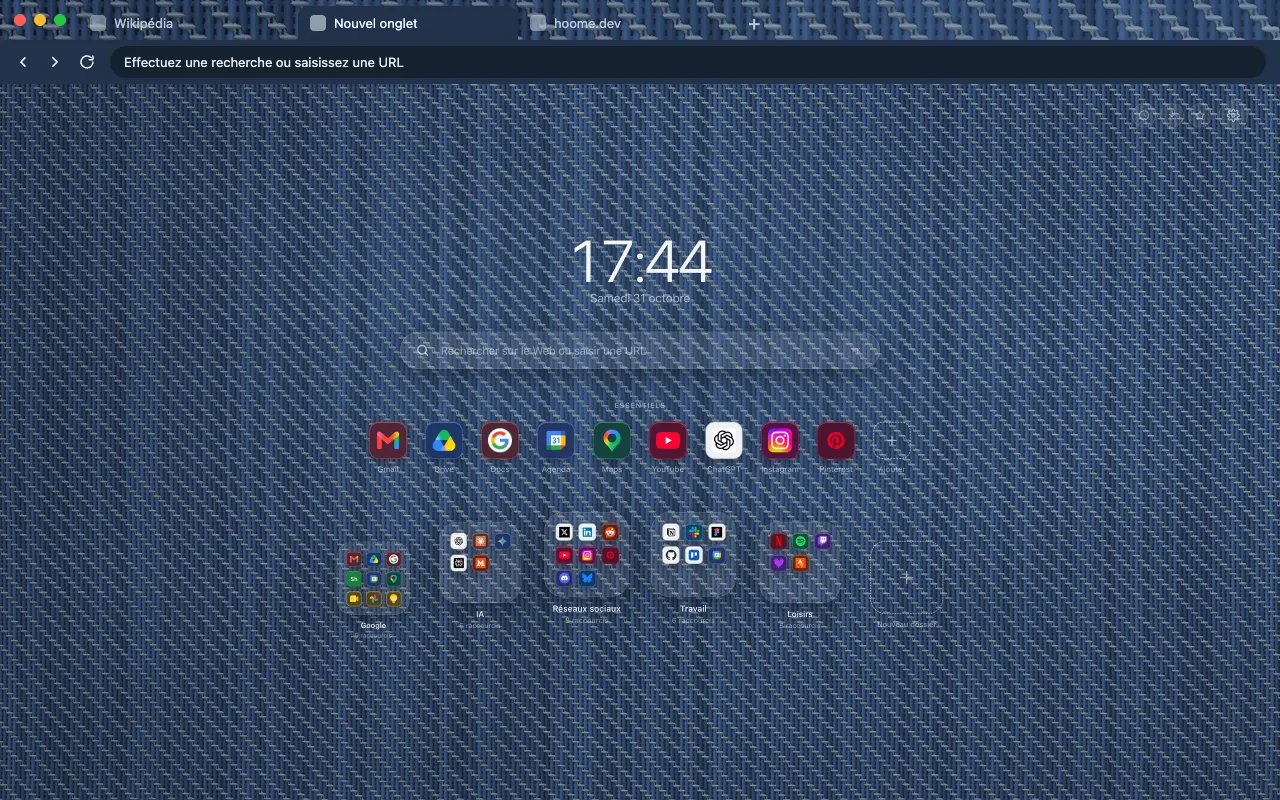
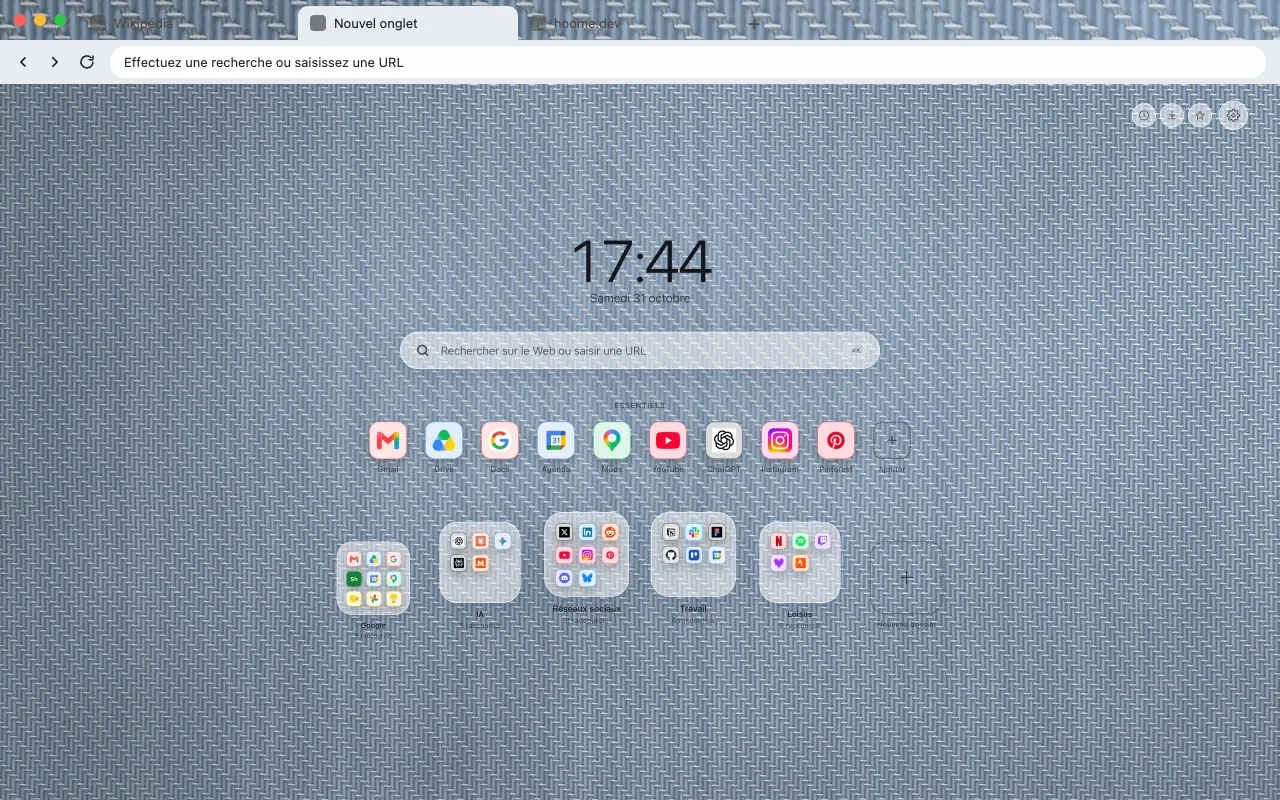
The undyed weave of natural linen for your browser frame. The full background is in Hoome.
- Hoome
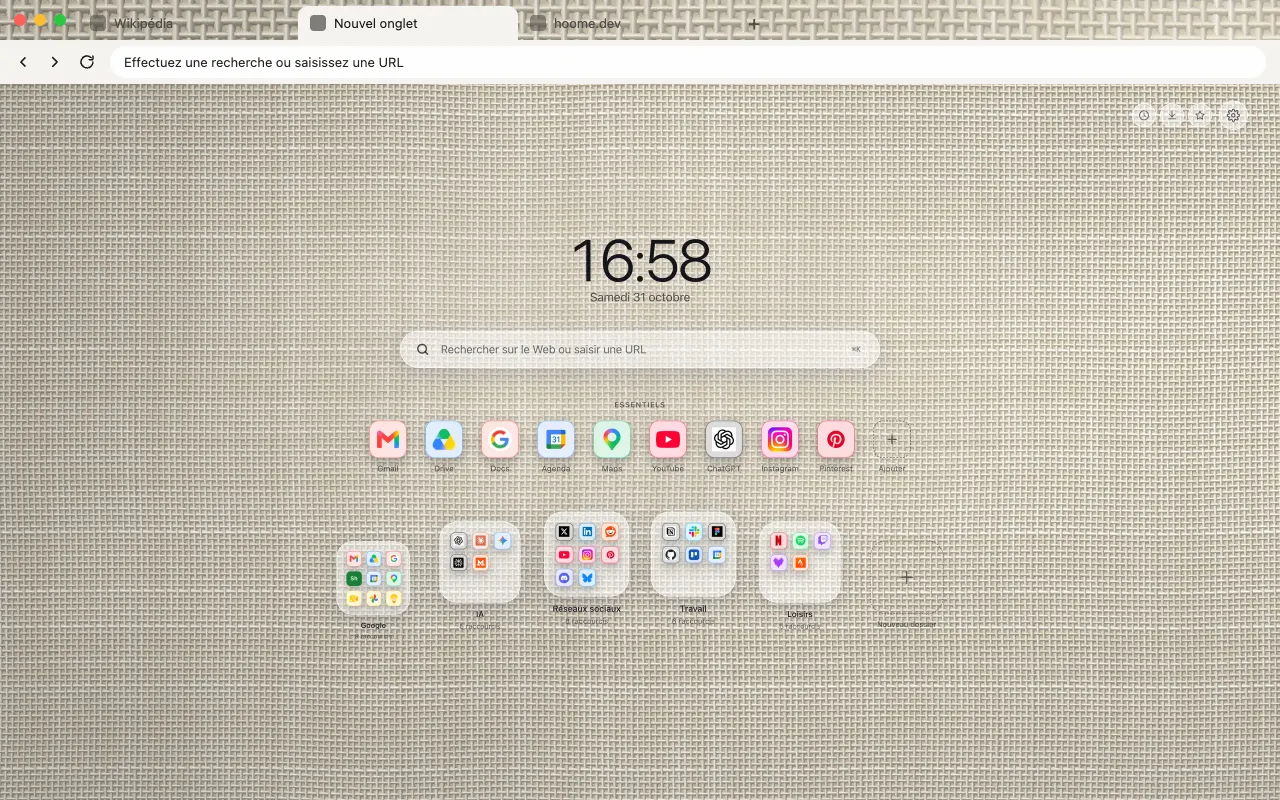
Install the theme in your browser
The theme is free. It dresses your browser frame: tabs, address bar and new tab. Pick your browser:
Its colours
The four colors the background draws with. Hoome’s interface picks up the dominant one for its panels.
Even better with Hoome
The theme dresses your browser. To get this background full page on your new tab page, with your shortcuts, folders and widgets, add the Hoome extension.
Set up your theme in the Hoome extension
- Add Hoome to your browser: it replaces the new tab page.
- Open a new tab, then the settings, Background section.
- In the Textiles folder, click Natural linen.