Horizons wallpapers
Large planes of color that ripple, from light to dark, like horizons stacked on one another.
-
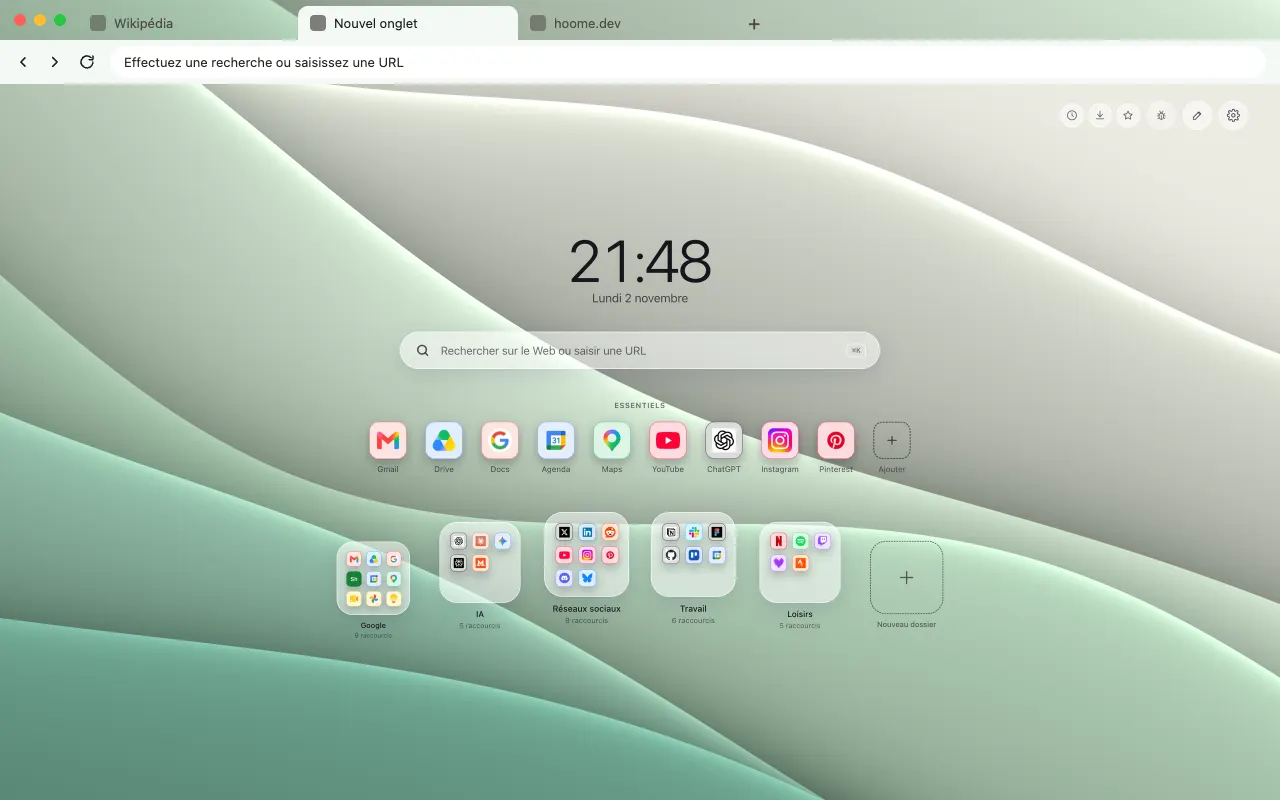 Glade Large smooth layers rippling in soft greens for your browser frame. The animated background lives in Hoome.
-
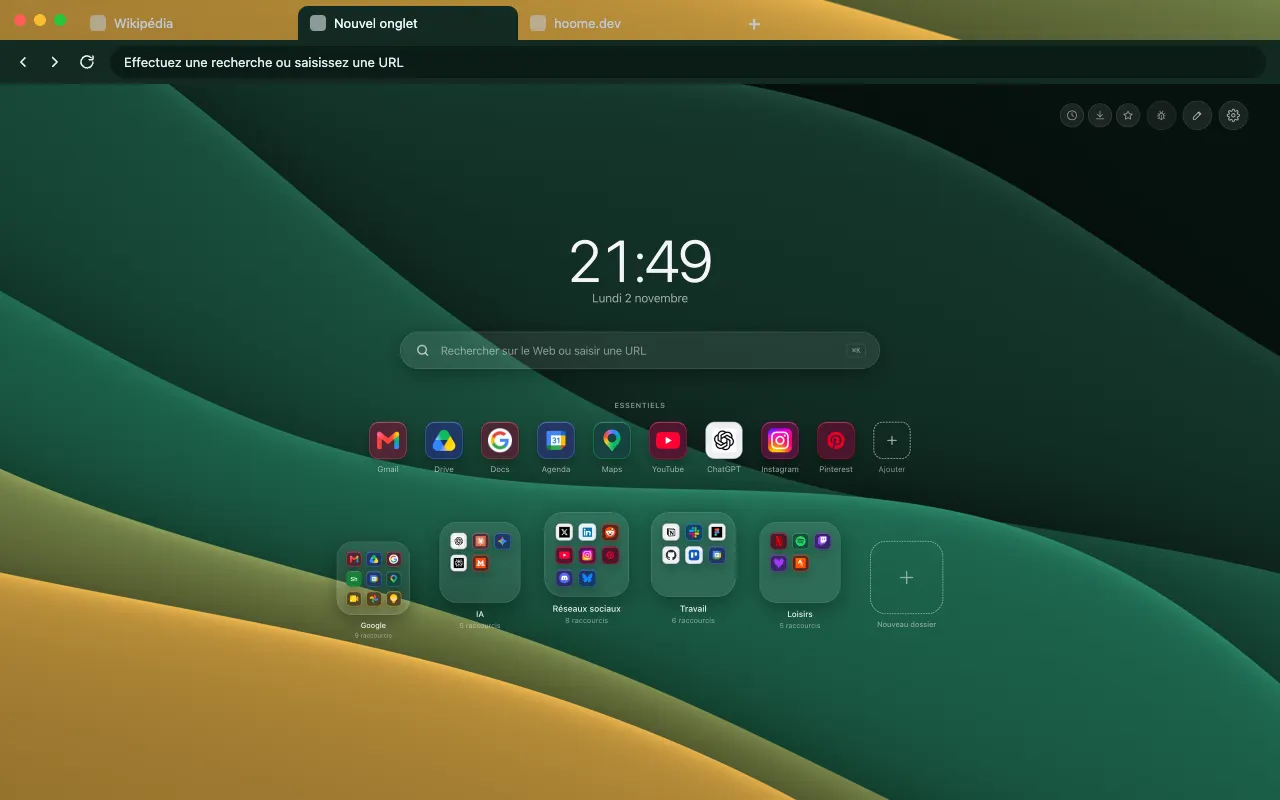 Undergrowth Five slopes in deep green, with a layer of gold for your browser frame. The animated background lives in Hoome.
-
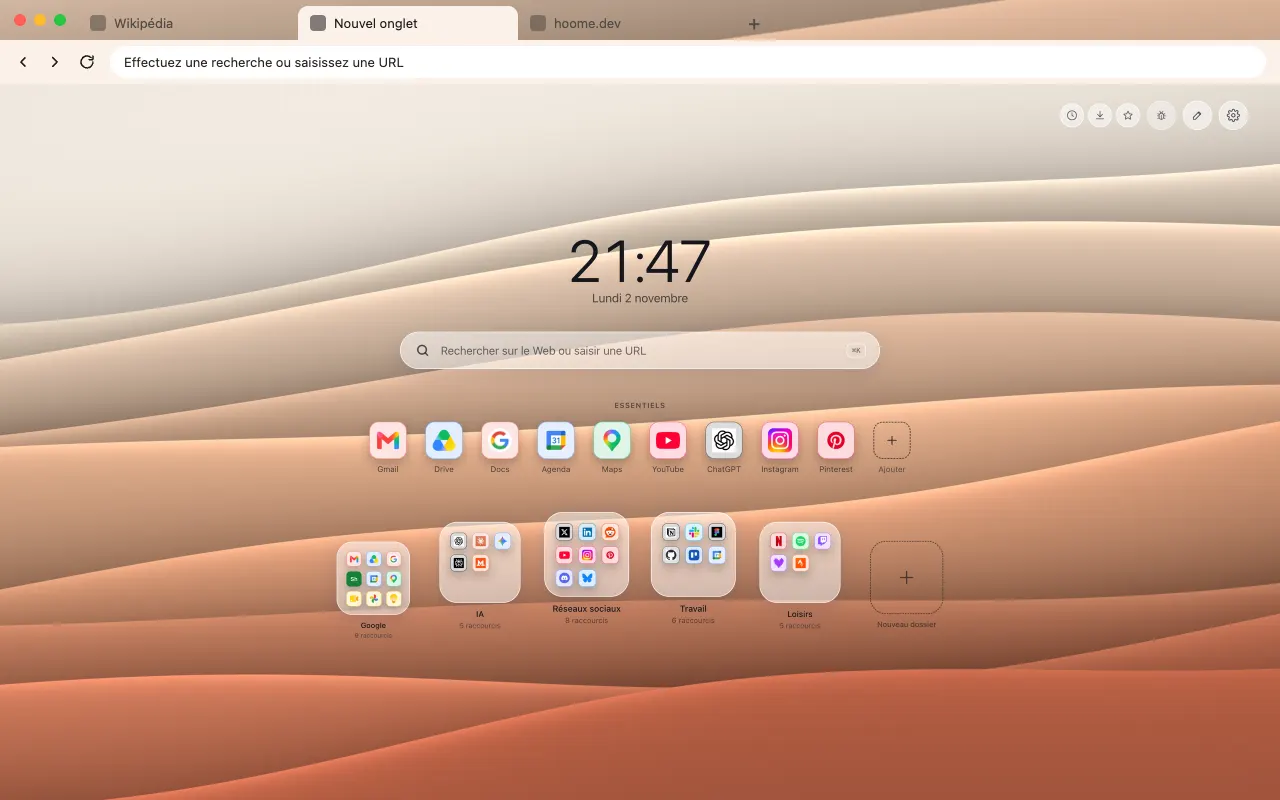 Strata Eight nearly flat strata in terracotta tones for your browser frame. The same background moves in Hoome.
-
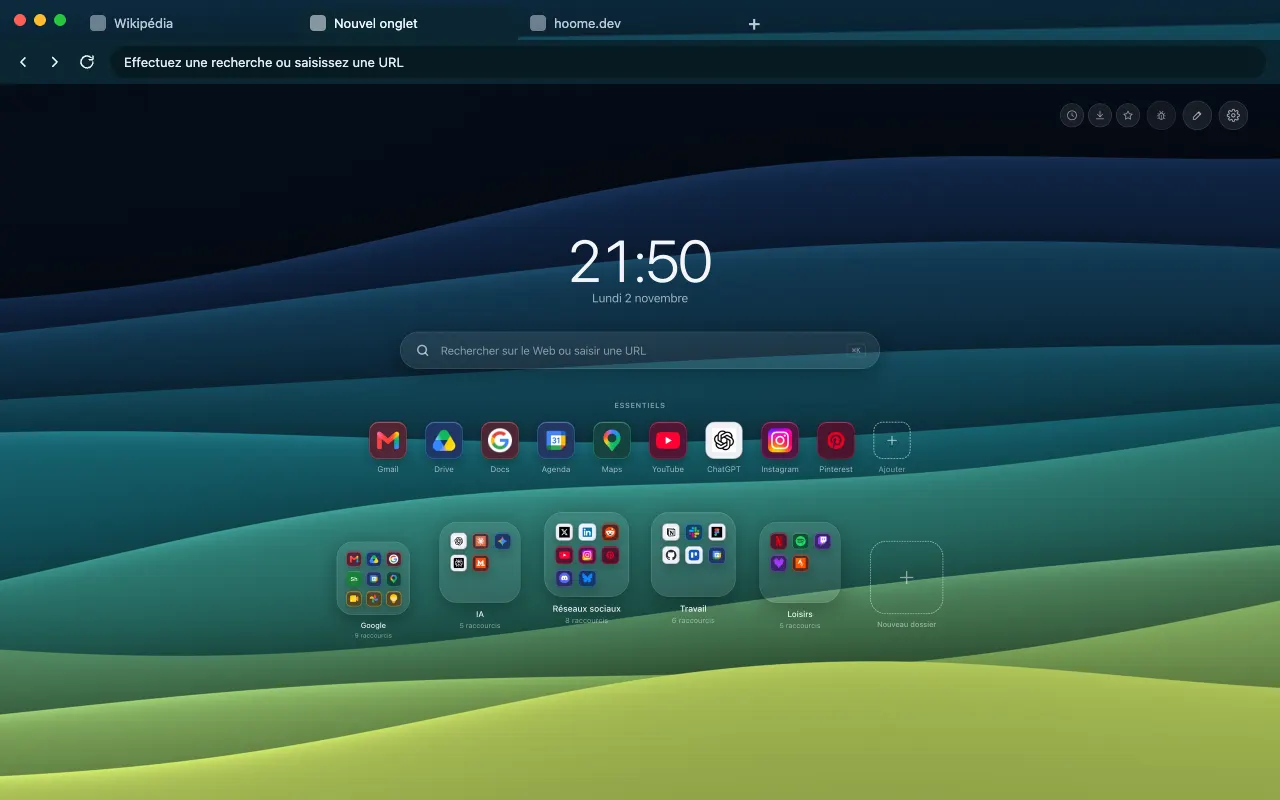 Estuary Eight strata, from ink to aniseed green for your browser frame. The same background moves in Hoome.
-
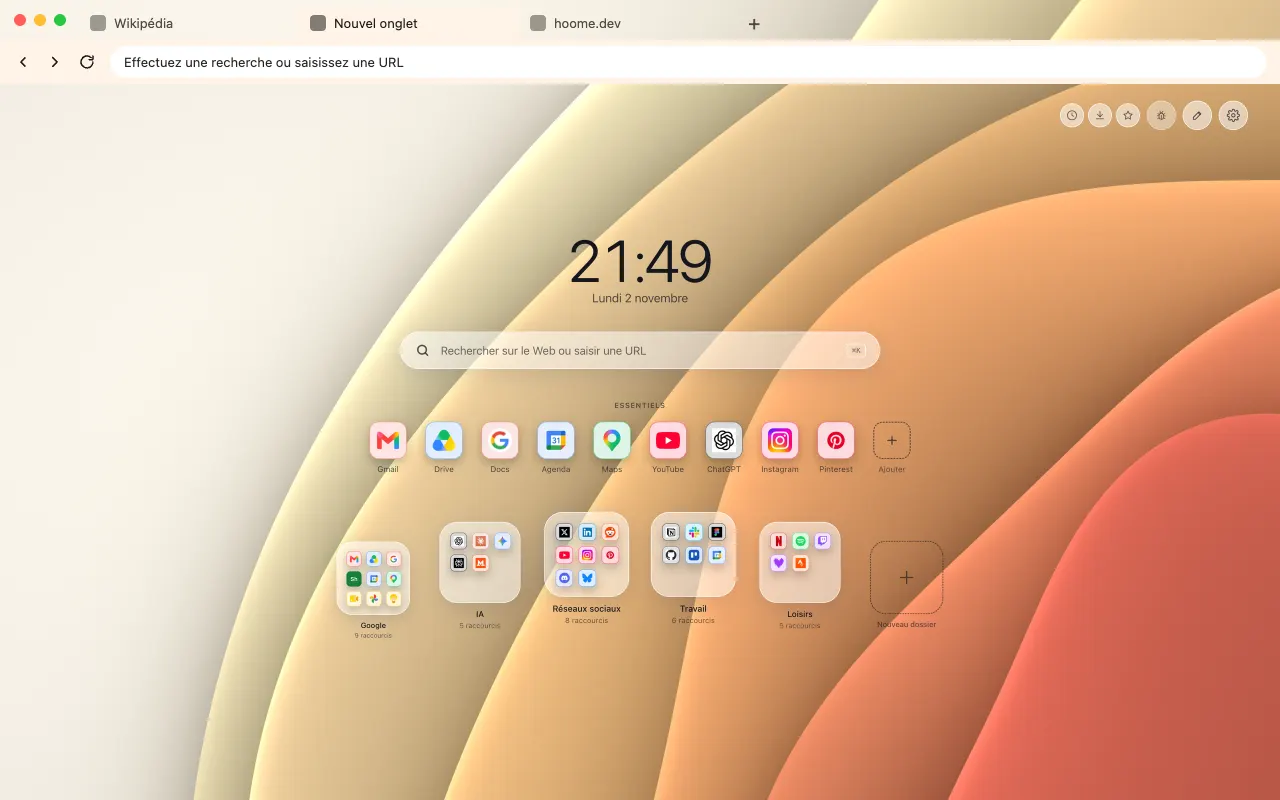 Ripples Smooth arcs from cream to coral, like ripples for your browser frame. The background comes alive on your new tab with Hoome.
-
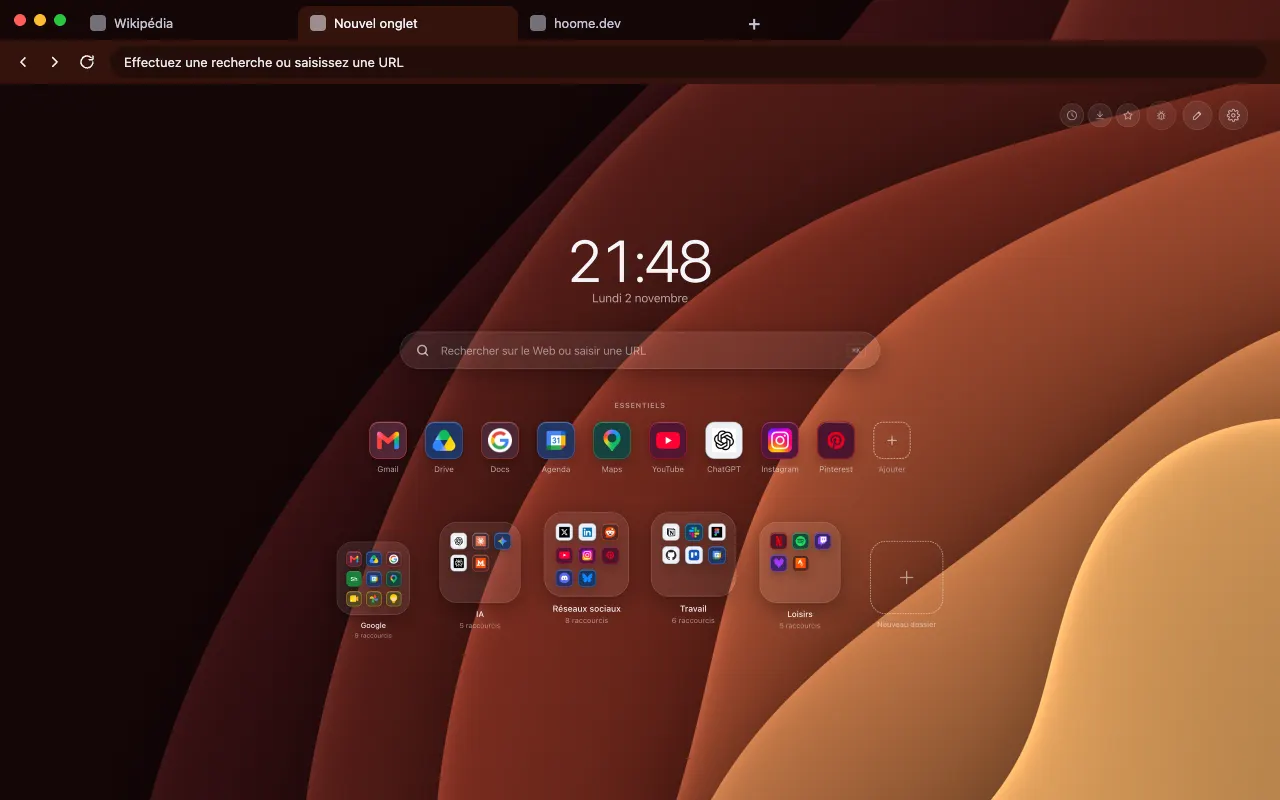 Forge Smooth arcs around a corner, from wine red to copper for your browser frame. In motion on your new tab with Hoome.
-
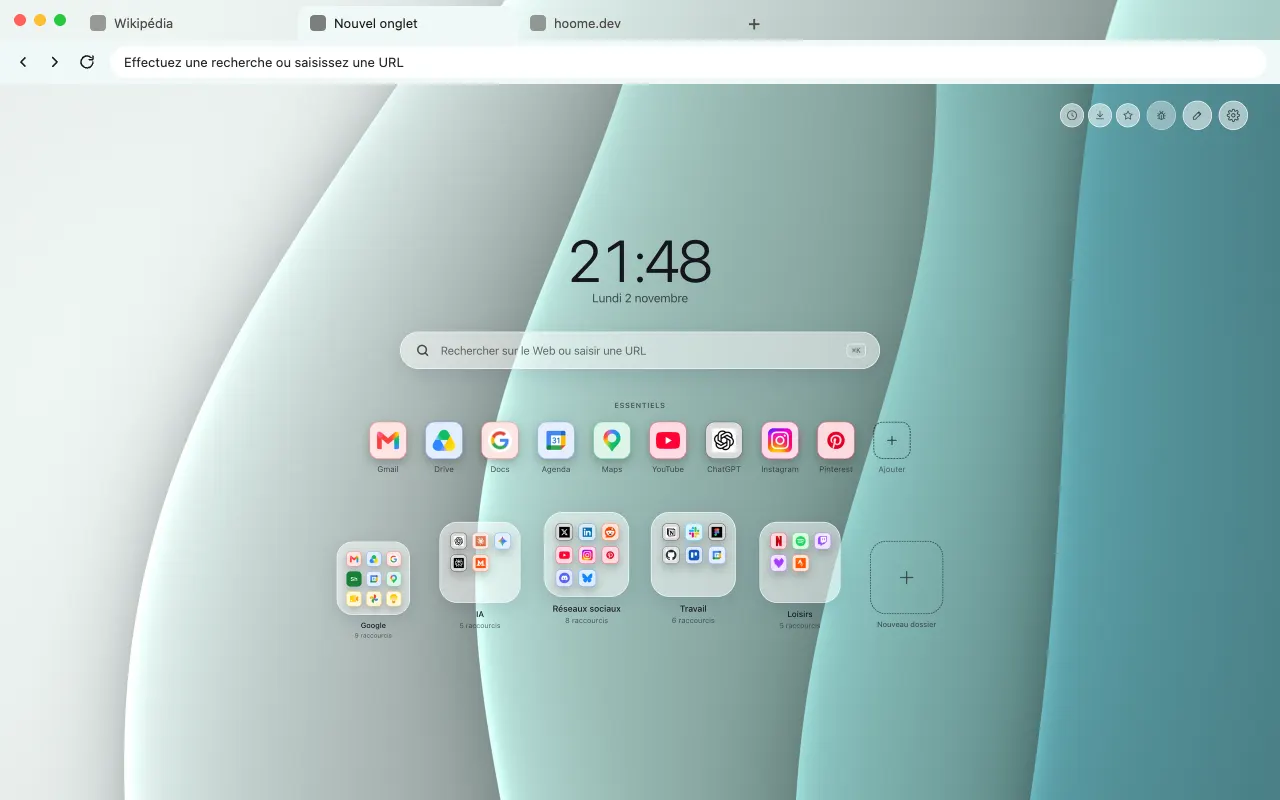 Sea spray Four nearly upright folds in sea-water tones for your browser frame. In motion on your new tab with Hoome.
-
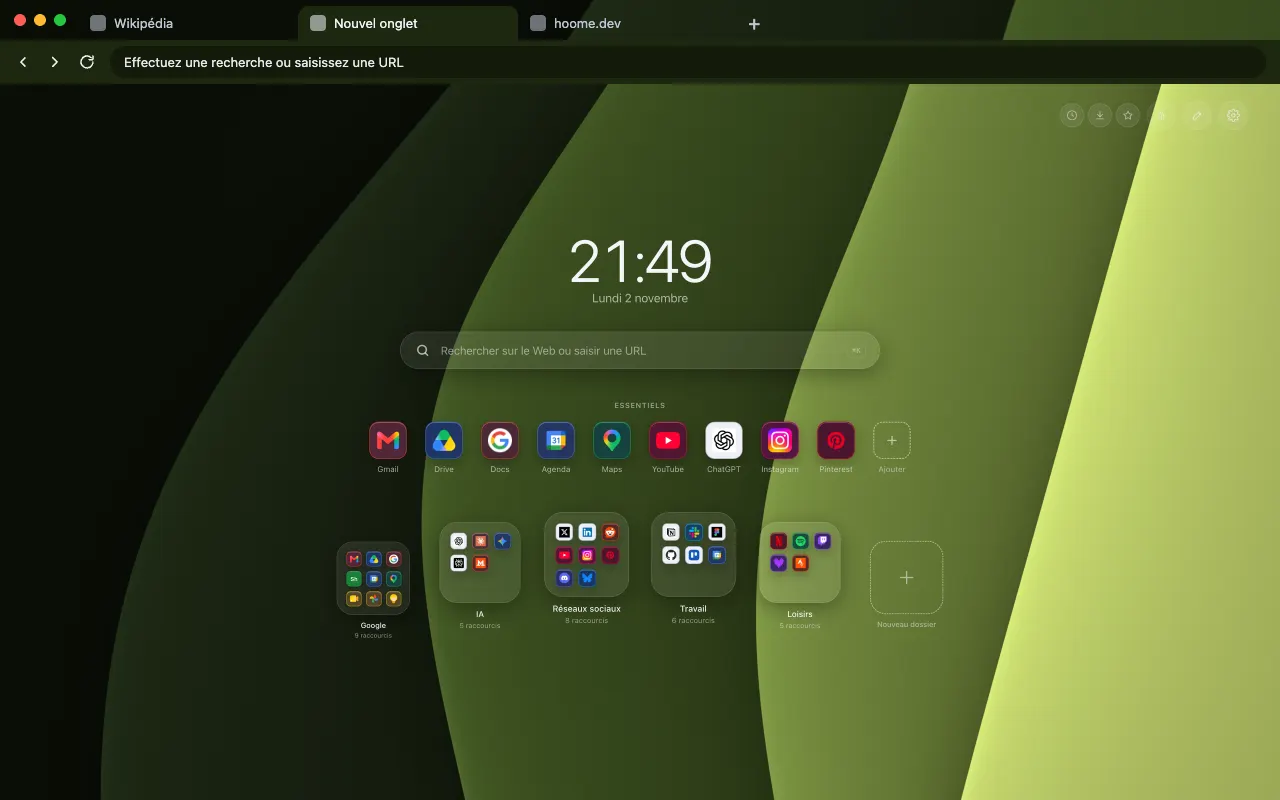 Fern grove Four nearly upright folds, from moss to acid green for your browser frame. Its animated version lives in Hoome.
-
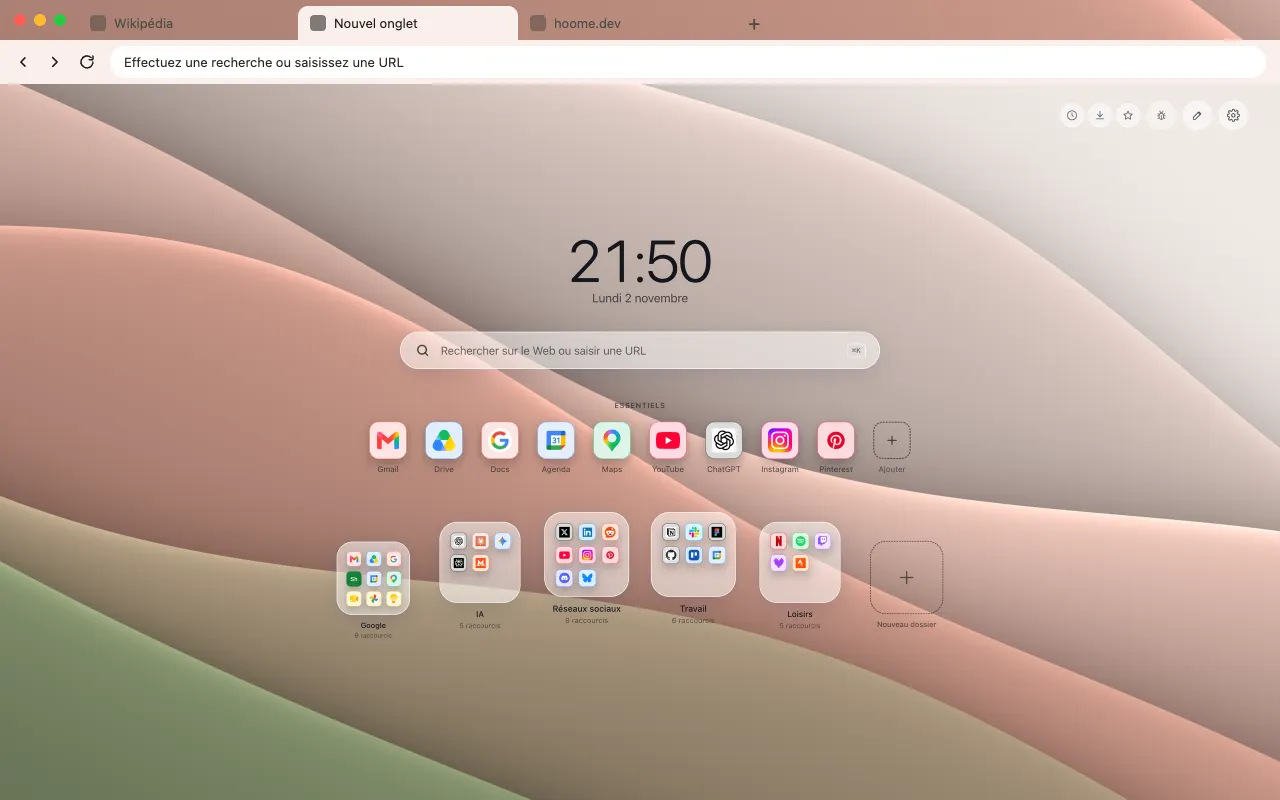 Clay Five slopes of pink clay and olive for your browser frame. Its animated version lives in Hoome.
-
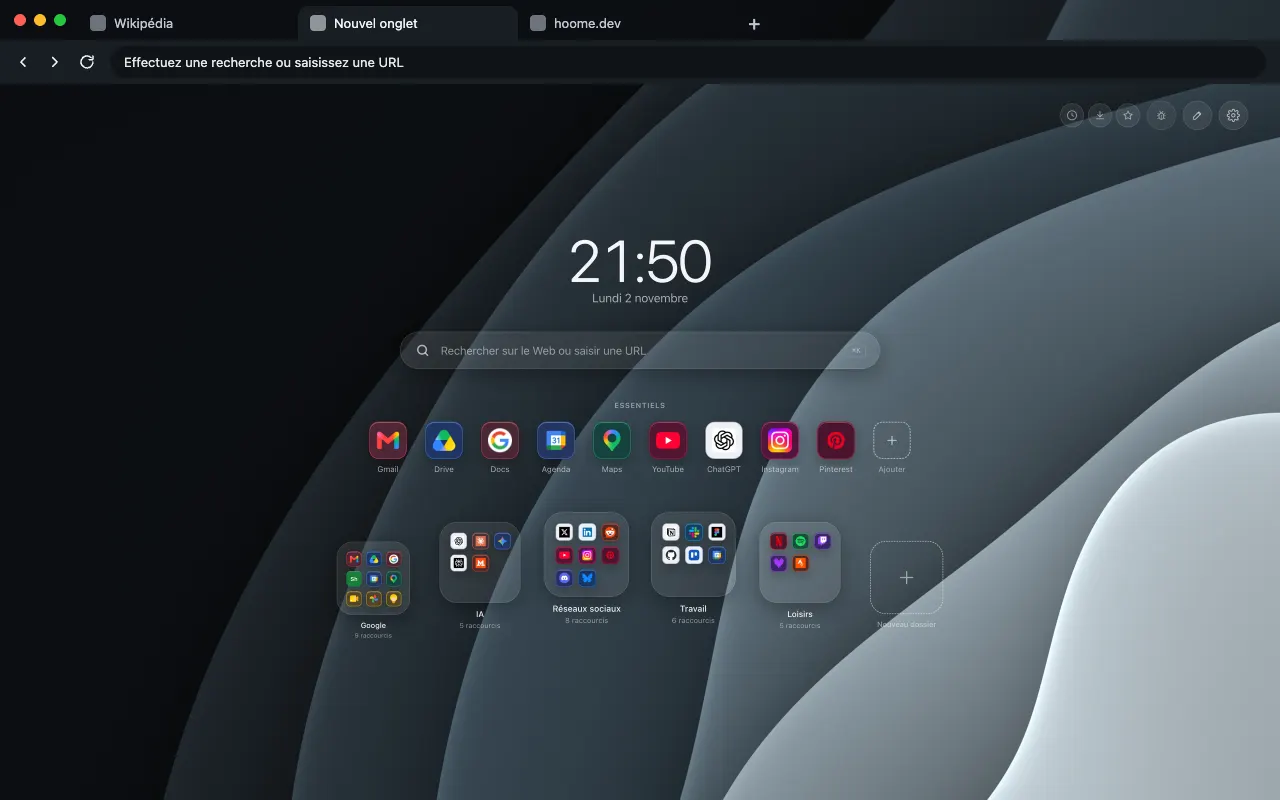 Basalt Smooth arcs around a corner, in stone gray for your browser frame. The background comes alive on your new tab with Hoome.
-
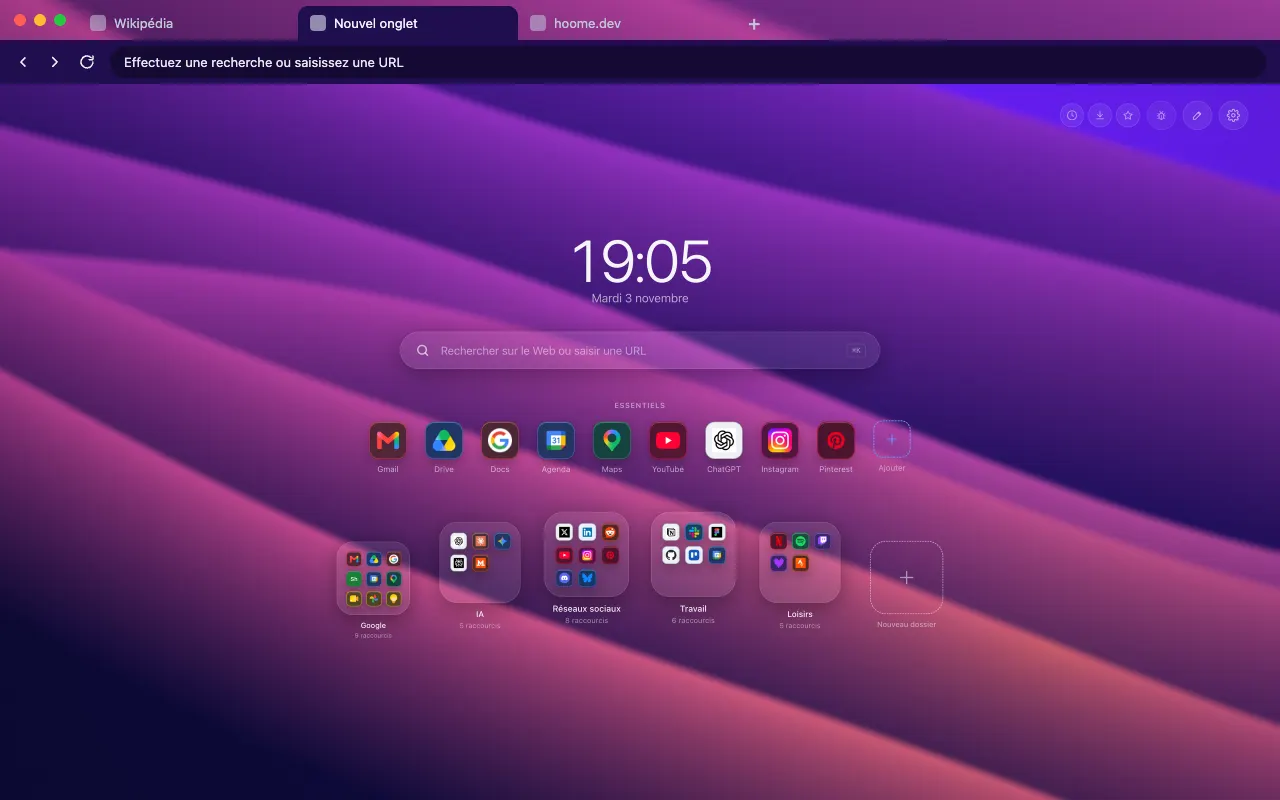 Ultraviolet Large smooth ribbons in violet and magenta for your browser frame. The animated background lives in Hoome.
About this family
To find them in Hoome, open the settings, go to Background, then the Horizons folder. One click applies a background, and the interface picks up its color.
Even better with Hoome
Every theme in this family is free and dresses your browser. To get these backgrounds on your new tab page, with your shortcuts, folders and widgets, add the Hoome extension.
Your next tab can be a tidy one
No sign up, no card, and your sites finally where they belong.
-
 For ChromeChrome Web Store
-
 For FirefoxFirefox Add-ons
-
 For EdgeEdge Add-ons
-
 For BraveChrome Web Store
Brave installs Hoome from the Chrome Web Store.
On a phone, tap “Add to Desktop” on the Chrome Web Store: Hoome will install in Chrome on your computer, if it is signed in to the same Google account.