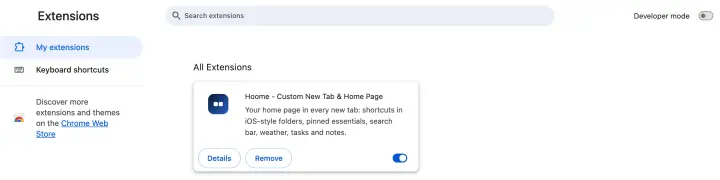
How to manage Chrome extensions: view, pin and remove
How to manage Chrome extensions: where to find them, how to add and pin them, set their permissions and site access, turn them off or remove them.
How to get more out of your new tab page, organize your bookmarks and keep a browser that stays quick.
How to manage Chrome extensions: where to find them, how to add and pin them, set their permissions and site access, turn them off or remove them.
Customize
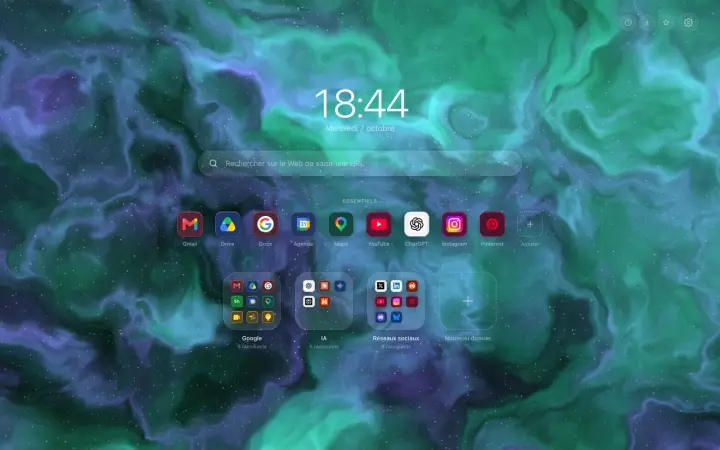
Put a clock on Chrome's new tab: large or discreet, in twenty-four or twelve-hour format, in the typeface and language of your choice.
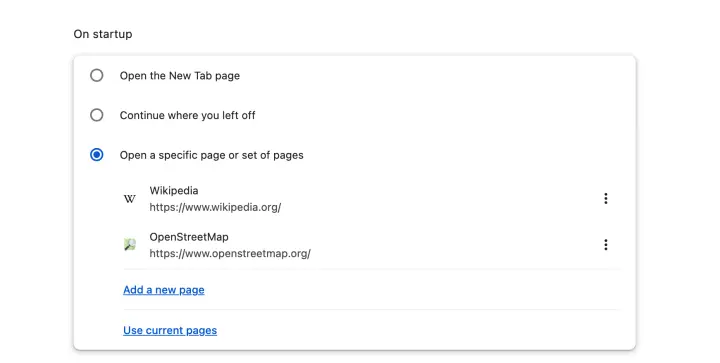
Chrome opens new tabs by itself, at startup, on an advert or on Yahoo: the five causes, and how to track each one down in Chrome's settings.
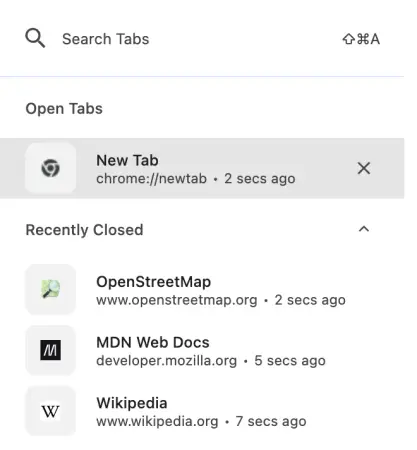
Reopen a closed tab in Chrome, bring back a whole window or yesterday's tabs: the shortcut, the menu, your history, and what makes tabs disappear.
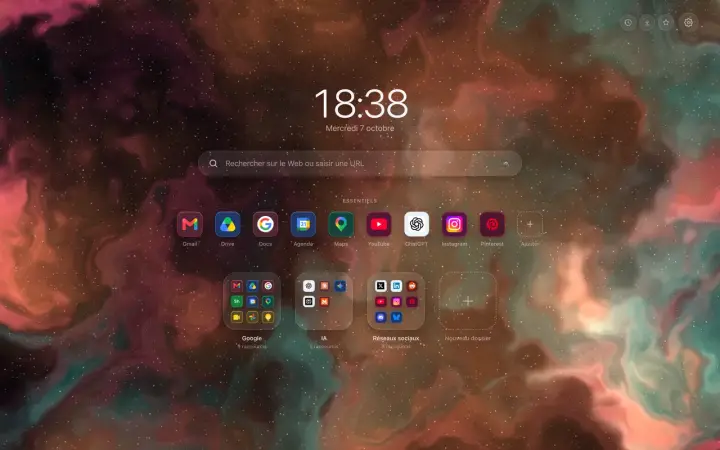
Organize
Add shortcuts to your Chrome new tab page without typing a single address: a right-click, a catalogue of well-known sites, and it is all sorted.
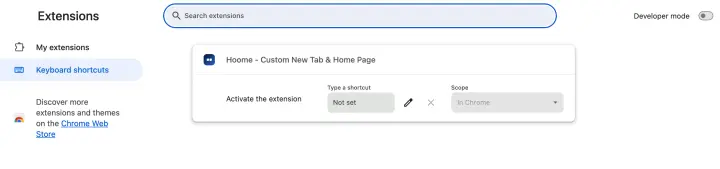
Every Chrome keyboard shortcut for Windows and Mac: tabs, windows, navigation, bookmarks, zoom, and the ones everyone always forgets.
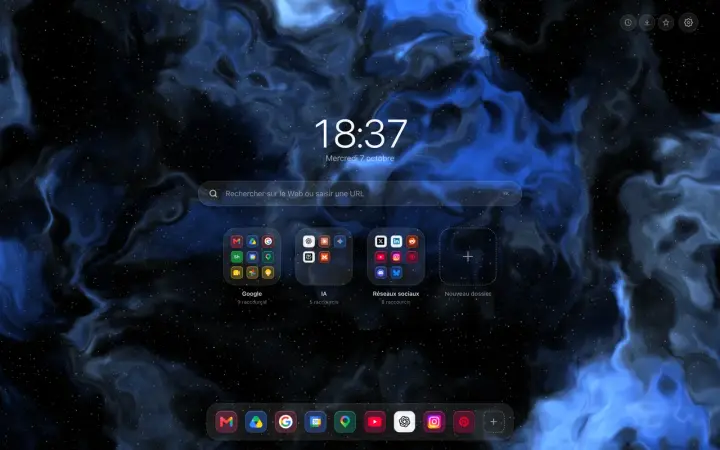
Customize
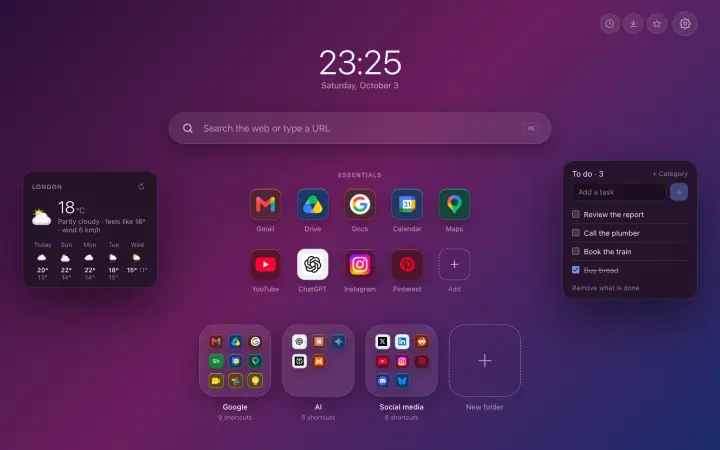
The Dock at the bottom of the screen like on a Mac, or everything in the centre: the two free layouts of your Chrome new tab, and five more with Premium.
Chrome accepts no extensions on Android or iPhone. What works instead: Firefox, Safari, Samsung Internet, and the traps to avoid.
The best Chrome extensions in 2026, sorted by what they do: block ads, manage passwords, translate, tidy your tabs and your new tab page.
Organize
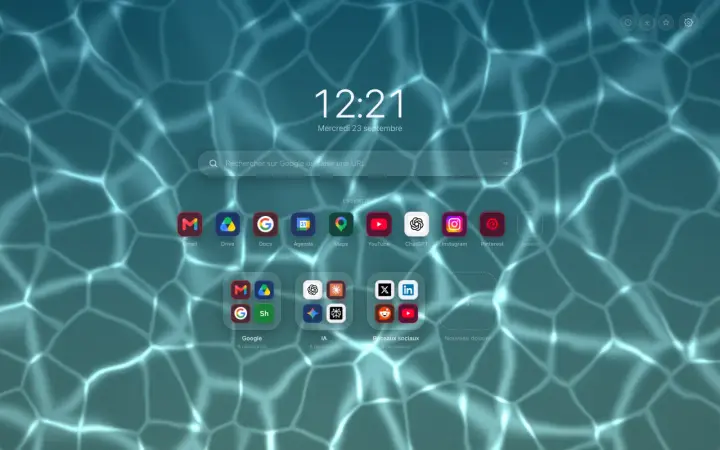
Move the shortcuts on your Chrome new tab by dragging them: change their order, take them out of a folder or create a new one, with no form to fill in.
Organize
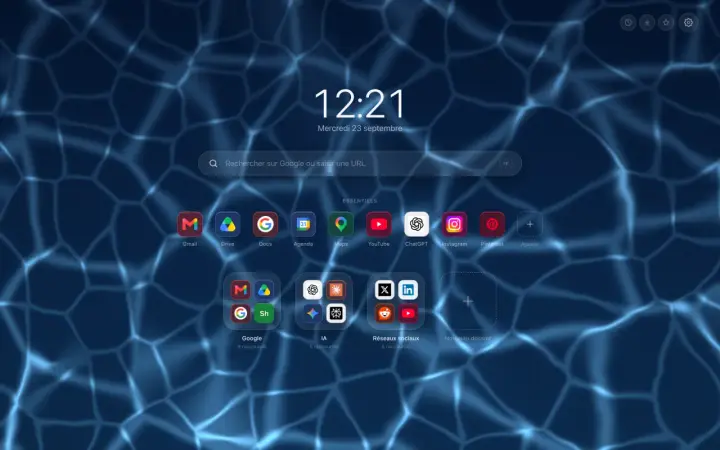
Organize your Chrome bookmarks into folders without losing any: keep the folders you have, start from ready-made categories, and see them on the new tab.
Guide Organize
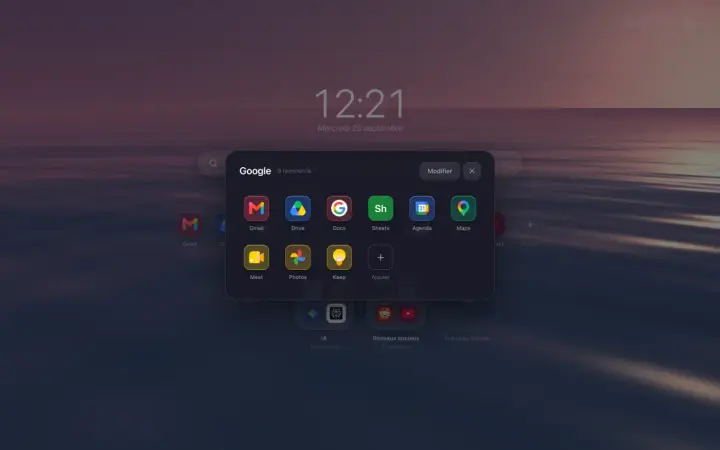
Organize your sites in Chrome: what bookmarks and tab groups really do, then a new tab page tidied into folders, where everything is found in seconds.
Customize
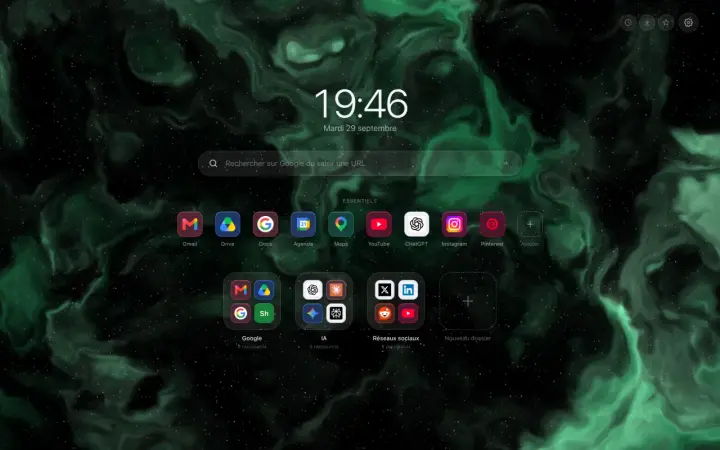
The grey bar at the bottom of your new tab does not come from your extension: Chrome adds it itself. Here are the two clicks that make it disappear.
Guide Backgrounds
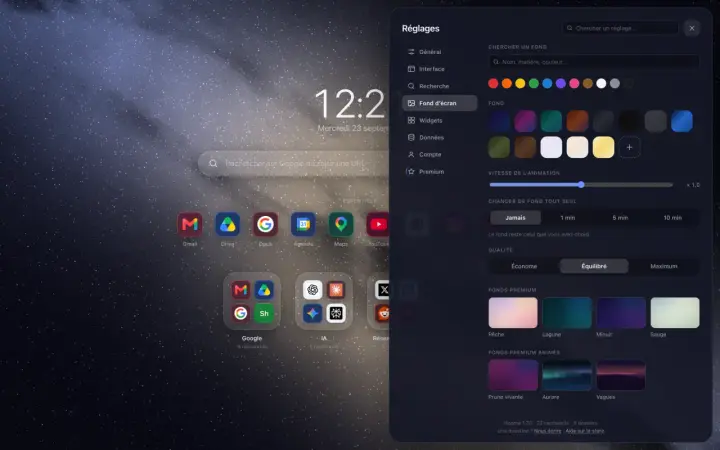
Change the Google Chrome background: the method built into the browser, the trap to avoid when an extension owns the page, then the backgrounds of Hoome.
Guide Customize
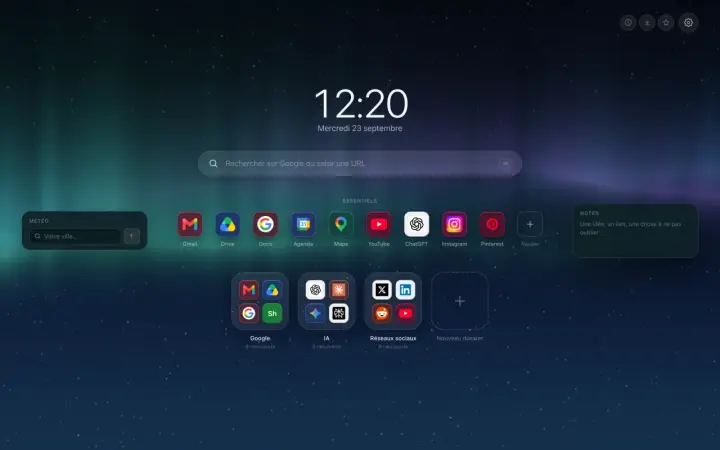
Customize the Chrome home page: what the browser settings allow, then a page of your own, with folders, layout, clock, widgets, icons, theme and background.
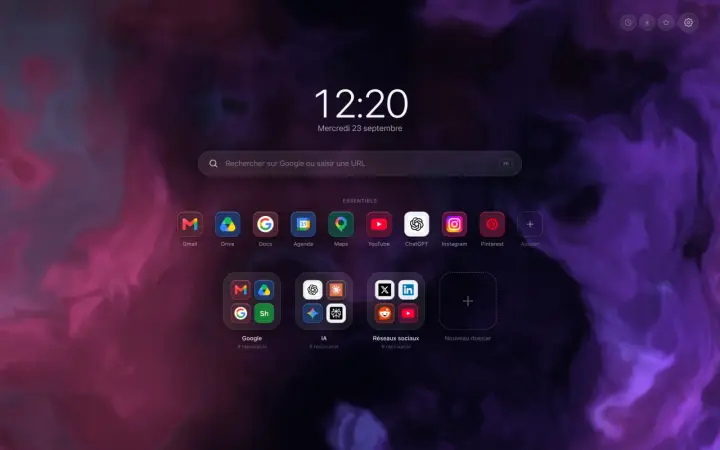
A Chrome new tab extension that tidies your sites into folders: what it changes in a working day, and what this blog is going to be about.
No article matches your search.