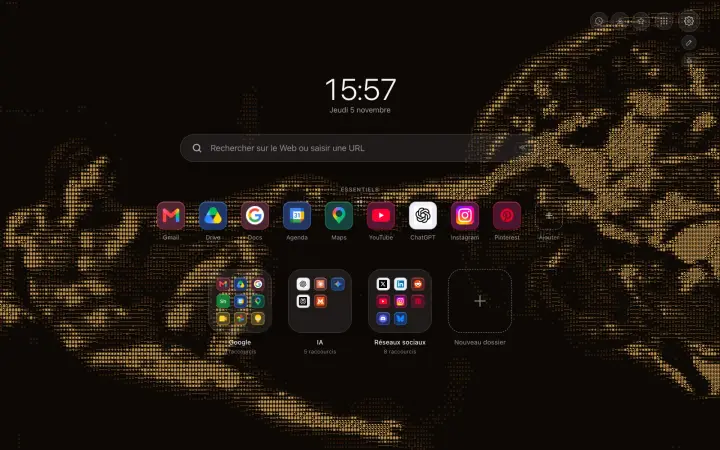
Backgrounds
Animated ASCII Wallpaper for Your Chrome New Tab
Four animated ASCII wallpapers are coming to Hoome: Michelangelo's Creation of Adam, redrawn live with ten characters, right on your Chrome new tab page.
How to get more out of your new tab page, organize your bookmarks and keep a browser that stays quick.
Backgrounds
Four animated ASCII wallpapers are coming to Hoome: Michelangelo's Creation of Adam, redrawn live with ten characters, right on your Chrome new tab page.
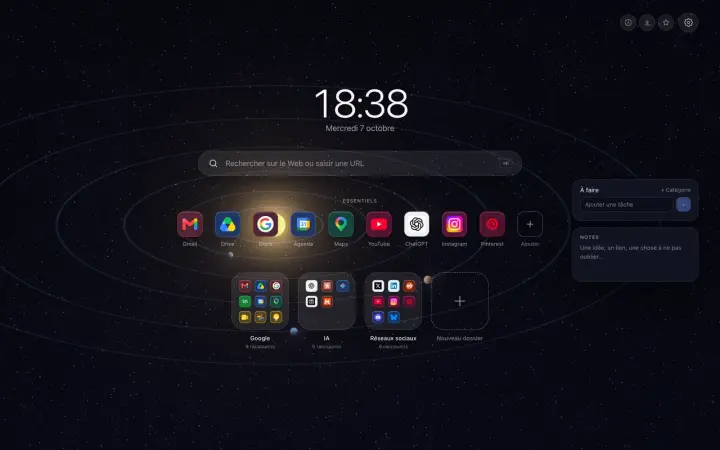
Customize
A to-do list and a notepad on the Chrome new tab page: nothing more to open, nothing to install, and everything stays in your browser, unless you sync it.
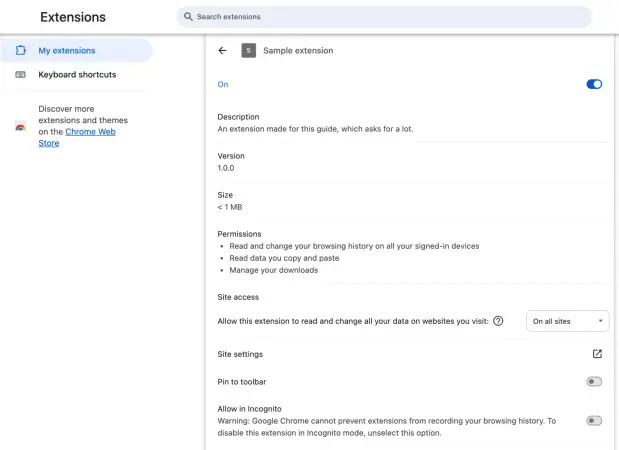
How to tell if a Chrome extension is safe: the permissions to watch, what the store listing says, the Chrome settings that protect you, and what to do if in doubt.
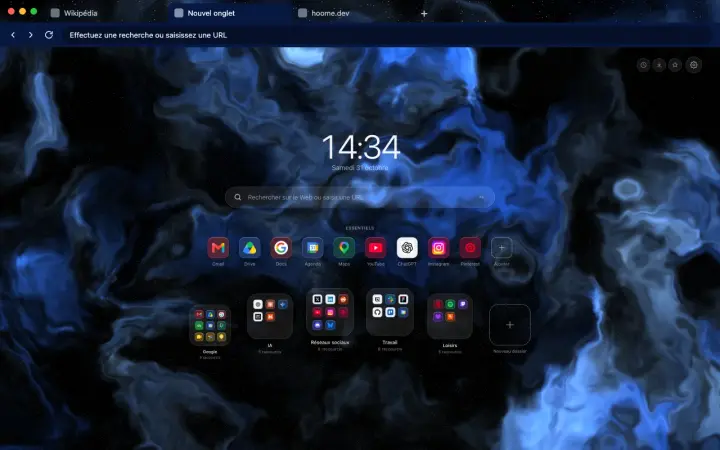
Backgrounds
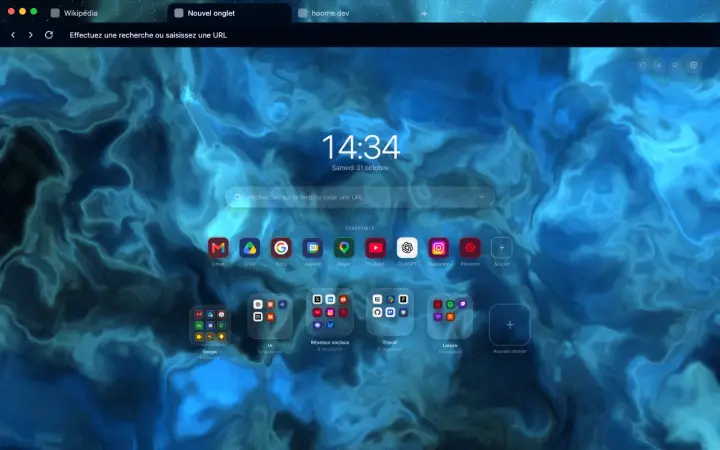
A free browser theme for each Hoome background: tabs and address bar matched to your new tab page. The first three are on Firefox, Chrome will follow.
Customize
Install a theme on Chrome from the Chrome Web Store, switch to another one, or go back to the default theme in Settings, Appearance.
Customize
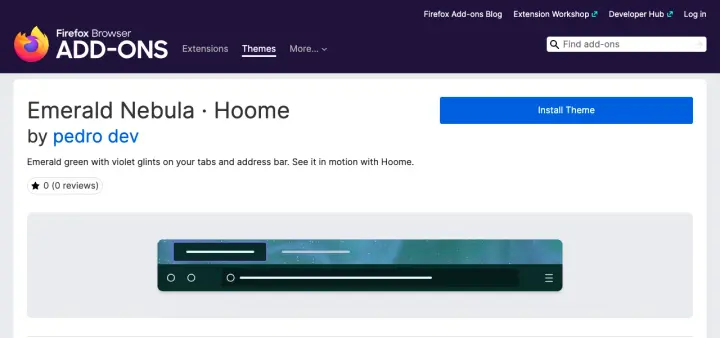
Install a theme on Firefox from addons.mozilla.org, change or remove it in Extensions and Themes, and choose an animated version: the steps.
Customize
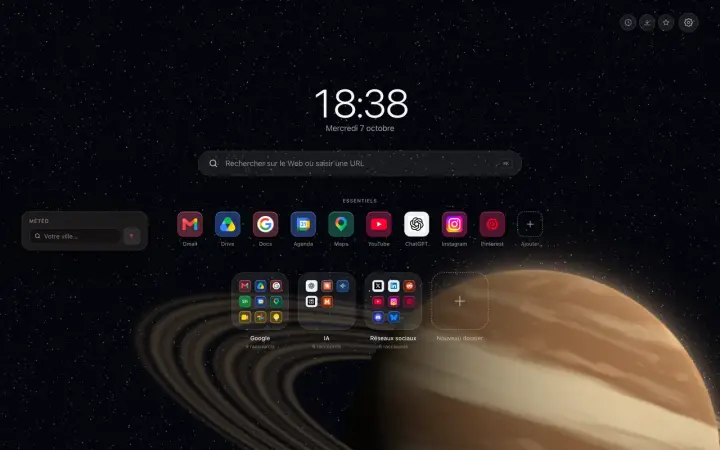
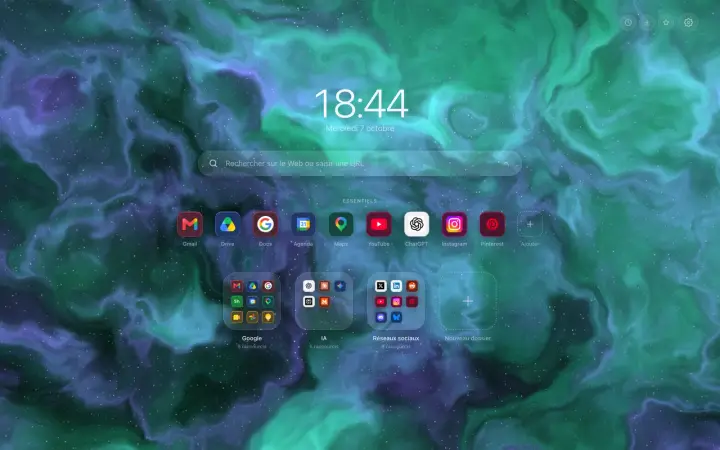
A weather widget on the Chrome new tab page: the temperature, what it feels like, the wind and a five-day forecast, with no account and no ads.
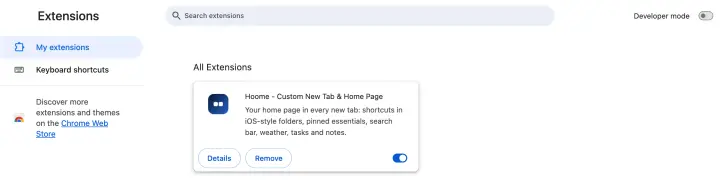
How to manage Chrome extensions: where to find them, how to add and pin them, set their permissions and site access, turn them off or remove them.
Customize
Put a clock on Chrome's new tab: large or discreet, in twenty-four or twelve-hour format, in the typeface and language of your choice.
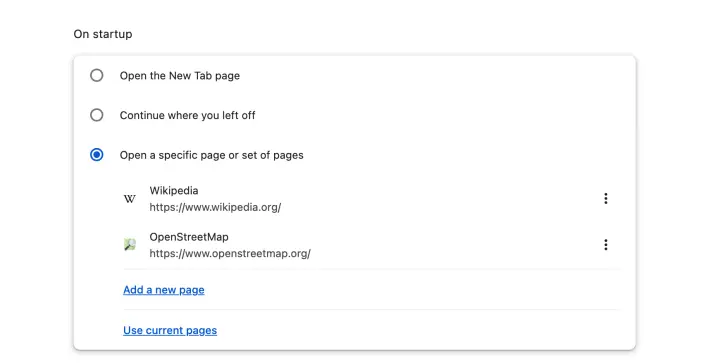
Chrome opens new tabs by itself, at startup, on an advert or on Yahoo: the five causes, and how to track each one down in Chrome's settings.
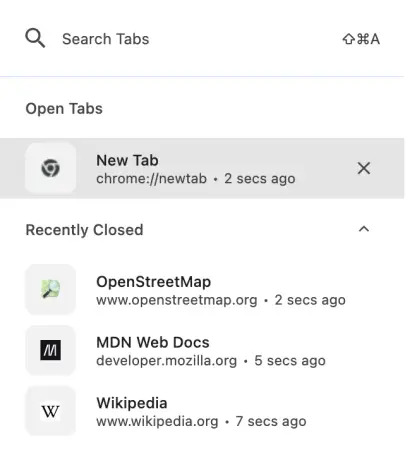
Reopen a closed tab in Chrome, bring back a whole window or yesterday's tabs: the shortcut, the menu, your history, and what makes tabs disappear.
Organize
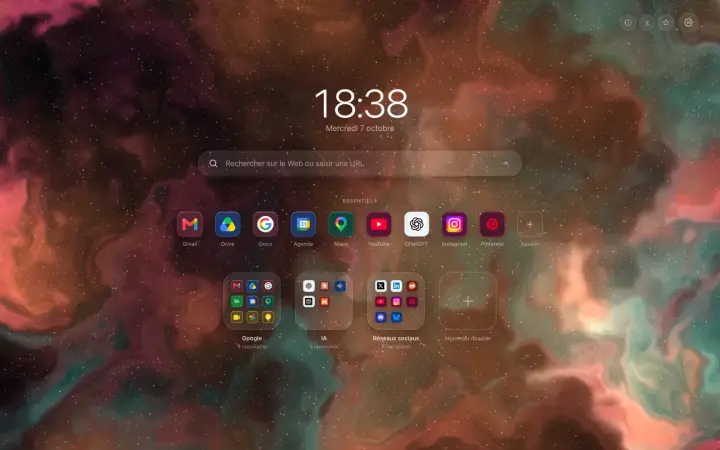
Add shortcuts to your Chrome new tab page without typing a single address: a right-click, a catalogue of well-known sites, and it is all sorted.
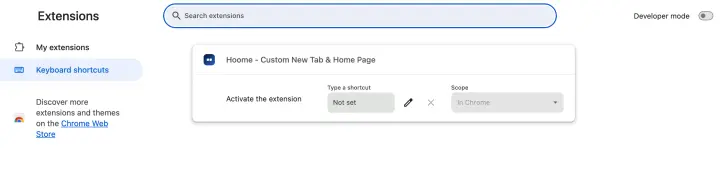
Every Chrome keyboard shortcut for Windows and Mac: tabs, windows, navigation, bookmarks, zoom, and the ones everyone always forgets.
Customize
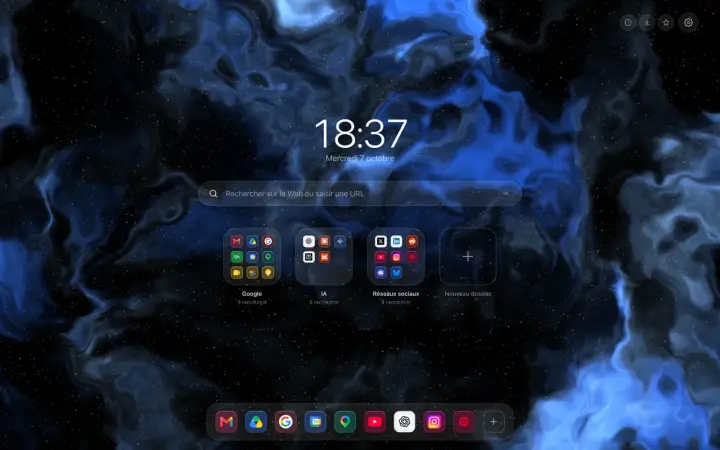
The Dock at the bottom of the screen like on a Mac, or everything in the centre: the two free layouts of your Chrome new tab, and five more with Premium.
Chrome accepts no extensions on Android or iPhone. What works instead: Firefox, Safari, Samsung Internet, and the traps to avoid.
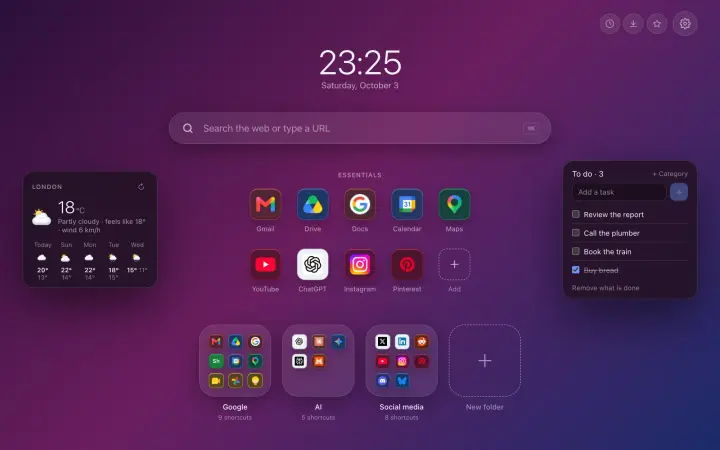
The best Chrome extensions in 2026, sorted by what they do: block ads, manage passwords, translate, tidy your tabs and your new tab page.
Organize
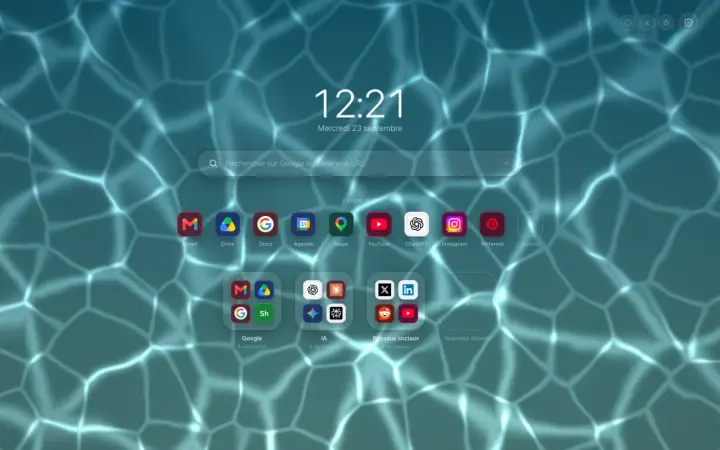
Move the shortcuts on your Chrome new tab by dragging them: change their order, take them out of a folder or create a new one, with no form to fill in.
Organize
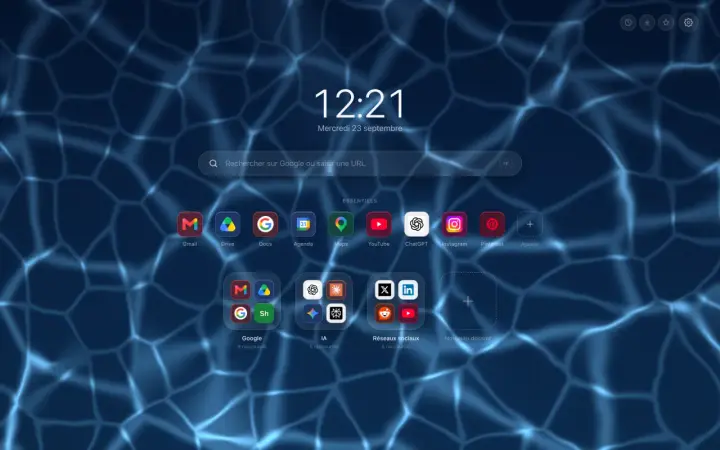
Organize your Chrome bookmarks into folders without losing any: keep the folders you have, start from ready-made categories, and see them on the new tab.
Guide Organize
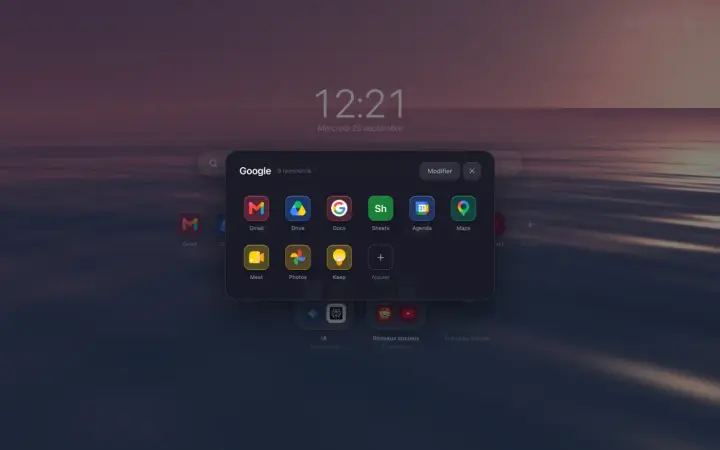
Organize your sites in Chrome: what bookmarks and tab groups really do, then a new tab page tidied into folders, where everything is found in seconds.
Customize
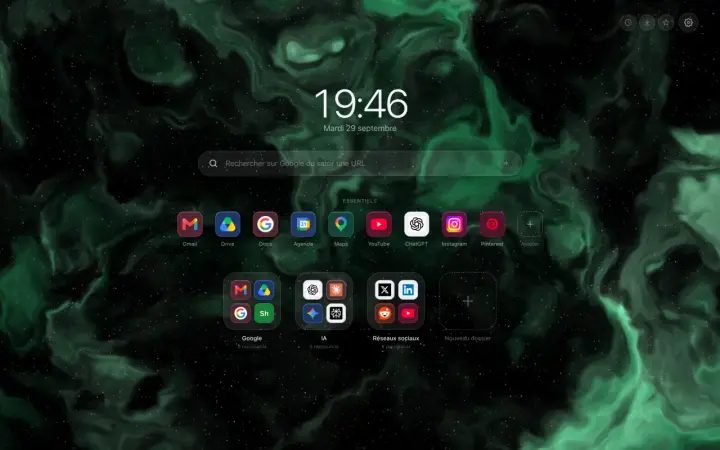
The grey bar at the bottom of your new tab does not come from your extension: Chrome adds it itself. Here are the two clicks that make it disappear.
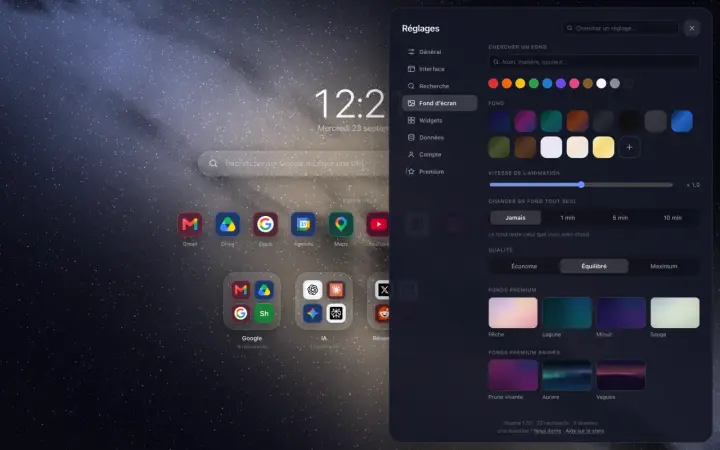
Guide Backgrounds
Change the Google Chrome background: the method built into the browser, the trap to avoid when an extension owns the page, then the backgrounds of Hoome.
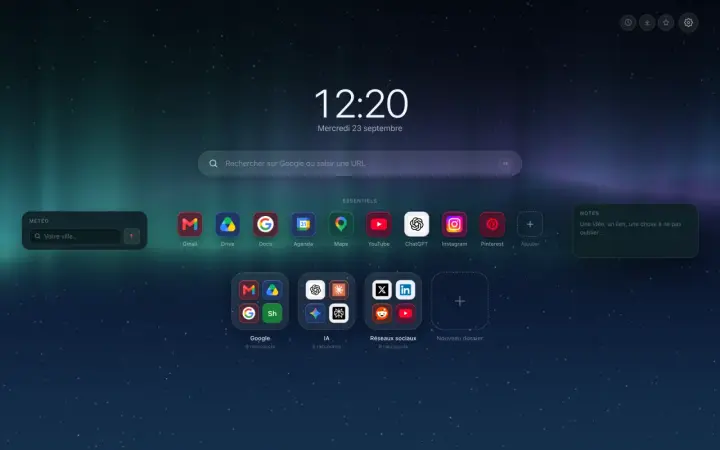
Guide Customize
Customize the Chrome home page: what the browser settings allow, then a page of your own, with folders, layout, clock, widgets, icons, theme and background.
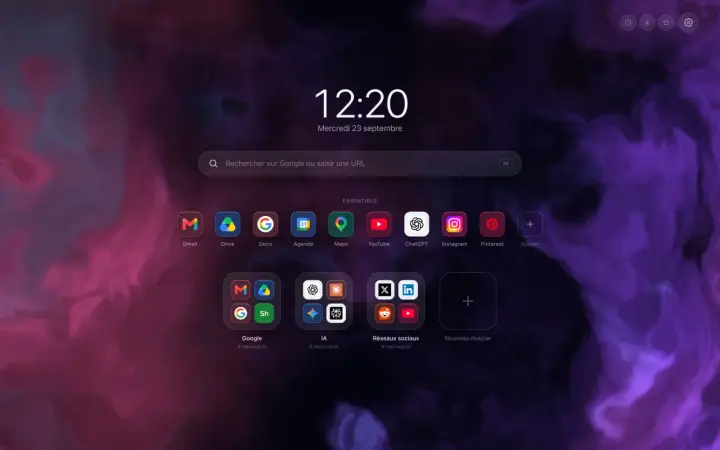
A Chrome new tab extension that tidies your sites into folders: what it changes in a working day, and what this blog is going to be about.
No article matches your search.